Get 10% back in Relic Coins on every order
Disney's Chicken Little: Ace in Action cover

Steam Europe - All Countries· Key

Disney's Chicken Little: Ace in Action

€38.70

+€3.87 cashback eligibility in Relic Coins

Check before you play

Platform
Steam
Region
Europe - All Countries
Product type
Key
Developer
Avalanche Software
Publisher
Disney Interactive
Supplier release date
2005-10-20
Genres
Action, Adventure

About this product

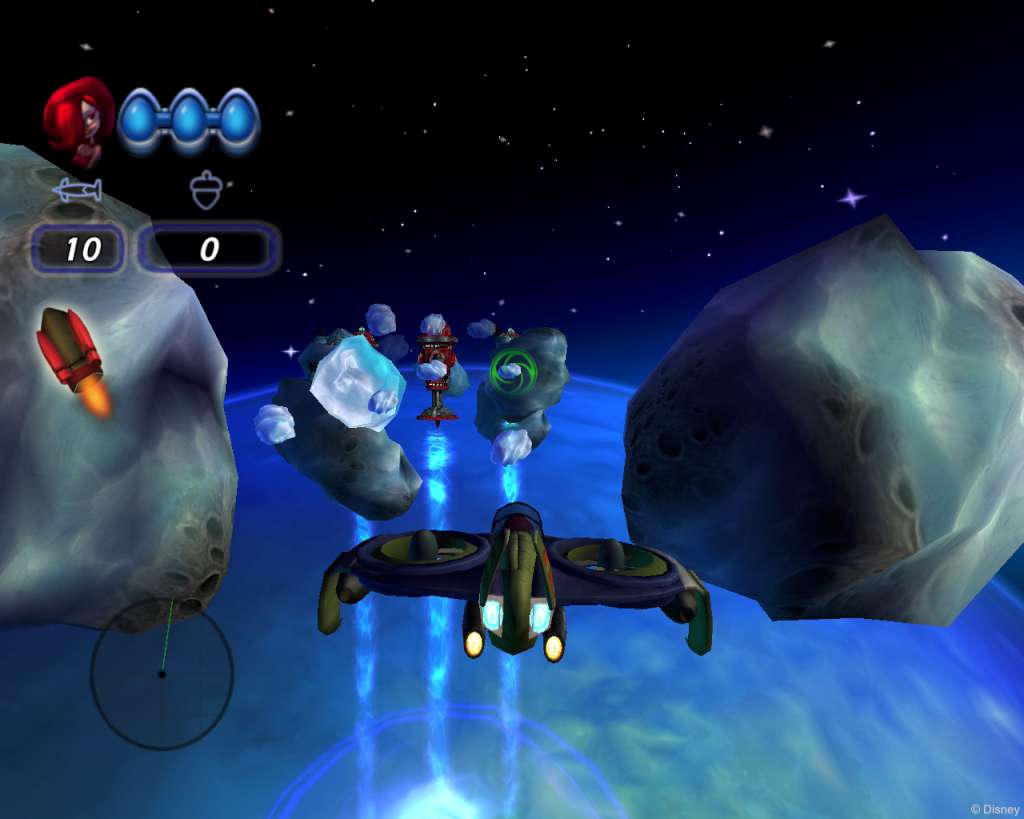
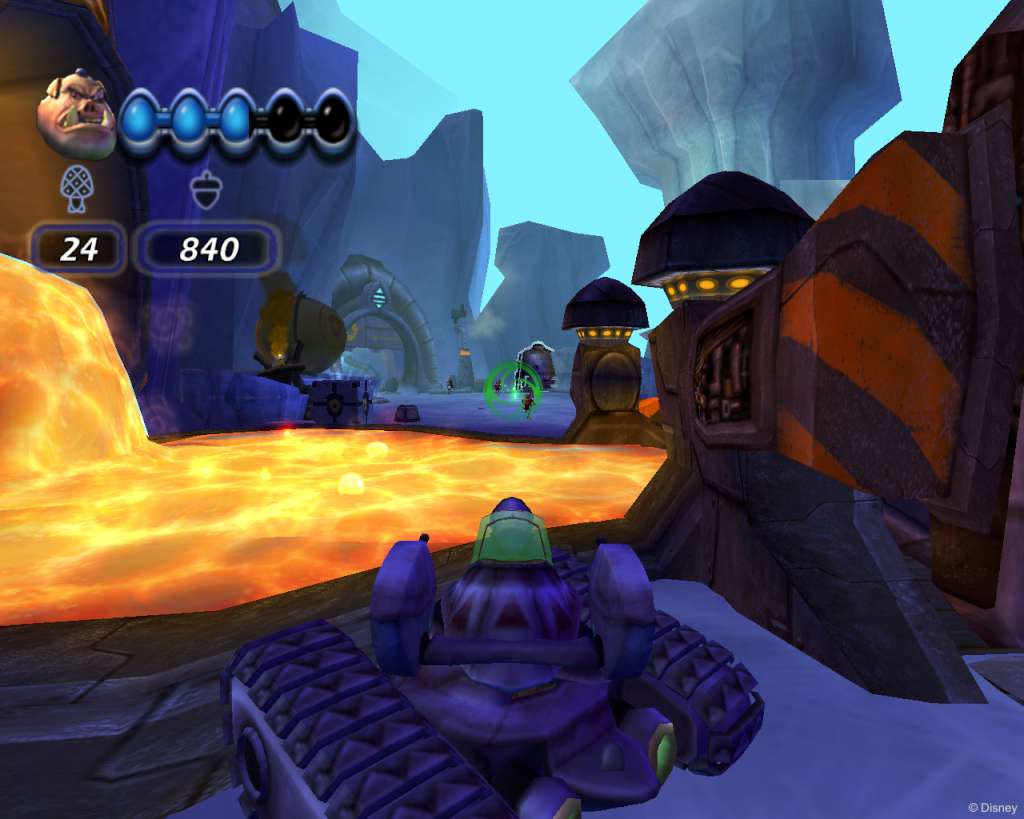
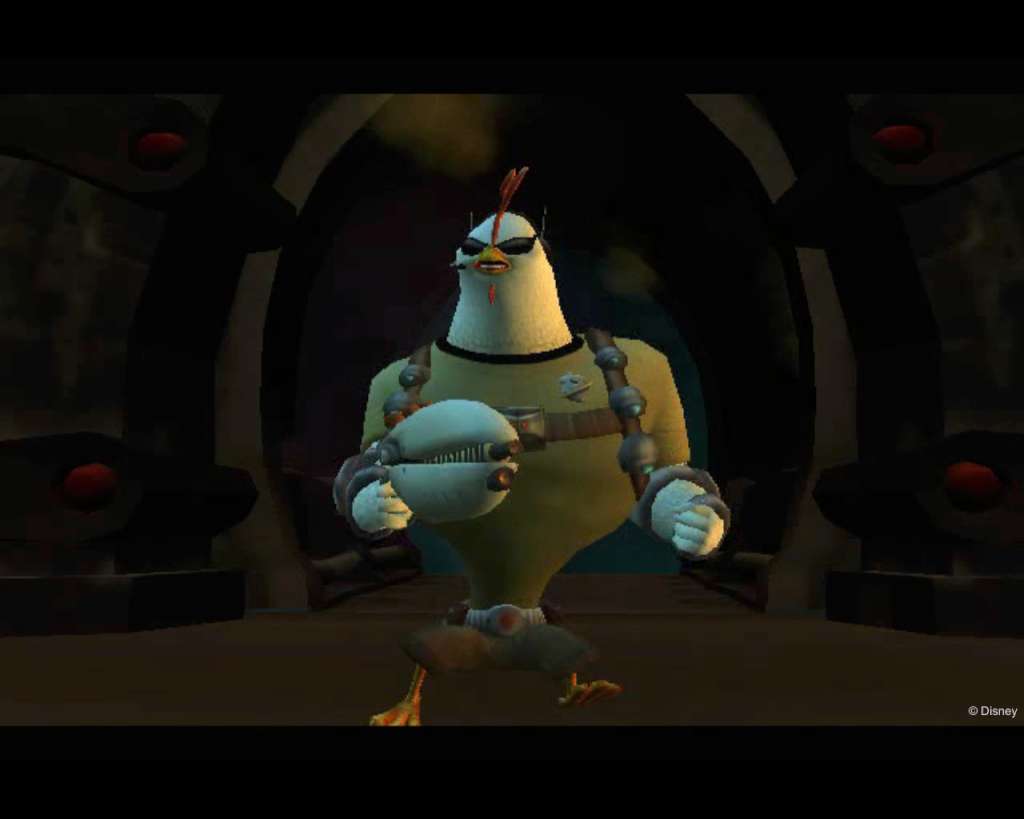
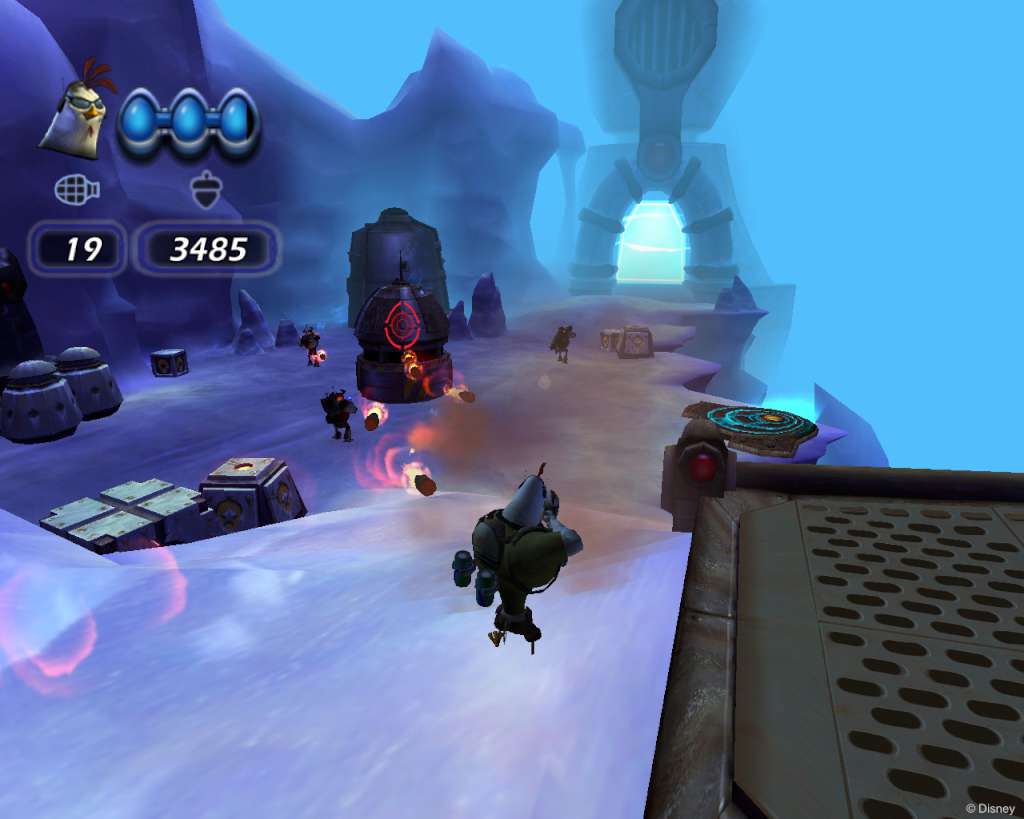
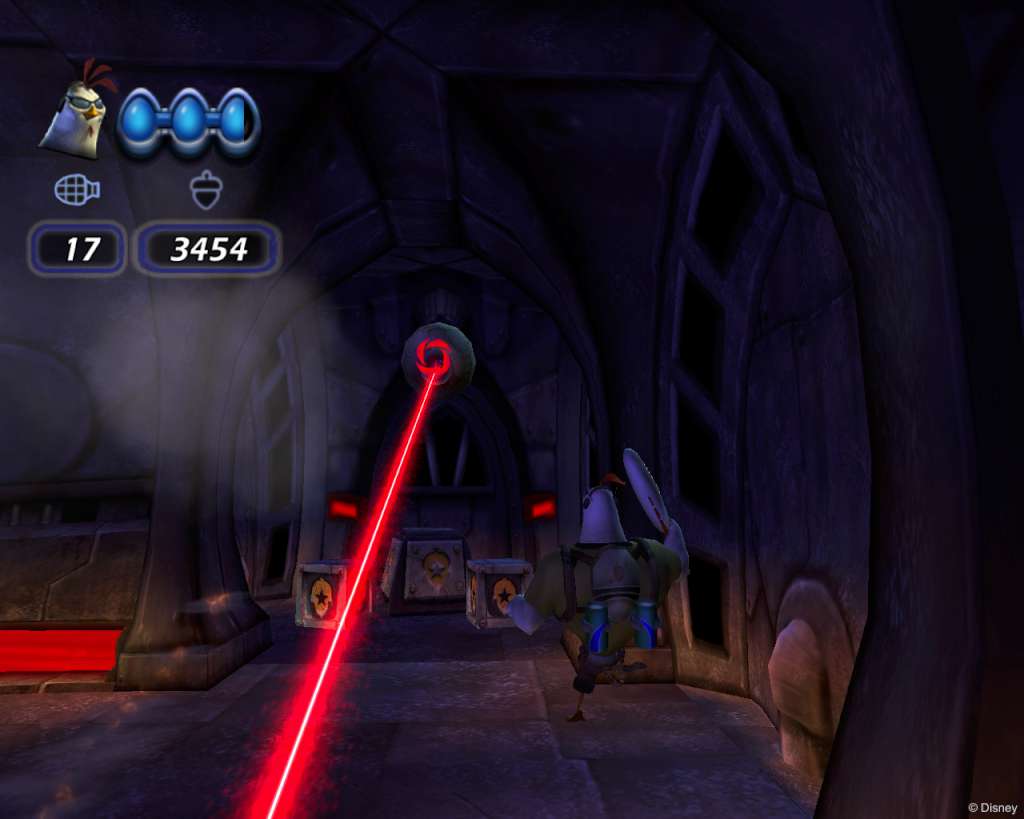
Inspired by the "superhero movie within the movie" finale of Walt Disney Pictures' film "Chicken Little, " Disney"s Chicken Little: Ace in Action features Ace, the superhero alter ego of Chicken Little, and the Hollywood versions of his misfit band of friends: Runt, Abby and Fish-Out-of-Water. The crew of the intergalactic Battle Barn faces off against Foxy Loxy and her evil Amazonian sidekick, Goosey Loosey, who have an evil plan to take over Earth. Battle evil alien robots through multiple levels across the solar system and combat your foes in one of three distinct game play modes: Ace on foot as a soldier, Runt as the driver of an armored tank, or Abby as the pilot of a spaceship. The original Chicken Little and his friends Abby, Runt and Fish we know from the film are featured in cut scenes throughout the game.

Disney's Chicken Little: Ace in Action screenshotDisney's Chicken Little: Ace in Action screenshotDisney's Chicken Little: Ace in Action screenshotDisney's Chicken Little: Ace in Action screenshotDisney's Chicken Little: Ace in Action screenshotDisney's Chicken Little: Ace in Action screenshot

How to redeem

  1. 1Check your Steam account and the listed region before purchasing.
  2. 2Find your code and supplier activation instructions in your confirmed order.
  3. 3Open the redeem-code section on Steam, enter the code and follow the platform’s prompts.

Supplier instructions

Go to: http://store.steampowered.com/ and download STEAM client Click "Install Steam" (from the upper right corner) Install and start application, login with your Account name and Password (create one if you don't have). Please follow these instructions to activate a new retail purchase on Steam: Launch Steam and log into your Steam account. Click the Games Menu. Choose Activate a Product on Steam... Follow the onscreen instructions to complete the process. After successful code verification go to the "MY GAMES" tab and start downloading.

You might also like