

SteamGlobal· Gift
Original War
€31.49
+€3.15 cashback eligibility in Relic Coins
Check before you play
- Platform
- Steam
- Region
- Global
- Product type
- Gift
- Developer
- ALTAR Games
- Publisher
- Bohemia Interactive Studio
- Genres
- Strategy, Indie
SteamGlobal· Gift
€31.49
+€3.15 cashback eligibility in Relic Coins
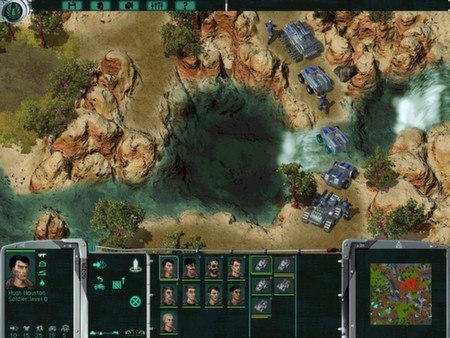
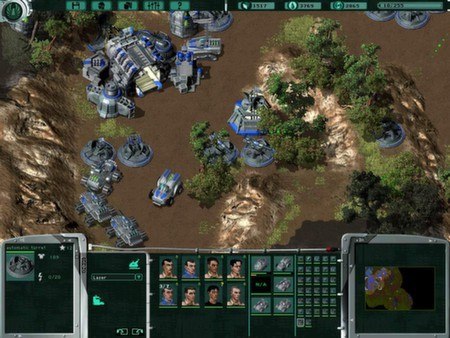
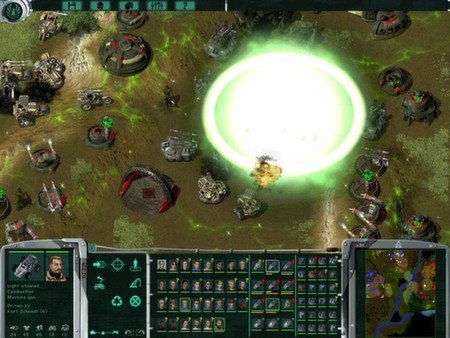
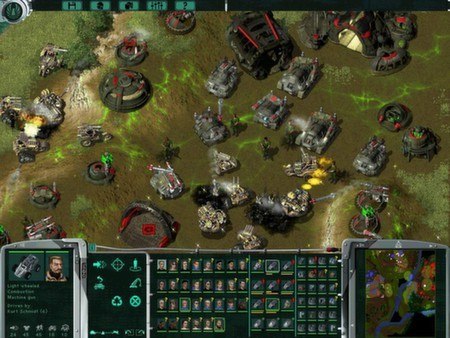
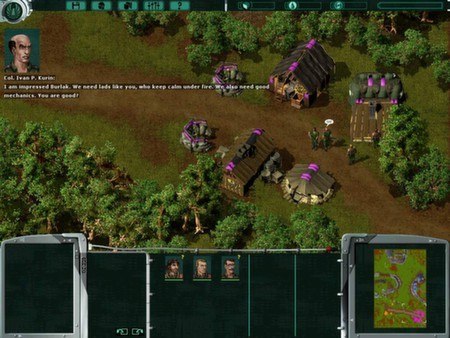
Original War Steam Gift Platform: Steam Languages: EN/FR/IT/ES/DE/CZ/RU/PL/JP Release Date: 15 Jun 2001 Product Description An American geological expedition, under a UN mandate, assesses the natural resources in a distant part of Siberia, deep in the trackless steppes of Eastern Russia. But instead of oil, they discover a deposit of a hitherto unknown mineral. American scientists working for Department of Defense find out that this mineral is in fact identical to the substance used to power an extraterrestrial artifact in their possession. This object is called the EON (Extraterrestrial Object Nexus). It was found in 1919 by Colonel Emerson near the site of the Tunguska explosion. Emerson was the commander of a US military unit in charge of transporting US war supplies from the city of Vladivostok to the Eastern front during World War I. DoD Experiments have shown that items placed in the capsule are transported hundreds of thousands of years back in time. The American scientists were not able to understand its construction, nor could they manage to synthesize its fuel. Eventually, the machine - classified Top Secret - was stored, pending further advances in human science. System Requirements OS: Windows 95/98/2000/XP/7 (Windows 8 not supported) Processor: Intel Pentium® III - 700MHz Memory: 128 MB RAM Graphics: nVidia® GeForce™2 - 32 MB Hard Drive: 1 GB available space

Go to: http://store.steampowered.com/ and download STEAM client Click "Install Steam" (from the upper right corner) Install and start application, login with your Account name and Password (create one if you don't have). Please follow these instructions to activate a new retail purchase on Steam: Launch Steam and log into your Steam account. Click the Games Menu. Choose Activate a Product on Steam... Follow the onscreen instructions to complete the process. After successful code verification go to the "MY GAMES" tab and start downloading.