Get 10% back in Relic Coins on every order
STAR WARS Knights of the Old Republic II: The Sith Lords cover

Steam Europe - All Countries· Key

STAR WARS Knights of the Old Republic II: The Sith Lords

€2.40

+€0.24 cashback eligibility in Relic Coins

Check before you play

Platform
Steam
Region
Europe - All Countries
Product type
Key
Developer
Obsidian Entertainment, Aspyr (Mac, Linux, & Windows Update)
Publisher
LucasArts, Lucasfilm, Aspyr (Mac, Linux)
Supplier release date
2005-02-08
Genres
RPG

About this product

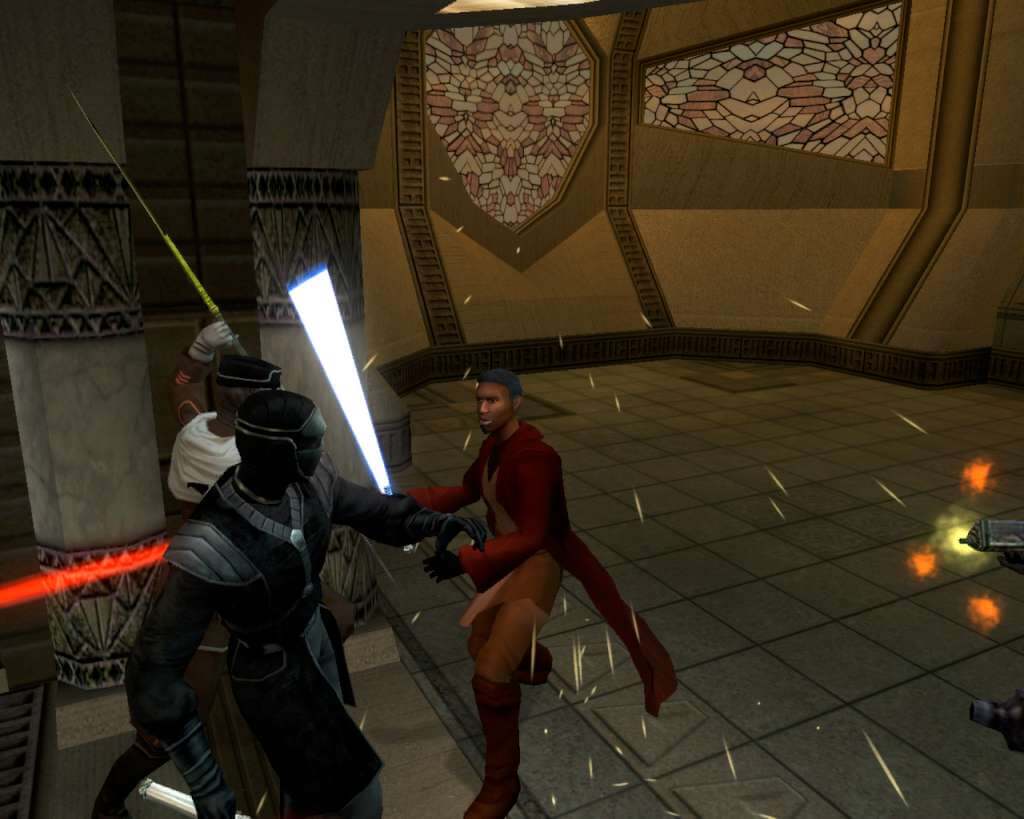
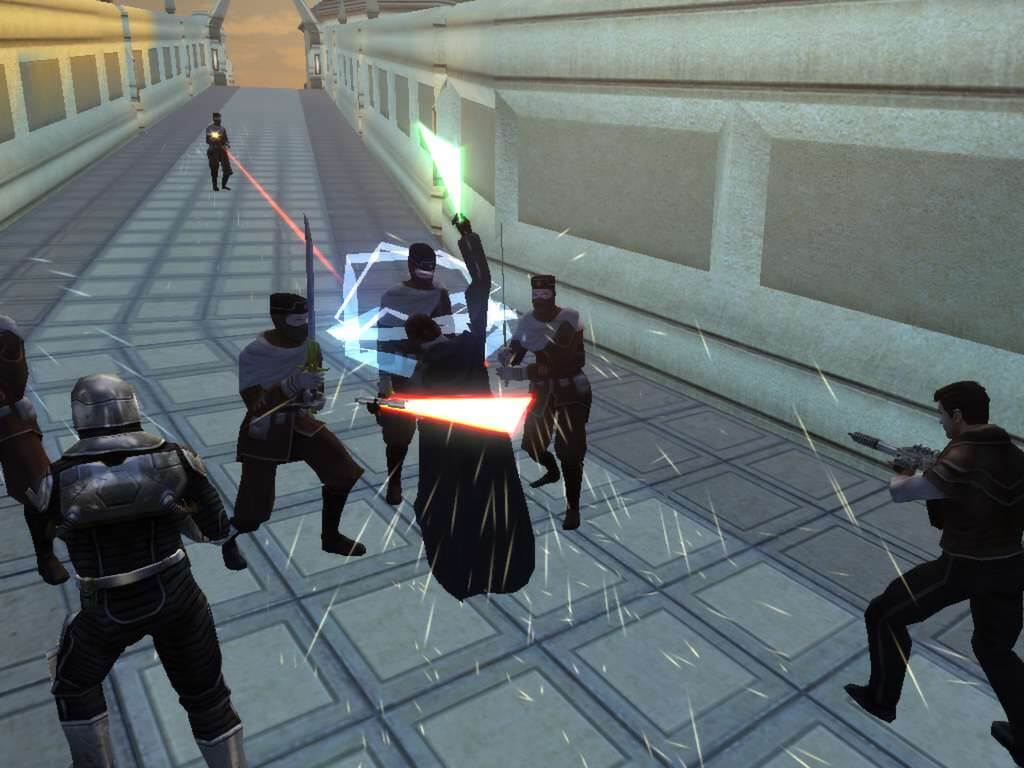
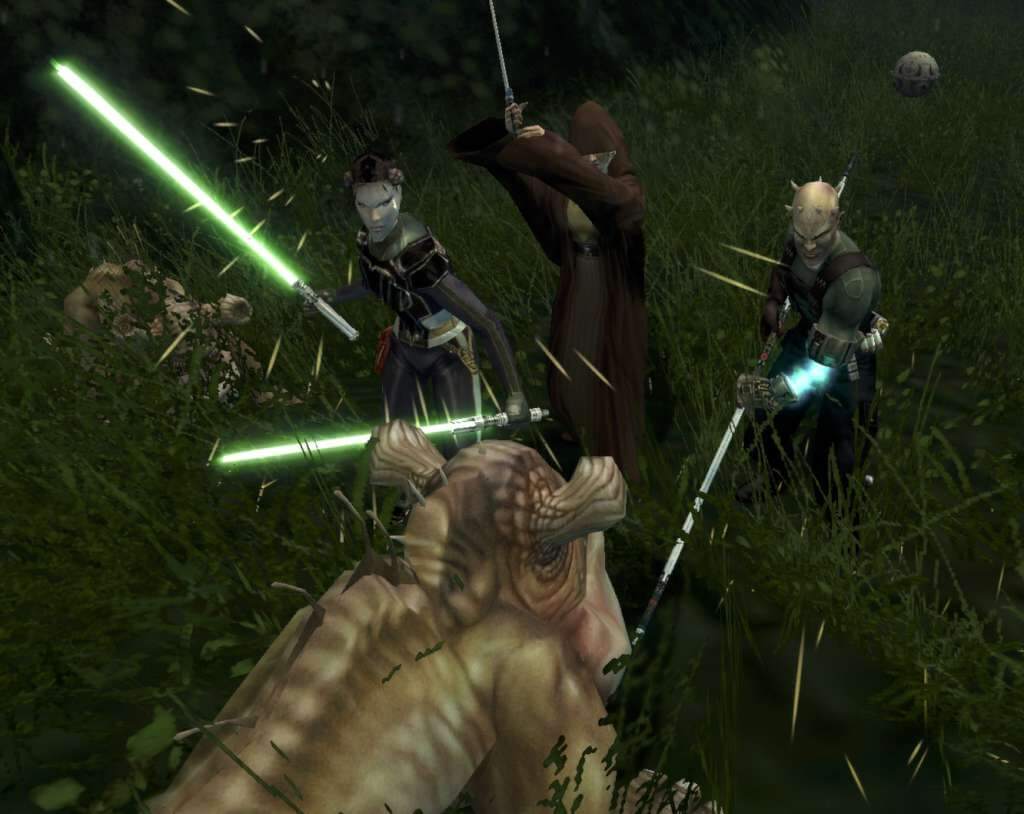
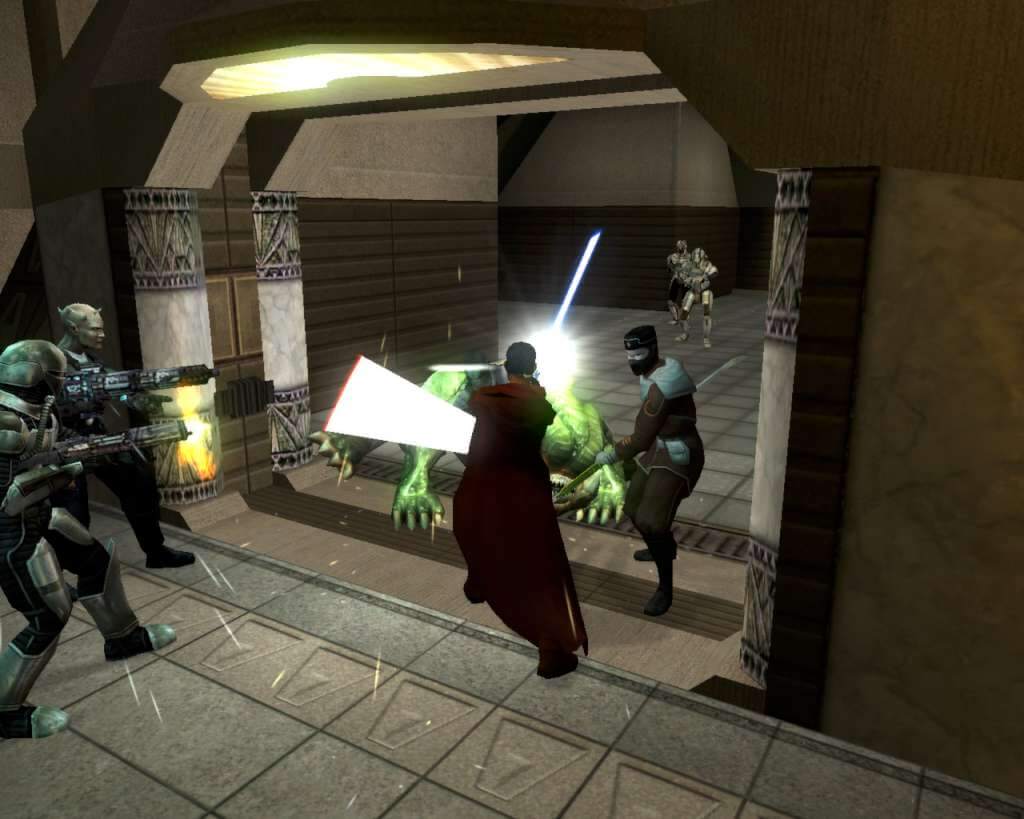
Five years after the events from the award winning Star Wars® Knights of the Old Republic™, the Sith Lords have hunted the Jedi to the edge of extinction and are on the verge of crushing the Old Republic. With the Jedi Order in ruin, the Republic’s only hope is a lone Jedi struggling to reconnect with the Force. As this Jedi, you will be faced with the galaxy’s most dire decision: Follow the light side or succumb to the dark… Features Follow up to the acclaimed and original Star Wars® Knights of the Old Republic™. Choose from three different classes of Jedi, each with access to specific Jedi abilities. Choose the light or the dark side of the Force as you progress through the story. The choices you make will affect your character, those in your party and those who may join you in your quest.


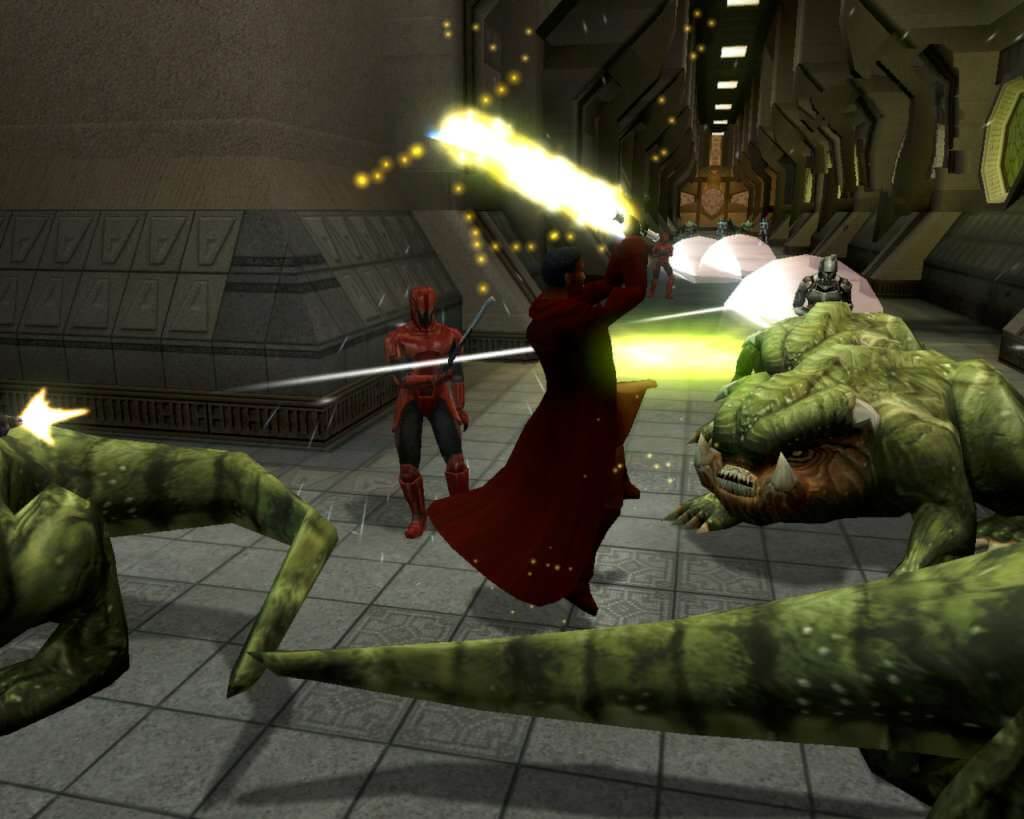
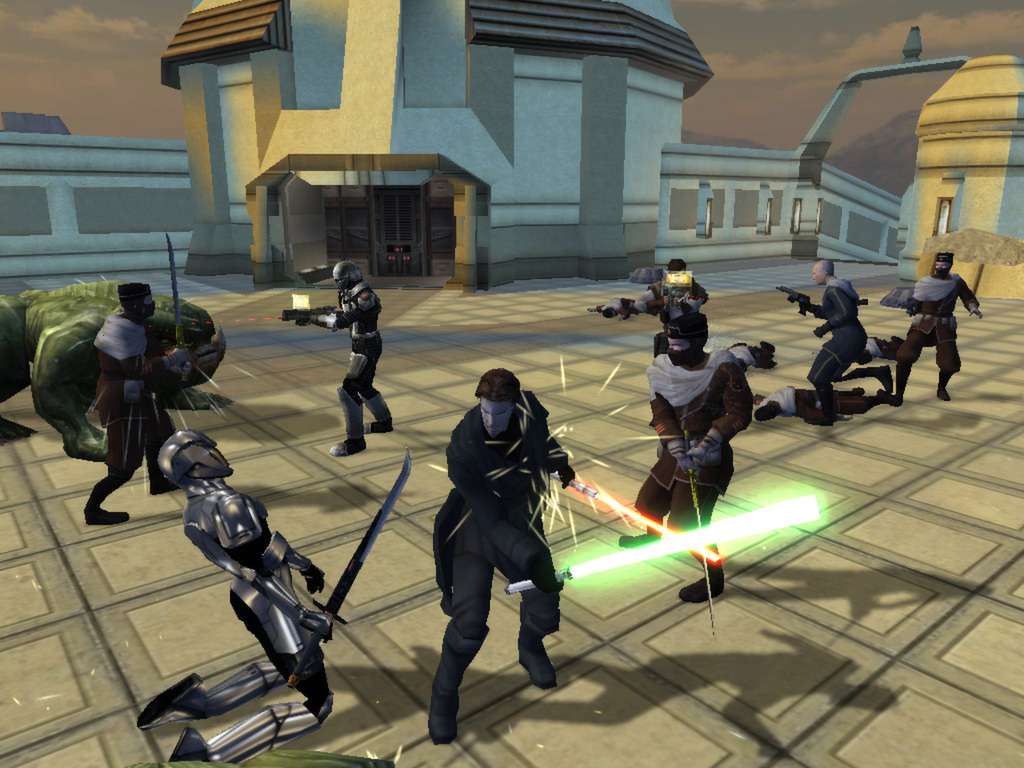
STAR WARS Knights of the Old Republic II: The Sith Lords screenshotSTAR WARS Knights of the Old Republic II: The Sith Lords screenshotSTAR WARS Knights of the Old Republic II: The Sith Lords screenshotSTAR WARS Knights of the Old Republic II: The Sith Lords screenshotSTAR WARS Knights of the Old Republic II: The Sith Lords screenshotSTAR WARS Knights of the Old Republic II: The Sith Lords screenshot

How to redeem

  1. 1Check your Steam account and the listed region before purchasing.
  2. 2Find your code and supplier activation instructions in your confirmed order.
  3. 3Open the redeem-code section on Steam, enter the code and follow the platform’s prompts.

Supplier instructions

Go to: http://store.steampowered.com/ and download STEAM client Click "Install Steam" (from the upper right corner) Install and start application, login with your Account name and Password (create one if you don't have). Please follow these instructions to activate a new retail purchase on Steam: Launch Steam and log into your Steam account. Click the Games Menu. Choose Activate a Product on Steam... Follow the onscreen instructions to complete the process. After successful code verification go to the "MY GAMES" tab and start downloading.

You might also like