Get 10% back in Relic Coins on every order
Axis Game Factory's AGFPRO + Voxel Sculpt cover

SteamGlobal· Key

Axis Game Factory's AGFPRO + Voxel Sculpt

€4.84

+€0.48 cashback eligibility in Relic Coins

Check before you play

Platform
Steam
Region
Global
Product type
Key
Developer
Axis Game Factory LLC
Publisher
Axis Game Factory LLC
Supplier release date
2013-11-18
Genres
Software

About this product

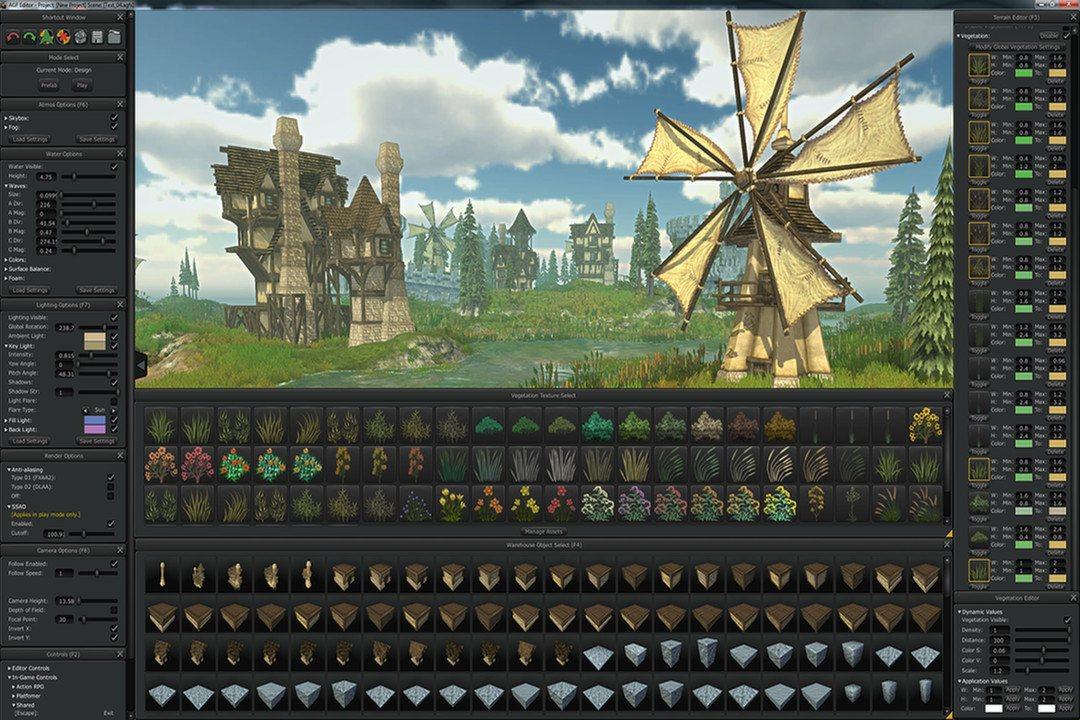
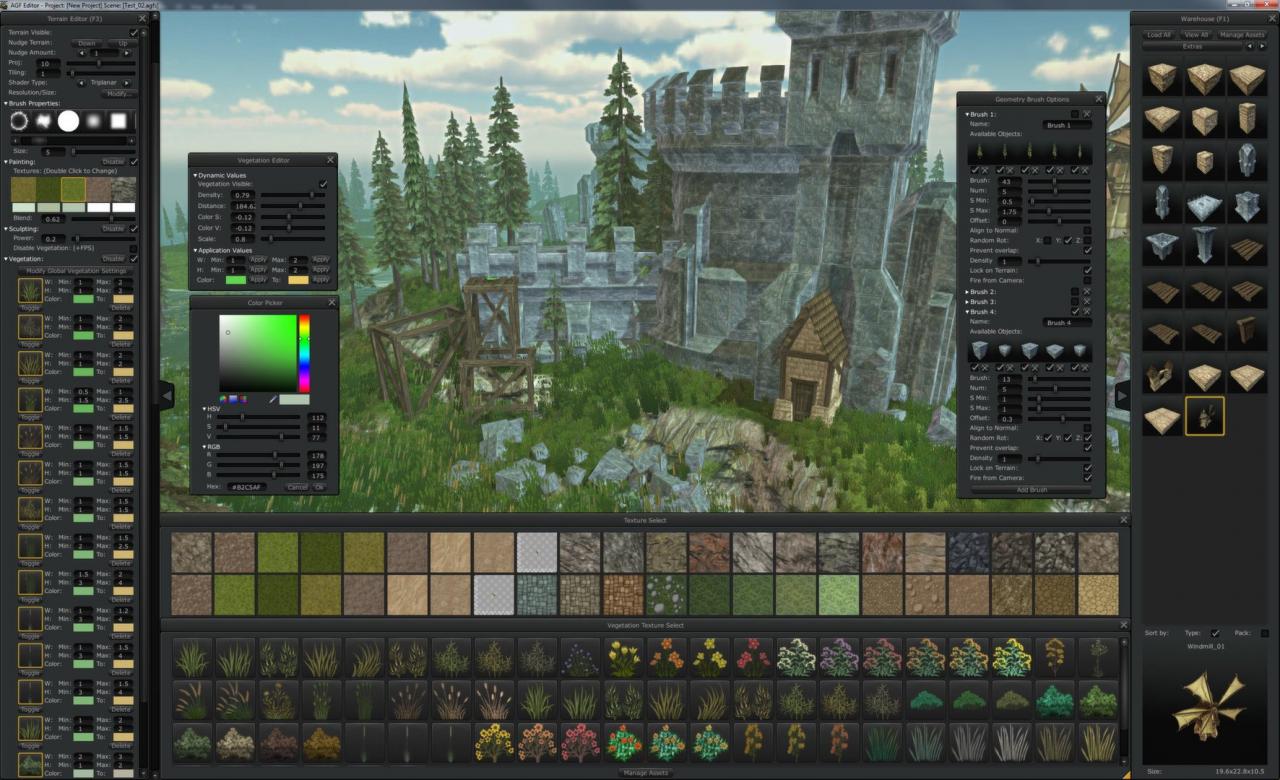
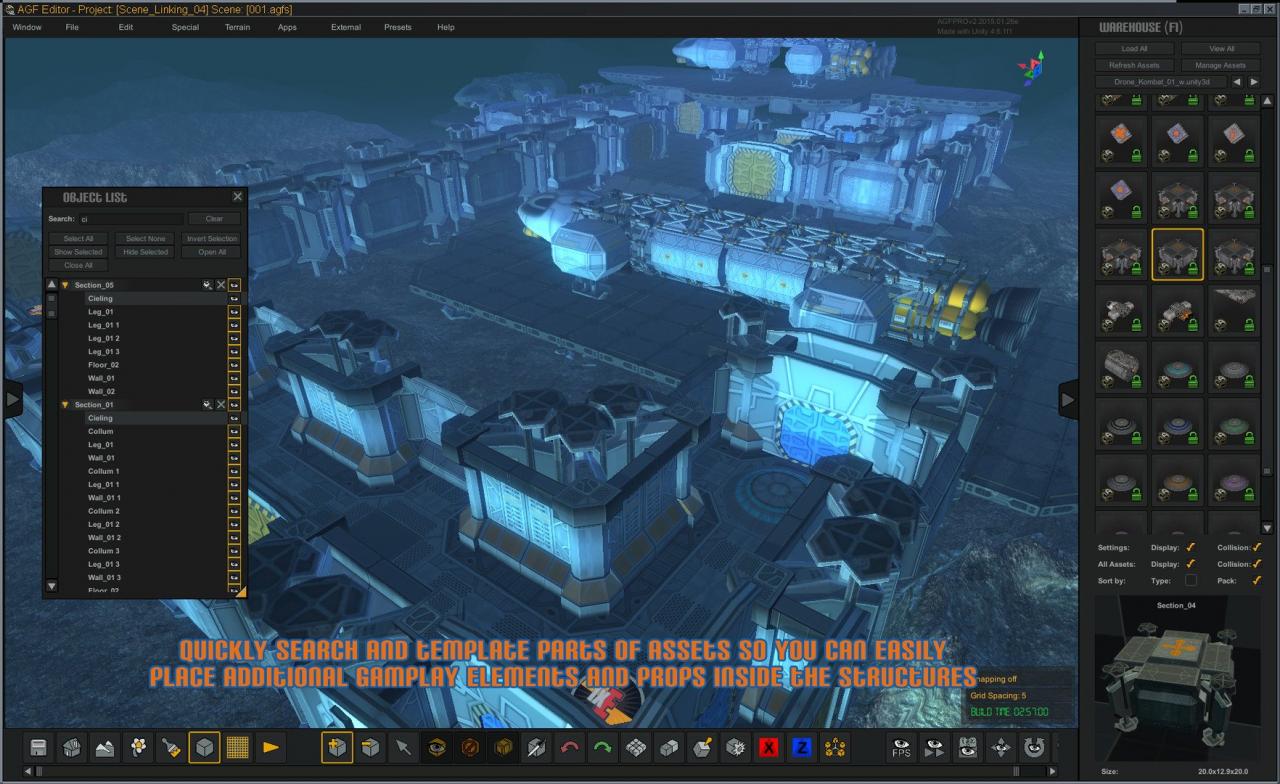
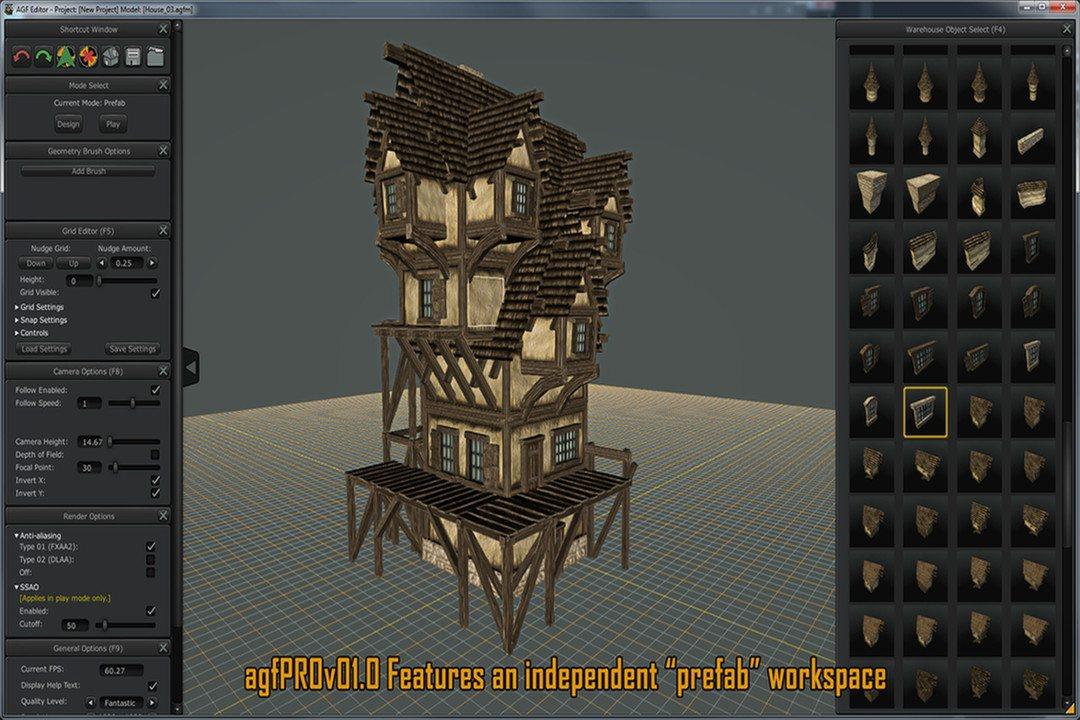
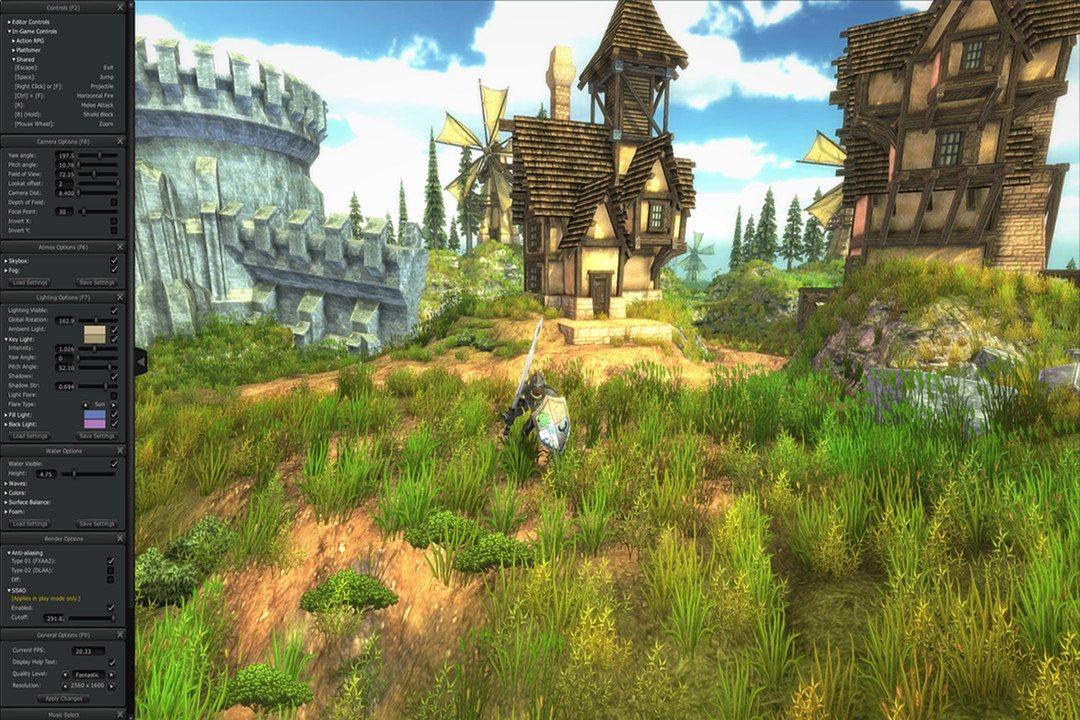
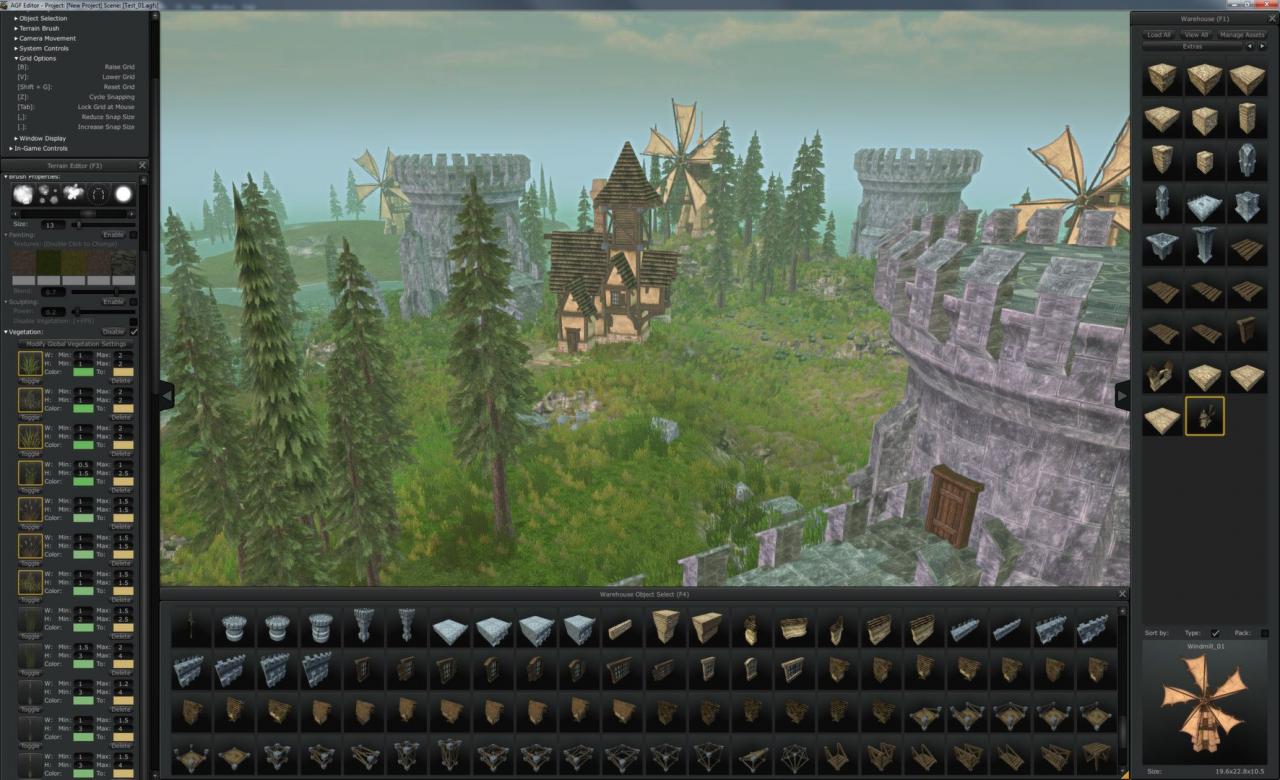
Includes 2 items: Axis Game Factory's AGFPRO v3.0, Axis Game Factory's AGFPRO - Voxel Sculpt DLC AGFPRO v3.0 is a comprehensive toolset designed to provide game developers and enthusiasts with a powerful and rapid level creation, terrain/vegetation editing, lighting and atmosphere system. AGFPRO’s - Voxel Sculpt DLCVoxel Sculpt is the latest downloadable content (DLC) in Axis Game Factory’s AGFPRO line of products, geared to allow users the ability to rapidly create game levels and maps in real-time without having to program, model or animate. What is a VOXEL??? Voxel is short for volume pixel, the smallest distinguishable box-shaped part of a three-dimensional image. Voxel Sculpt empowers users the ability to create unique and custom worlds one voxel at a time. By adding or subtracting voxels, users can create bridges, tunnels, caves, floating platforms, buildings and assets using soft or hard-edged voxels, any size, and with any texture for limitless possibilities. AGFPRO’s Voxel Sculpt works with ALL of the DLC’s – Fantasy, Zombie, Drone, BattleMat and Premium – is compatible with Unity 5.0 and will work with all future DLC releases as well.

Axis Game Factory's AGFPRO + Voxel Sculpt screenshotAxis Game Factory's AGFPRO + Voxel Sculpt screenshotAxis Game Factory's AGFPRO + Voxel Sculpt screenshotAxis Game Factory's AGFPRO + Voxel Sculpt screenshotAxis Game Factory's AGFPRO + Voxel Sculpt screenshotAxis Game Factory's AGFPRO + Voxel Sculpt screenshot

How to redeem

  1. 1Check your Steam account and the listed region before purchasing.
  2. 2Find your code and supplier activation instructions in your confirmed order.
  3. 3Open the redeem-code section on Steam, enter the code and follow the platform’s prompts.

Supplier instructions

Go to: http://store.steampowered.com/ and download STEAM client Click "Install Steam" (from the upper right corner) Install and start application, login with your Account name and Password (create one if you don't have). Please follow these instructions to activate a new retail purchase on Steam: Launch Steam and log into your Steam account. Click the Games Menu. Choose Activate a Product on Steam... Follow the onscreen instructions to complete the process. After successful code verification go to the "MY GAMES" tab and start downloading.

You might also like