Get 10% back in Relic Coins on every order
Disney•Pixar Toy Story 3: The Video Game cover

Steam Europe - All Countries· Key

Disney•Pixar Toy Story 3: The Video Game

€23.53

+€2.35 cashback eligibility in Relic Coins

Check before you play

Platform
Steam
Region
Europe - All Countries
Product type
Key
Developer
Avalanche Software
Publisher
Disney Interactive
Supplier release date
2011-06-15
Genres
Action, Adventure, Racing

About this product

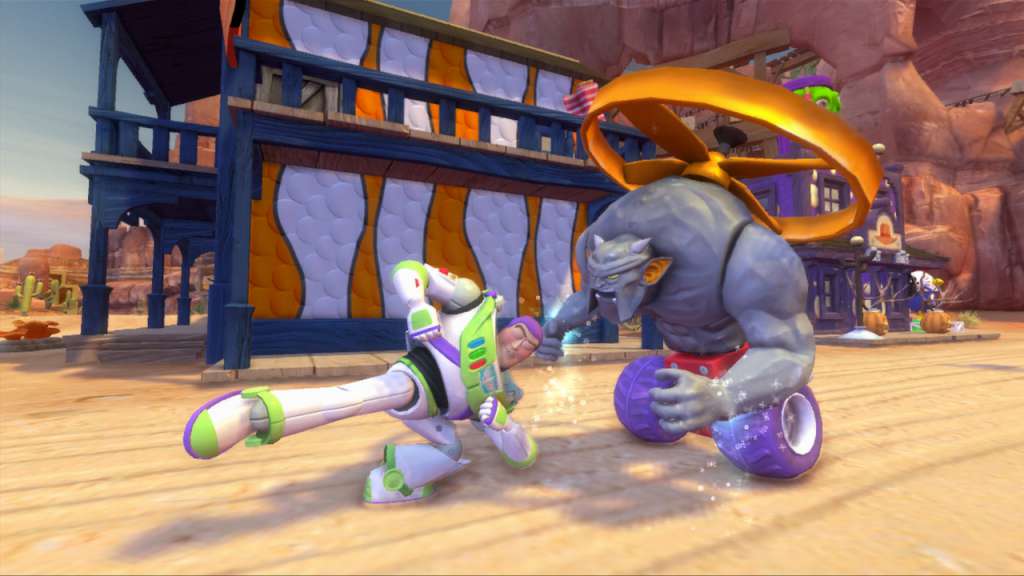
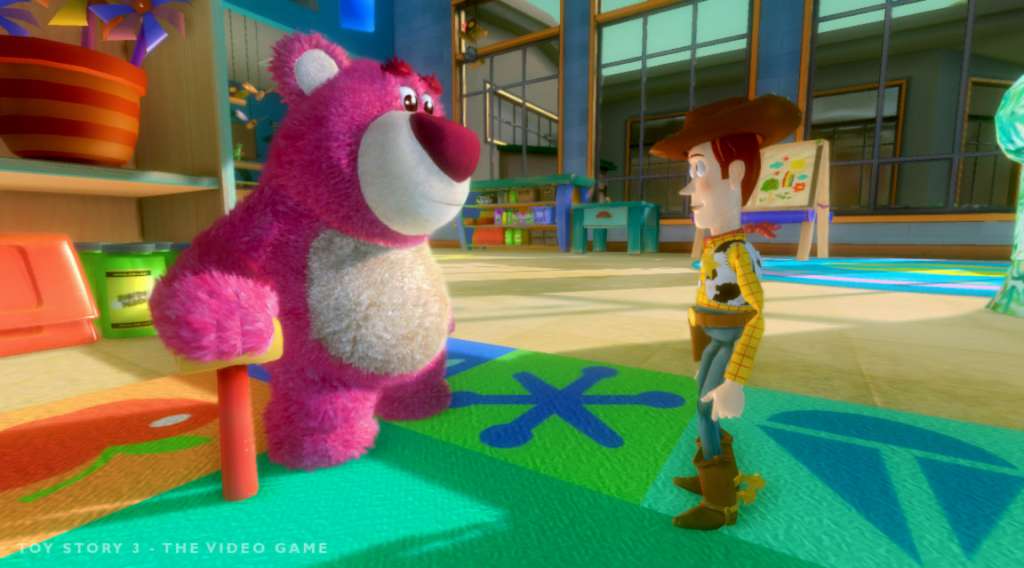
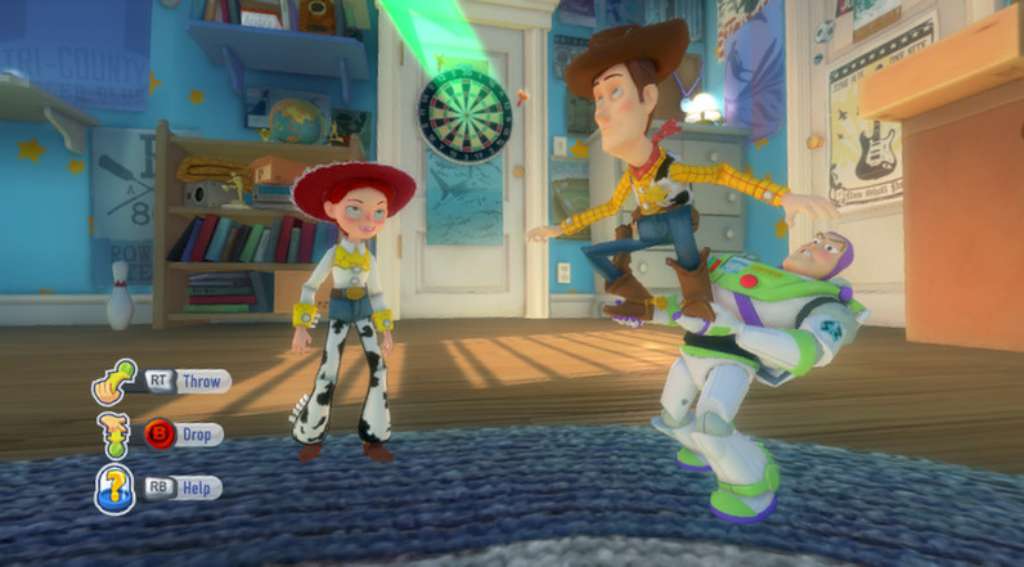
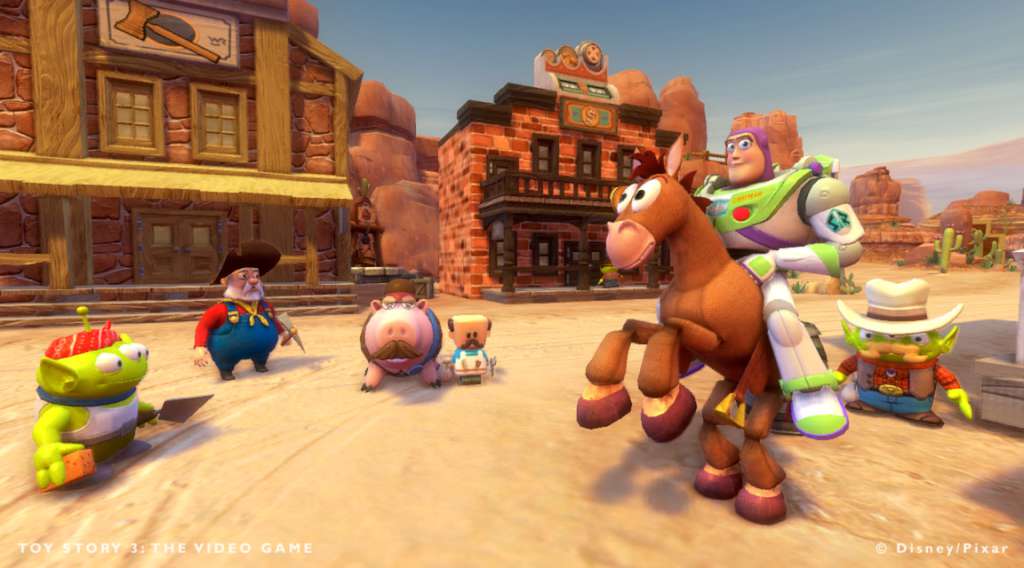
The creators of the beloved “Toy Story” films re-open the toy box and bring movie goers back to the delightful world of our favorite gang of toy characters in “Toy Story 3”. As Andy prepares to depart for college, Buzz, Woody and the rest of his loyal toys are troubled about their uncertain future. Directed by Lee Unkrich (co-director of “Toy Story 2” and “Finding Nemo”), “Toy Story 3” is a comical new adventure in Disney Digital 3D that lands the toys in a room full of untamed tots who can’t wait to get their sticky little fingers on these “new” toys. It’s pandemonium as they try to stay together, ensuring “no toy gets left behind.” Pixar veteran Darla K. Anderson ("Cars" and "Monsters, Inc.") produces, while Michael Arndt, Academy Award-winning screenwriter of "Little Miss Sunshine, " brings his unique talents and comedic sensibilities. In the Toy Story 3: The Video Game help Buzz, Woody and the rest of the Toys ensure no toy gets left behind. Dive into all new heroic adventures in Story Mode or let your imagination run wild in the exiting new open world of Toy Box Mode! Come and play to infinity…and beyond!

Disney•Pixar Toy Story 3: The Video Game screenshotDisney•Pixar Toy Story 3: The Video Game screenshotDisney•Pixar Toy Story 3: The Video Game screenshotDisney•Pixar Toy Story 3: The Video Game screenshotDisney•Pixar Toy Story 3: The Video Game screenshot

How to redeem

  1. 1Check your Steam account and the listed region before purchasing.
  2. 2Find your code and supplier activation instructions in your confirmed order.
  3. 3Open the redeem-code section on Steam, enter the code and follow the platform’s prompts.

Supplier instructions

Go to: http://store.steampowered.com/ and download STEAM client Click "Install Steam" (from the upper right corner) Install and start application, login with your Account name and Password (create one if you don't have). Please follow these instructions to activate a new retail purchase on Steam: Launch Steam and log into your Steam account. Click the Games Menu. Choose Activate a Product on Steam... Follow the onscreen instructions to complete the process. After successful code verification go to the "MY GAMES" tab and start downloading.

You might also like