Get 10% back in Relic Coins on every order
Railway Empire - Crossing the Andes DLC cover

SteamUnited States· DLC

Railway Empire - Crossing the Andes DLC

€0.09

+€0.01 cashback eligibility in Relic Coins

Check before you play

Platform
Steam
Region
United States
Product type
DLC

Check the required base game and edition before purchasing this add-on.

Developer
Gaming Minds Studios
Publisher
Kalypso Media
Supplier release date
2018-10-19
Genres
Strategy, Simulation

About this product

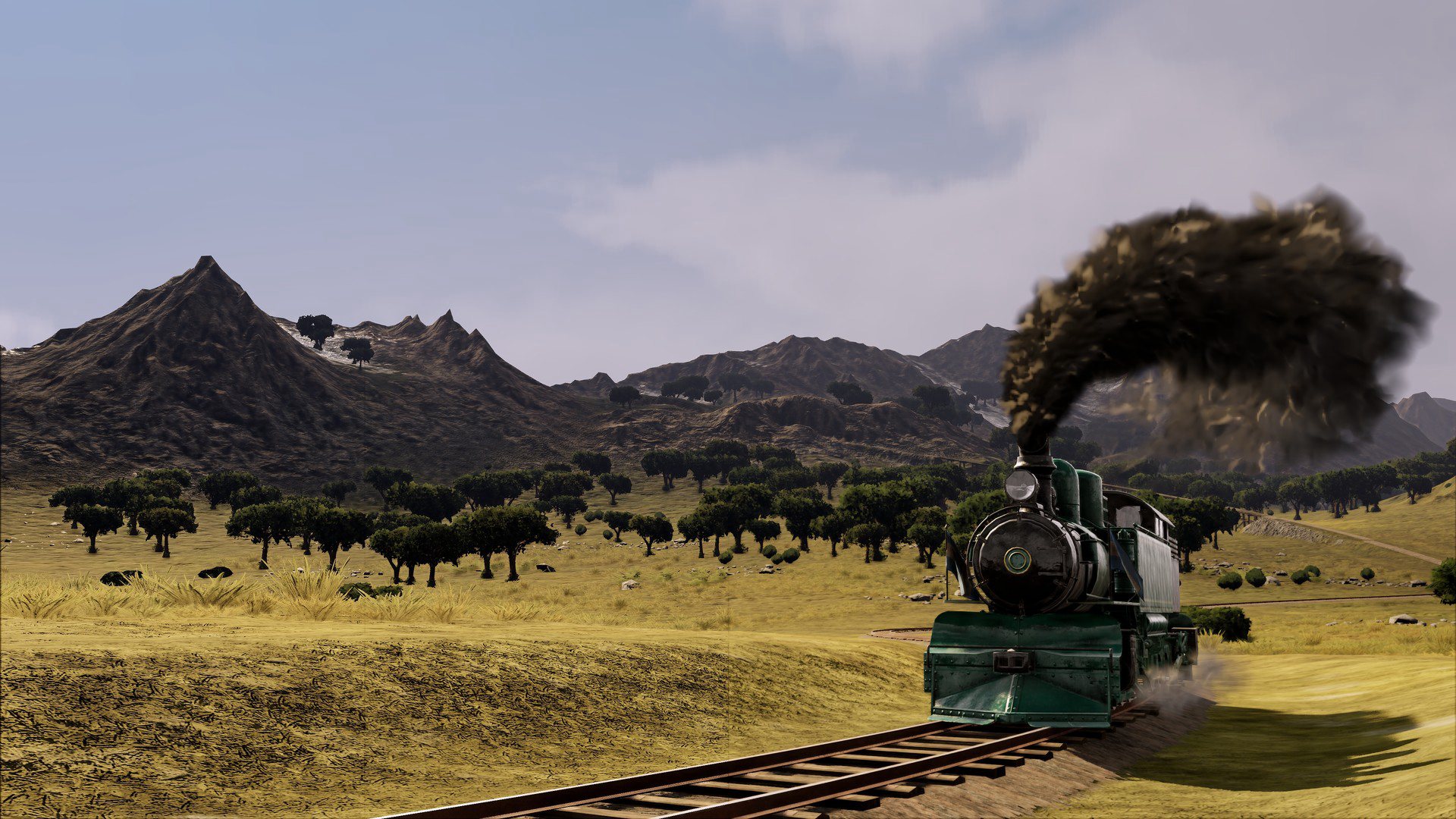
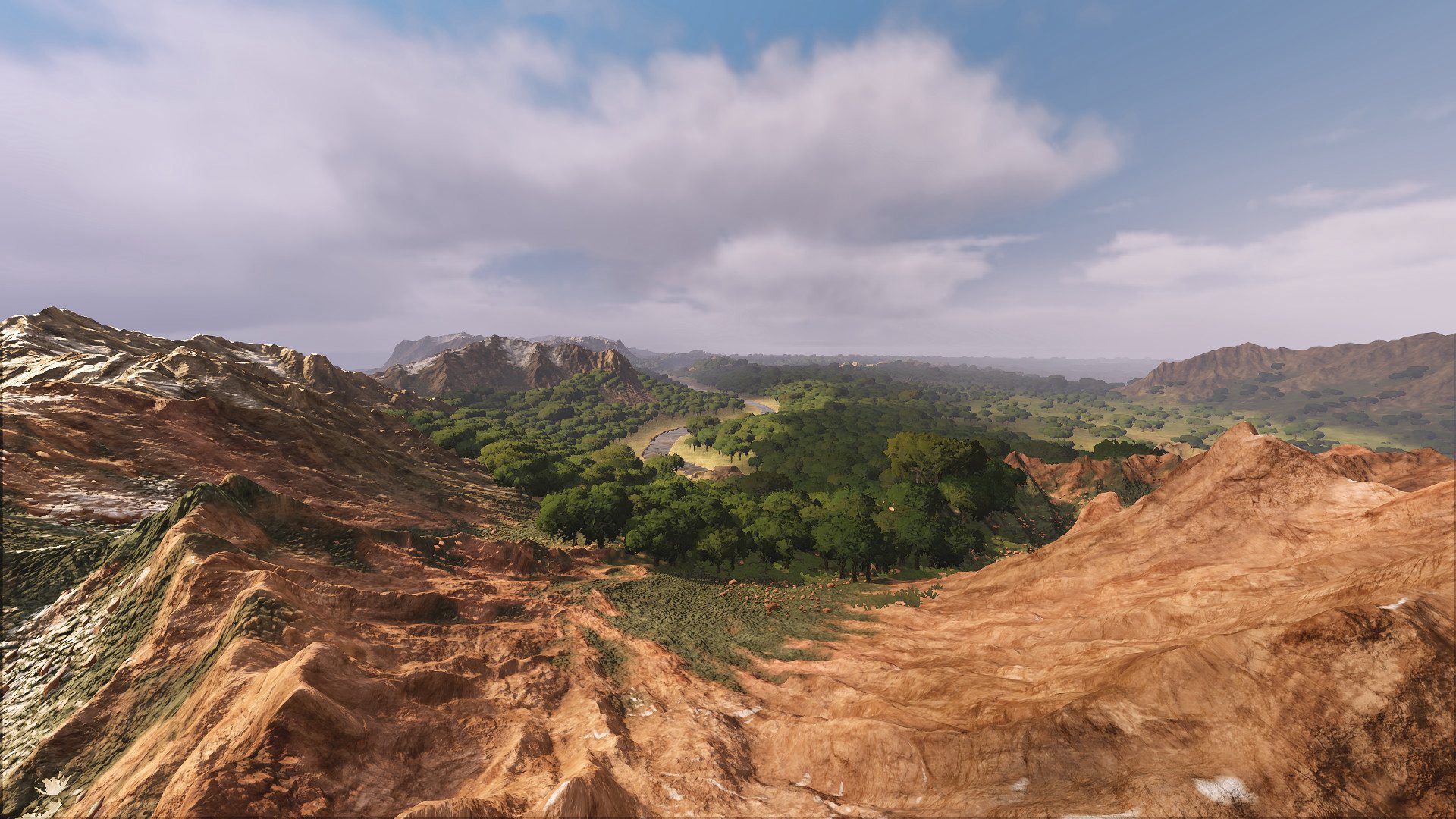
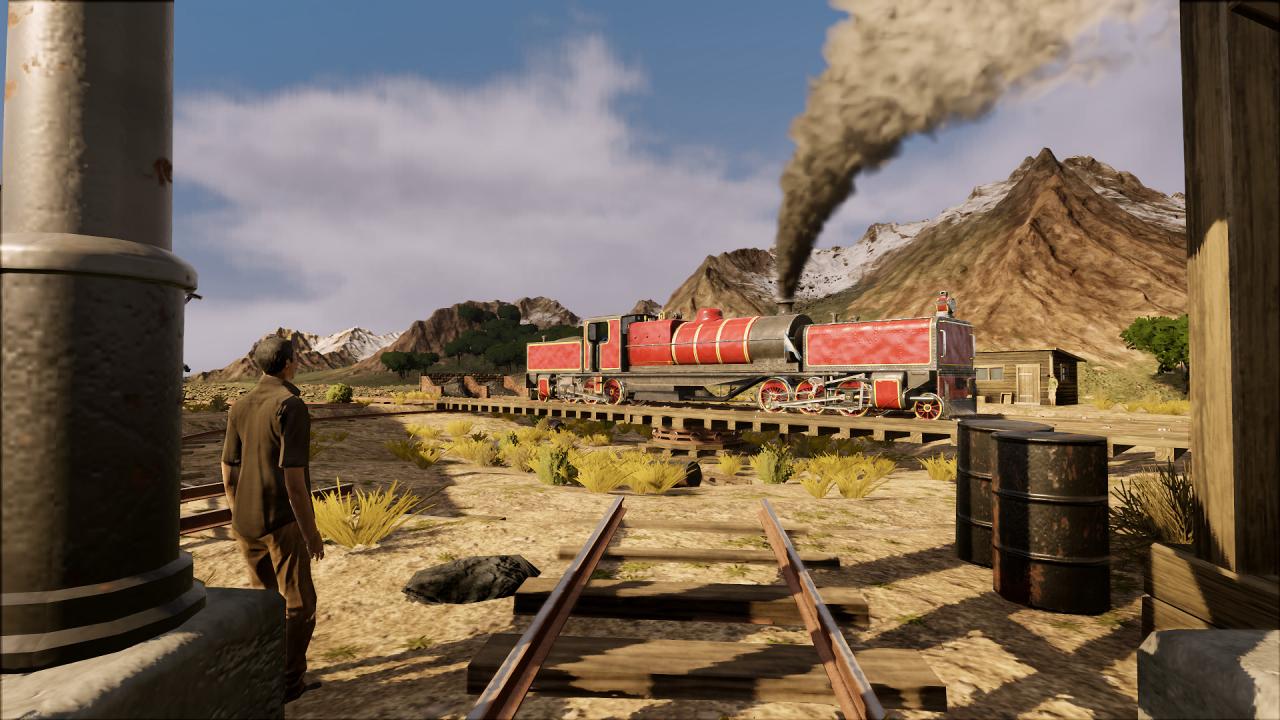
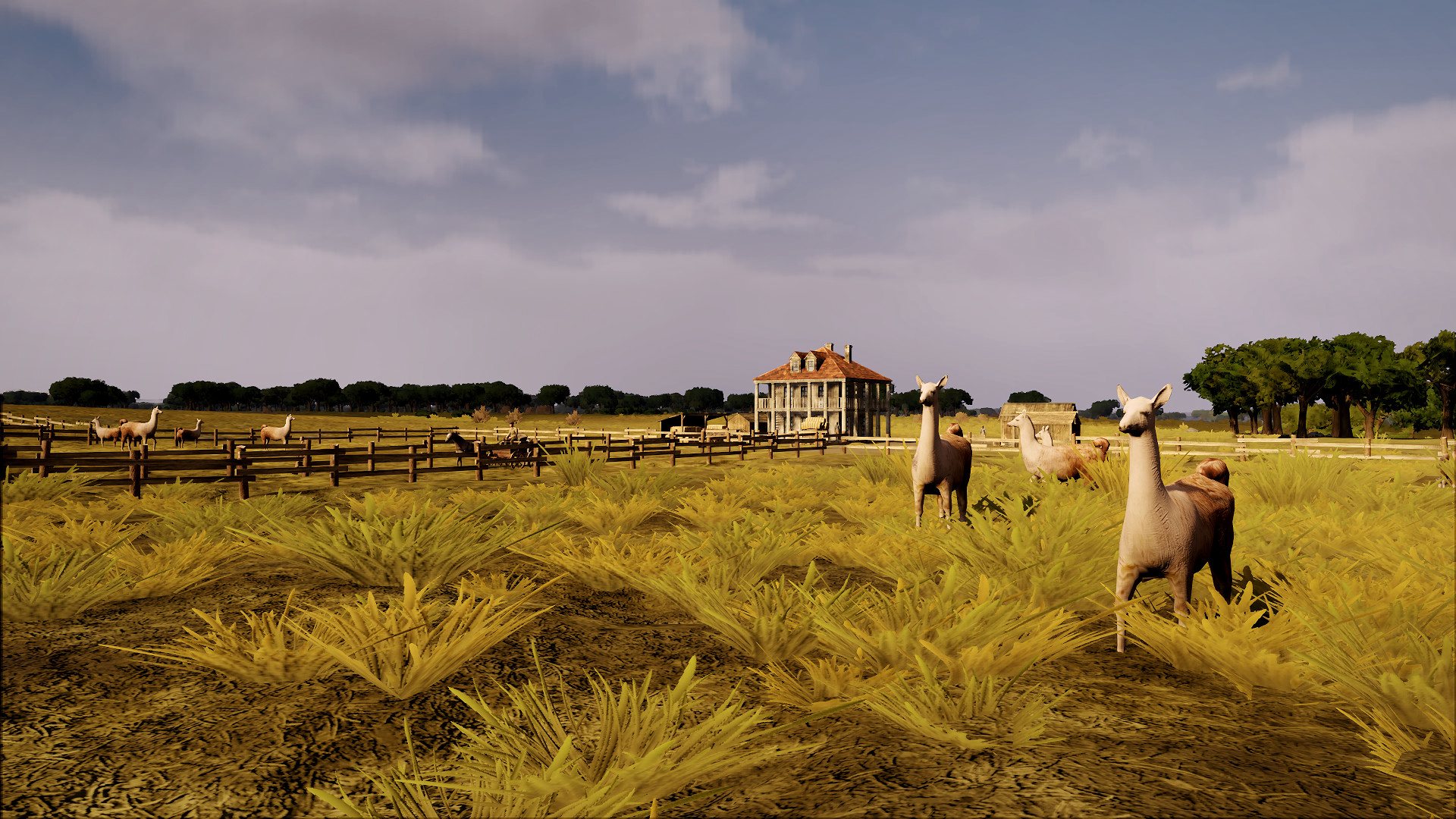
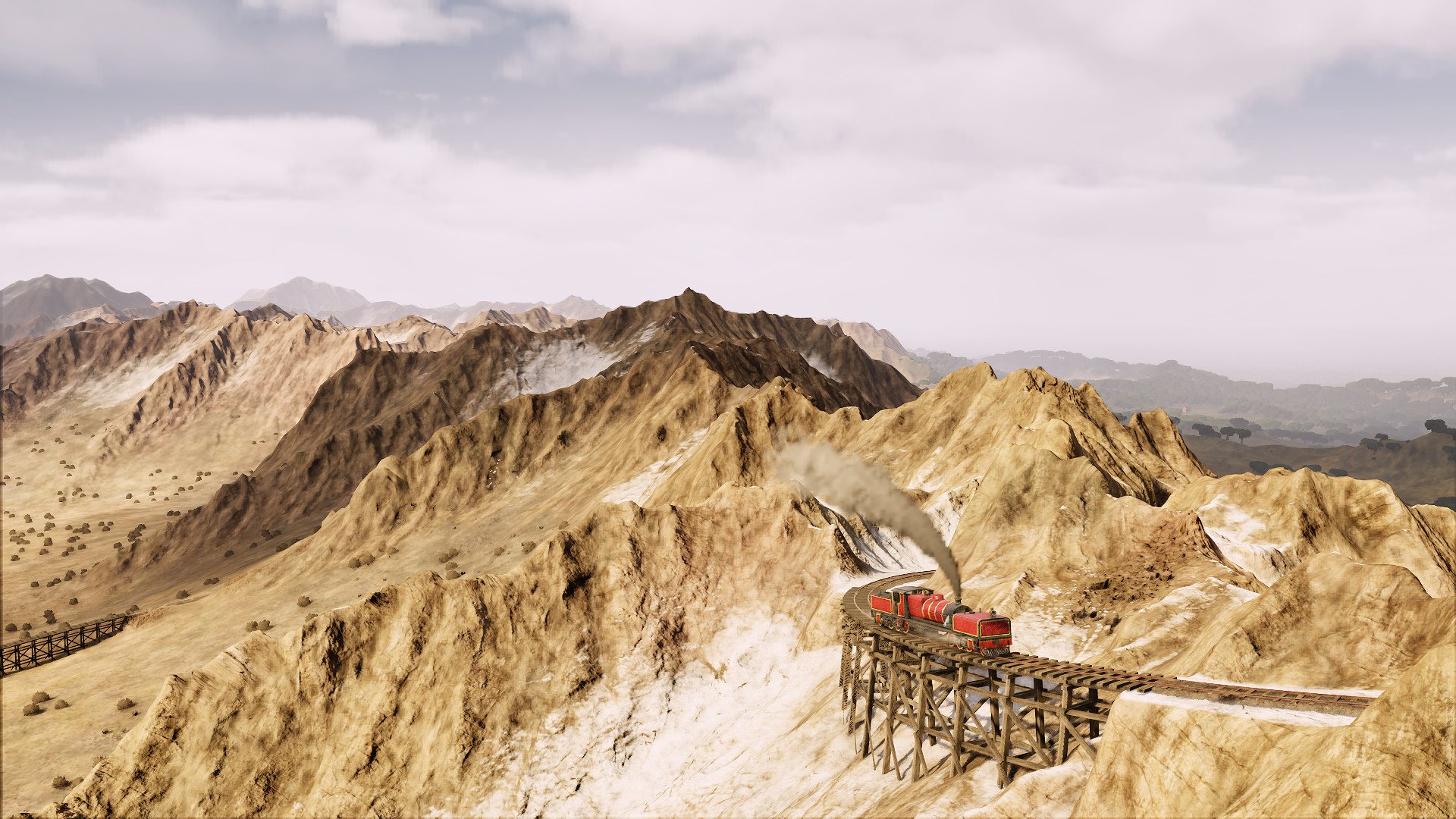
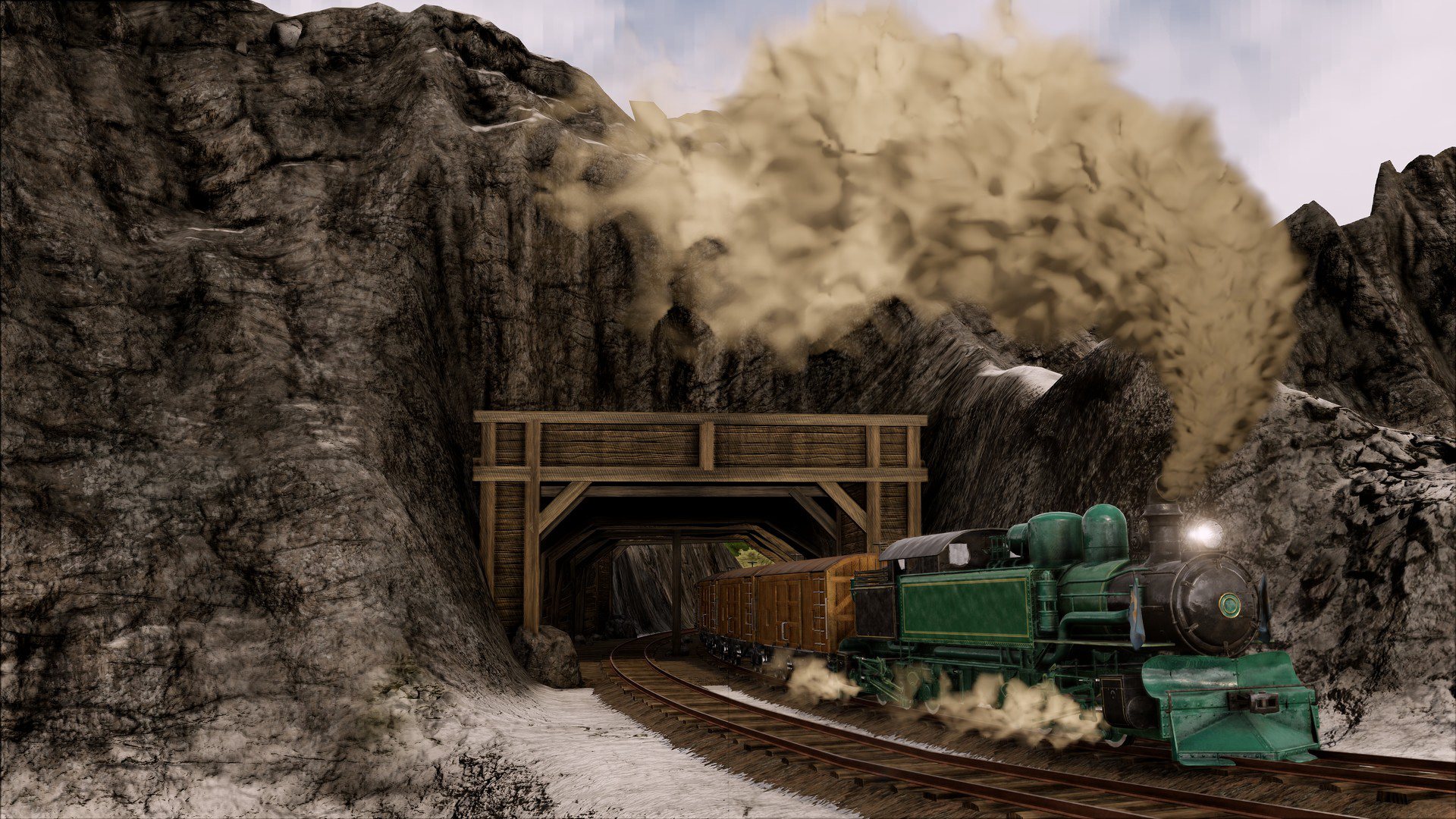
3 new scenarios covering the early history of railway pioneers in the Andes. • Map expansion: South America region (available in Free Game and Sandbox modes) • More than 10 new goods including llama wool and guano, and 34 new cities to discover • New engines: Kitson-Meyer (0-8-6-0) and Garratt (2-6-0-0-6-2) • Explore the world of Railway Empire in the night mode Take on new journeys in the depths of South America in the early 20th century, where a hoard of exotic new resources are ripe for the picking and plans for crossing the Andes by train are drawing attention from investors far and wide. Unforgiving mountains and relentless jungle terrains will make this challenge a tough one for even the most experienced tycoons.

Railway Empire - Crossing the Andes DLC screenshotRailway Empire - Crossing the Andes DLC screenshotRailway Empire - Crossing the Andes DLC screenshotRailway Empire - Crossing the Andes DLC screenshotRailway Empire - Crossing the Andes DLC screenshotRailway Empire - Crossing the Andes DLC screenshot

How to redeem

  1. 1Check the required base game, platform and edition before purchasing.
  2. 2Find the code or supplier activation instructions in your confirmed order.
  3. 3Redeem on Steam using the supplied instructions, then install the add-on with the compatible base game.

Supplier instructions

Go to: http://store.steampowered.com/ and download STEAM client Click "Install Steam" (from the upper right corner) Install and start application, login with your Account name and Password (create one if you don't have). Please follow these instructions to activate a new retail purchase on Steam: Launch Steam and log into your Steam account. Click the Games Menu. Choose Activate a Product on Steam... Follow the onscreen instructions to complete the process. After successful code verification go to the "MY GAMES" tab and start downloading.

You might also like