Get 10% back in Relic Coins on every order
Epistory - Typing Chronicles cover

Steam Europe - All Countries· Key

Epistory - Typing Chronicles

€1.37

+€0.14 cashback eligibility in Relic Coins

Check before you play

Platform
Steam
Region
Europe - All Countries
Product type
Key
Developer
Fishing Cactus
Publisher
Fishing Cactus
Supplier release date
2015-09-30
Genres
Action, Adventure, Indie, Story rich

About this product

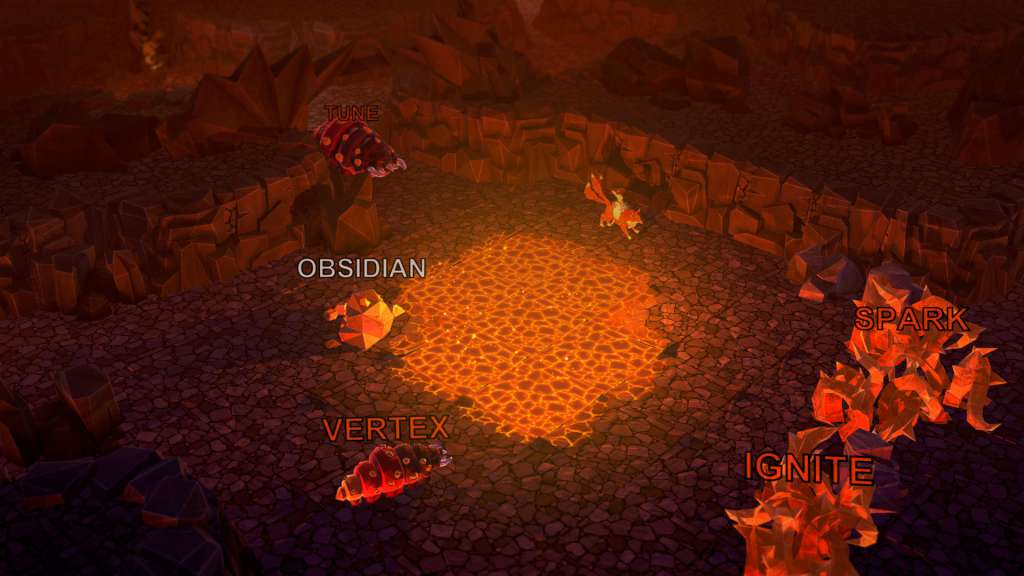
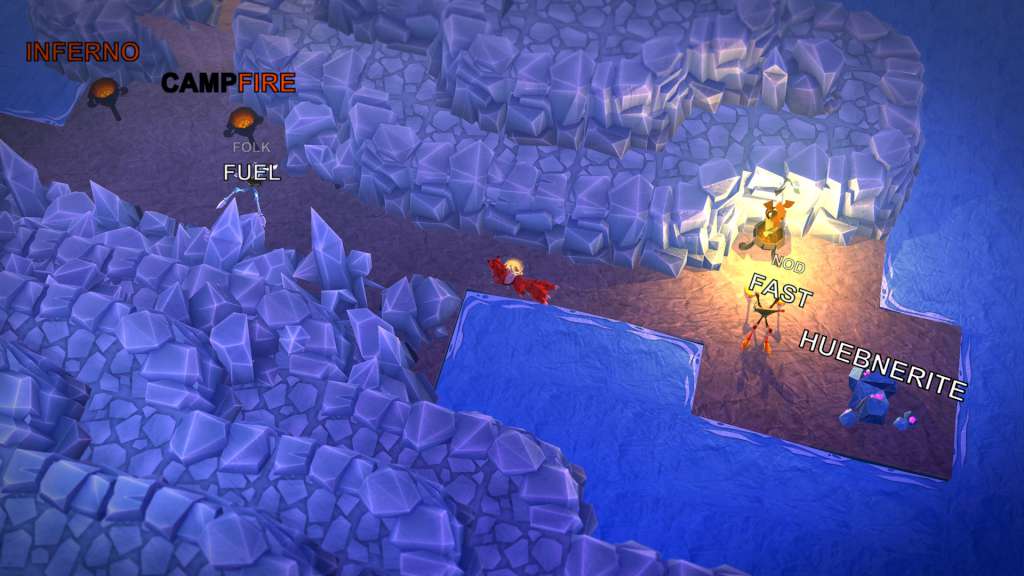
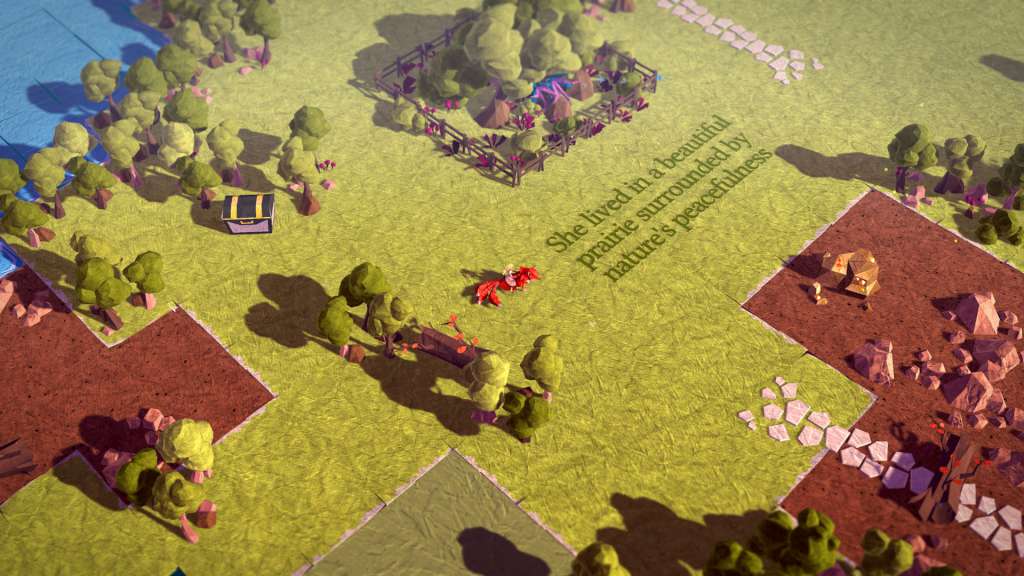
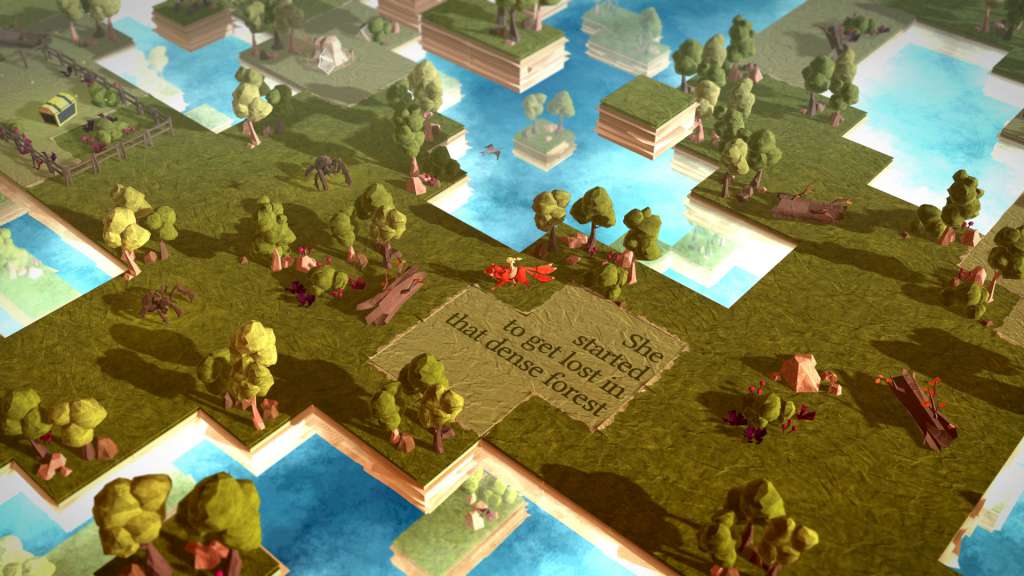
Epistory is an atmospheric adventure typing game that tells the story of a writer lacking inspiration who asks her muse to help write her latest book. In Epistory you play the muse, a fictional character in a world where everything is untold. Your adventure begins on a blank page, but the world will soon become larger and livelier as you gather inspiration, solve its mysteries and defeat its enemies. From movement to opening chests and fighting in epic battles, every element in the game is controlled exclusively with the keyboard. As you progress and explore the fantasy origami world, the story literally unfolds in the writer’s mind and the mysteries of the magic power of the words are revealed. Features Play as the muse riding a giant three tailed fox, lost in a fantasy 3D world Solve mysterious puzzles and defeat enemies in epic combat Unfold the story as you explore the origami world in the writer’s head Discover all words you type have a deeper meaning and might influence the outcome of the story Control everything with a keyboard in this one of its kind typing game (English, French, German and Dvorak keyboards supported) Dynamic difficulty that evolves to fit each players’ skill set Challenge other players for the top spot in the arena leaderboards

Epistory - Typing Chronicles screenshotEpistory - Typing Chronicles screenshotEpistory - Typing Chronicles screenshotEpistory - Typing Chronicles screenshotEpistory - Typing Chronicles screenshotEpistory - Typing Chronicles screenshot

How to redeem

  1. 1Check your Steam account and the listed region before purchasing.
  2. 2Find your code and supplier activation instructions in your confirmed order.
  3. 3Open the redeem-code section on Steam, enter the code and follow the platform’s prompts.

Supplier instructions

Go to: http://store.steampowered.com/ and download STEAM client Click "Install Steam" (from the upper right corner) Install and start application, login with your Account name and Password (create one if you don't have). Please follow these instructions to activate a new retail purchase on Steam: Launch Steam and log into your Steam account. Click the Games Menu. Choose Activate a Product on Steam... Follow the onscreen instructions to complete the process. After successful code verification go to the "MY GAMES" tab and start downloading.

You might also like