Get 10% back in Relic Coins on every order
Disney Epic Mickey 2: The Power of Two cover

Steam Europe - All Countries· Key

Disney Epic Mickey 2: The Power of Two

€14.51

+€1.45 cashback eligibility in Relic Coins

Check before you play

Platform
Steam
Region
Europe - All Countries
Product type
Key
Developer
Junction Point
Publisher
Disney Interactive
Supplier release date
2012-11-18
Genres
Action, Adventure

About this product

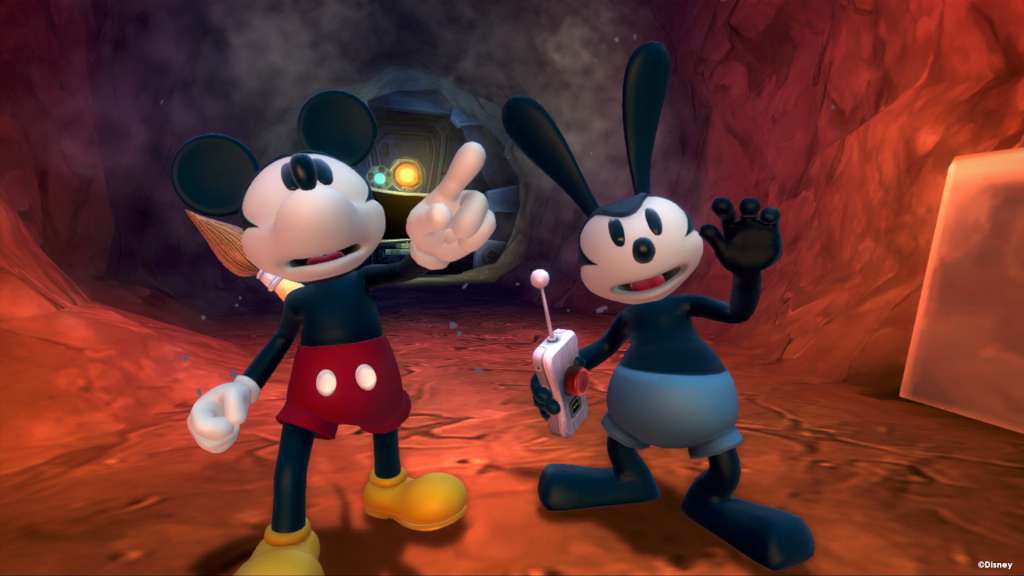
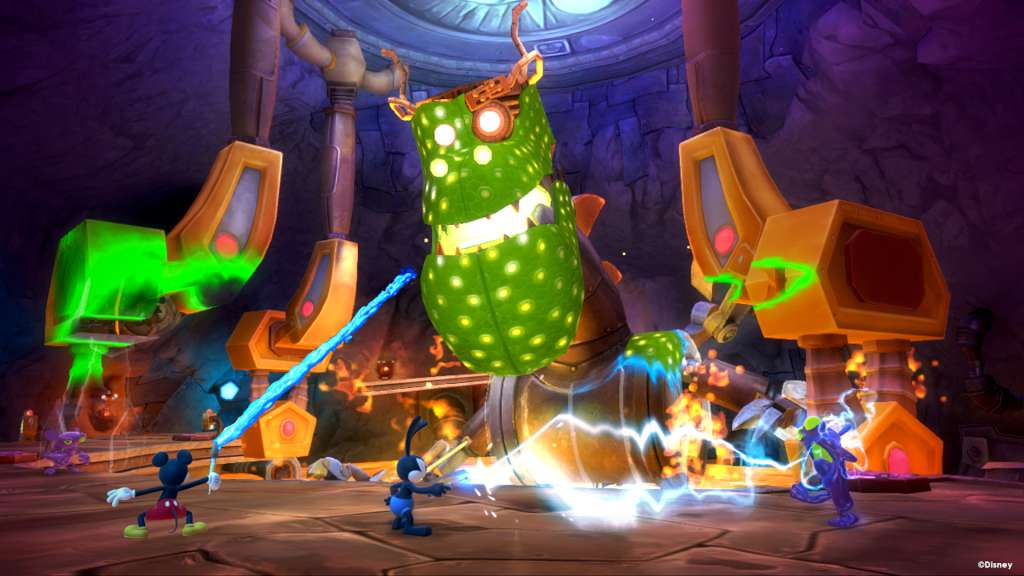
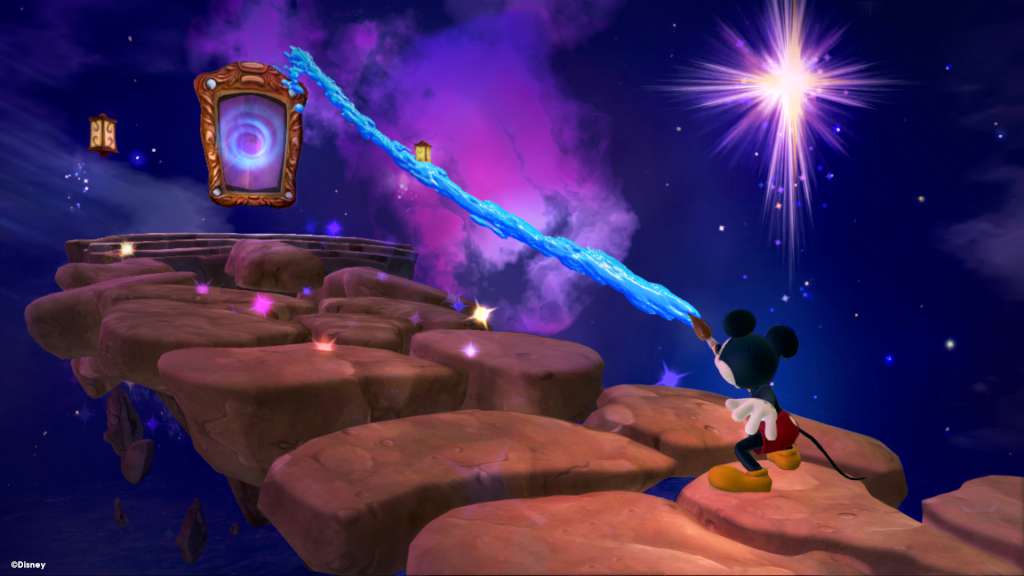
In Disney Epic Mickey 2: The Power of Two, gamers will play as Mickey Mouse and for the first time ever, Oswald the Lucky Rabbit, Walt Disney’s first cartoon star, in an all-new adventure of creativity and discovery. Created by industry luminary Warren Spector and Disney Interactive’s Junction Point game development studio, Disney Epic Mickey 2: The Power of Two returns the franchise through PC. Disney Epic Mickey 2: The Power of Two returns Mickey Mouse and Oswald the Lucky Rabbit to Wasteland, an alternate world filled with 80 years of forgotten Disney characters and theme park attractions. But for the first time, Mickey and Oswald will join forces as true partners – Mickey with his magical paint brush that wields paint and thinner, and Oswald with his powerful remote control that allows him to command electricity. This new co-op play combined with enhanced in-game physics will further enhance the idea that “PlayStyle Matters” – a unique approach to gameplay pioneered by Warren Spector where players dynamically tackle different challenges in order to explore all possibilities and storylines, but with consequences for their chosen actions.

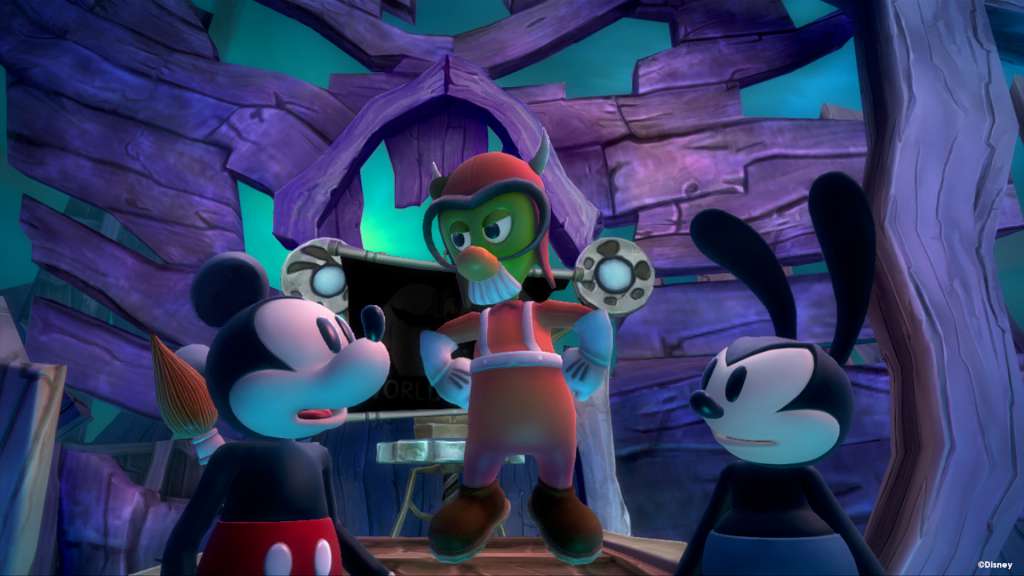
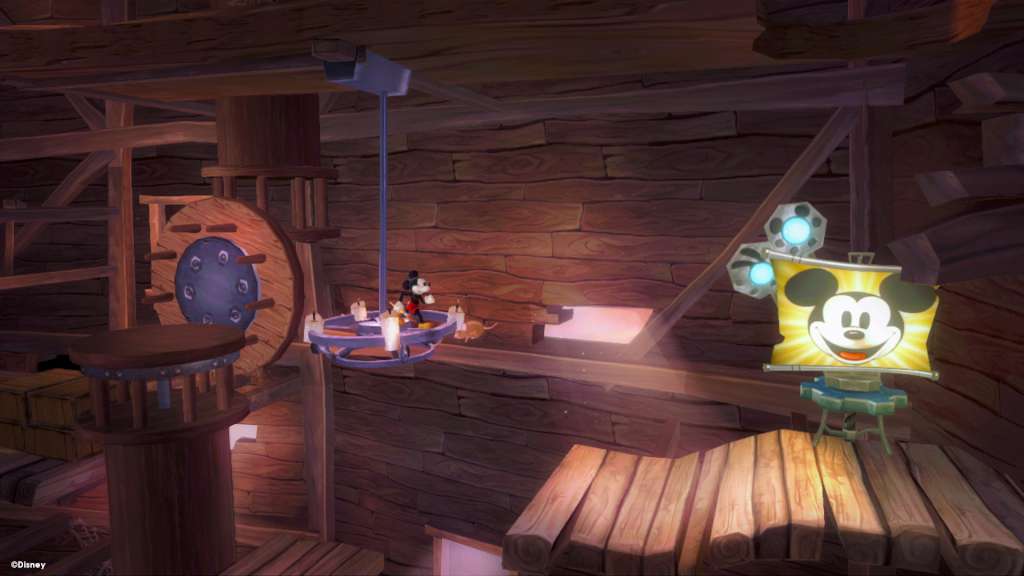
Disney Epic Mickey 2: The Power of Two screenshotDisney Epic Mickey 2: The Power of Two screenshotDisney Epic Mickey 2: The Power of Two screenshotDisney Epic Mickey 2: The Power of Two screenshotDisney Epic Mickey 2: The Power of Two screenshot

How to redeem

  1. 1Check your Steam account and the listed region before purchasing.
  2. 2Find your code and supplier activation instructions in your confirmed order.
  3. 3Open the redeem-code section on Steam, enter the code and follow the platform’s prompts.

Supplier instructions

Go to: http://store.steampowered.com/ and download STEAM client Click "Install Steam" (from the upper right corner) Install and start application, login with your Account name and Password (create one if you don't have). Please follow these instructions to activate a new retail purchase on Steam: Launch Steam and log into your Steam account. Click the Games Menu. Choose Activate a Product on Steam... Follow the onscreen instructions to complete the process. After successful code verification go to the "MY GAMES" tab and start downloading.

You might also like