Get 10% back in Relic Coins on every order
PD Artist 10 cover

Steam Europe - All Countries· Key

PD Artist 10

€5.24

+€0.52 cashback eligibility in Relic Coins

Check before you play

Platform
Steam
Region
Europe - All Countries
Product type
Key
Developer
Daniel Ritchie - Squirreldome.com, Philip Staiger - TheBest3D.com
Publisher
KISS ltd
Supplier release date
2017-02-24

About this product

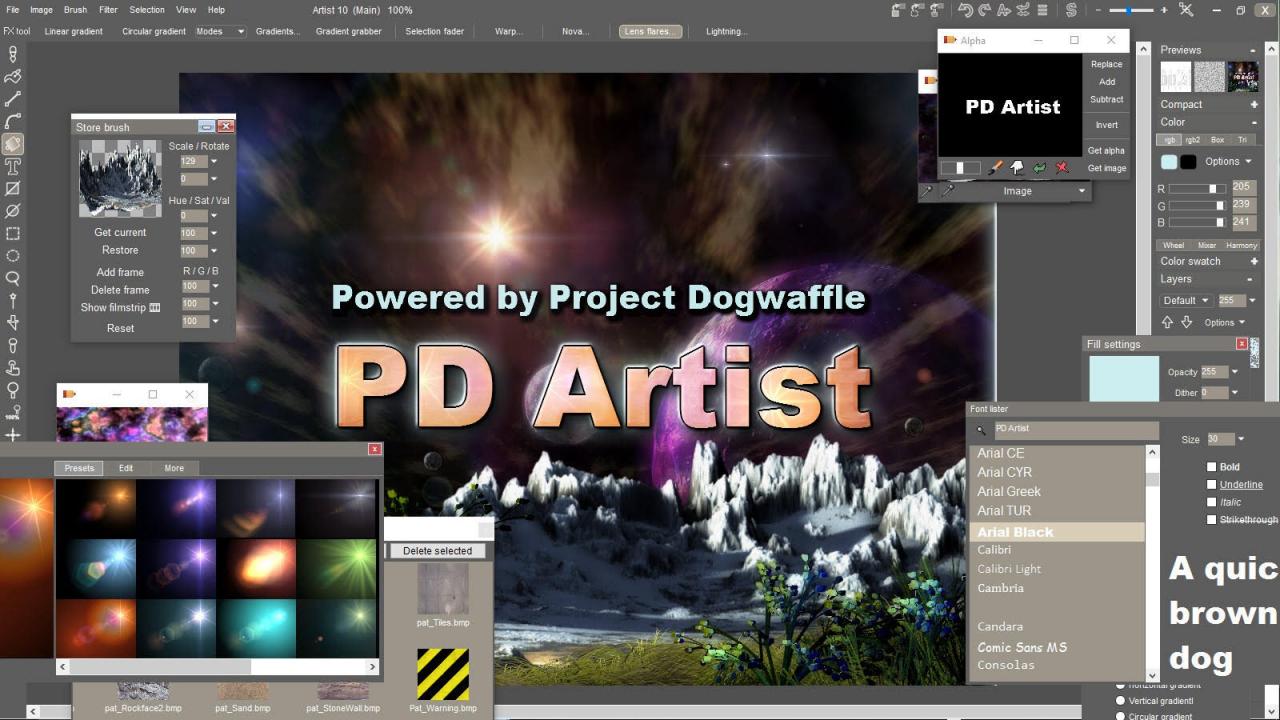
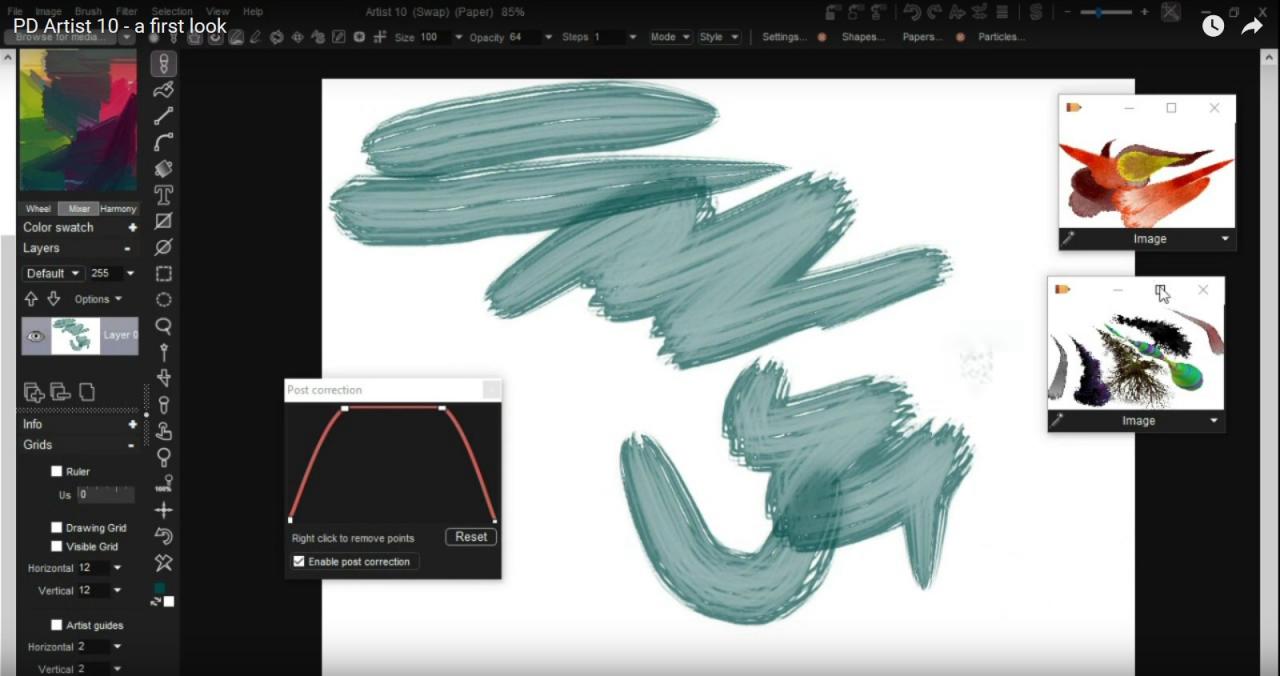
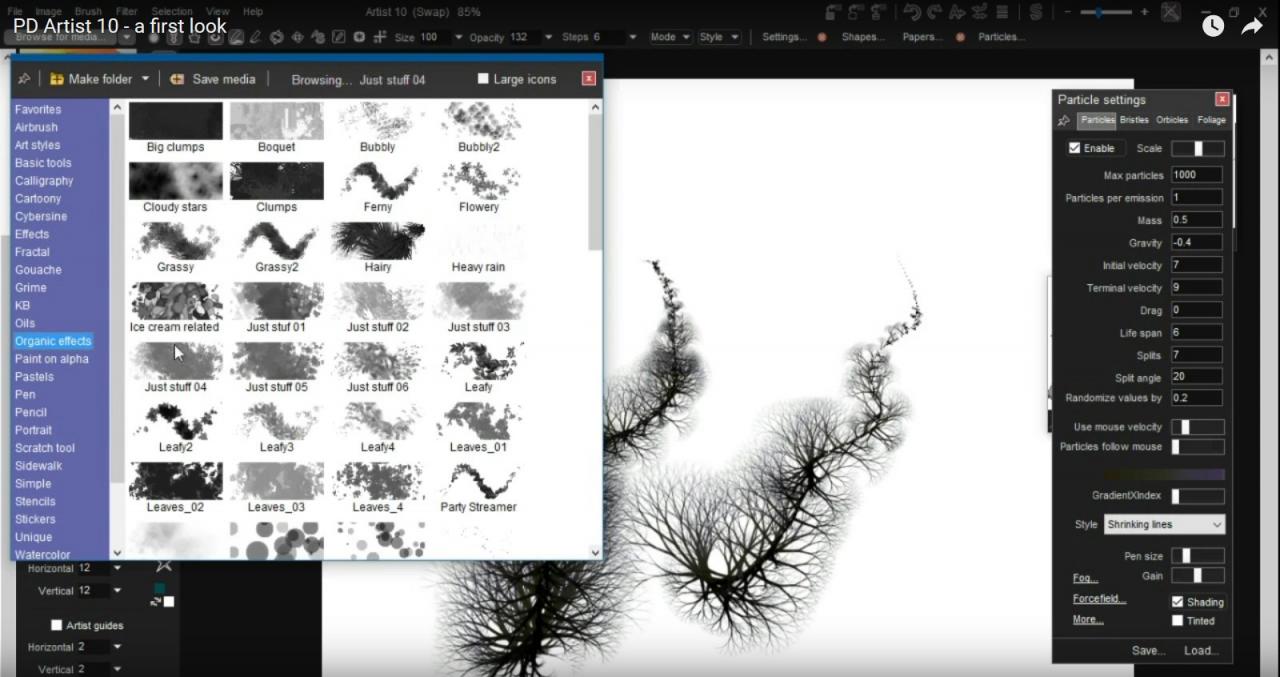
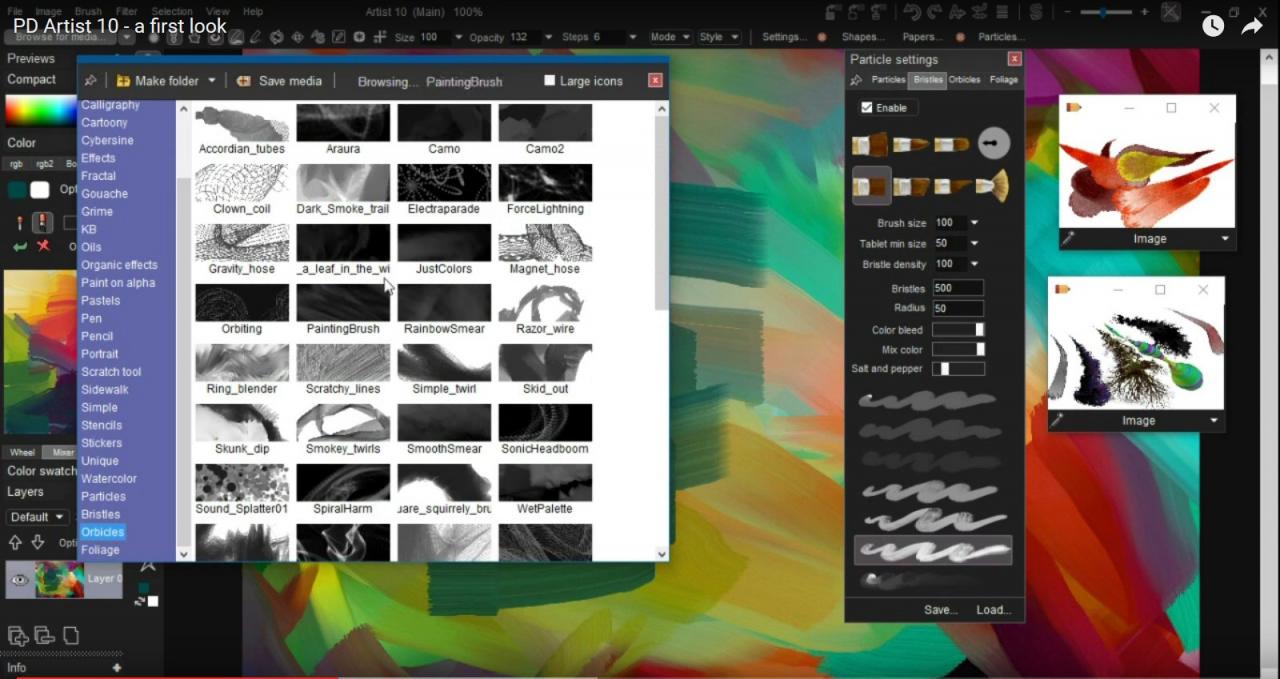
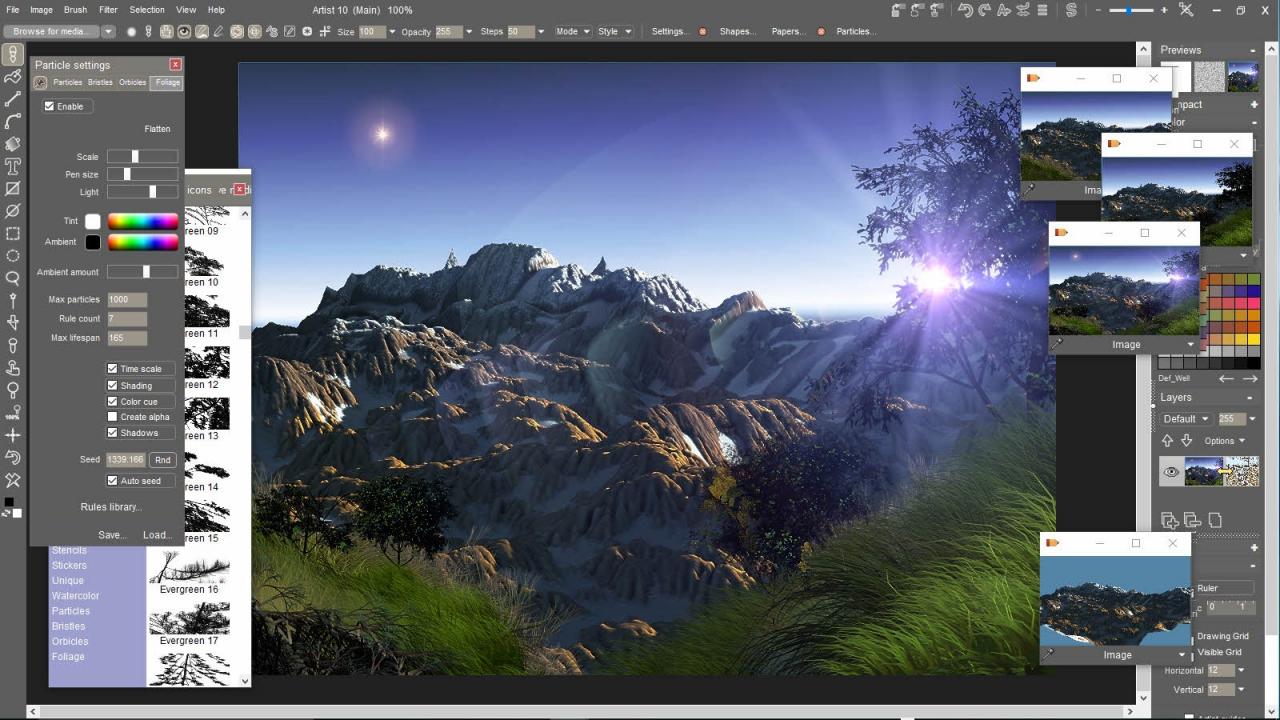
The ideal and affordable graphics tool for all budding developers.Ideal for independent developers, this highly affordable PC based digital art package packs a real punch, delivering everything needed to create stunning art and 3D terrains. Digital painting with multiple brush types - natural media brushes, particle brushes, foliage brushes, custom image and animated brushes. A huge collection of filters. 3D capabilities including elevation map based 3D terrain generation, global illumination and ray tracing on CPU and in the GPU! PD Artist 10 is part of a wider suite of Project Dogwaffle creative digital tools that deliver solutions for all needs, all abilities and all budgets. Here is the complete family: PD Particles 9 – the basic entry package offering simple art creation tools. PD Artist 10 - create stunning art and 3D terrains. PD Howler – Includes everything from PD Artist 10, PD Particle 9 plus animations and video.

PD Artist 10 screenshotPD Artist 10 screenshotPD Artist 10 screenshotPD Artist 10 screenshotPD Artist 10 screenshot

How to redeem

  1. 1Check your Steam account and the listed region before purchasing.
  2. 2Find your code and supplier activation instructions in your confirmed order.
  3. 3Open the redeem-code section on Steam, enter the code and follow the platform’s prompts.

Supplier instructions

Go to: http://store.steampowered.com/ and download STEAM client Click "Install Steam" (from the upper right corner) Install and start application, login with your Account name and Password (create one if you don't have). Please follow these instructions to activate a new retail purchase on Steam: Launch Steam and log into your Steam account. Click the Games Menu. Choose Activate a Product on Steam... Follow the onscreen instructions to complete the process. After successful code verification go to the "MY GAMES" tab and start downloading.

You might also like