Get 10% back in Relic Coins on every order
Cities: Skylines - Content Creator Pack: High-Tech Buildings DLC EMEA cover

Steam· DLC

Cities: Skylines - Content Creator Pack: High-Tech Buildings DLC EMEA

€2.14

+€0.21 cashback eligibility in Relic Coins

Check before you play

Platform
Steam
Product type
DLC

Check the required base game and edition before purchasing this add-on.

Supplier release date
2016-11-29
Genres
Strategy, Life Simulation, Simulation, Casual

About this product

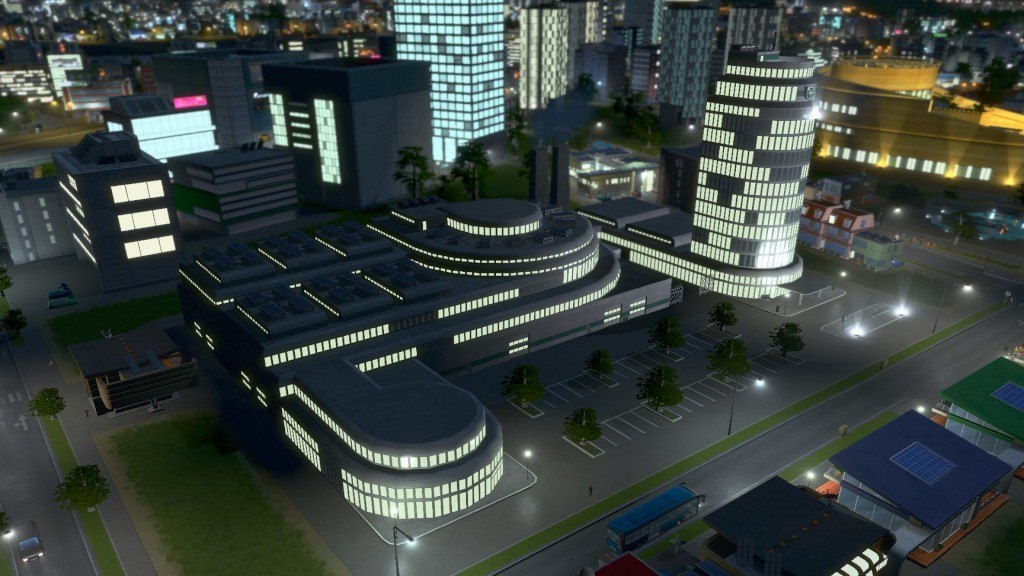
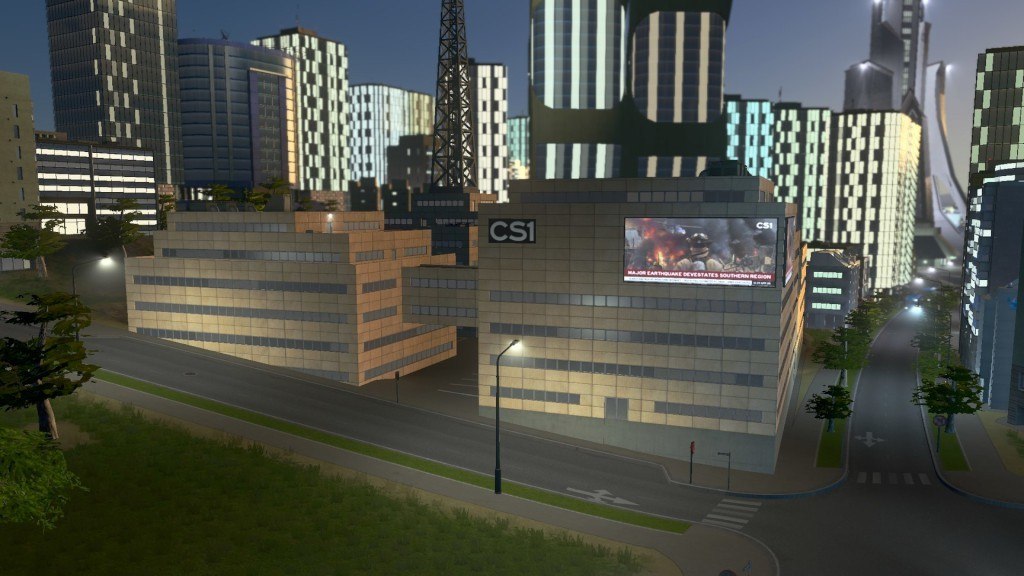
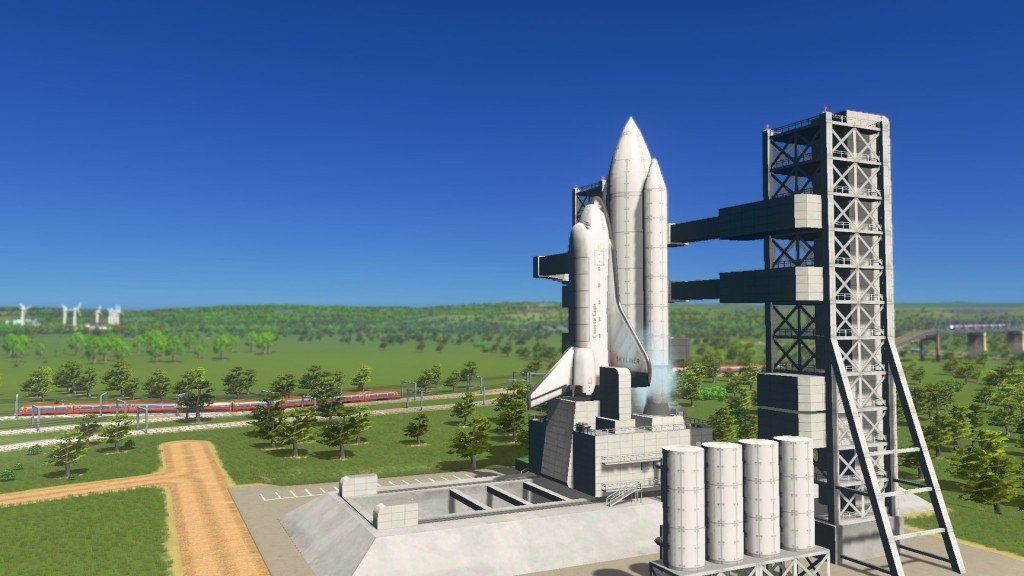
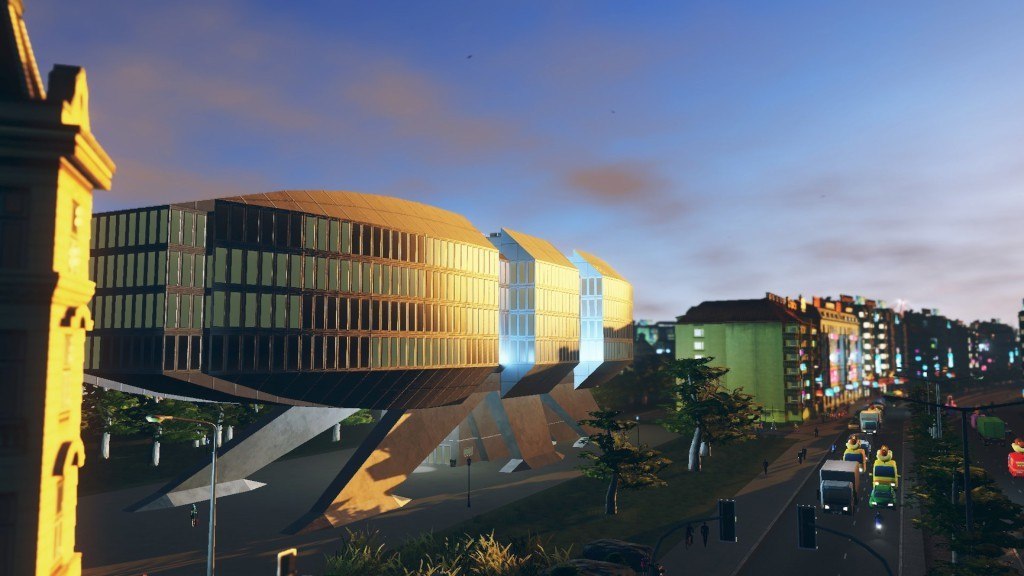
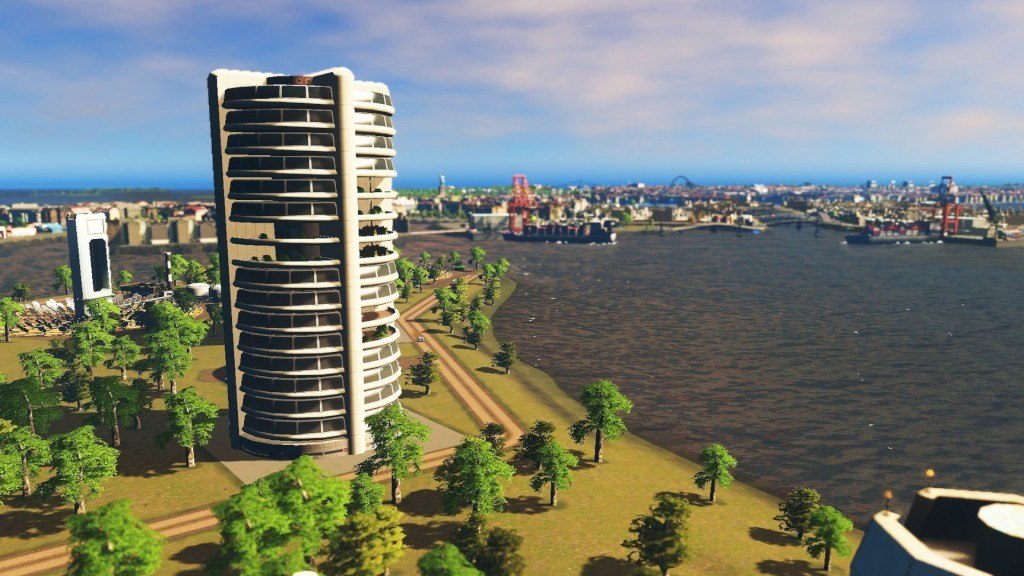
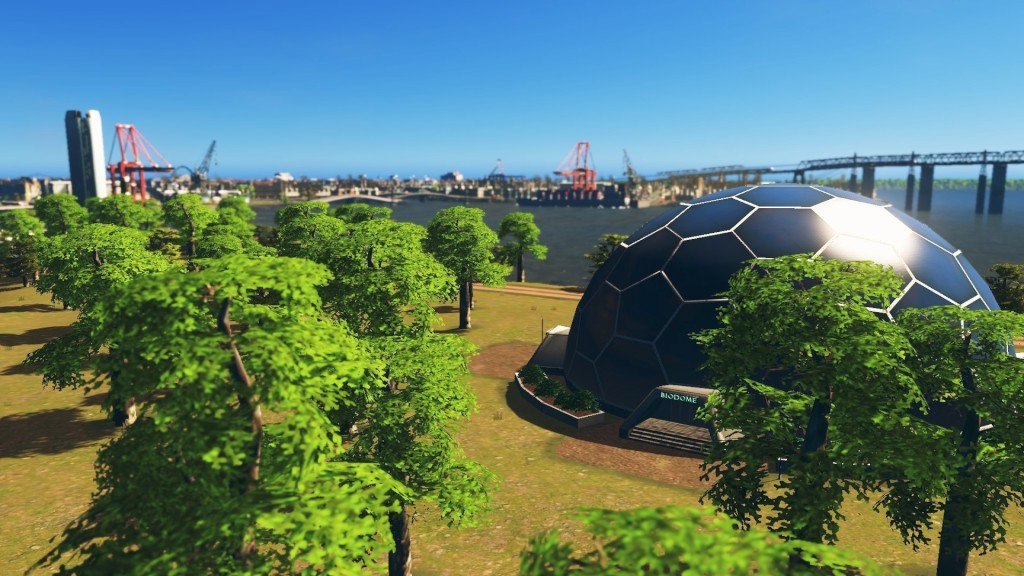
Bring your town into the future with a new set of unique buildings from a top Cities: Skylines modding star! Add a splash of "archi-technology" to the city with fifteen new creations from Mauro "GCVos "Vos, created exclusively for this content pack. Ten new unique buildings plus five technologically advanced city service buildings will have your town ready for a better tomorrow! Features Unique buildings: Vertical Farm Nanotechnology Center Research Center Robotics Institute Semiconductor Plant Software Development Studio Space Shuttle Launch Site Television Station Biodome Electric Car Factory Service Buildings: Intelligence Agency - Large Police HQ Medical Laboratory - Clinic without ambulances Cryopreservatory - Large Crematorium Faculty - Small University Wave Power Plant

Cities: Skylines - Content Creator Pack: High-Tech Buildings DLC EMEA screenshotCities: Skylines - Content Creator Pack: High-Tech Buildings DLC EMEA screenshotCities: Skylines - Content Creator Pack: High-Tech Buildings DLC EMEA screenshotCities: Skylines - Content Creator Pack: High-Tech Buildings DLC EMEA screenshotCities: Skylines - Content Creator Pack: High-Tech Buildings DLC EMEA screenshotCities: Skylines - Content Creator Pack: High-Tech Buildings DLC EMEA screenshot

How to redeem

  1. 1Check the required base game, platform and edition before purchasing.
  2. 2Find the code or supplier activation instructions in your confirmed order.
  3. 3Redeem on Steam using the supplied instructions, then install the add-on with the compatible base game.

Supplier instructions

Go to: http://store.steampowered.com/ and download STEAM client Click "Install Steam" (from the upper right corner) Install and start application, login with your Account name and Password (create one if you don't have). Please follow these instructions to activate a new retail purchase on Steam: Launch Steam and log into your Steam account. Click the Games Menu. Choose Activate a Product on Steam... Follow the onscreen instructions to complete the process. After successful code verification go to the "MY GAMES" tab and start downloading.

You might also like