Get 10% back in Relic Coins on every order
Cities: Skylines - All That Jazz DLC cover

SteamUnited States· DLC

Cities: Skylines - All That Jazz DLC

€0.92

+€0.09 cashback eligibility in Relic Coins

Check before you play

Platform
Steam
Region
United States
Product type
DLC

Check the required base game and edition before purchasing this add-on.

Supplier release date
2017-08-17
Genres
Strategy, Simulation

About this product

With All That Jazz, Paradox is introducing an all new kind of traffic jam in Cities: Skylines. The briefly internet-famous Jazz Boatman returns as DJ, so players can dig harder than a jackhammer at a road repair. The new All That Jazz radio station will feature 16 new songs across several smooth genres: Classic, Latin, Funky and Chill-Out Jazz. Song List Houston River Jazz Collective - 36th Street Houston River Jazz Collective - Hallet's Cove Houston River Jazz Collective - Northern Boulevard Jam Houston River Jazz Collective - The Astoria Way Jazz In-Clave - Bauza Chico Jazz In-Clave - Habanera Big Four Jazz In-Clave - Ponchando Fashion Jazz In-Clave - Tresillo Hideaway Phrase It Differently - Fusionistic Mystic Phrase It Differently - 7 O'Clock Phrase It Differently - Cracks Phrase It Differently - Loveshift The Sierra Lewis Project - Fiesta Siesta The Sierra Lewis Project - A Walk In The Park The Sierra Lewis Project - The Conquistador The Sierra Lewis Project - Praia Verdi

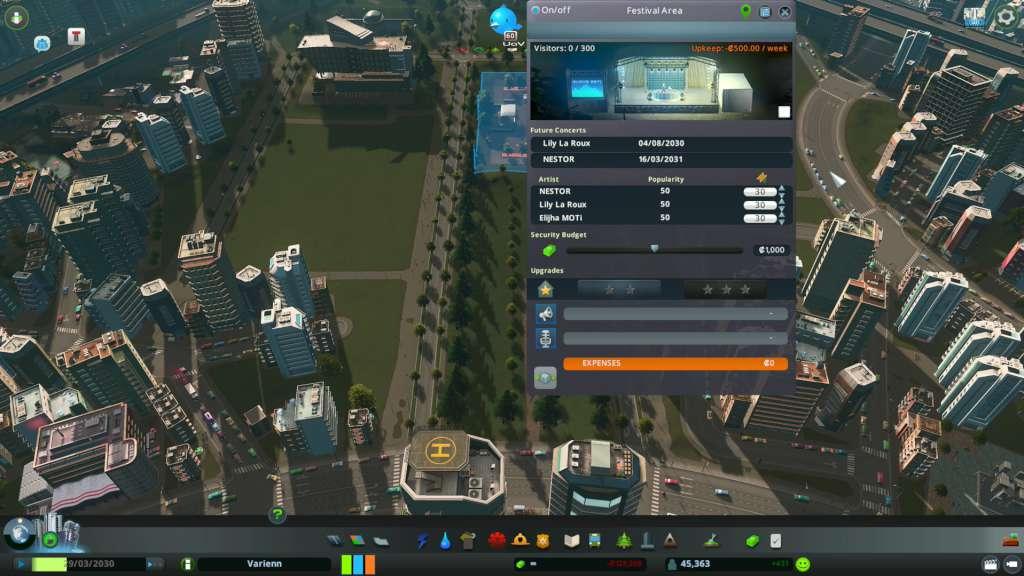
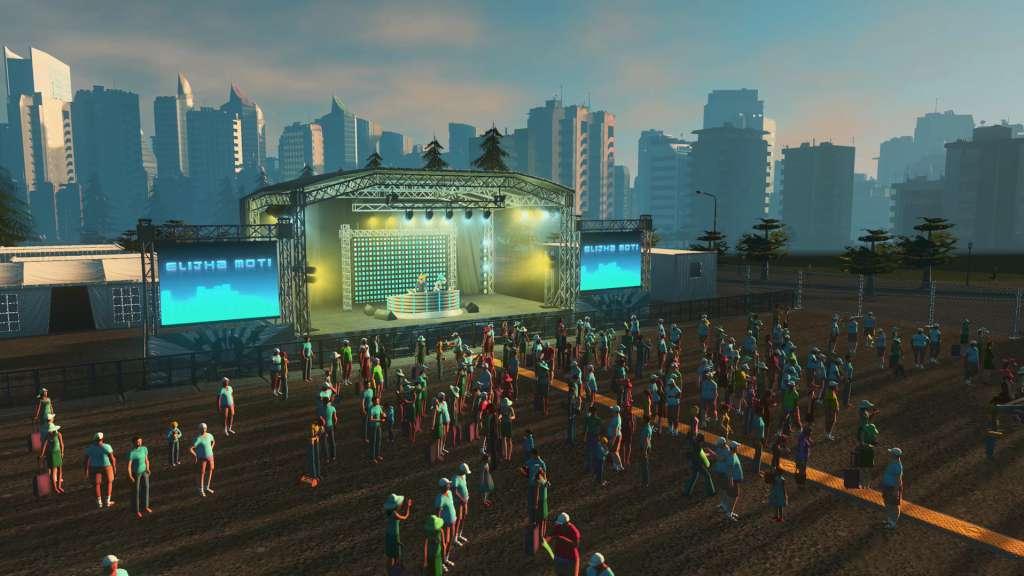
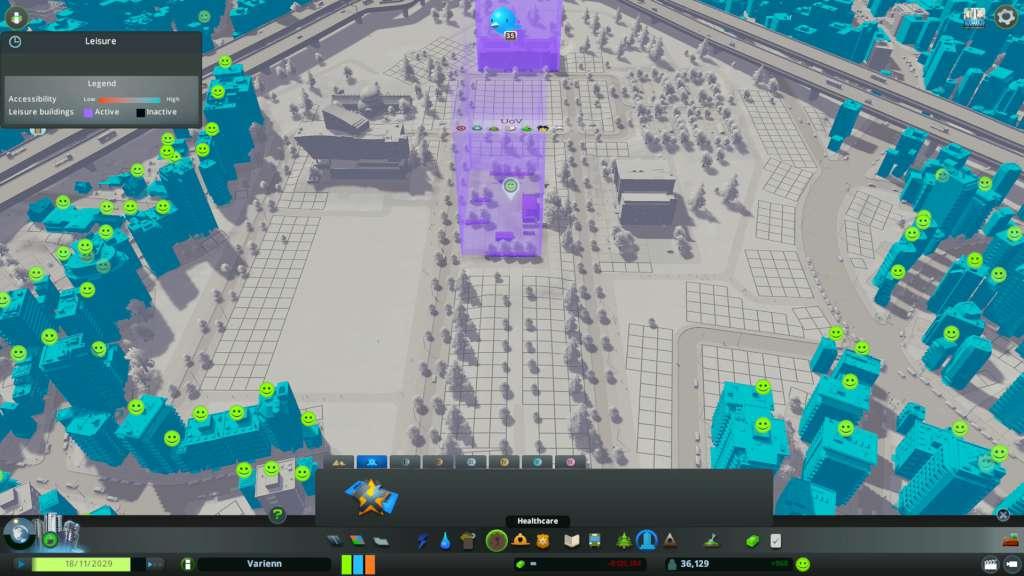
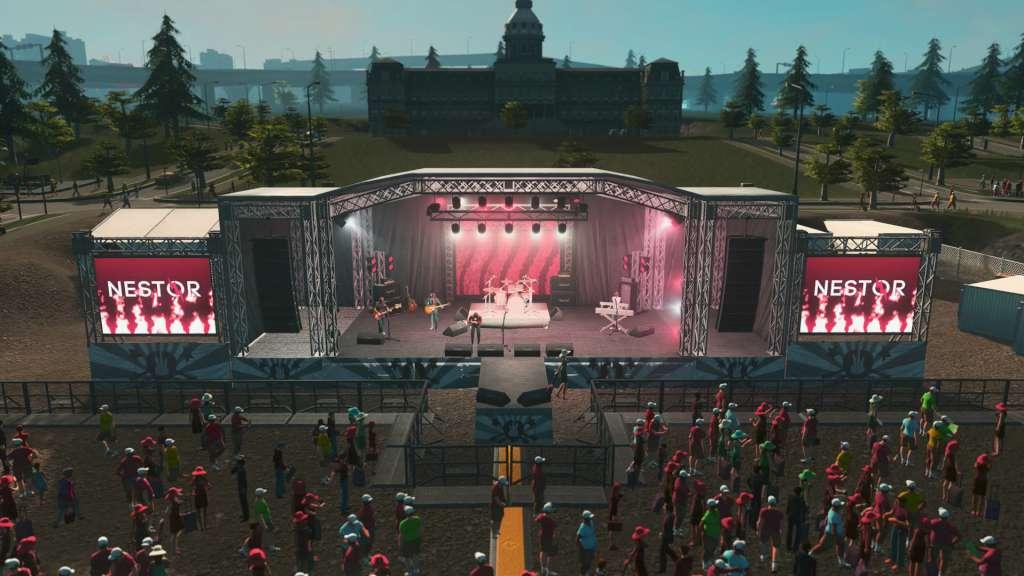
Cities: Skylines - All That Jazz DLC screenshotCities: Skylines - All That Jazz DLC screenshotCities: Skylines - All That Jazz DLC screenshotCities: Skylines - All That Jazz DLC screenshotCities: Skylines - All That Jazz DLC screenshot

How to redeem

  1. 1Check the required base game, platform and edition before purchasing.
  2. 2Find the code or supplier activation instructions in your confirmed order.
  3. 3Redeem on Steam using the supplied instructions, then install the add-on with the compatible base game.

Supplier instructions

Go to: http://store.steampowered.com/ and download STEAM client Click "Install Steam" (from the upper right corner) Install and start application, login with your Account name and Password (create one if you don't have). Please follow these instructions to activate a new retail purchase on Steam: Launch Steam and log into your Steam account. Click the Games Menu. Choose Activate a Product on Steam... Follow the onscreen instructions to complete the process. After successful code verification go to the "MY GAMES" tab and start downloading.

You might also like