Get 10% back in Relic Coins on every order
Krystopia: A Puzzle Journey cover

SteamGlobal· Key

Krystopia: A Puzzle Journey

€3.70

+€0.37 cashback eligibility in Relic Coins

Check before you play

Platform
Steam
Region
Global
Product type
Key
Developer
Antler Interactive
Publisher
Antler Interactive
Supplier release date
2019-10-16
Genres
Adventure, Strategy, Indie

About this product

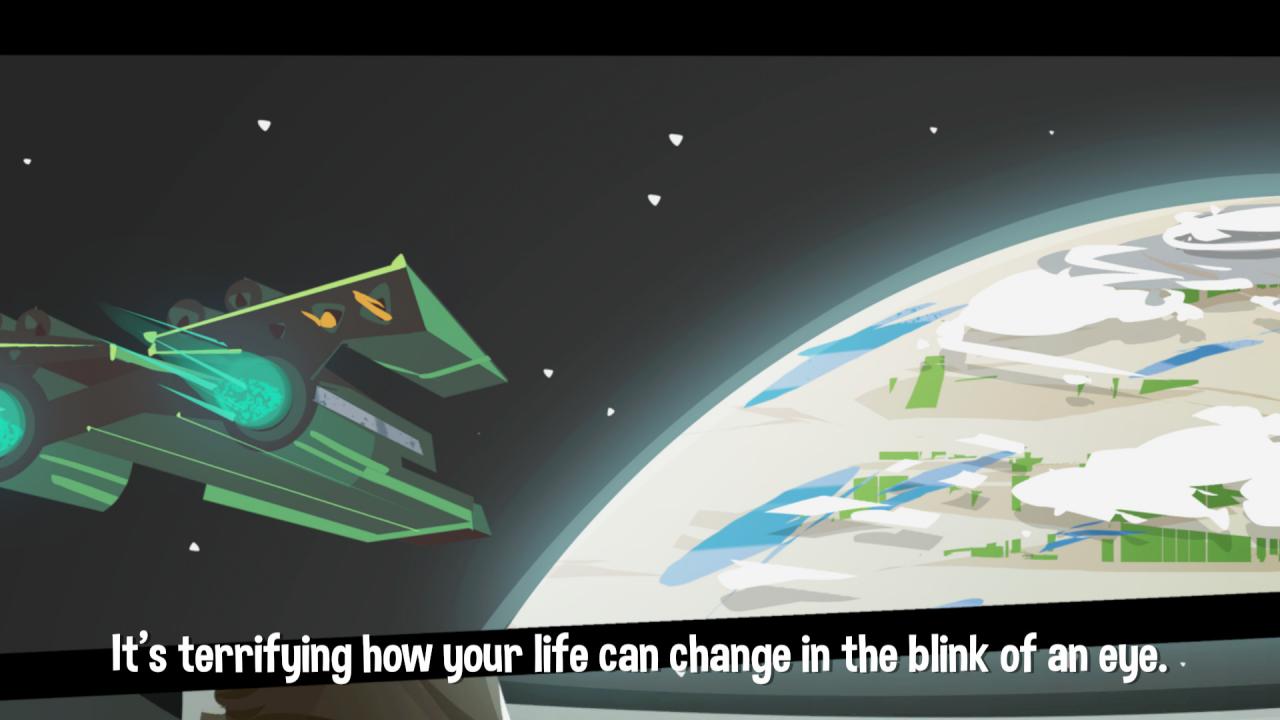
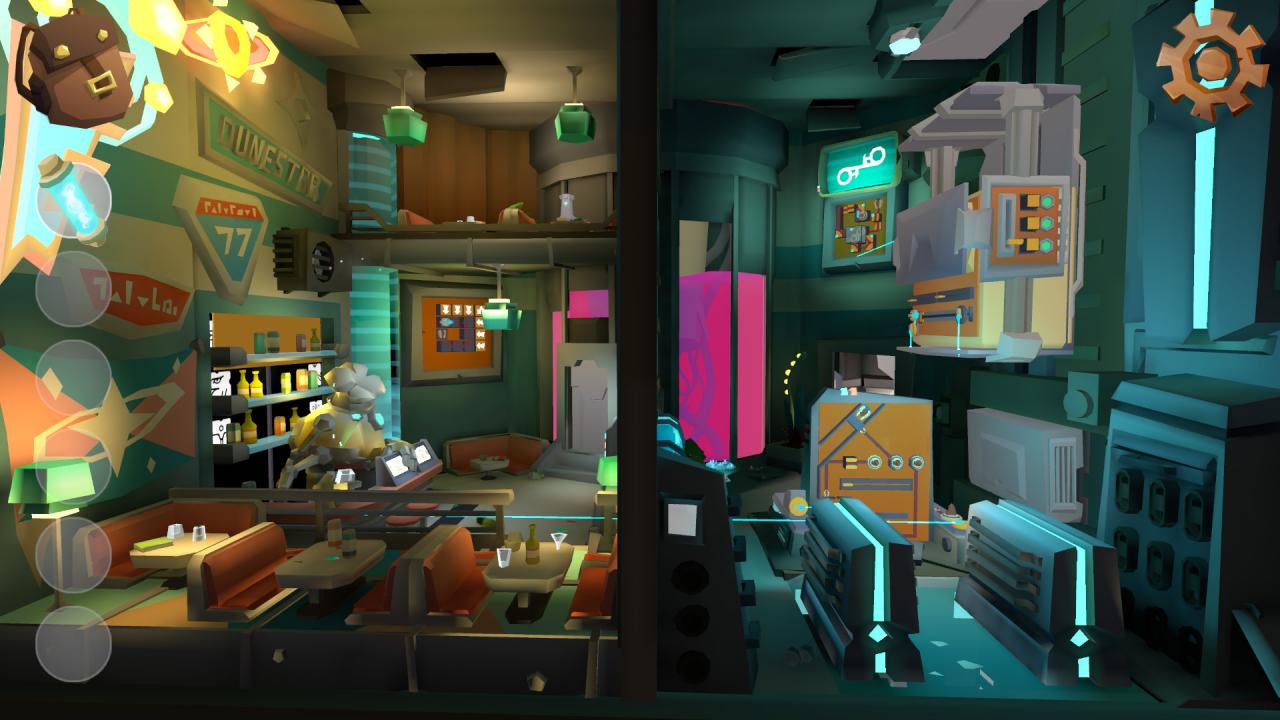
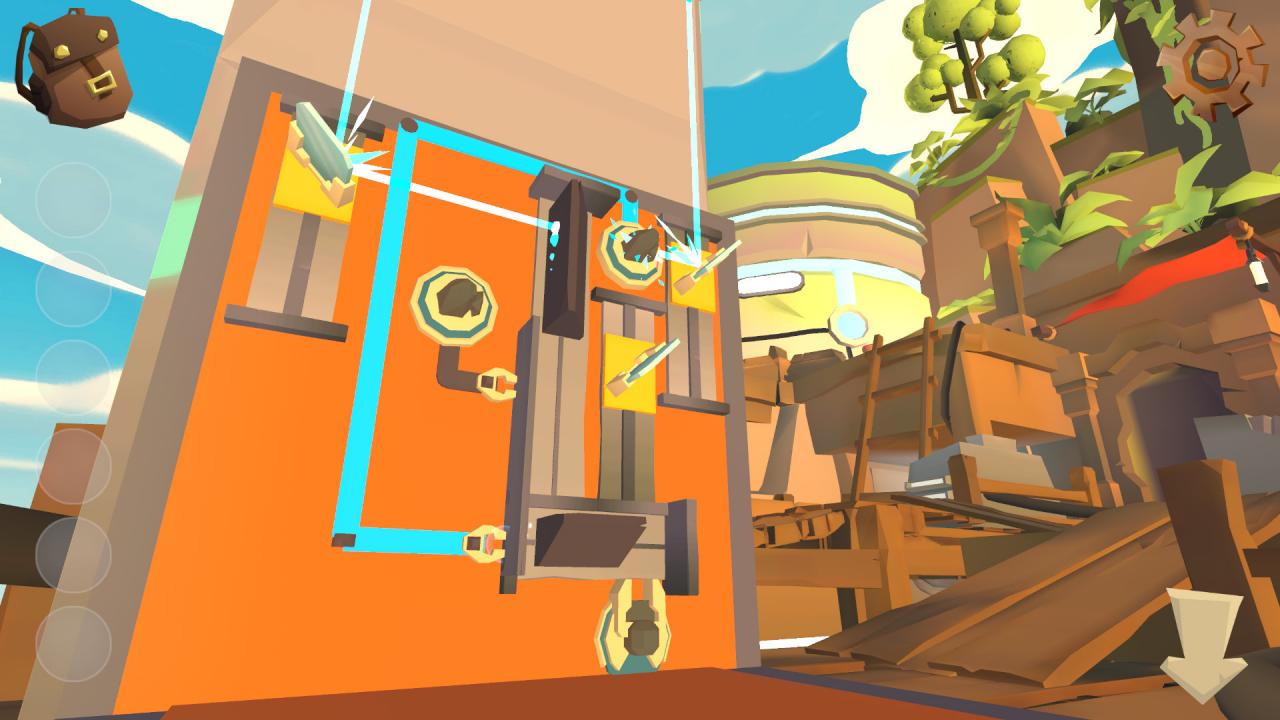
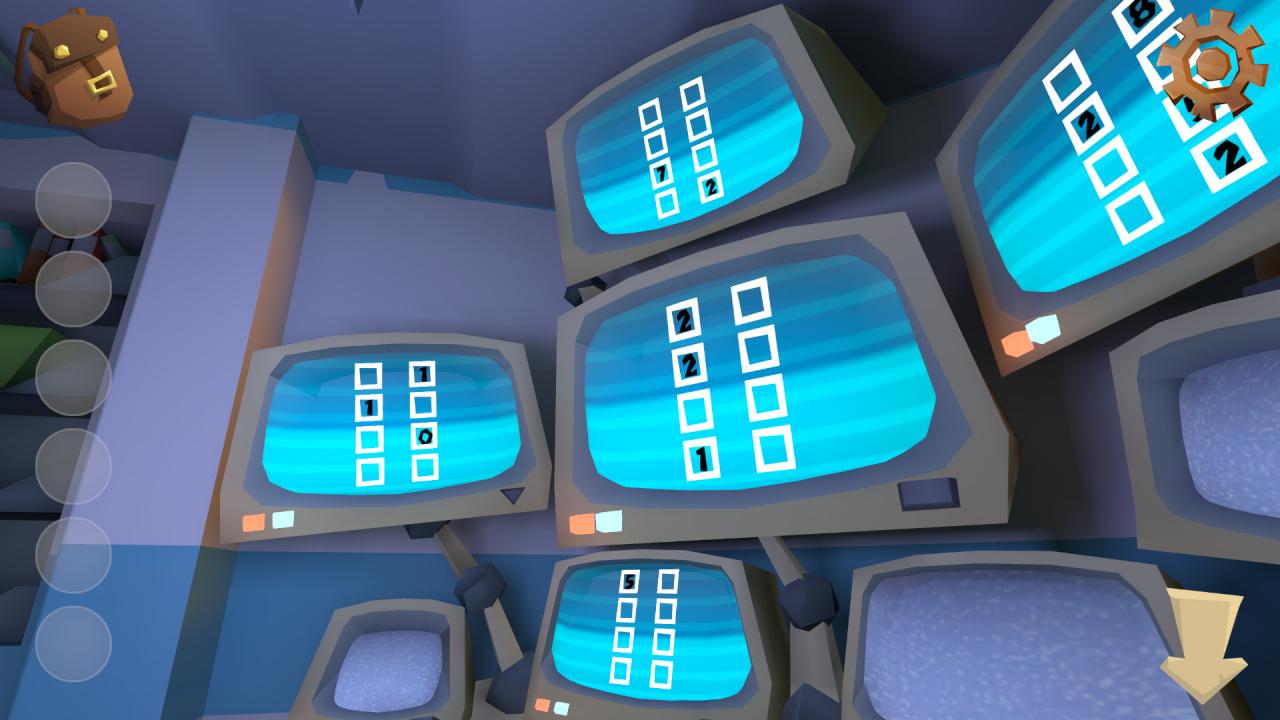
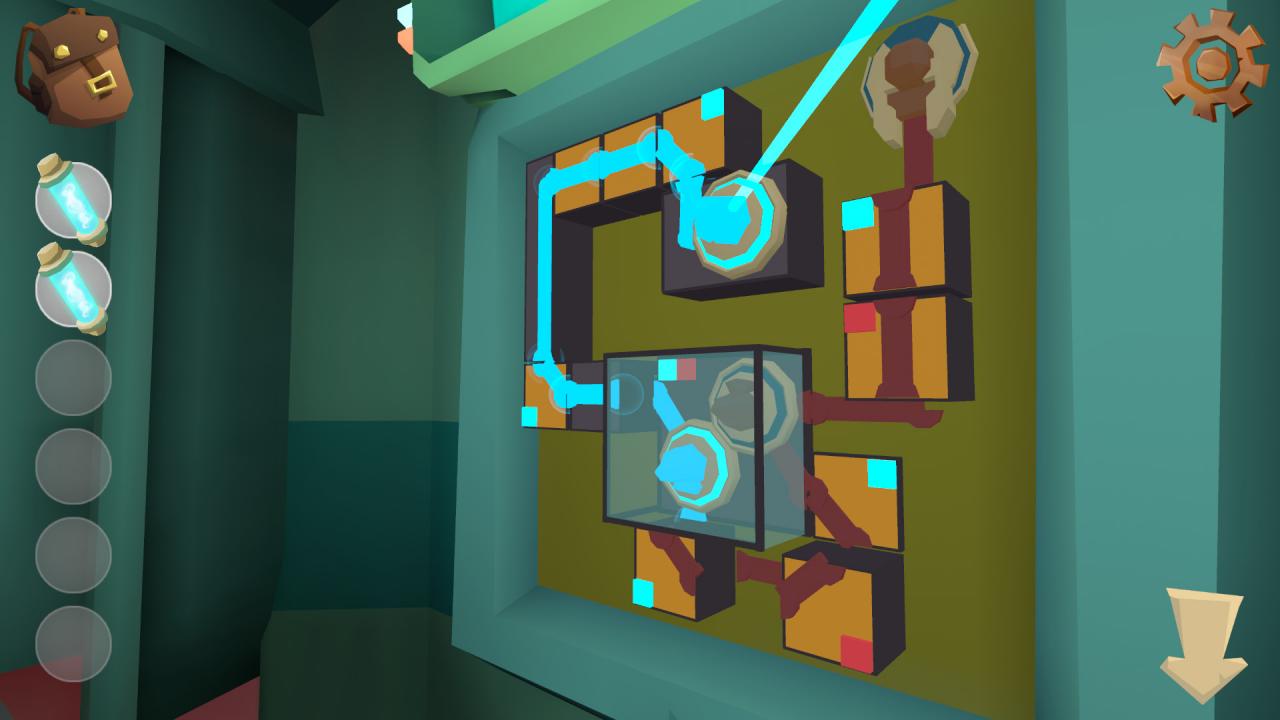
Follow Nova Dune, a space explorer in her quest to find out about the unfamiliar distress signal she received aboard her ship. Determined to investigate it, she finds herself on a desolated planet where all civilization has vanished.Solve puzzles and unwrap the mystery that lies in the beautiful universe of Krystopia.Krystopia is an escape room game that challenges and captivates you with intriguing laser puzzles, robots and hidden objects. Your objective is to guide Nova in her search for clues. Observe, think and solve ingenious puzzles to reconstitute the story of the strange land she is treading upon. Investigate the causes that left the planet empty to resolve the intricate mystery of the long lost civilization.What happened to Krystopia? Features Innovative puzzles: Think in 3D and use creativity to solve increasingly challenging puzzles Immersive gameplay: Interact with the world, crush objects and find secrets spread around the levels Exploration of a distant world: Unwind by watching the beautiful environment Ambient story: Learn about the disappeared civilization as you are walking through the world of Krystopia Voiceover narrative: Listen to Nova telling you about her findings and experience the personality of a curious Scavenger

Krystopia: A Puzzle Journey screenshotKrystopia: A Puzzle Journey screenshotKrystopia: A Puzzle Journey screenshotKrystopia: A Puzzle Journey screenshotKrystopia: A Puzzle Journey screenshotKrystopia: A Puzzle Journey screenshot

How to redeem

  1. 1Check your Steam account and the listed region before purchasing.
  2. 2Find your code and supplier activation instructions in your confirmed order.
  3. 3Open the redeem-code section on Steam, enter the code and follow the platform’s prompts.

Supplier instructions

Go to: http://store.steampowered.com/ and download STEAM client Click "Install Steam" (from the upper right corner) Install and start application, login with your Account name and Password (create one if you don't have). Please follow these instructions to activate a new retail purchase on Steam: Launch Steam and log into your Steam account. Click the Games Menu. Choose Activate a Product on Steam... Follow the onscreen instructions to complete the process. After successful code verification go to the "MY GAMES" tab and start downloading.

You might also like