Get 10% back in Relic Coins on every order
Overcooked! 2 - Too Many Cooks Pack DLC cover

SteamUnited States· DLC

Overcooked! 2 - Too Many Cooks Pack DLC

€0.61

+€0.06 cashback eligibility in Relic Coins

Check before you play

Platform
Steam
Region
United States
Product type
DLC

Check the required base game and edition before purchasing this add-on.

Developer
Ghost Town Games, Team17 Digital Ltd
Publisher
Team17 Digital Ltd
Supplier release date
2018-08-07
Genres
Action, Indie, Casual, Co-op

About this product

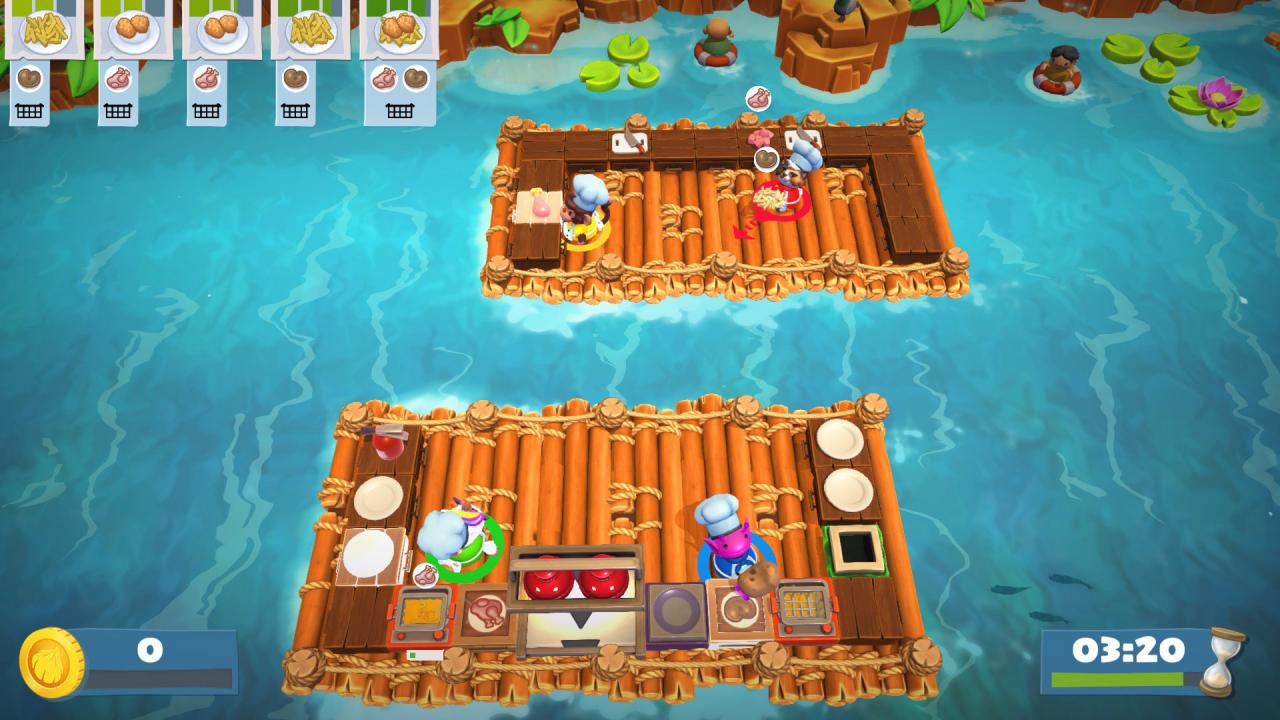
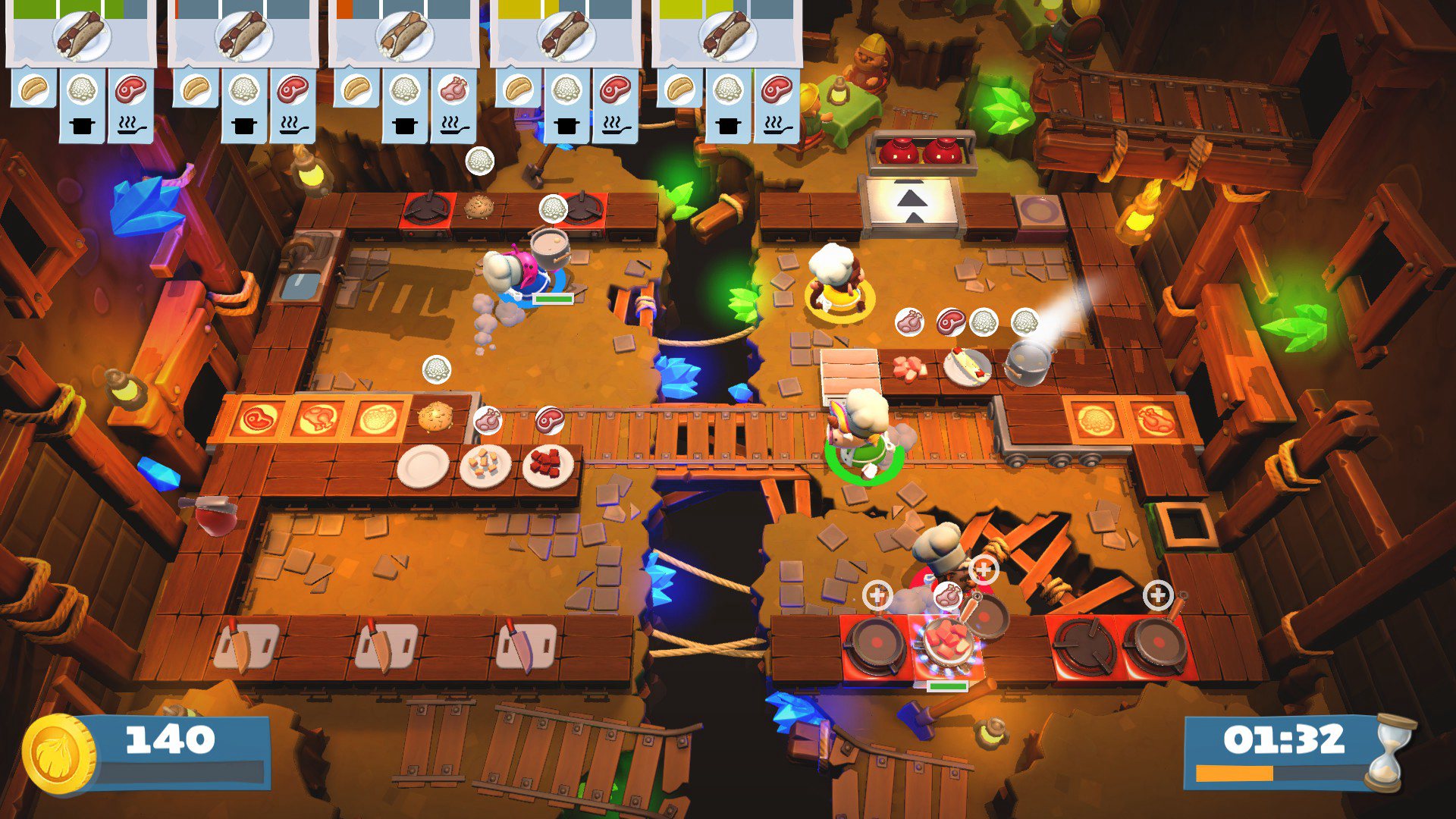
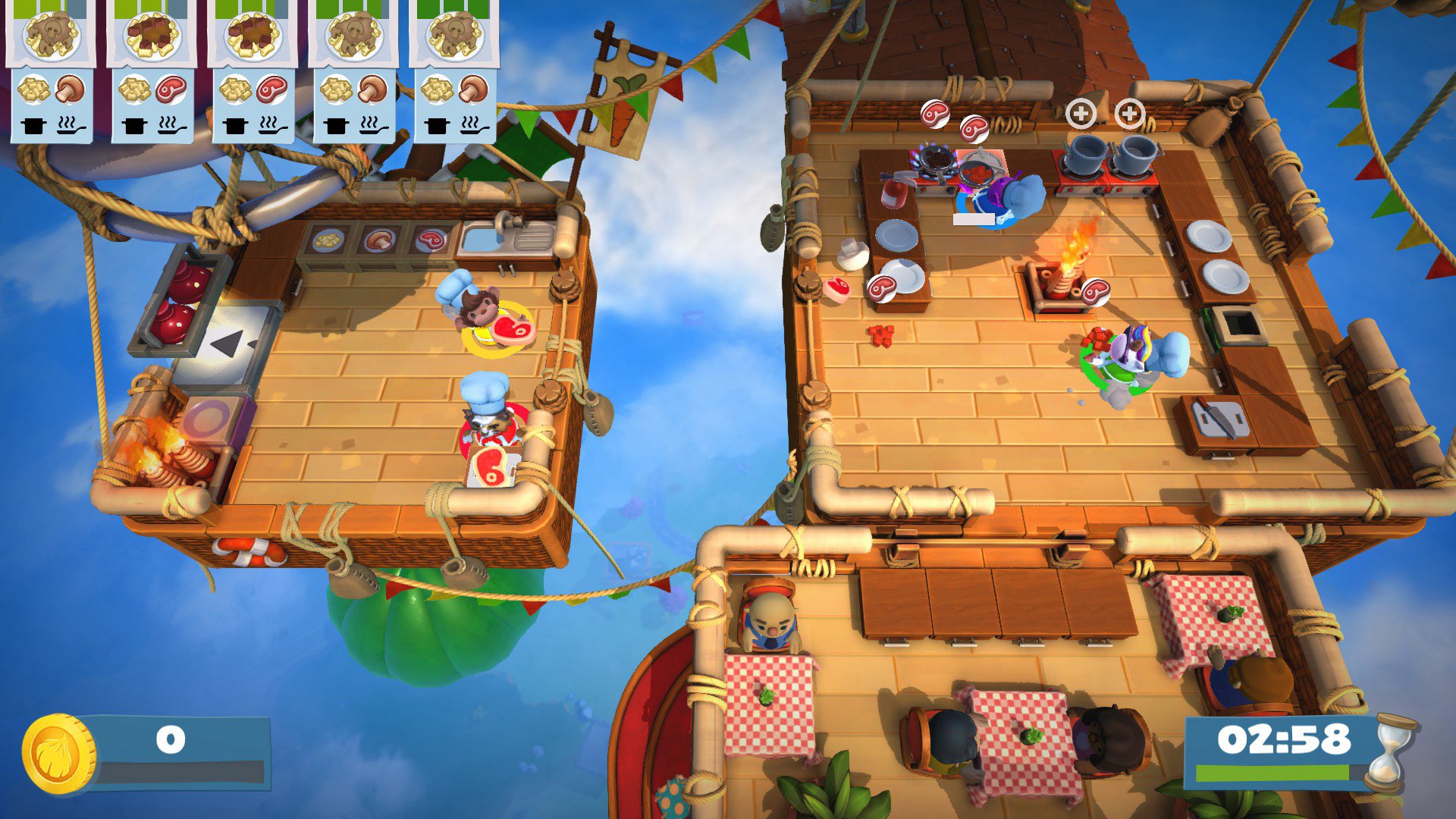
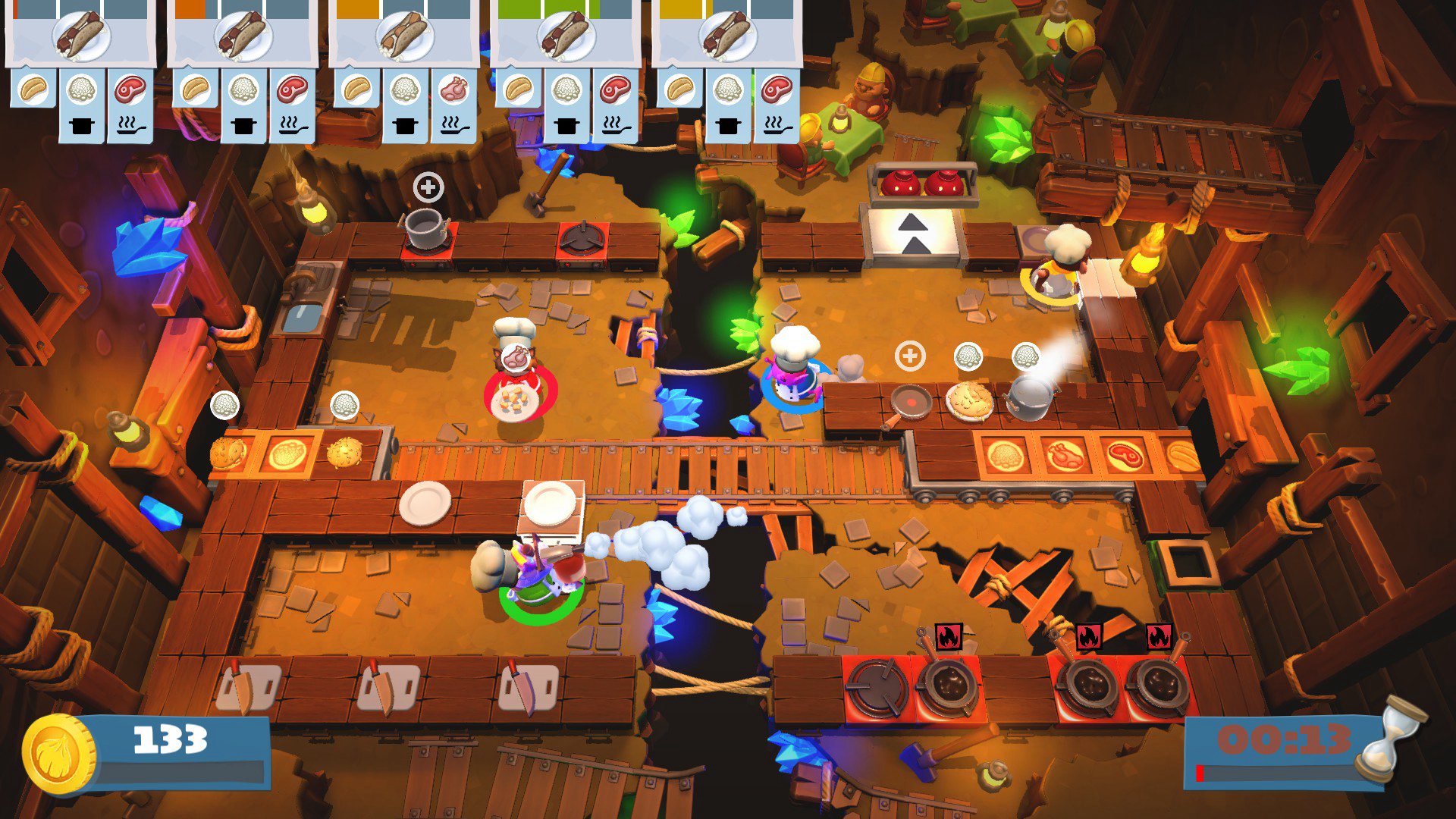
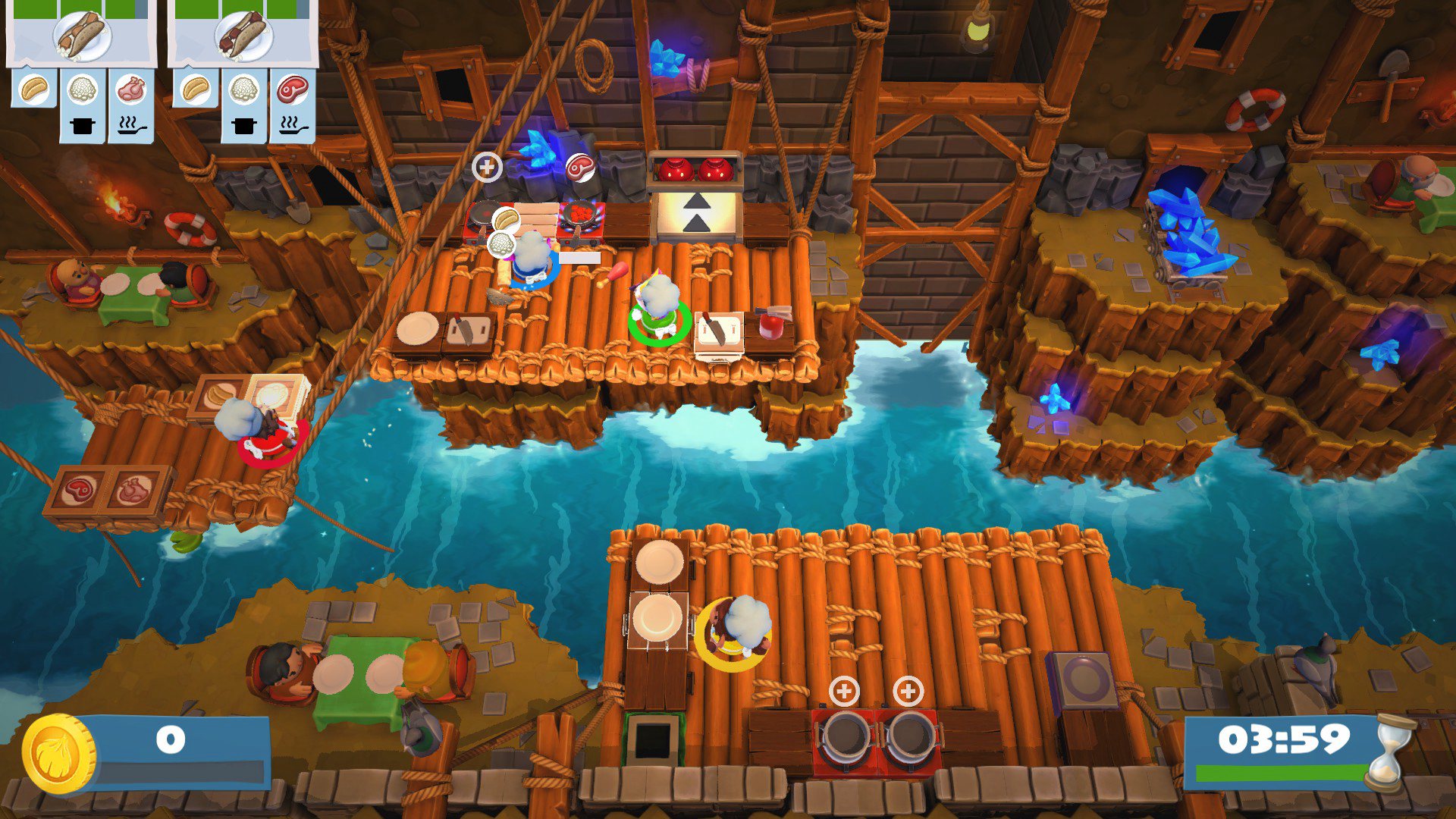
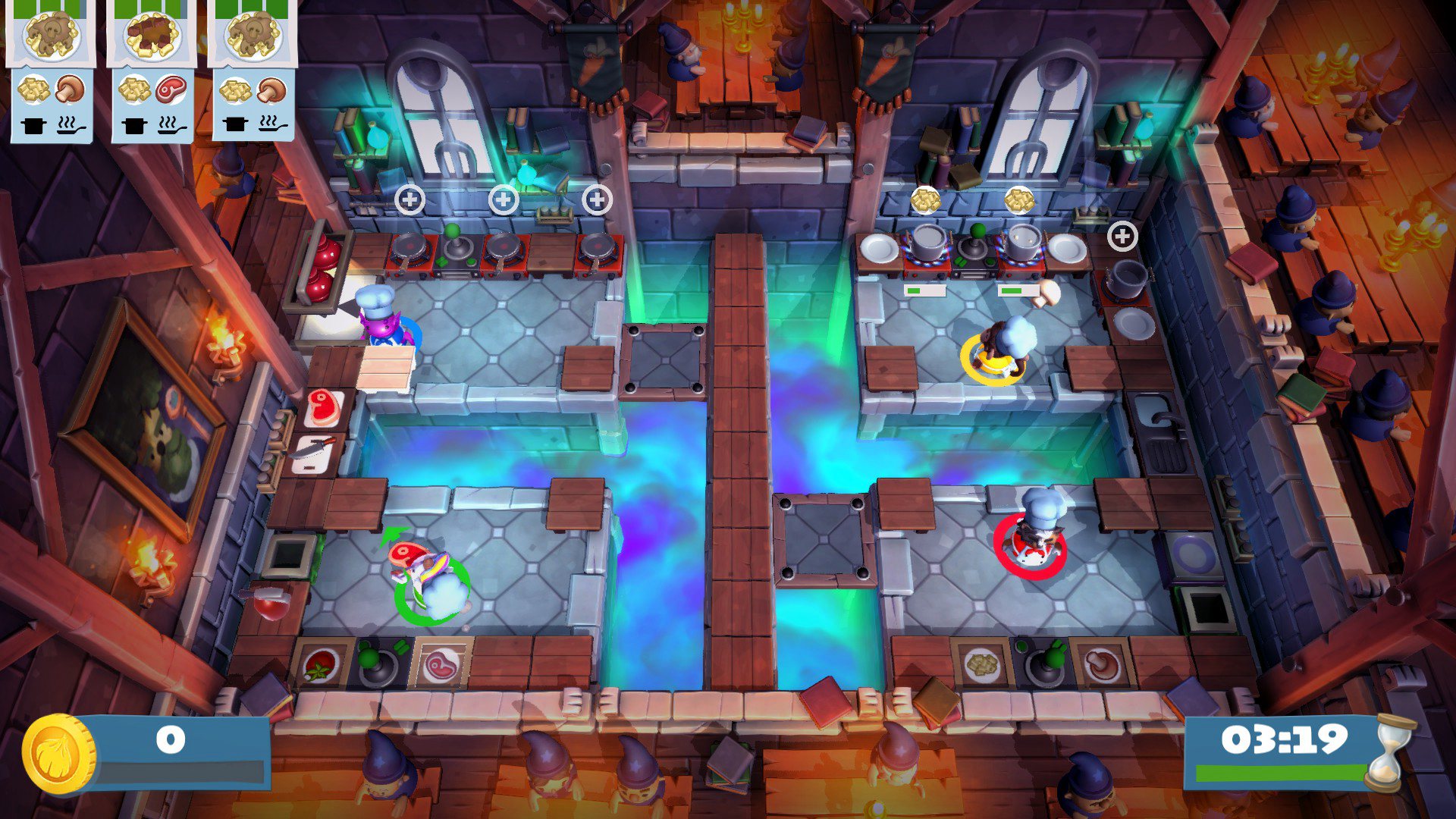
Grab your aprons, fire up those stoves and assemble the tastiest team yet with this sizzling Chef pack...TOO MANY COOKS! With the help of these 5 spicy new Chefs you’ll be chopping, frying and serving your way to culinary greatness in no time! They’ve got style, panache and the skills to match! Introducing... Monkey Chef: You’re sure to go bananas for their mouth-watering mayhem! Calico Cat Chef: The height of good taste, this feline is sure to break hearts (and eggs!) Walrus Chef: A kitchen veteran who knows their stuff - you’ll never find Walrus Chef fishing for compliments! Purple Alien Chef: Make space for Alien Chef, whose cooking is truly out of this world! Unicorn Chef: With their fantastical flavours and magical morsels, this Chef’s cuisine is the stuff of legend! With the deliciously delightful variety of Chefs available it’s hard to believe too many cooks would spoil anything!

Overcooked! 2 - Too Many Cooks Pack DLC screenshotOvercooked! 2 - Too Many Cooks Pack DLC screenshotOvercooked! 2 - Too Many Cooks Pack DLC screenshotOvercooked! 2 - Too Many Cooks Pack DLC screenshotOvercooked! 2 - Too Many Cooks Pack DLC screenshotOvercooked! 2 - Too Many Cooks Pack DLC screenshot

How to redeem

  1. 1Check the required base game, platform and edition before purchasing.
  2. 2Find the code or supplier activation instructions in your confirmed order.
  3. 3Redeem on Steam using the supplied instructions, then install the add-on with the compatible base game.

Supplier instructions

Go to: http://store.steampowered.com/ and download STEAM client Click "Install Steam" (from the upper right corner) Install and start application, login with your Account name and Password (create one if you don't have). Please follow these instructions to activate a new retail purchase on Steam: Launch Steam and log into your Steam account. Click the Games Menu. Choose Activate a Product on Steam... Follow the onscreen instructions to complete the process. After successful code verification go to the "MY GAMES" tab and start downloading.

You might also like