Get 10% back in Relic Coins on every order
Fallout 3 - Point Lookout DLC EN Language Only cover

Steam Europe - All Countries· DLC

Fallout 3 - Point Lookout DLC EN Language Only

€4.19

+€0.42 cashback eligibility in Relic Coins

Check before you play

Platform
Steam
Region
Europe - All Countries
Product type
DLC

Check the required base game and edition before purchasing this add-on.

Developer
Bethesda Game Studios
Publisher
Bethesda Softworks
Supplier release date
2010-07-16
Genres
RPG

About this product

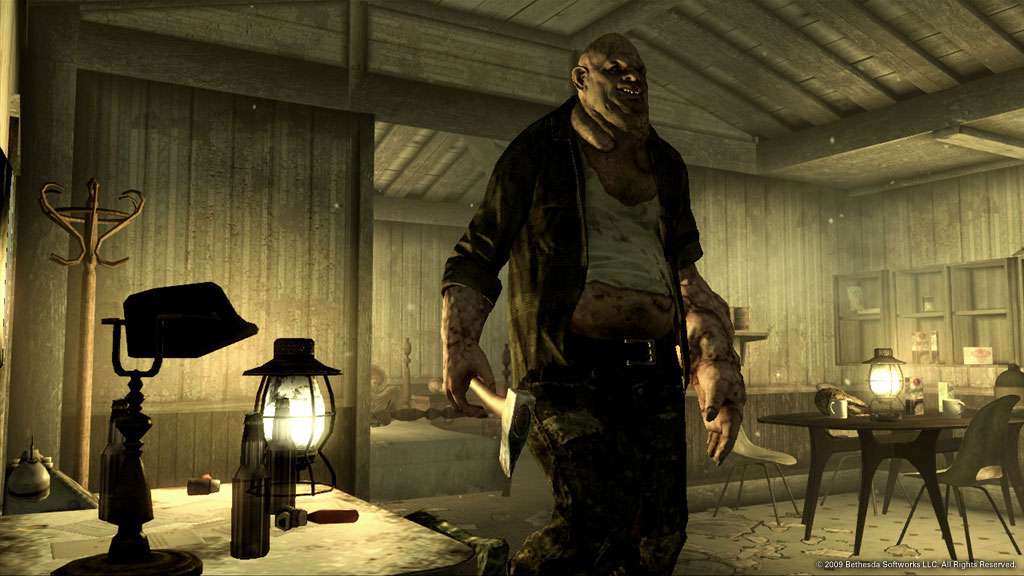
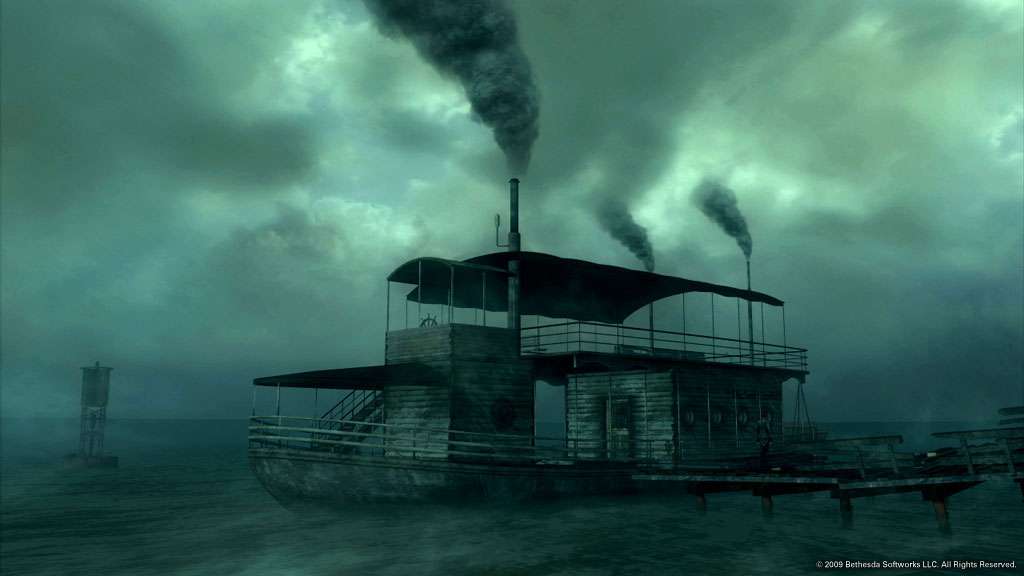
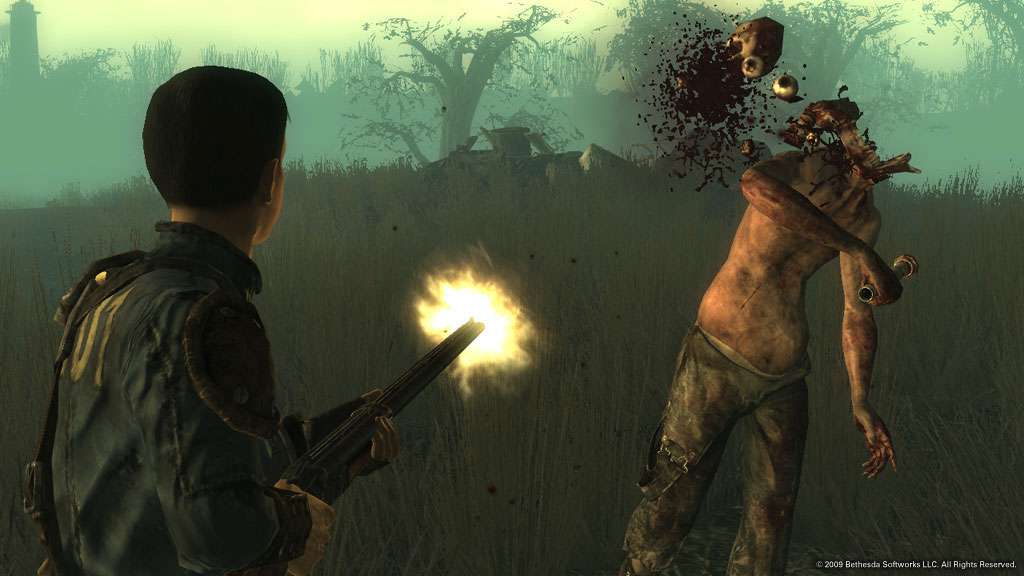
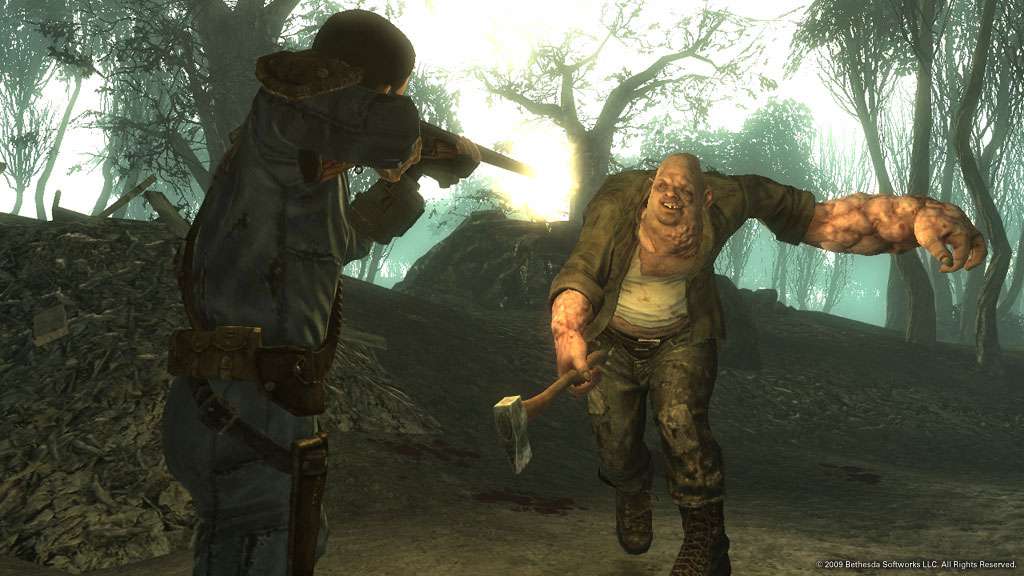
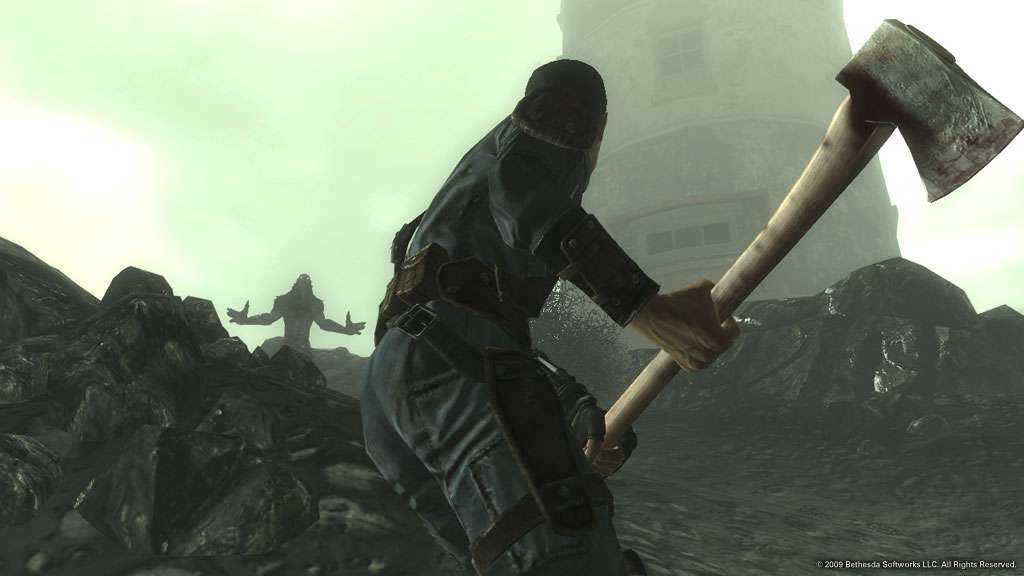
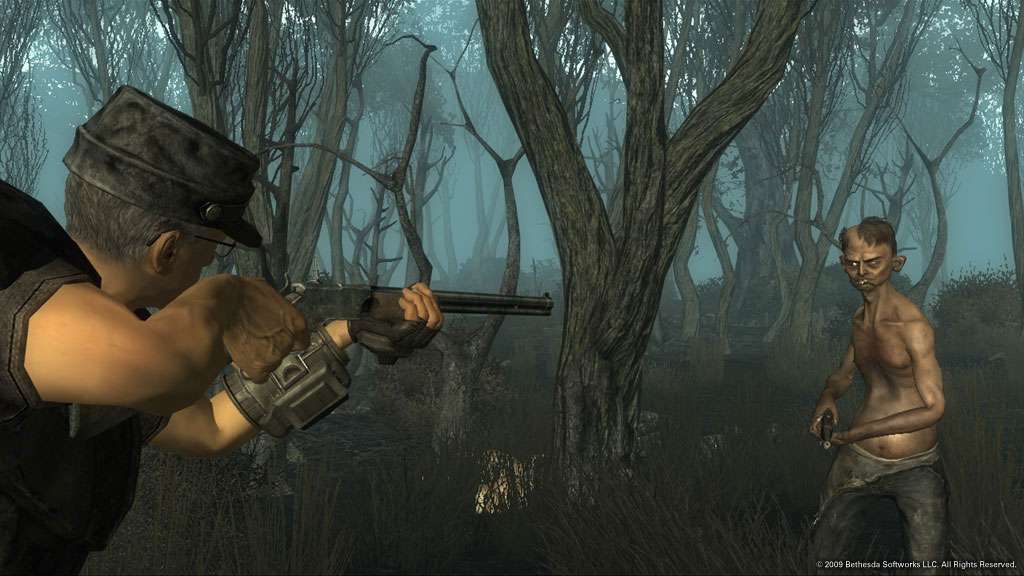
Buy a ticket and hop onboard the Duchess Gambit, as Tobar the Ferryman takes you to the strange seaside town of Point Lookout. What secrets does the dilapidated boardwalk hold? Who lives in the sprawling mansion? Why is the Punga Fruit so important? And what horrors lie in the depths of the murky swamp? Point Lookout is the most open-ended DLC yet, and allows you to explore an entirely new and expansive gameplay area any way you’d like. A completely new quest line allows you uncover the town’s hidden secrets, and wield powerful new weapons like the Double-Barrel Shotgun against the swamp’s dangerous, and deformed, denizens. So venture to Point Lookout, if you dare. Just pray it’s not a one-way trip.

Fallout 3 - Point Lookout DLC EN Language Only screenshotFallout 3 - Point Lookout DLC EN Language Only screenshotFallout 3 - Point Lookout DLC EN Language Only screenshotFallout 3 - Point Lookout DLC EN Language Only screenshotFallout 3 - Point Lookout DLC EN Language Only screenshotFallout 3 - Point Lookout DLC EN Language Only screenshot

How to redeem

  1. 1Check the required base game, platform and edition before purchasing.
  2. 2Find the code or supplier activation instructions in your confirmed order.
  3. 3Redeem on Steam using the supplied instructions, then install the add-on with the compatible base game.

Supplier instructions

Go to: http://store.steampowered.com/ and download STEAM client Click "Install Steam" (from the upper right corner) Install and start application, login with your Account name and Password (create one if you don't have). Please follow these instructions to activate a new retail purchase on Steam: Launch Steam and log into your Steam account. Click the Games Menu. Choose Activate a Product on Steam... Follow the onscreen instructions to complete the process. After successful code verification go to the "MY GAMES" tab and start downloading.

You might also like