Get 10% back in Relic Coins on every order
Tales from Candlekeep - Birdsong's Entertainer Pack DLC cover

SteamGlobal· DLC

Tales from Candlekeep - Birdsong's Entertainer Pack DLC

€1.11

+€0.11 cashback eligibility in Relic Coins

Check before you play

Platform
Steam
Region
Global
Product type
DLC

Check the required base game and edition before purchasing this add-on.

Developer
BKOM Studios
Publisher
BKOM Studios
Supplier release date
2017-11-15
Genres
Adventure, Strategy, RPG

About this product

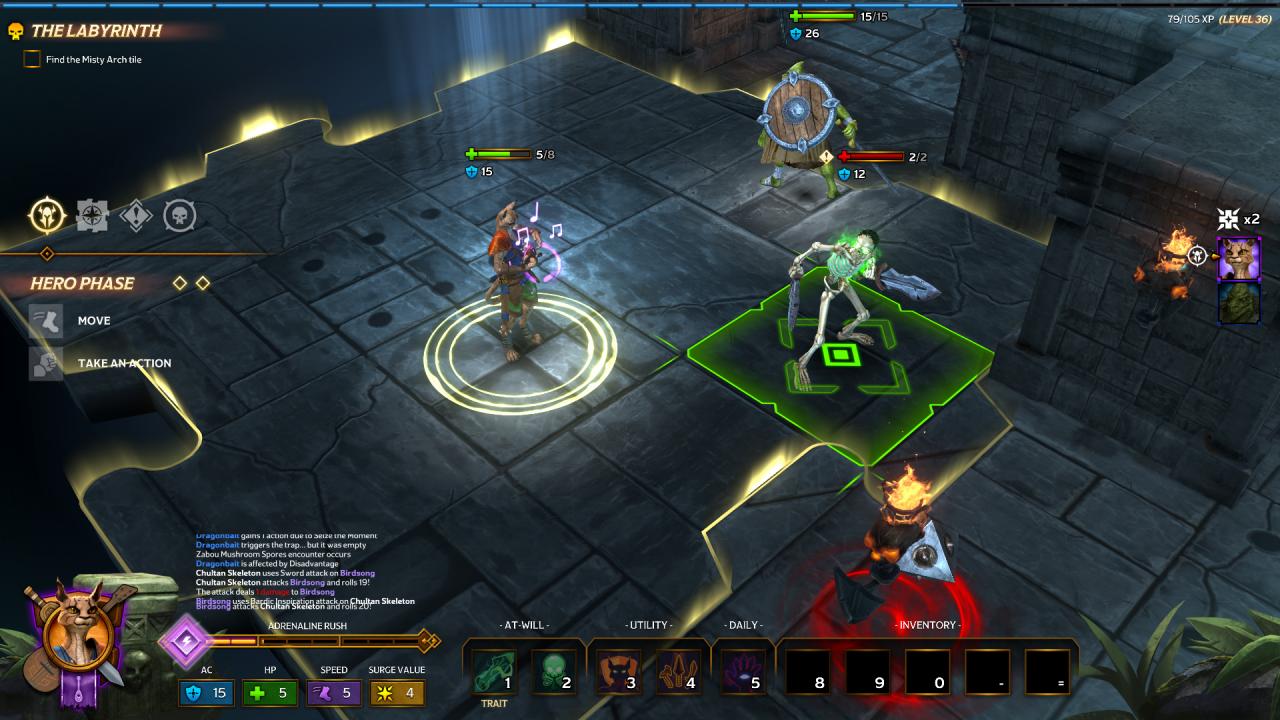
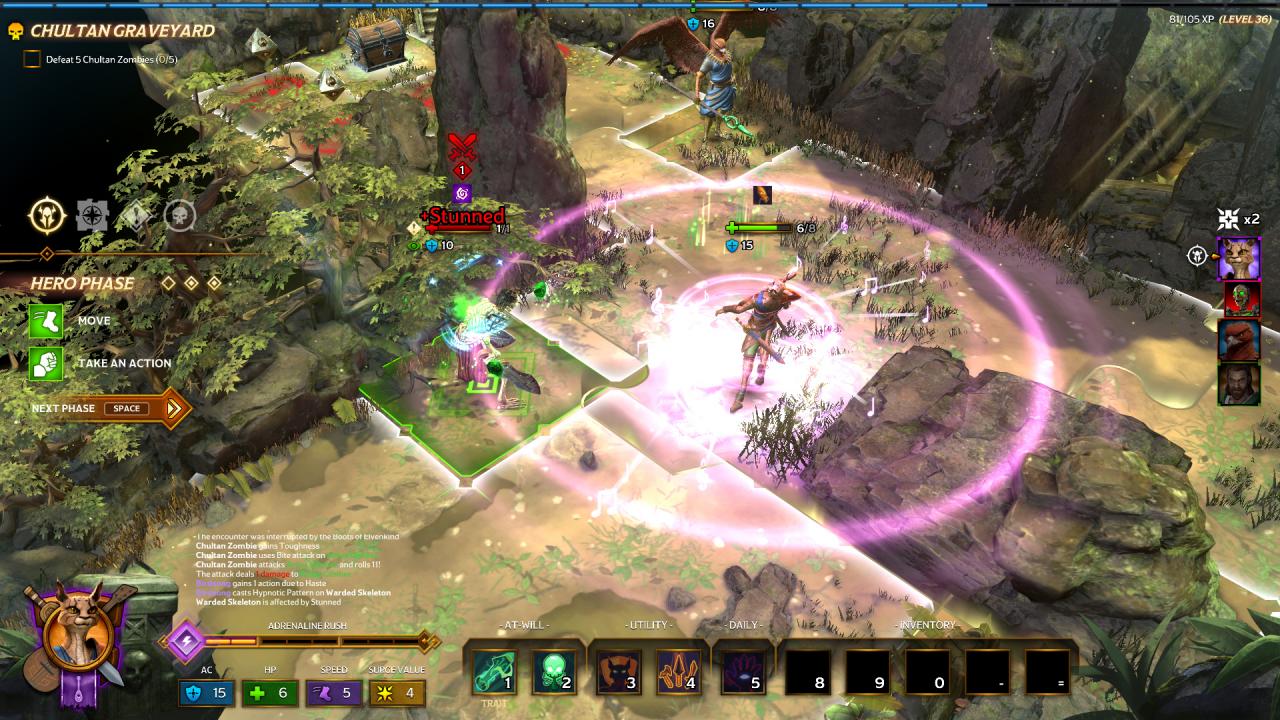
Includes: Birdsong Wallpaper Birdsong d20 Legendary “Singing Wind” Lute (+50% Gold) Additional Permanent Bonus: + 50% Gold* 5, 000 Gold Reinforced Legendary Chest: 40x Diamond, 40x Dragon Hide, 40x Adamantine, 40x Weirwood * Can be toggled on and off in game if desired. Dare to venture deeper into the deadly jungles of Chult with Birdsong's Entertainer Pack.Get a legendary accessory, additional gold pieces, as well as crafting materials to help you in your perilous adventure.But that’s not all! The pack also includes Birdsong's d20, an exclusive permanent 50% bonus to Gold earned*, and a wallpaper of Birdsong in super high resolution, 2560x1440 pixels, and lower! When purchased and downloaded, the wallpaper artwork will appear at \Steam\steamapps\common\TalesfromCandlekeep\Wallpapers.

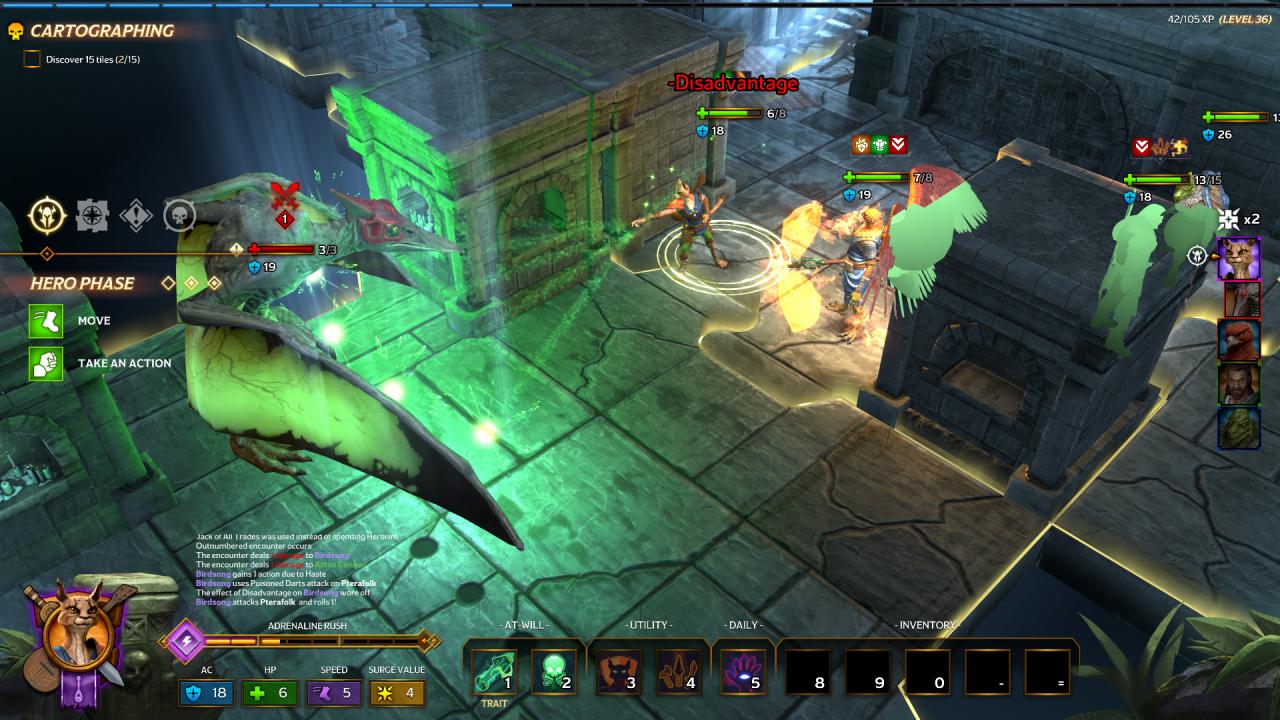
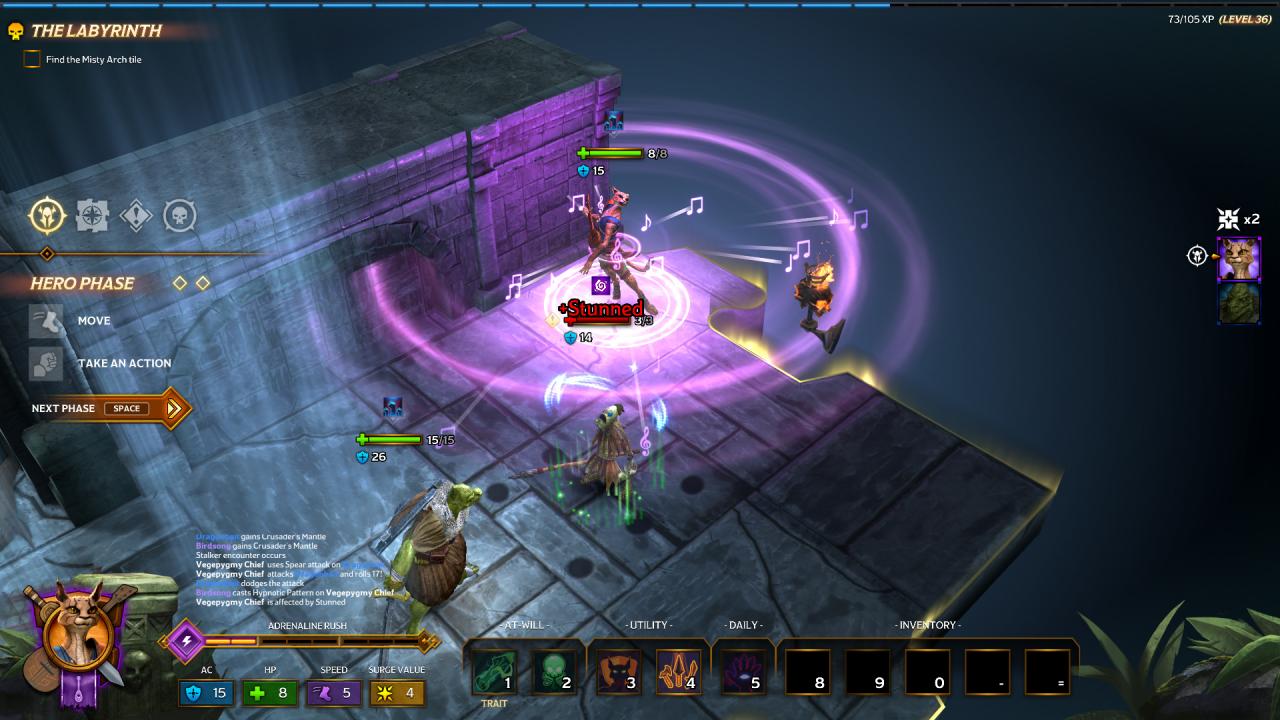
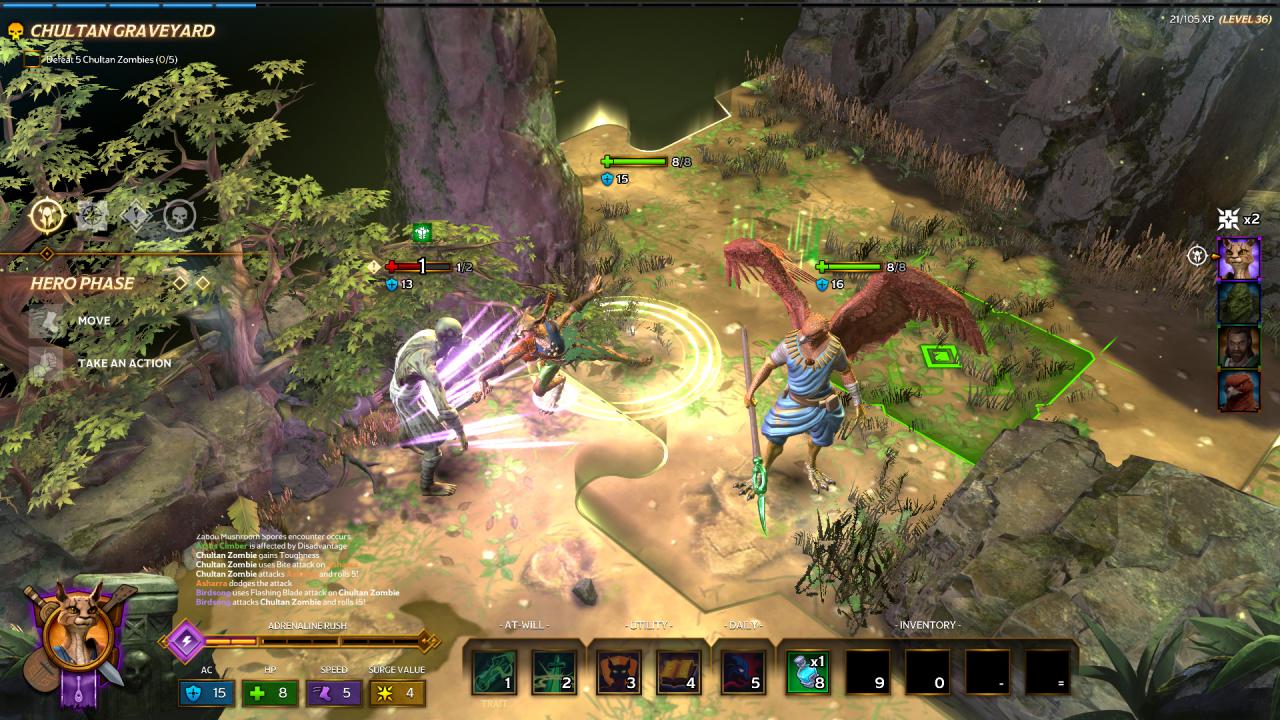
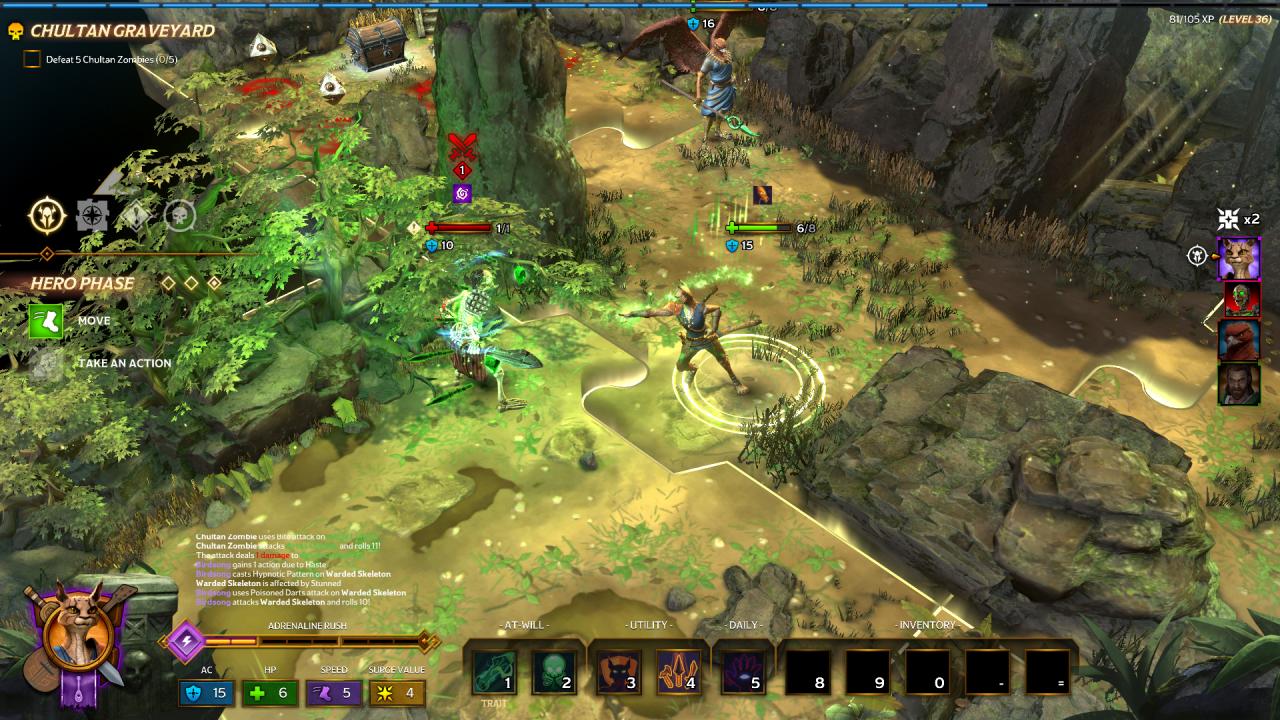
Tales from Candlekeep - Birdsong's Entertainer Pack DLC screenshotTales from Candlekeep - Birdsong's Entertainer Pack DLC screenshotTales from Candlekeep - Birdsong's Entertainer Pack DLC screenshotTales from Candlekeep - Birdsong's Entertainer Pack DLC screenshotTales from Candlekeep - Birdsong's Entertainer Pack DLC screenshotTales from Candlekeep - Birdsong's Entertainer Pack DLC screenshot

How to redeem

  1. 1Check the required base game, platform and edition before purchasing.
  2. 2Find the code or supplier activation instructions in your confirmed order.
  3. 3Redeem on Steam using the supplied instructions, then install the add-on with the compatible base game.

Supplier instructions

Go to: http://store.steampowered.com/ and download STEAM client Click "Install Steam" (from the upper right corner) Install and start application, login with your Account name and Password (create one if you don't have). Please follow these instructions to activate a new retail purchase on Steam: Launch Steam and log into your Steam account. Click the Games Menu. Choose Activate a Product on Steam... Follow the onscreen instructions to complete the process. After successful code verification go to the "MY GAMES" tab and start downloading.

You might also like