Get 10% back in Relic Coins on every order
Disney•Pixar WALL-E EN Language Only cover

Steam Europe - All Countries· Key

Disney•Pixar WALL-E EN Language Only

€15.74

+€1.57 cashback eligibility in Relic Coins

Check before you play

Platform
Steam
Region
Europe - All Countries
Product type
Key
Developer
Asobo Studio
Publisher
THQ, Disney Interactive
Supplier release date
2008-12-11
Genres
Adventure

About this product

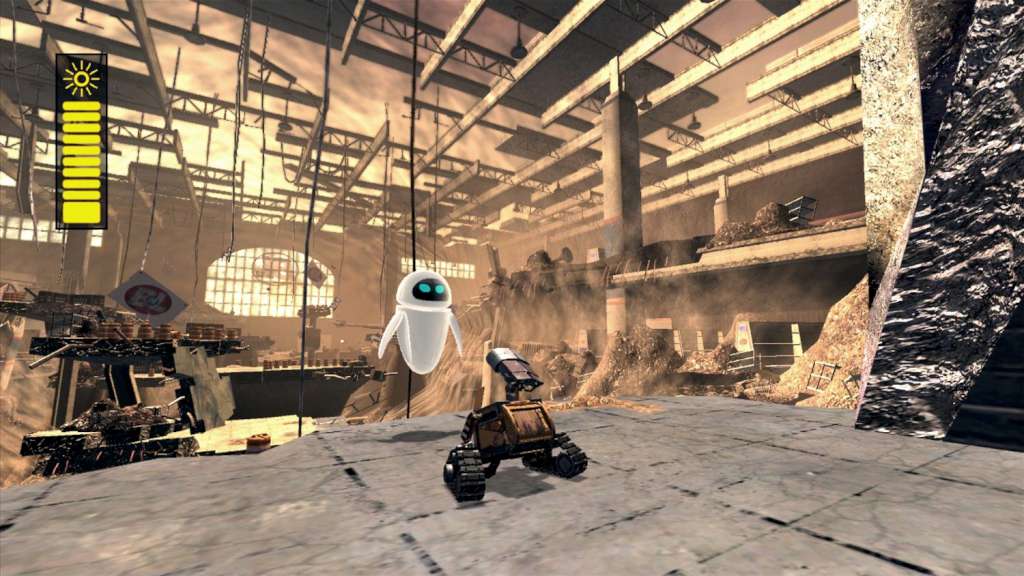
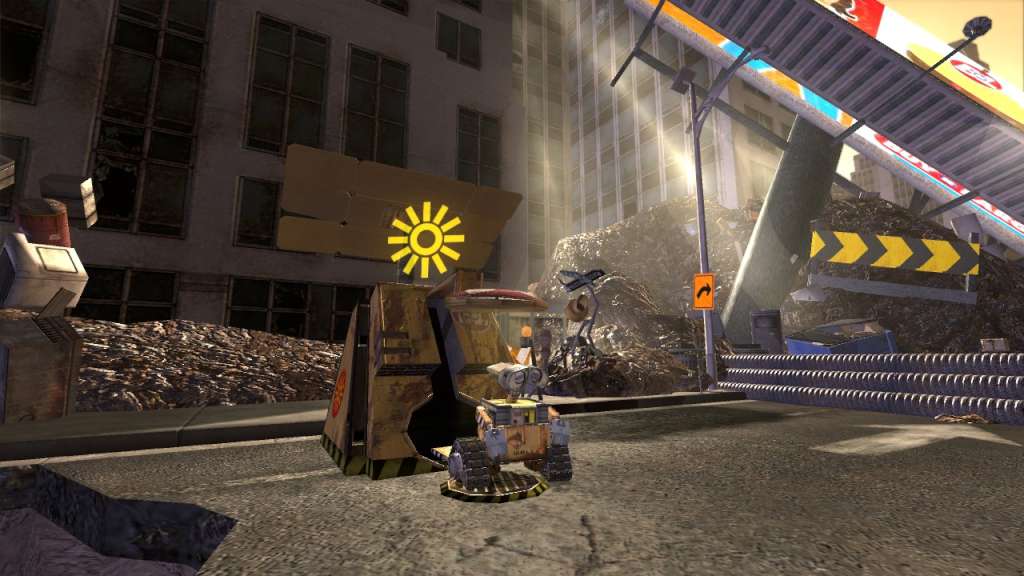
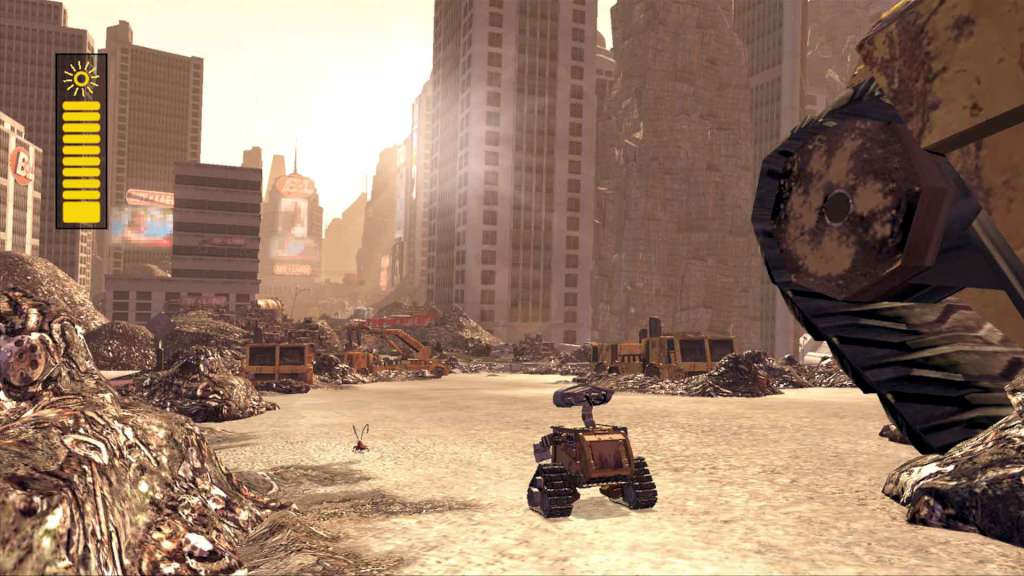
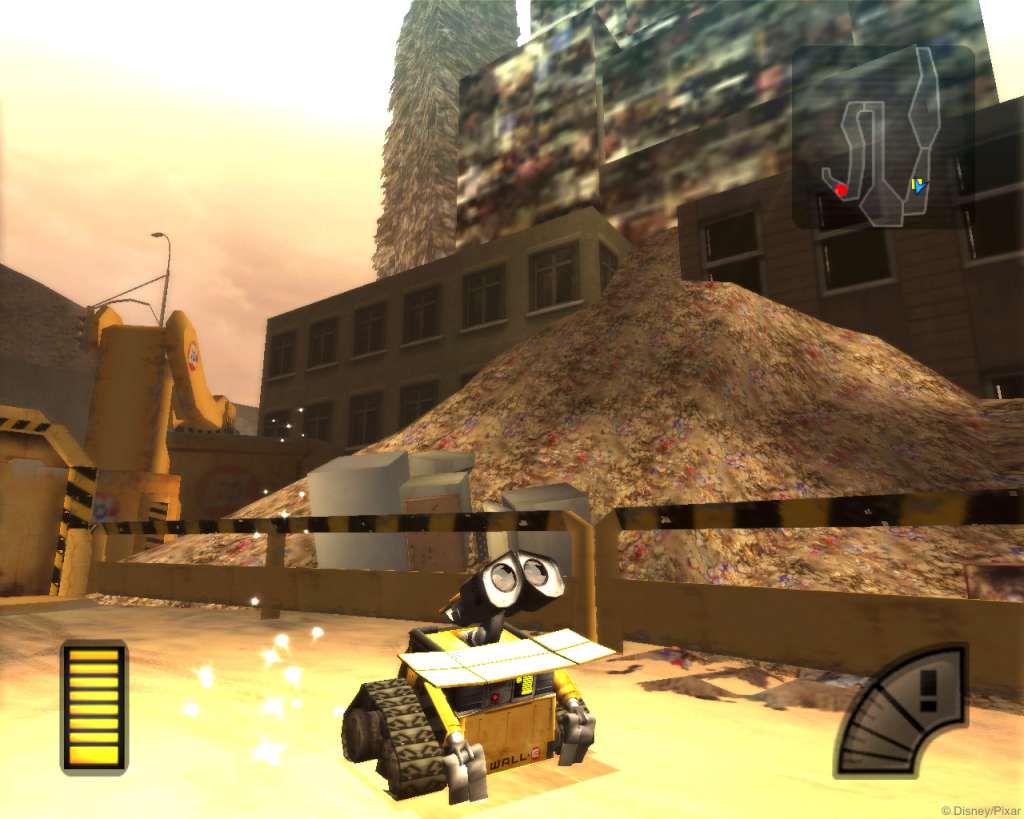
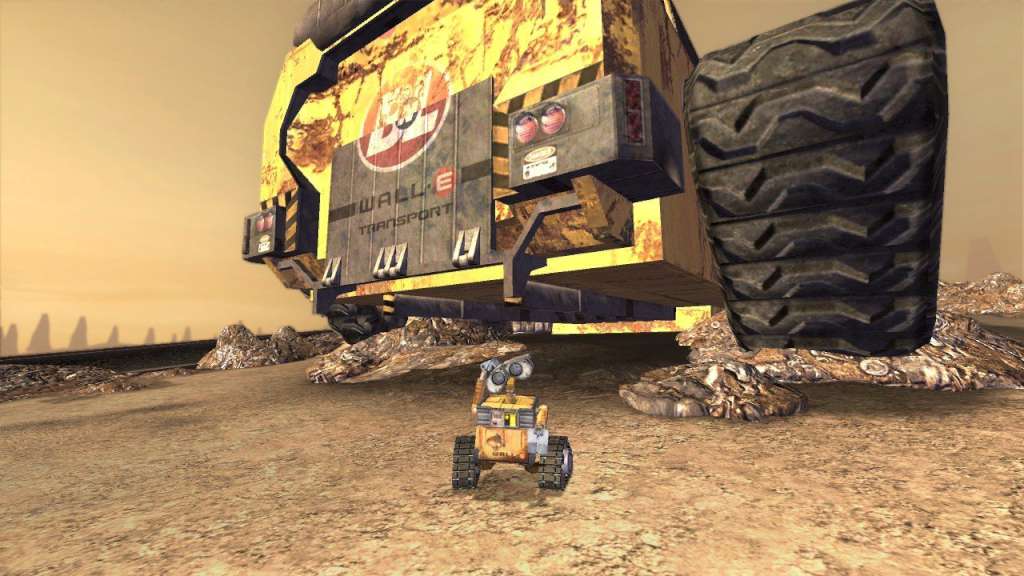
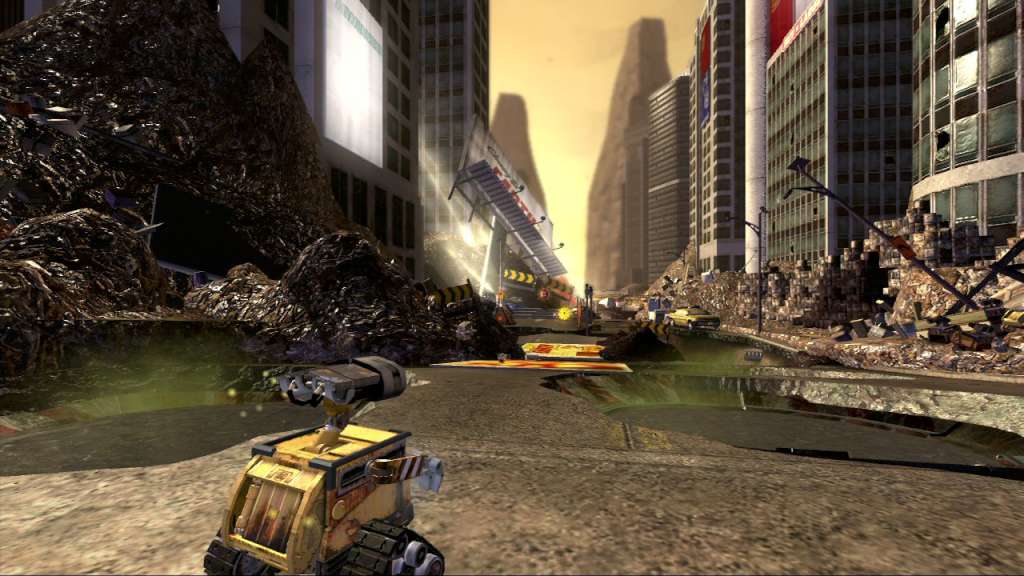
WALL-E follows the story of a small, sentient robot whose sole purpose is to clean up Earth's voluminous garbage. In the year 2700, mankind has left behind millions of tiny trash collectors to make the planet habitable again. Yet only WALL-E remains functional, dutifully performing his task while collecting an odd assortment of souvenirs. His uneventful life takes on new meaning when he encounters a sleek, shiny robot named EVE, sent by humans to monitor the clean-up progress. Based on the 2008 computer animated film from Pixar Animation Studios, the video game version of WALL-E involves playing as the lonely robot as he navigates a trash-tainted world and begins an unlikely trek across the cosmos. Gameplay consists of using WALL-E's distinct abilities to create ""cubes"" used to build platforms or to create distractions. In addition to solving puzzles throughout the solo adventure, up to four players can compete in mini-games ranging from timed races through space to competitive battles.

Disney•Pixar WALL-E EN Language Only screenshotDisney•Pixar WALL-E EN Language Only screenshotDisney•Pixar WALL-E EN Language Only screenshotDisney•Pixar WALL-E EN Language Only screenshotDisney•Pixar WALL-E EN Language Only screenshotDisney•Pixar WALL-E EN Language Only screenshot

How to redeem

  1. 1Check your Steam account and the listed region before purchasing.
  2. 2Find your code and supplier activation instructions in your confirmed order.
  3. 3Open the redeem-code section on Steam, enter the code and follow the platform’s prompts.

Supplier instructions

Go to: http://store.steampowered.com/ and download STEAM client Click "Install Steam" (from the upper right corner) Install and start application, login with your Account name and Password (create one if you don't have). Please follow these instructions to activate a new retail purchase on Steam: Launch Steam and log into your Steam account. Click the Games Menu. Choose Activate a Product on Steam... Follow the onscreen instructions to complete the process. After successful code verification go to the "MY GAMES" tab and start downloading.

You might also like