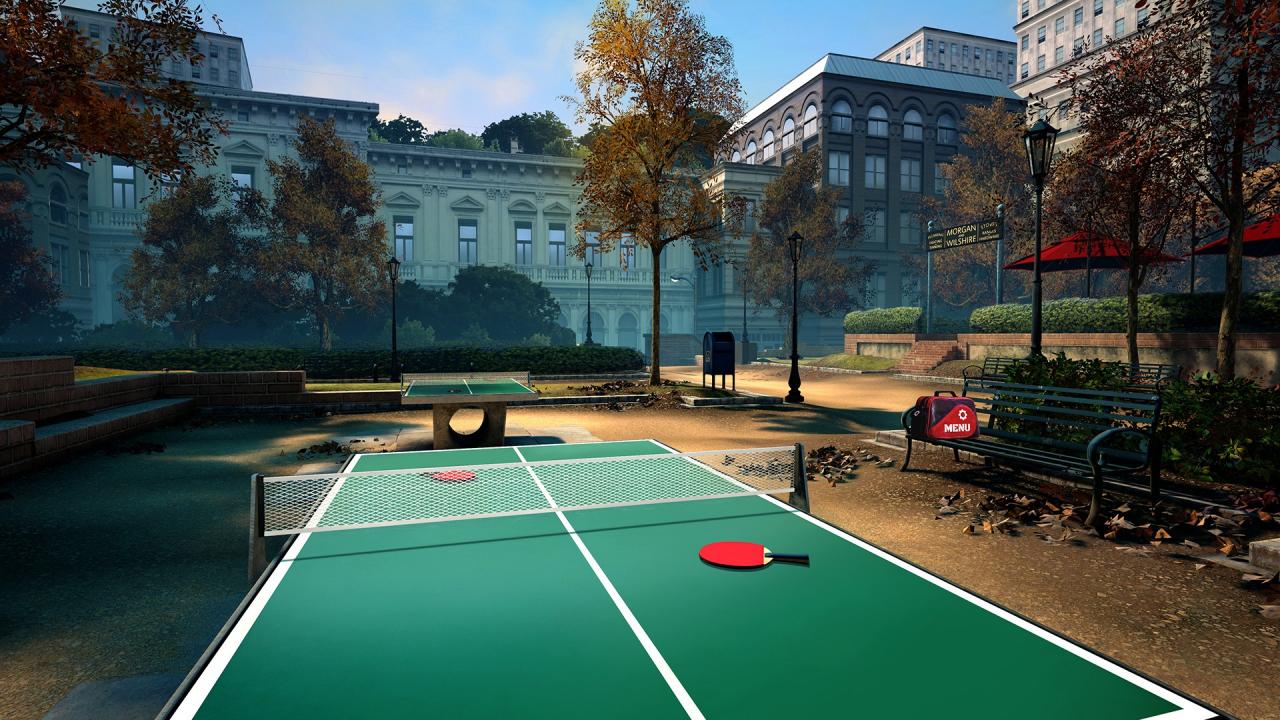
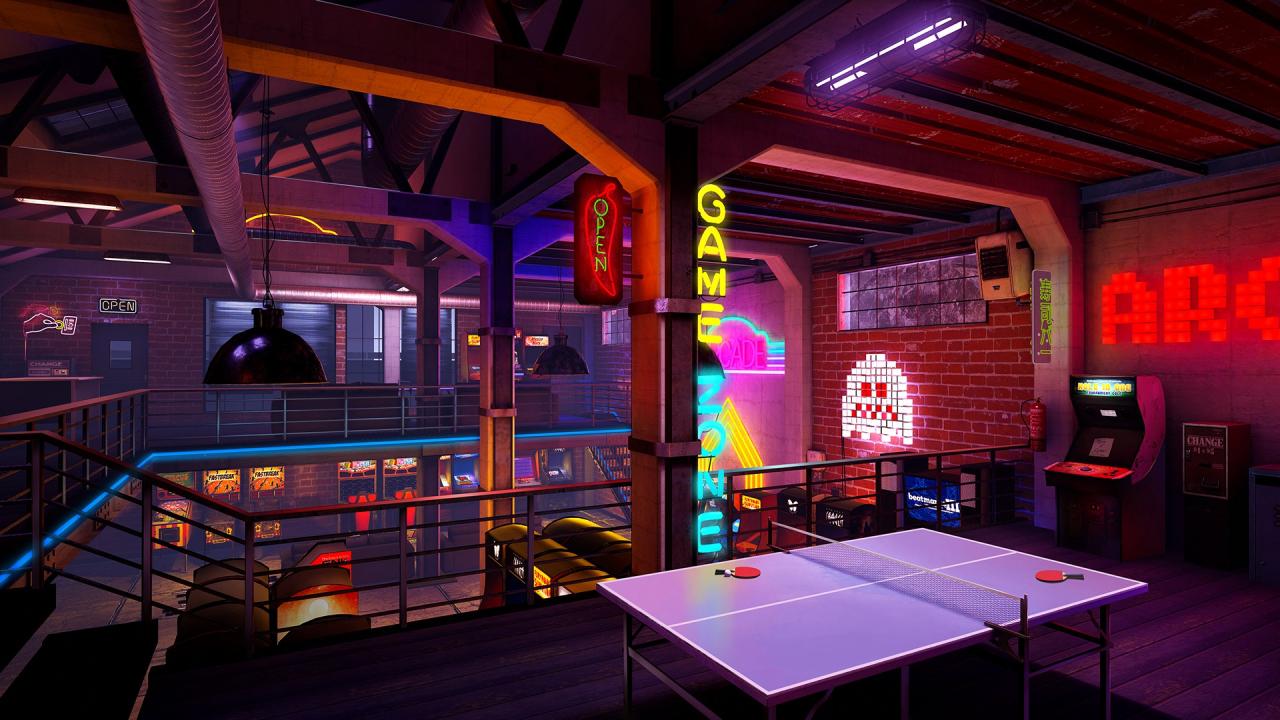
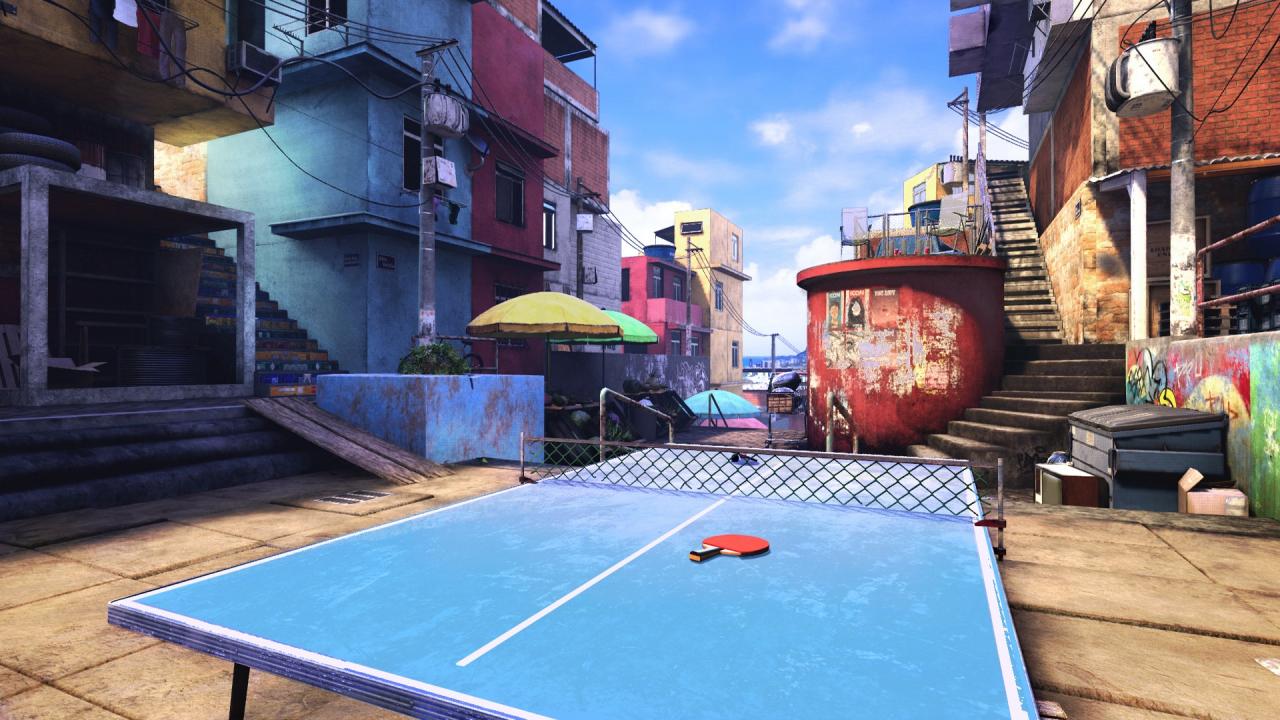
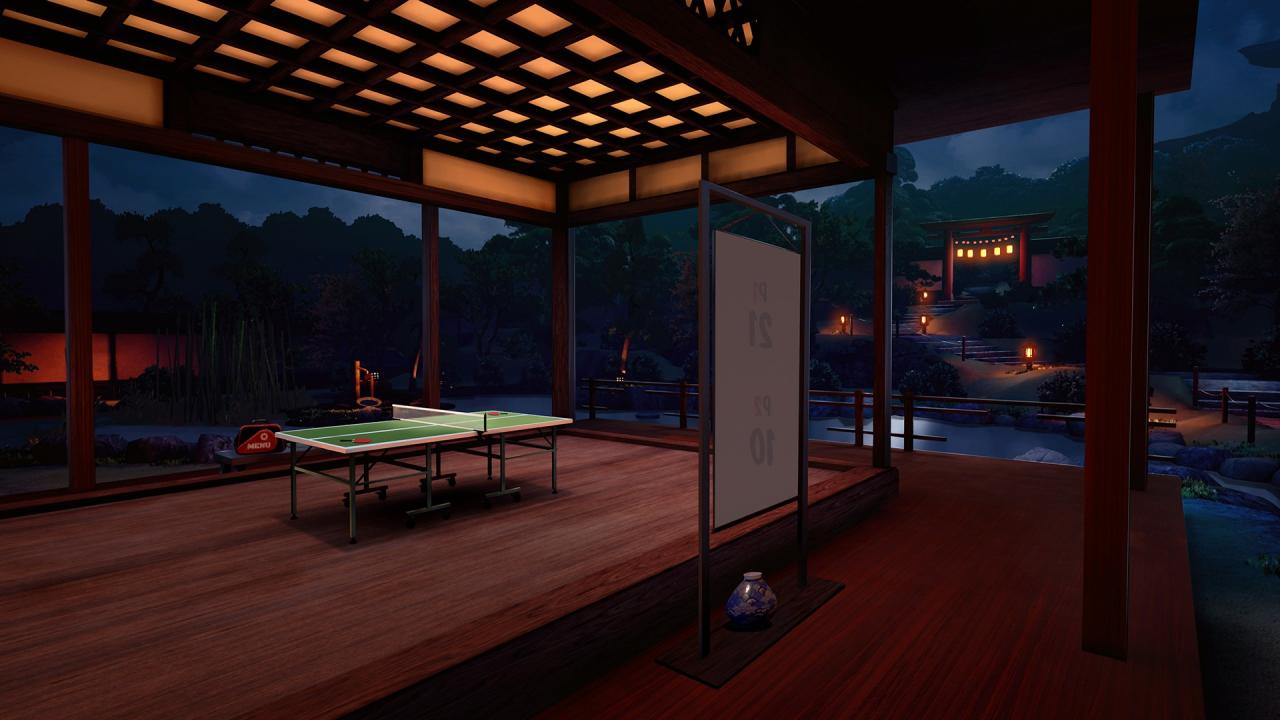
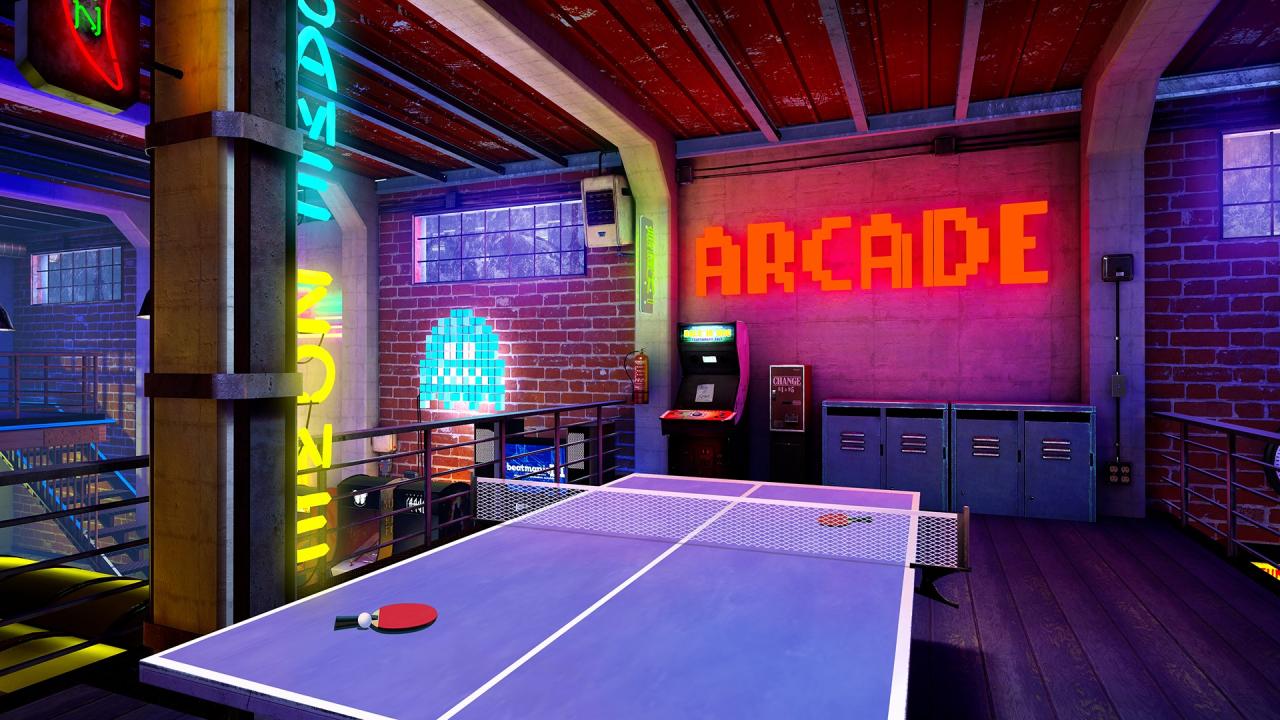
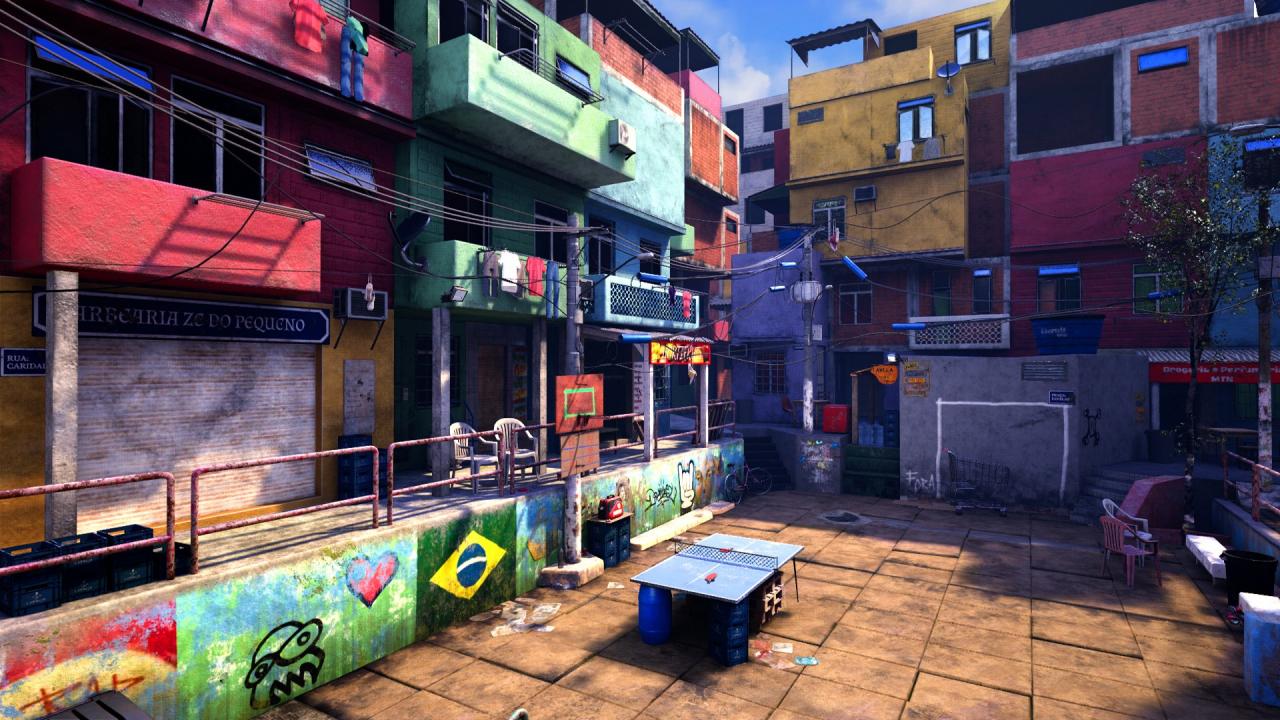
Rackets at the ready! VR Ping Pong Pro is the follow up to the hit table tennis simulator of 2016, VR Ping Pong. Test your skills with a variety of challenging game modes, as you rise up the ranks to become the true Ping Pong Pro! Do you have what it takes? Pick up your virtual racket and find out!Featuring 8 new levels including an arcade, a stadium and a Japanese garden; you can compete to become the champion against gorgeous and photorealistic backdrops! VR Ping Pong Pro also features racket/ball customisation with a tonne of different options to choose from; you can become the pro in style!Go from novice to pro with 5 unique difficulty levels to suit any player’s skill level. The addition of online multiplayer raises the stakes as you all compete to become the true Ping Pong Pro – after all, there can only be one! Will it be you? Features: Singles Match – (Player vs CPU or Player 1 vs Player 2) Online multiplayer – choose to play either single matches or tournaments with people from all over the world Become the best in Tournament Mode Exciting mini games where you can hone your skills or just have fun! A variety of photo-realistic environments, placing you right at the centre of the action True to life physics, (with full-spin mechanics), make it feel like you’re really there! An array of customisation options available ranging from new rackets to new balls!