Get 10% back in Relic Coins on every order
Star Wars Rebellion cover

Steam Europe - All Countries· Key

Star Wars Rebellion

€1.56

+€0.16 cashback eligibility in Relic Coins

Check before you play

Platform
Steam
Region
Europe - All Countries
Product type
Key
Developer
Coolhand Interactive
Publisher
LucasArts, Lucasfilm, Disney
Supplier release date
1998-02-28
Genres
Action, Adventure, Strategy

About this product

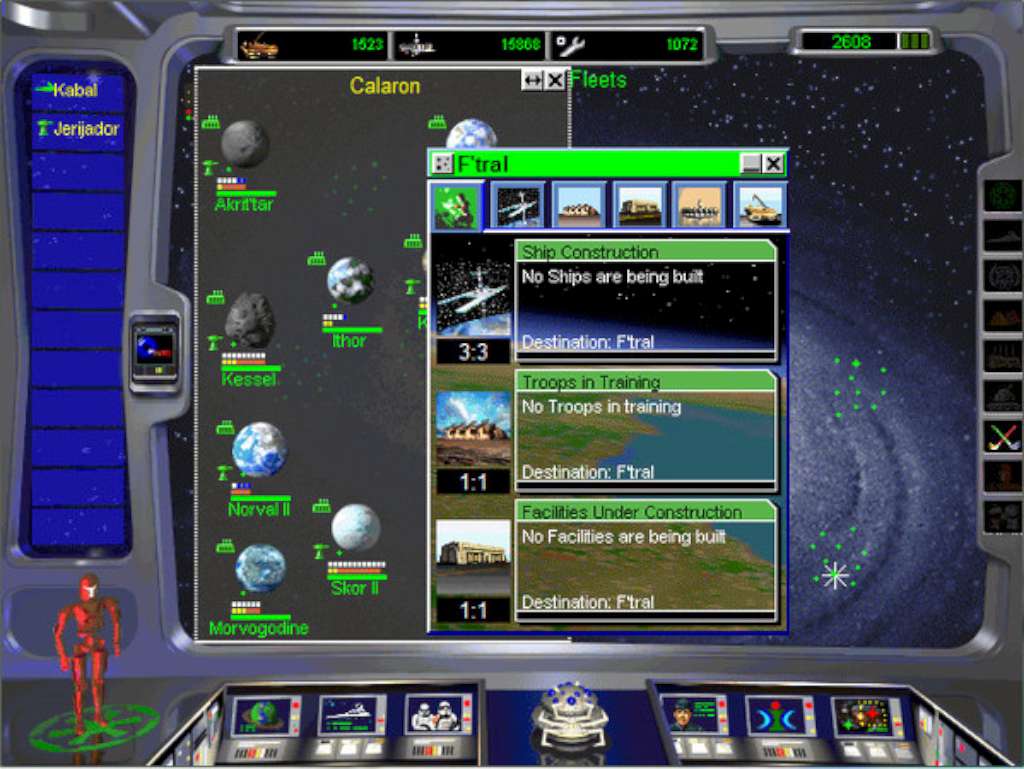
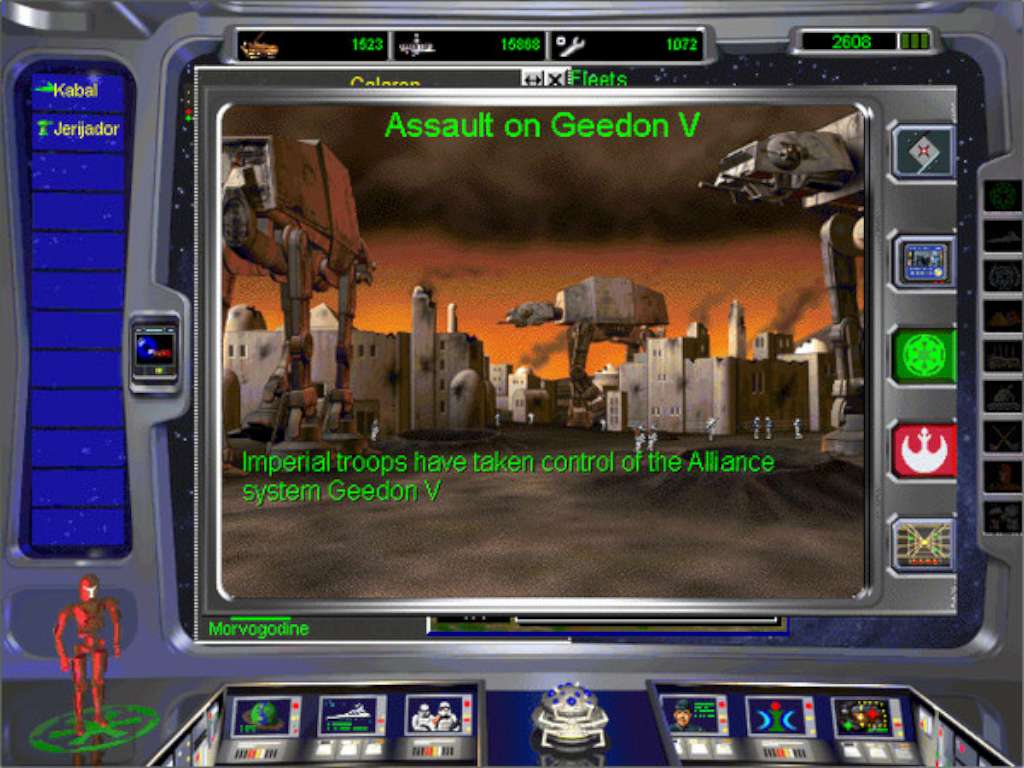
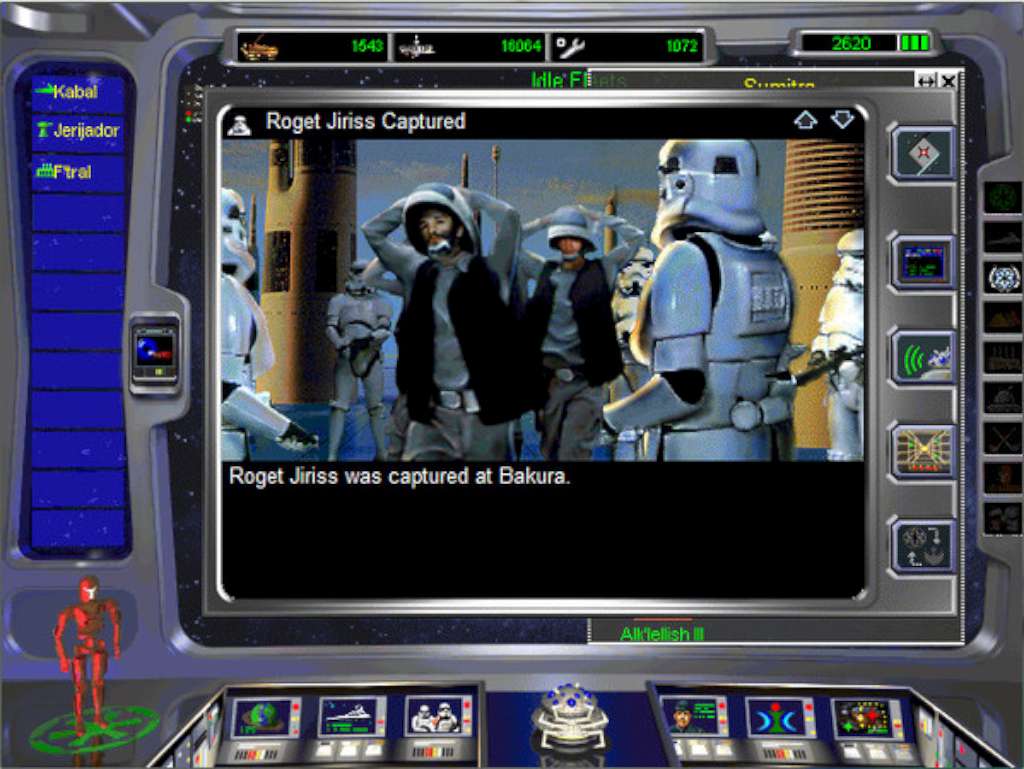
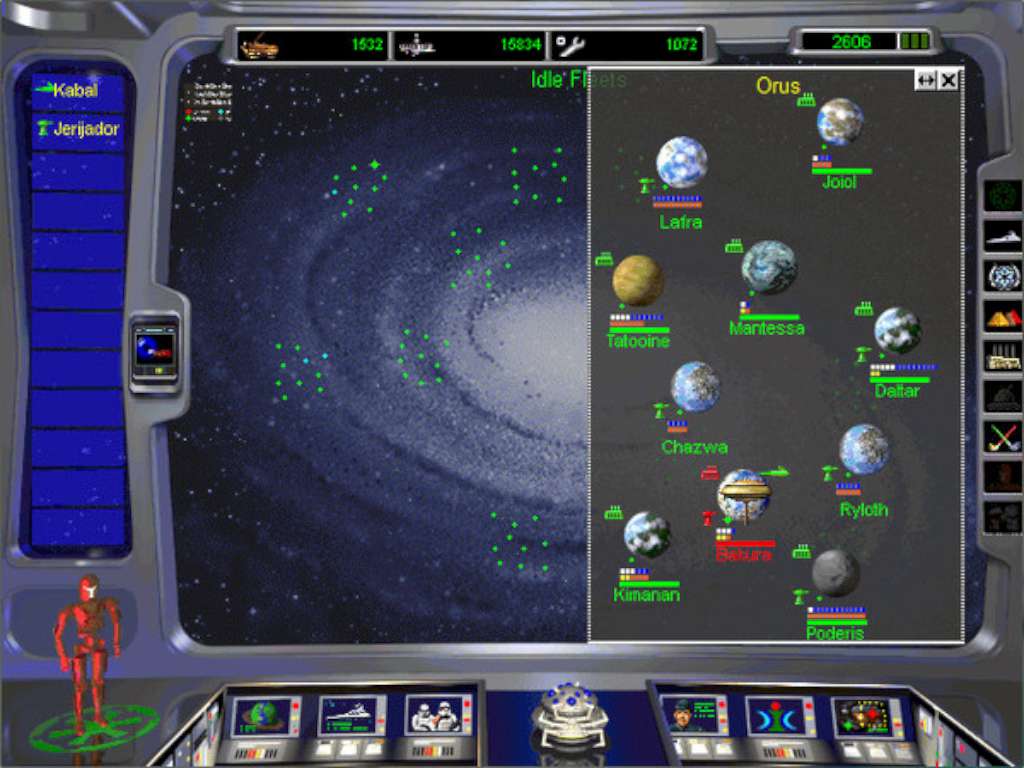
Subvert the Empire. Crush the Alliance. Your Choice. Your Destiny. It is a time of great upheaval. The first Death Star has been destroyed, marking a major victory for the Rebellion. But the Empire remains strong. As commander, you must choose to take control of either the Rebel Alliance or the Galactic Empire. Your goal: complete domination of the galaxy. Take the galaxy by force. Take the galaxy through diplomacy. Take the galaxy via covert operations. Earn the loyalty (or resentment) of up to 200 worlds. Star Wars™ Rebellion gives you a myraid of means to implement strategy and tactics on a grand scale and in a real-time environment. With control of the entire Star Wars galaxy as the prize, will the Force™ be with you? Discover for yourself. Features Strategy Gaming on an Epic Scale - Take control of either the Rebel Alliance or the Galactic Empire as you vie for the support of up to 200 worlds. The real-time environment will test your strategic mettle at every turn. Comprehensive Resource Management - Strategic portion lets you manage manufacturing, resources, fleet deployment and mission assignments. Innovative 3D Battle Simulation - Take complete command of fleets in dramatic battle sequences – almost a separate game in itself.

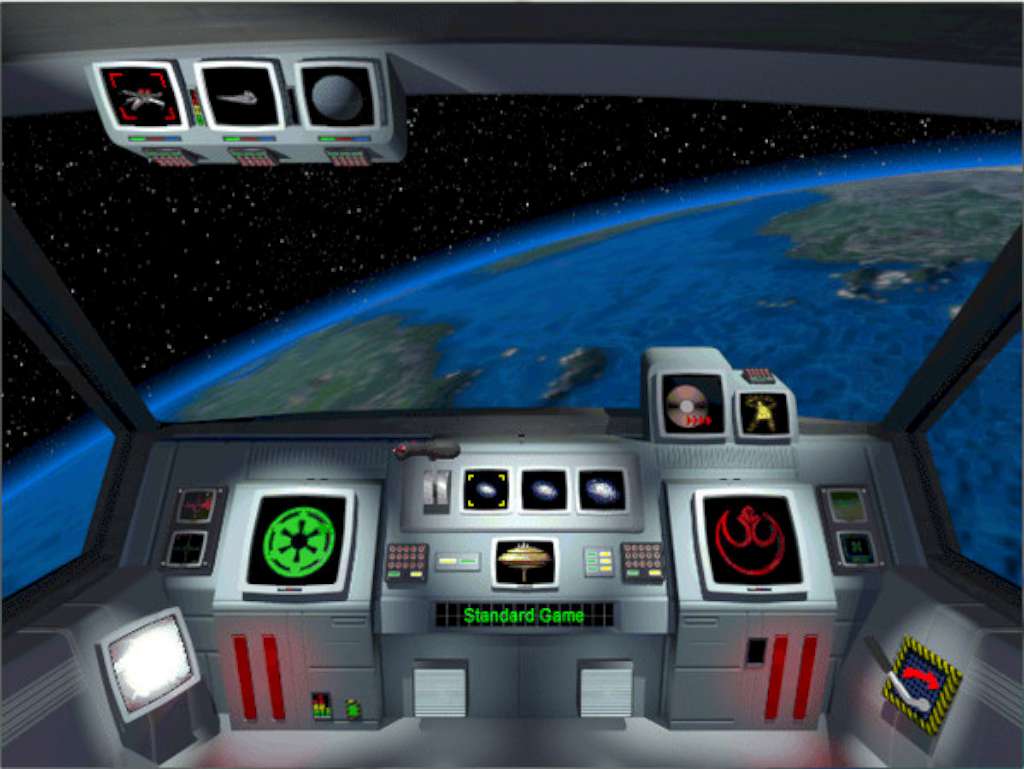
Star Wars Rebellion screenshotStar Wars Rebellion screenshotStar Wars Rebellion screenshotStar Wars Rebellion screenshotStar Wars Rebellion screenshot

How to redeem

  1. 1Check your Steam account and the listed region before purchasing.
  2. 2Find your code and supplier activation instructions in your confirmed order.
  3. 3Open the redeem-code section on Steam, enter the code and follow the platform’s prompts.

Supplier instructions

Go to: http://store.steampowered.com/ and download STEAM client Click "Install Steam" (from the upper right corner) Install and start application, login with your Account name and Password (create one if you don't have). Please follow these instructions to activate a new retail purchase on Steam: Launch Steam and log into your Steam account. Click the Games Menu. Choose Activate a Product on Steam... Follow the onscreen instructions to complete the process. After successful code verification go to the "MY GAMES" tab and start downloading.

You might also like