Get 10% back in Relic Coins on every order
Canyon Capers EN Language Only cover

Steam Europe - All Countries· Key

Canyon Capers EN Language Only

€0.26

+€0.03 cashback eligibility in Relic Coins

Check before you play

Platform
Steam
Region
Europe - All Countries
Product type
Key
Developer
Crazy Moo Games
Publisher
KISS ltd
Supplier release date
2014-04-25
Genres
Action, Indie, Casual, Platformer

About this product

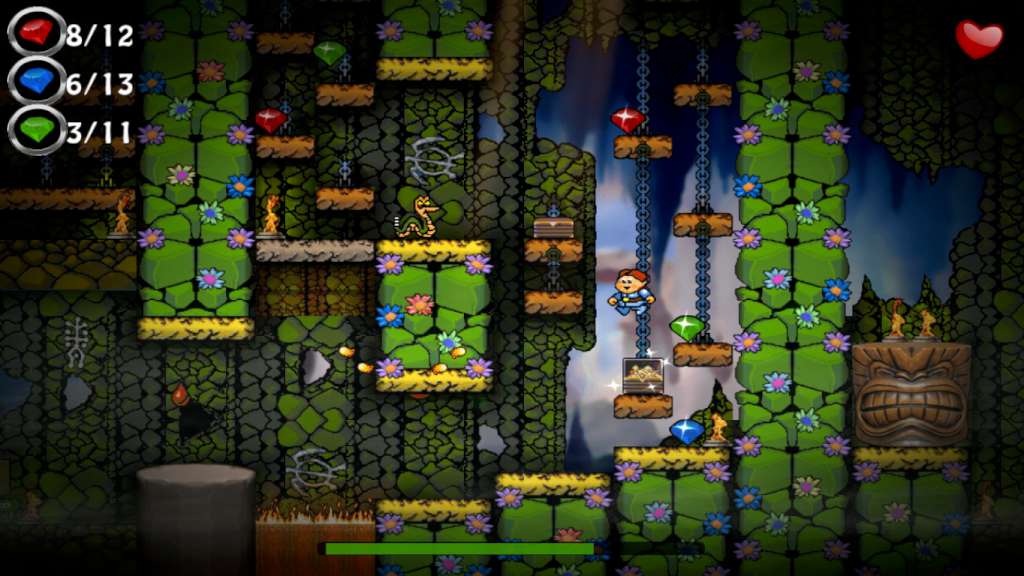
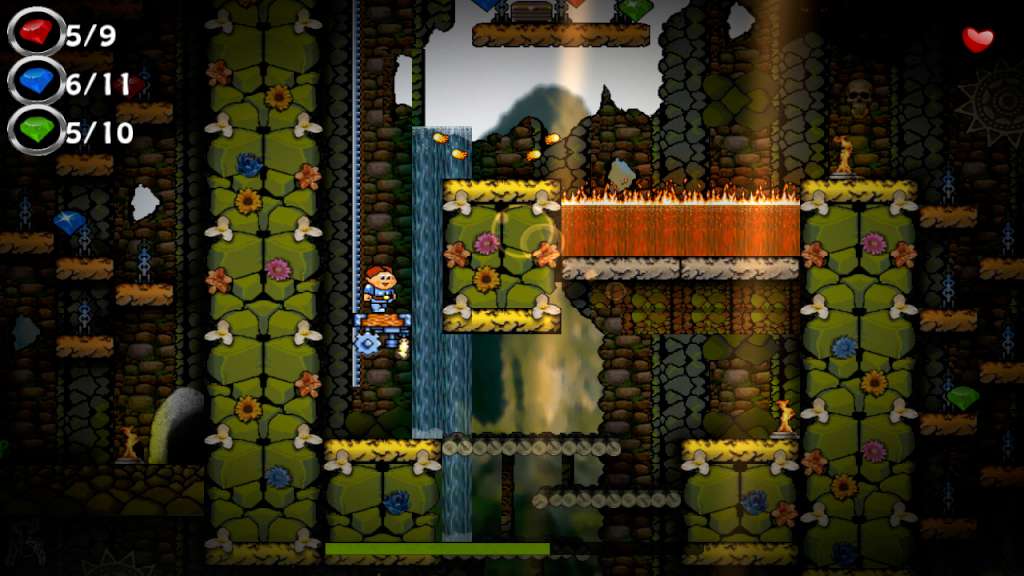
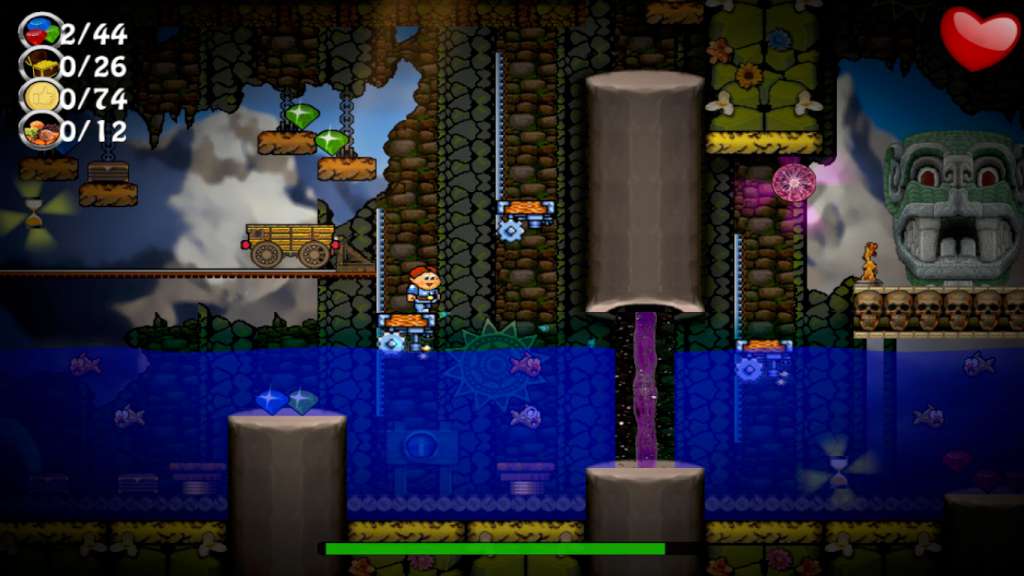
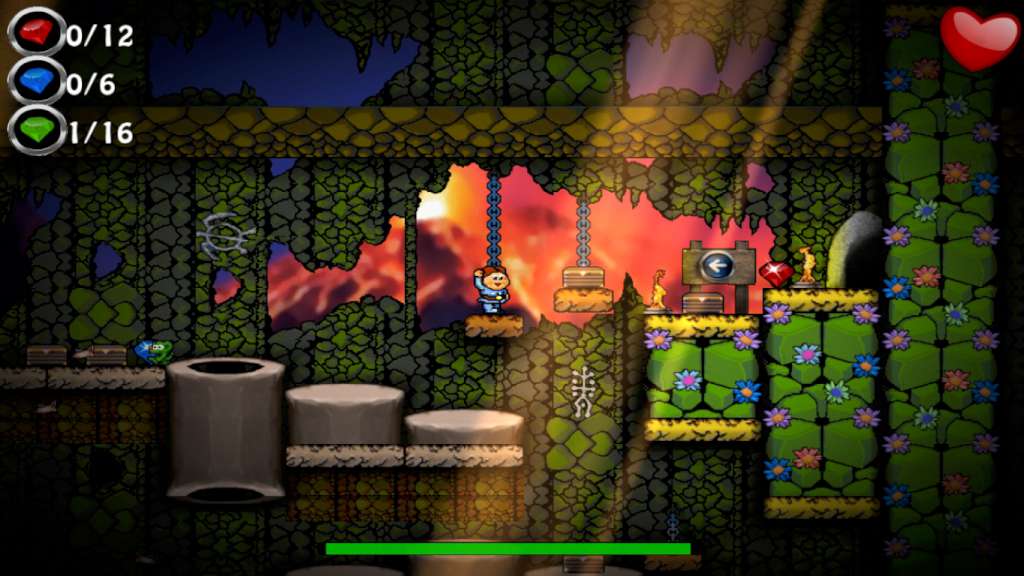
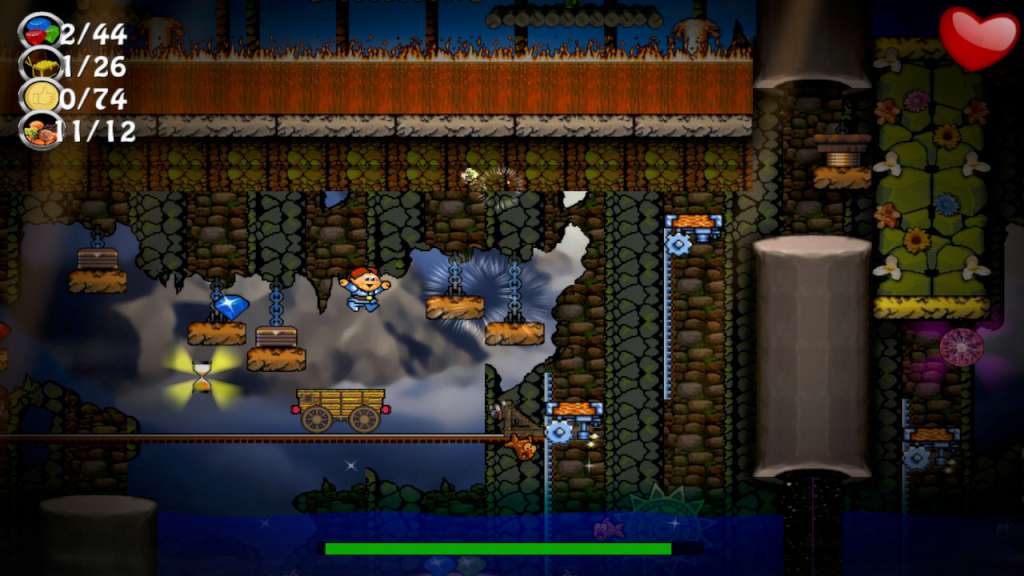
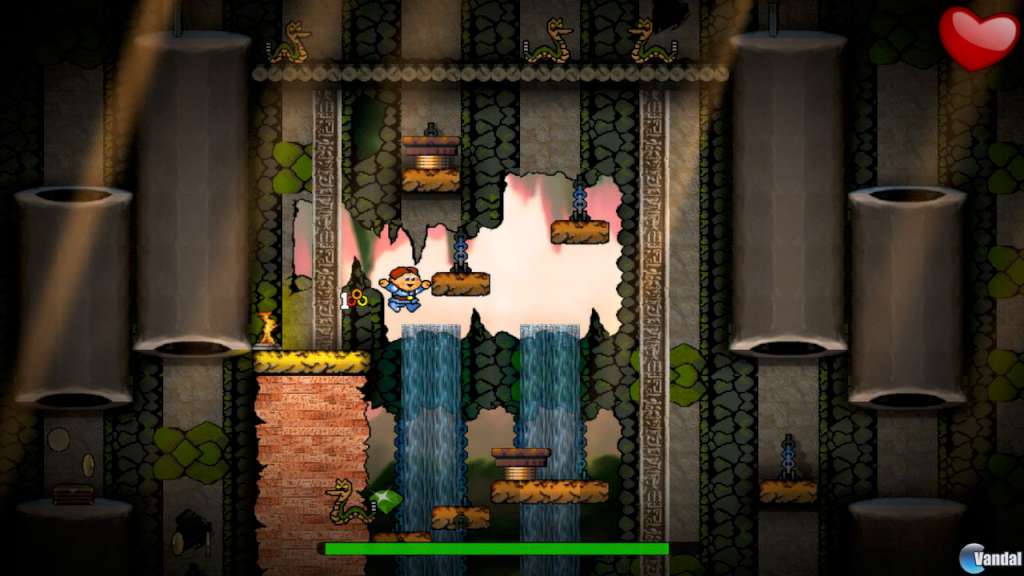
Do you have fond memories of playing old style platform games, where you didn't have to learn a hundred button combos to play it successfully? Canyon Capers is just for you if that's the case. Canyon Capers is a retro style arcade platform game for all ages, created by the authors of the 1992 original. Starring DinoJr and his many friends as they venture through the canyons and caverns of ancient ruins in historical locations, to reach the ultimate goal, retrieval of the Golden Mollusk, source of all universal power and a mighty fine trophy at that. With a finely tuned difficulty curve, from nice and easy, all the way to rock hard, just like old school platforming used to be. Canyon Capers will make you rely on your wits, your memory and at times, seat of the pants twitch gaming. Features Simple to play, hard to master classic retro platform gaming Full steam support... achievements, stats, leaderboards, and cloud support Trading cards, emotes, backgrounds and badges to earn 50 levels each with 3 levels of completion, each with many ways to complete... find your best path to fame and riches Race to the end, collect all the items and unlock the unique bomb levels Unlock new characters, each with their own unique abilities as you complete canyons and worlds Tongue in cheek nods to your favorite classic retro games Tons of secrets and collectibles

Canyon Capers EN Language Only screenshotCanyon Capers EN Language Only screenshotCanyon Capers EN Language Only screenshotCanyon Capers EN Language Only screenshotCanyon Capers EN Language Only screenshotCanyon Capers EN Language Only screenshot

How to redeem

  1. 1Check your Steam account and the listed region before purchasing.
  2. 2Find your code and supplier activation instructions in your confirmed order.
  3. 3Open the redeem-code section on Steam, enter the code and follow the platform’s prompts.

Supplier instructions

Go to: http://store.steampowered.com/ and download STEAM client Click "Install Steam" (from the upper right corner) Install and start application, login with your Account name and Password (create one if you don't have). Please follow these instructions to activate a new retail purchase on Steam: Launch Steam and log into your Steam account. Click the Games Menu. Choose Activate a Product on Steam... Follow the onscreen instructions to complete the process. After successful code verification go to the "MY GAMES" tab and start downloading.

You might also like