Get 10% back in Relic Coins on every order
Canyon Capers - Rio Fever DLC EN Language Only cover

Steam Europe - All Countries· DLC

Canyon Capers - Rio Fever DLC EN Language Only

€0.66

+€0.07 cashback eligibility in Relic Coins

Check before you play

Platform
Steam
Region
Europe - All Countries
Product type
DLC

Check the required base game and edition before purchasing this add-on.

Developer
Crazy Moo Games
Publisher
KISS ltd
Supplier release date
2016-06-17
Genres
Action, Sport, Casual, Platformer
About this product

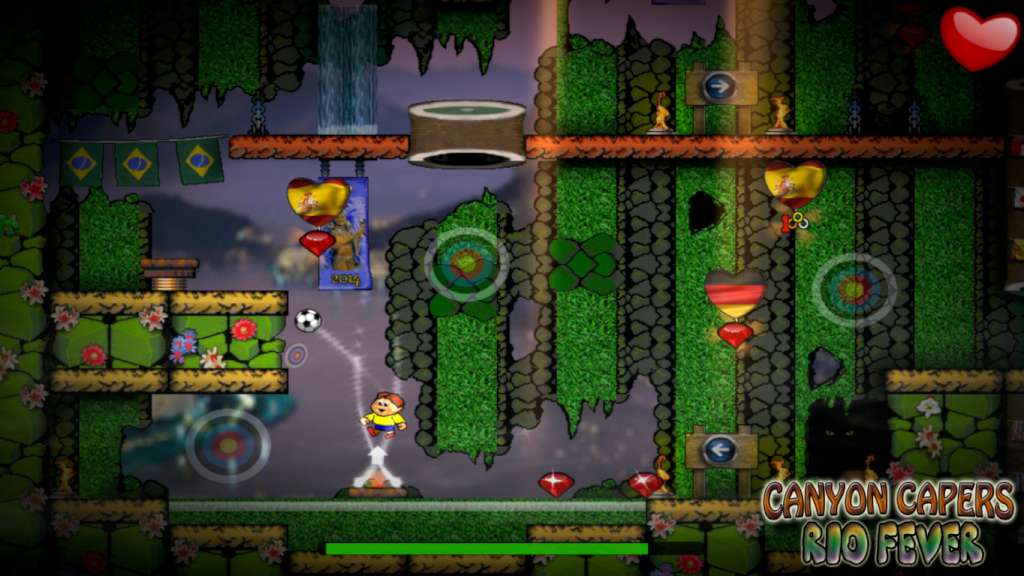
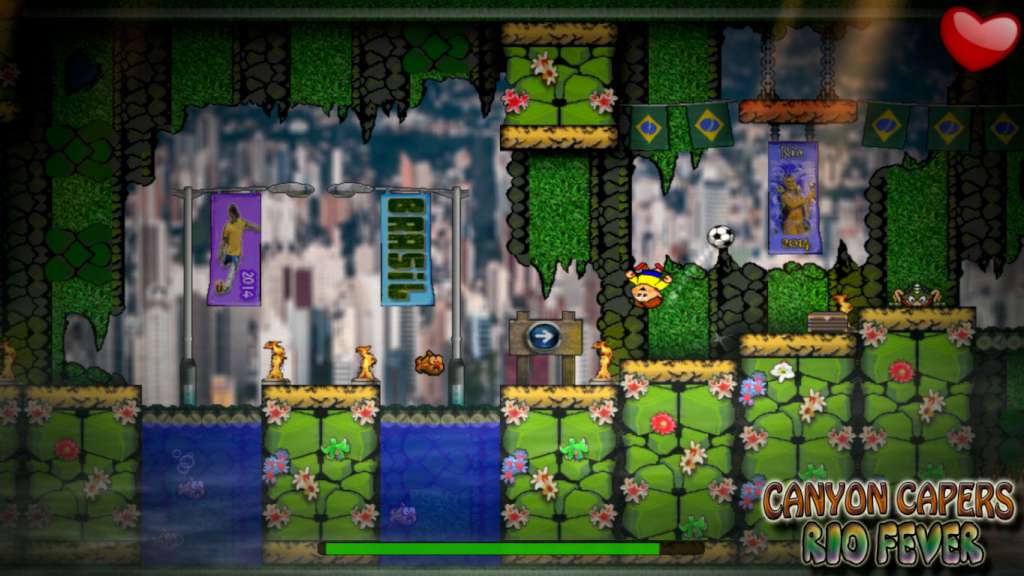
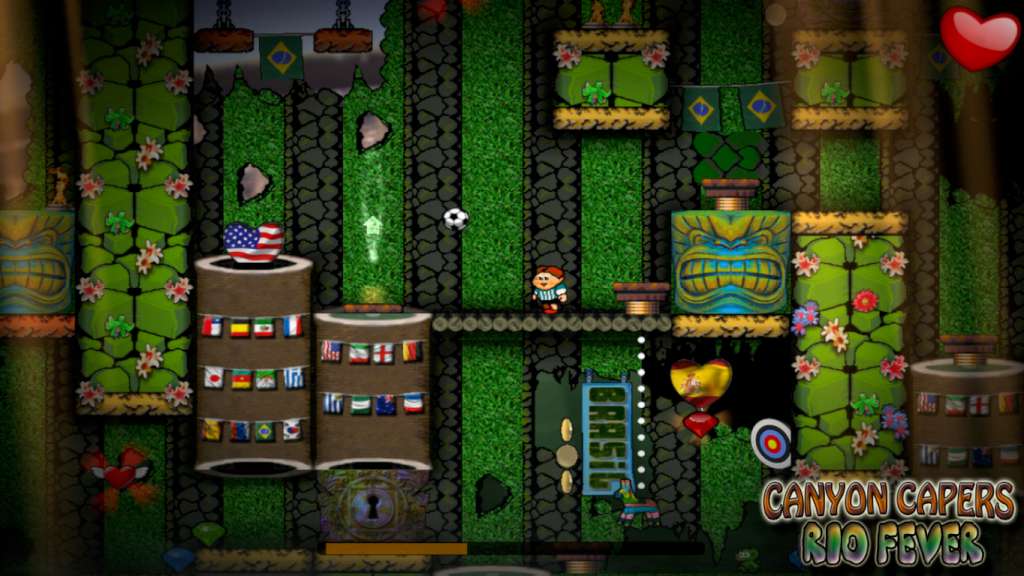
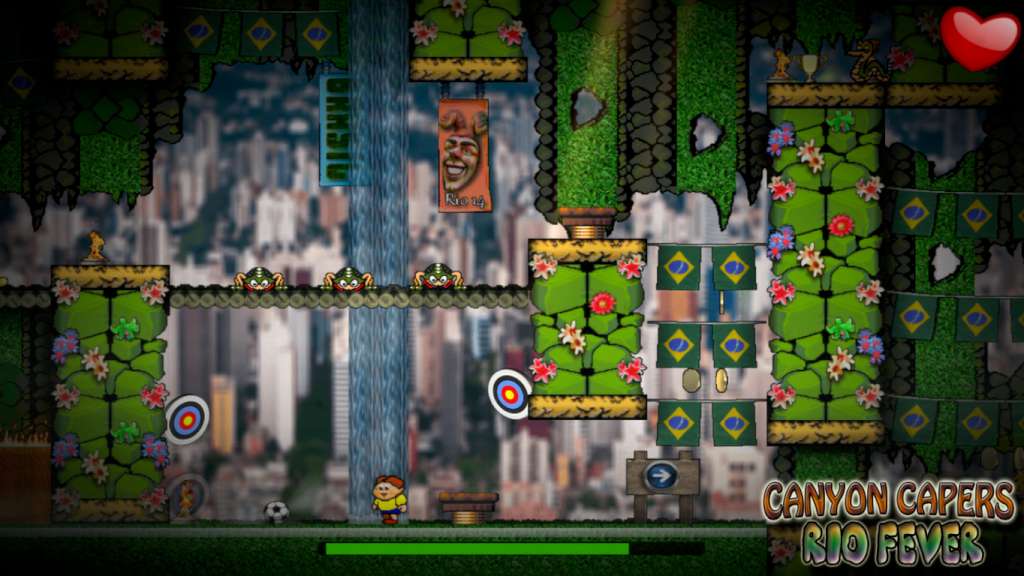
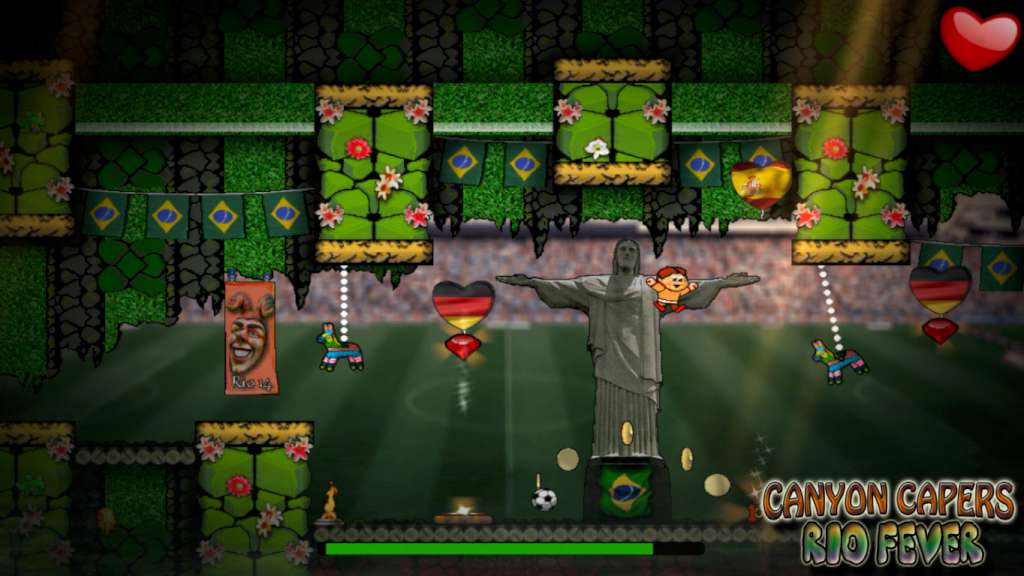
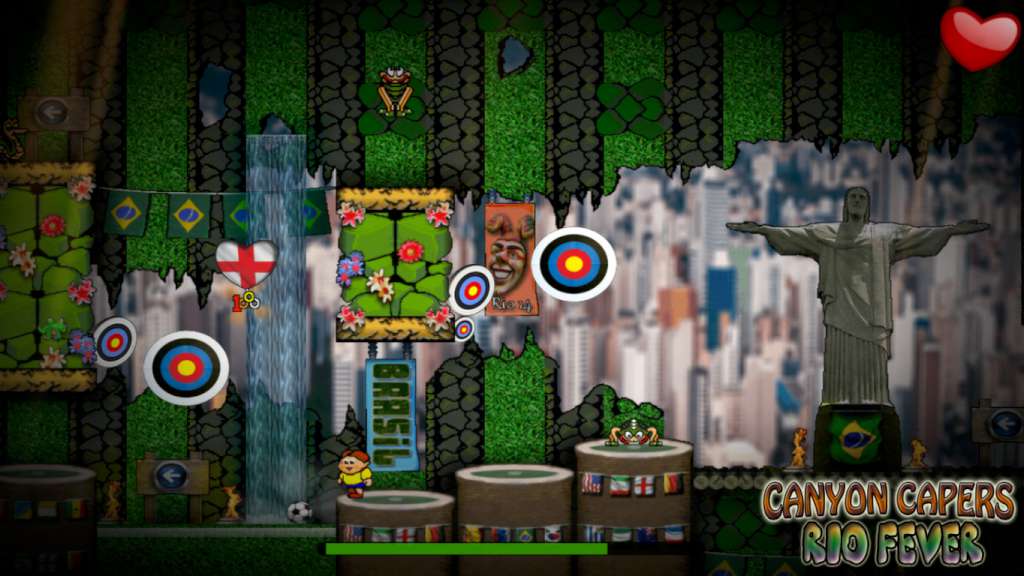
Take a trip to RIO to play football The tournament of greats awaits. Our hapless hero, DinoJr takes a detour on his raiding of the temples and canyons, to play the world's favourite sport. Features ALL new Gameplay in this great new and original mode. Master the moves, with headers, trapping the ball, bouncing and back heels. Score goals, and earn F E V E R bonuses. Play as one of 32 world class nations, in your favourite strip. All new levels to play and a whole new way to play them Smash Piñata !!! Play keepy-uppy's with a fish

Canyon Capers - Rio Fever DLC EN Language Only screenshotCanyon Capers - Rio Fever DLC EN Language Only screenshotCanyon Capers - Rio Fever DLC EN Language Only screenshotCanyon Capers - Rio Fever DLC EN Language Only screenshotCanyon Capers - Rio Fever DLC EN Language Only screenshotCanyon Capers - Rio Fever DLC EN Language Only screenshot

How to redeem

  1. 1Check the required base game, platform and edition before purchasing.
  2. 2Find the code or supplier activation instructions in your confirmed order.
  3. 3Redeem on Steam using the supplied instructions, then install the add-on with the compatible base game.

Supplier instructions

Go to: http://store.steampowered.com/ and download STEAM client Click "Install Steam" (from the upper right corner) Install and start application, login with your Account name and Password (create one if you don't have). Please follow these instructions to activate a new retail purchase on Steam: Launch Steam and log into your Steam account. Click the Games Menu. Choose Activate a Product on Steam... Follow the onscreen instructions to complete the process. After successful code verification go to the "MY GAMES" tab and start downloading.

You might also like