Get 10% back in Relic Coins on every order
Star Wars: Rogue Squadron 3D cover

Steam Europe - All Countries· Key

Star Wars: Rogue Squadron 3D

€7.97

+€0.80 cashback eligibility in Relic Coins

Check before you play

Platform
Steam
Region
Europe - All Countries
Product type
Key
Developer
Factor 5, LucasArts
Publisher
LucasArts, Lucasfilm, Disney
Supplier release date
1998-12-03
Genres
Action, Racing

About this product

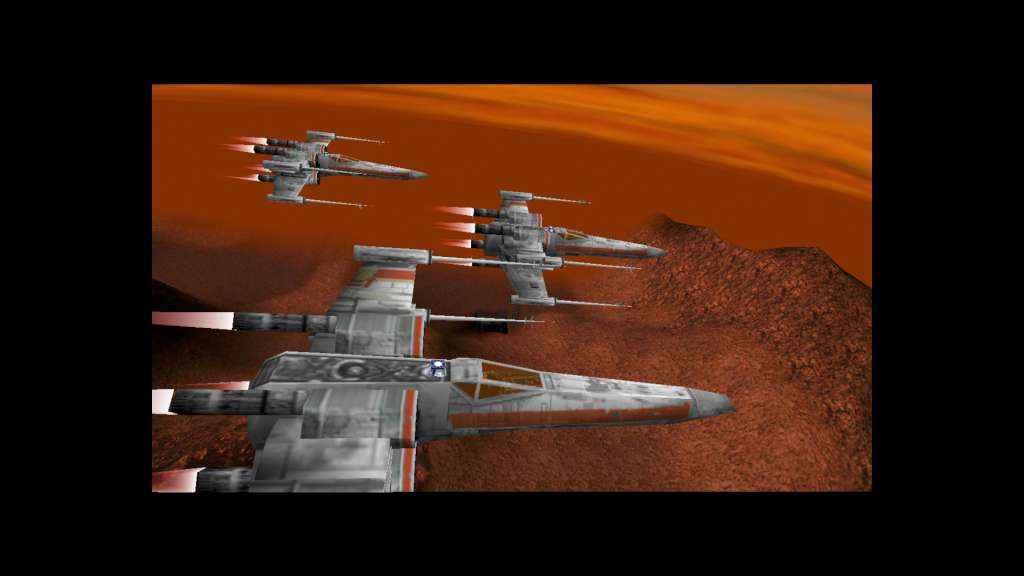
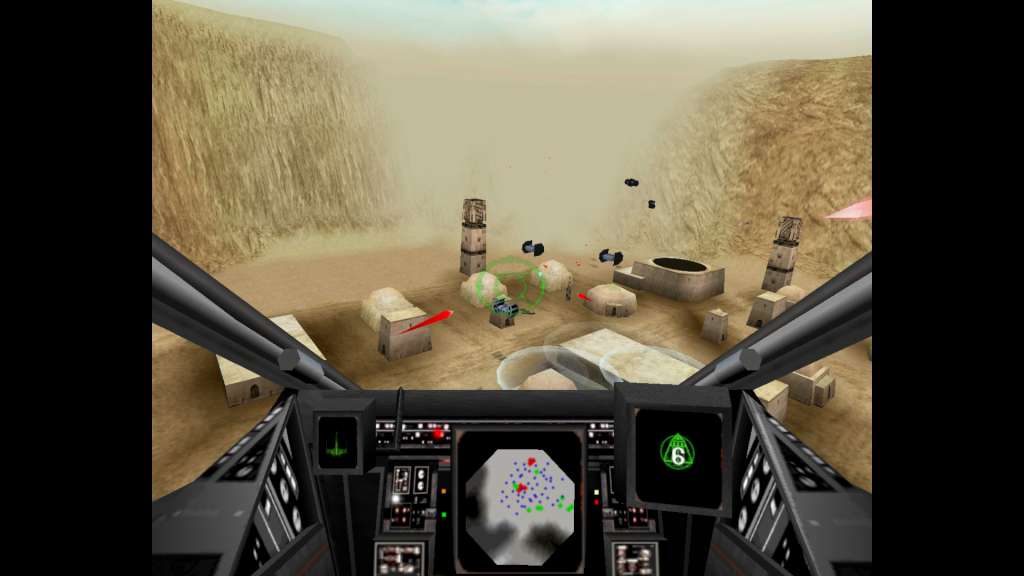
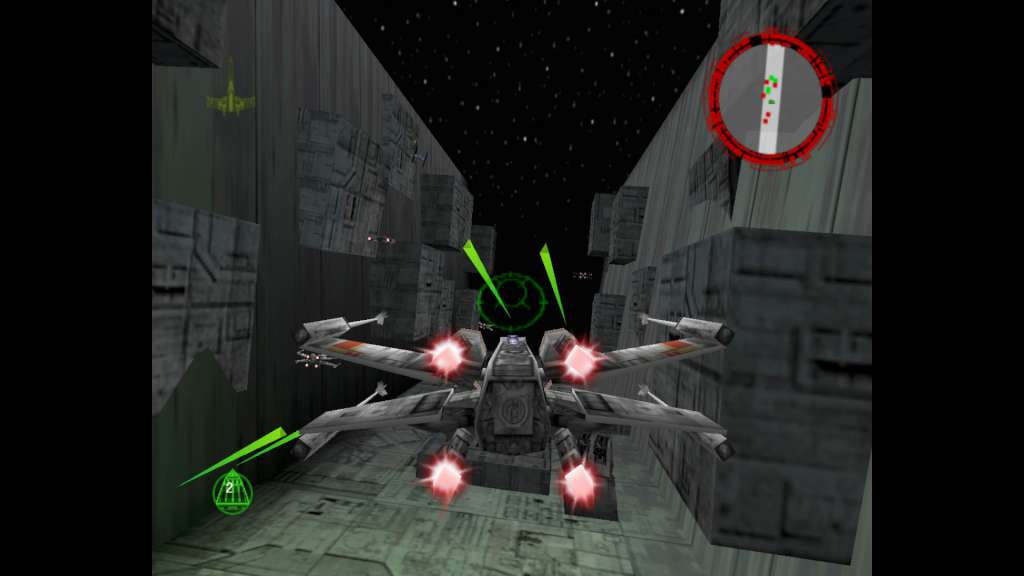
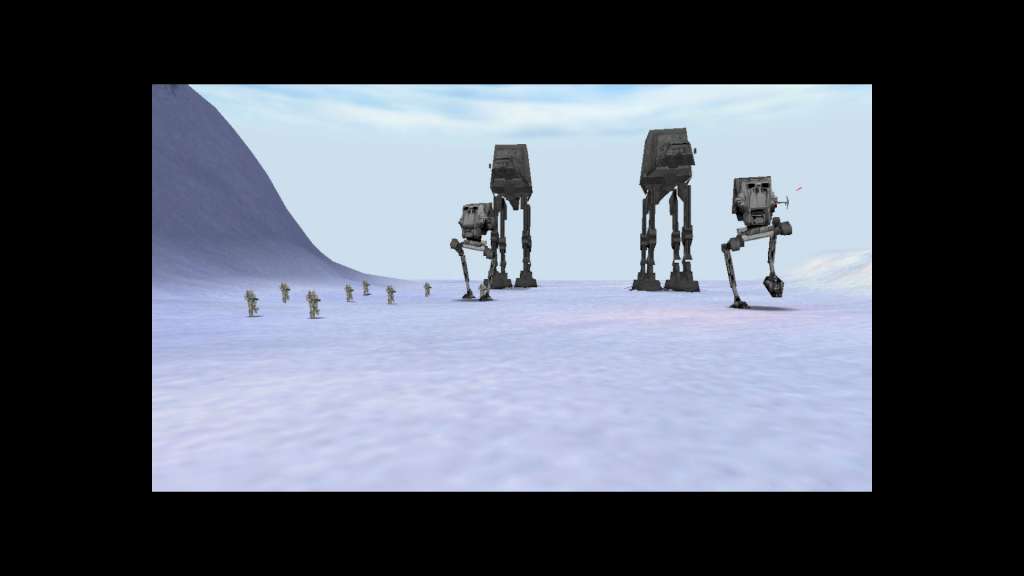
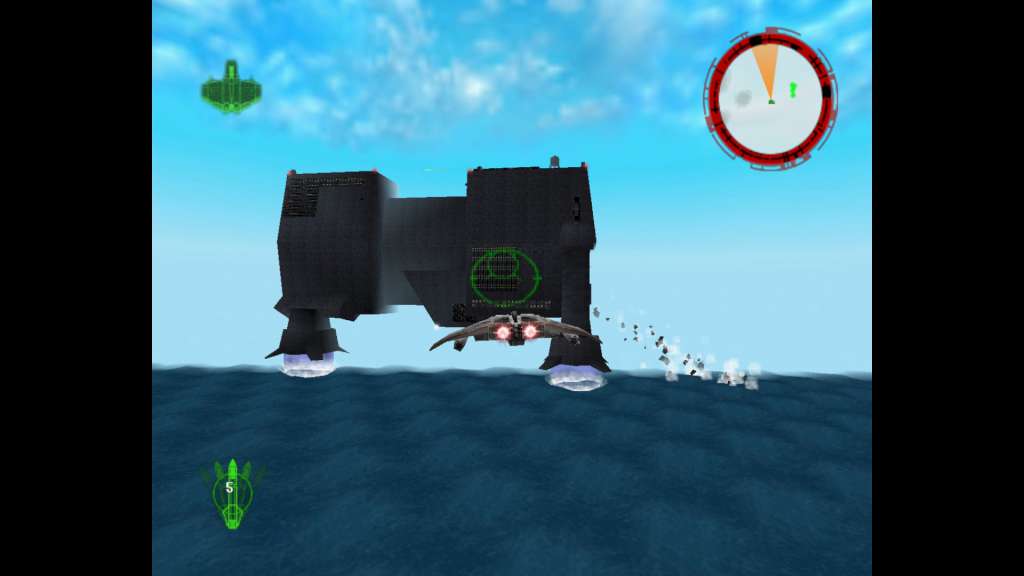
It is a time of great rejoicing in the galaxy. Luke Skywalker, with the help of Wedge Antilles, has blown up the Death Star. But there is little time to celebrate. The mighty Empire is gathering strength for a determined, all-out assault on the Rebel forces. To save the Rebel Alliance from this Imperial onslaught, Luke Skywalker and Wedge Antilles have assembled the Rogue Squadron, a group of twelve of the most skilled battle-tested starfighter pilots. You will fly into battle as Luke Skywalker, to engage in intense, fast-paced planetary air-to-ground and air-to-air missions ‒ dogfights, search and destroy, reconnaissance, bombing runs, rescue assignments, and more. Features Take on the Galactic Empire in X-wings, Y-wings, A-wings, V-wings, and snowspeeders. Prove you’ve got what it takes against a slew of the Empire’s best and baddest, including AT-AT walkers, AT-STs, TIE fighters and more. Test your flying skill through extraordinary environments ‒ over water, through canyons, deserts, and volcanic regions. Astonishing 3D details include real time lighting and special effects (explosions, smoke, engine glow, tracer fire and more).

Star Wars: Rogue Squadron 3D screenshotStar Wars: Rogue Squadron 3D screenshotStar Wars: Rogue Squadron 3D screenshotStar Wars: Rogue Squadron 3D screenshotStar Wars: Rogue Squadron 3D screenshot

How to redeem

  1. 1Check your Steam account and the listed region before purchasing.
  2. 2Find your code and supplier activation instructions in your confirmed order.
  3. 3Open the redeem-code section on Steam, enter the code and follow the platform’s prompts.

Supplier instructions

Go to: http://store.steampowered.com/ and download STEAM client Click "Install Steam" (from the upper right corner) Install and start application, login with your Account name and Password (create one if you don't have). Please follow these instructions to activate a new retail purchase on Steam: Launch Steam and log into your Steam account. Click the Games Menu. Choose Activate a Product on Steam... Follow the onscreen instructions to complete the process. After successful code verification go to the "MY GAMES" tab and start downloading.

You might also like