Get 10% back in Relic Coins on every order
Worms Reloaded - Retro Pack DLC cover

Steam Europe - All Countries· DLC

Worms Reloaded - Retro Pack DLC

€0.76

+€0.08 cashback eligibility in Relic Coins

Check before you play

Platform
Steam
Region
Europe - All Countries
Product type
DLC

Check the required base game and edition before purchasing this add-on.

Developer
Team17
Publisher
Team17
Supplier release date
2011-06-30
Genres
Action, Casual, Puzzle, Platformer
About this product

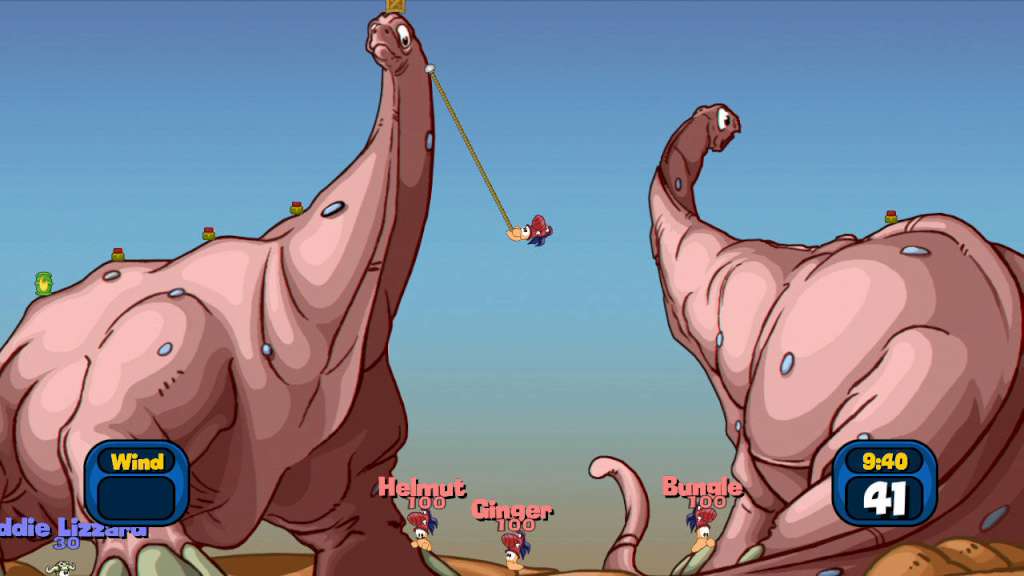
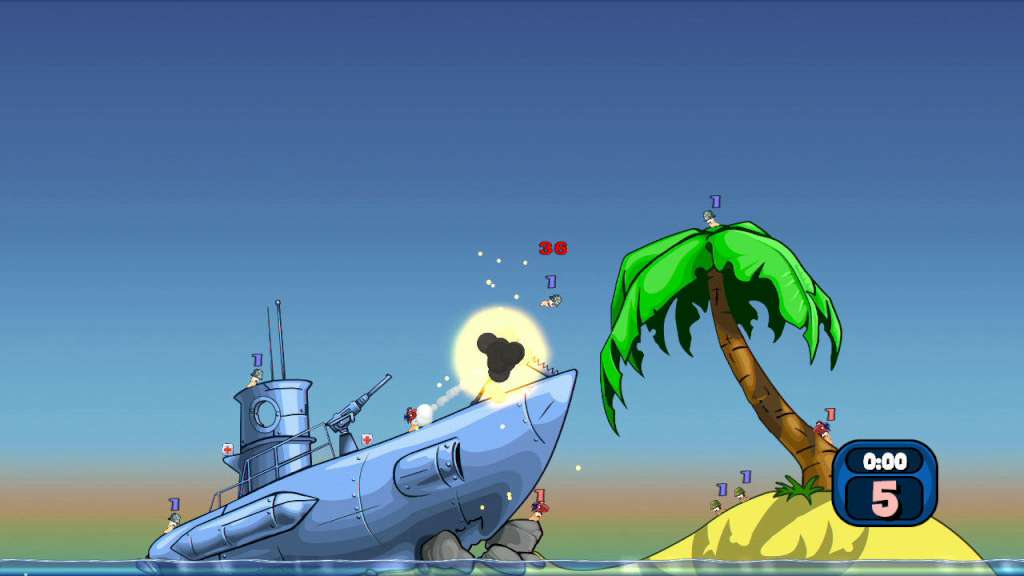
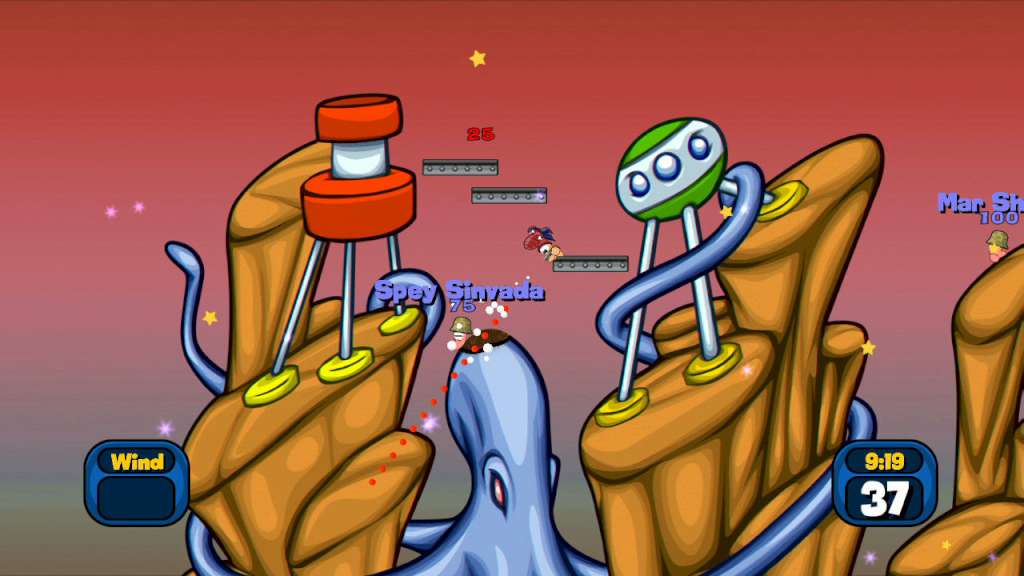
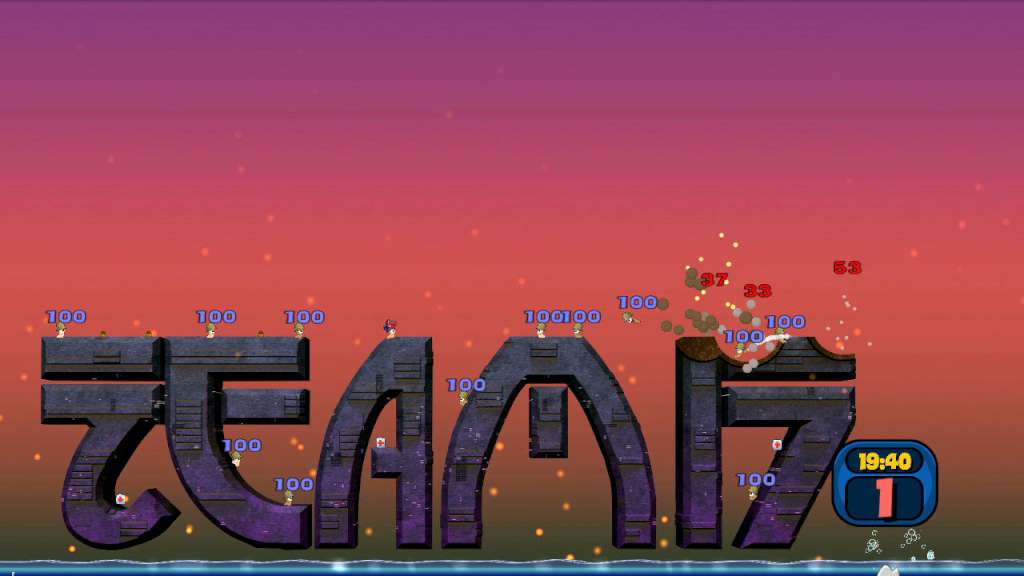
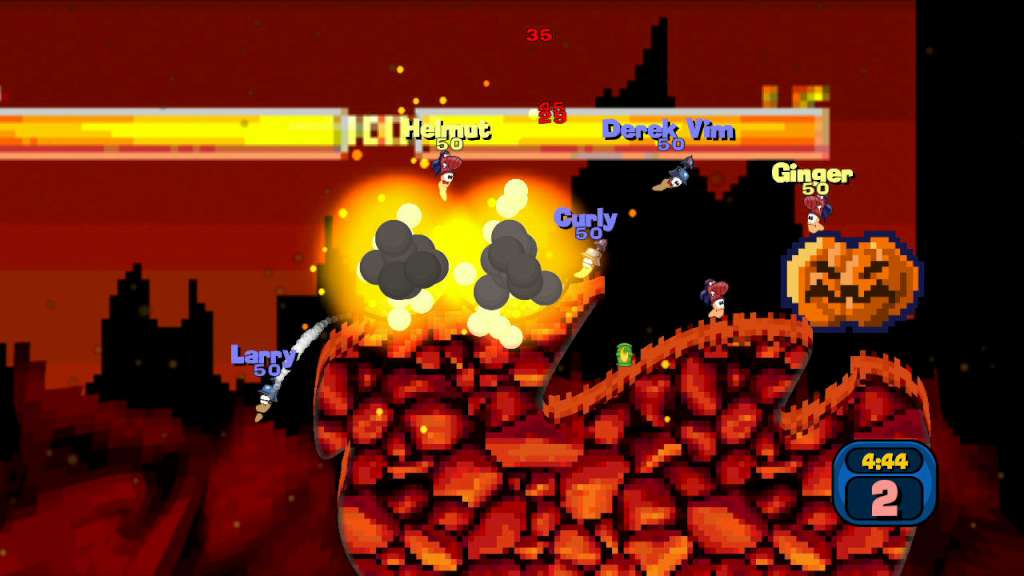
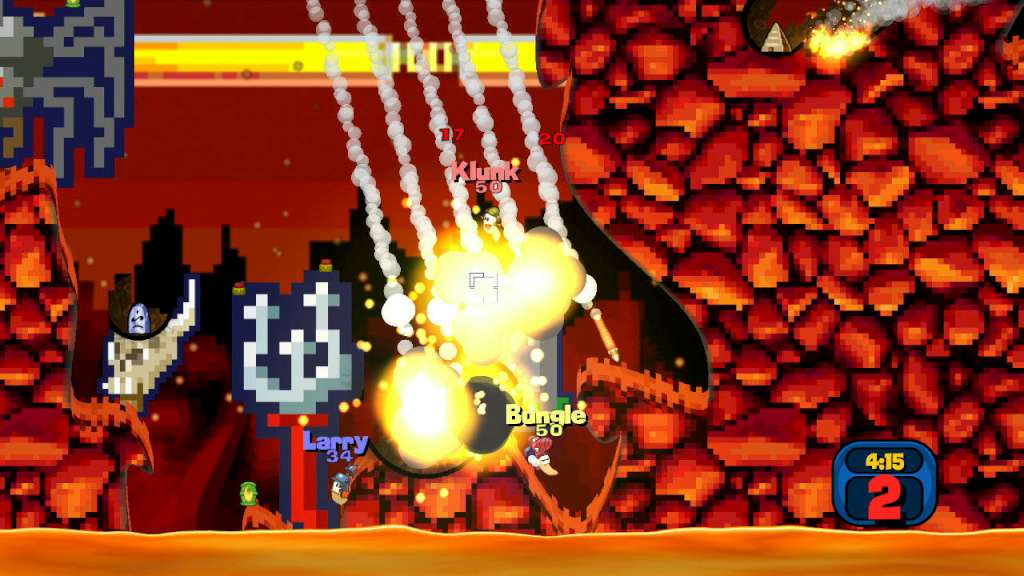
The Worms Reloaded Retro Pack features 15 single-player missions that have been hand-picked from the classic Worms Armageddon game and re-worked exclusively for this downloadable content pack. The Retro Pack also includes 3 new hats, 3 new gravestones, a new landscape theme and 10 new Achievements. The single-player mission maps can also be used for multi-player battles. Features 15 single-player missions reworked and enhanced from the classic Worms Armageddon game All 15 single-player mission maps can also be used in multi-player battles 1 new “Retro” landscape theme 3 new hats 3 new gravestones 10 new Achievements

Worms Reloaded - Retro Pack DLC screenshotWorms Reloaded - Retro Pack DLC screenshotWorms Reloaded - Retro Pack DLC screenshotWorms Reloaded - Retro Pack DLC screenshotWorms Reloaded - Retro Pack DLC screenshotWorms Reloaded - Retro Pack DLC screenshot

How to redeem

  1. 1Check the required base game, platform and edition before purchasing.
  2. 2Find the code or supplier activation instructions in your confirmed order.
  3. 3Redeem on Steam using the supplied instructions, then install the add-on with the compatible base game.

Supplier instructions

Go to: http://store.steampowered.com/ and download STEAM client Click "Install Steam" (from the upper right corner) Install and start application, login with your Account name and Password (create one if you don't have). Please follow these instructions to activate a new retail purchase on Steam: Launch Steam and log into your Steam account. Click the Games Menu. Choose Activate a Product on Steam... Follow the onscreen instructions to complete the process. After successful code verification go to the "MY GAMES" tab and start downloading.

You might also like