Get 10% back in Relic Coins on every order
Handball 16 EN Language Only cover

Steam Europe - All Countries· Key

Handball 16 EN Language Only

€4.40

+€0.44 cashback eligibility in Relic Coins

Check before you play

Platform
Steam
Region
Europe - All Countries
Product type
Key
Developer
Atari
Publisher
Atari
Supplier release date
2015-11-27
Genres
Sport, Simulation

About this product

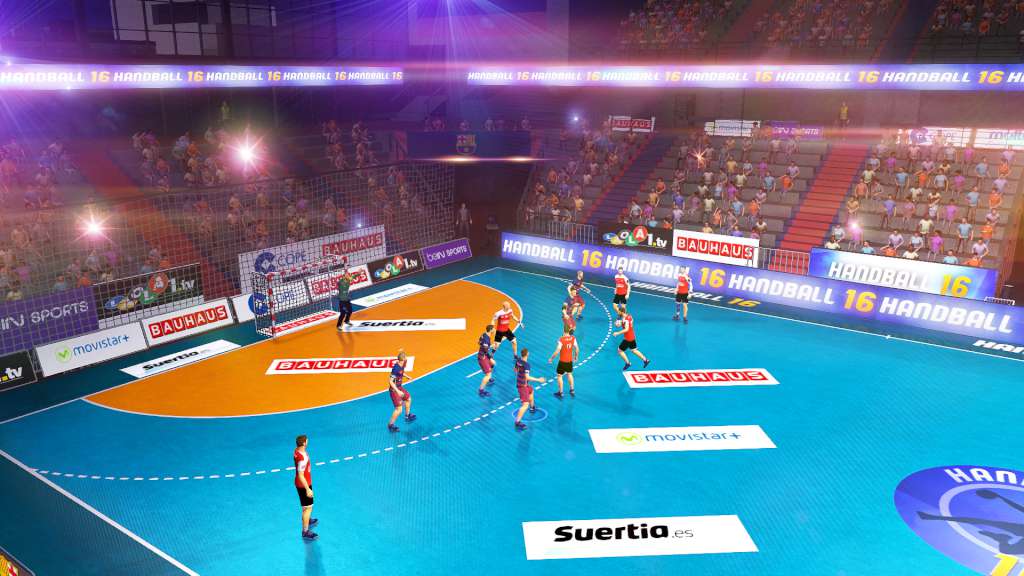
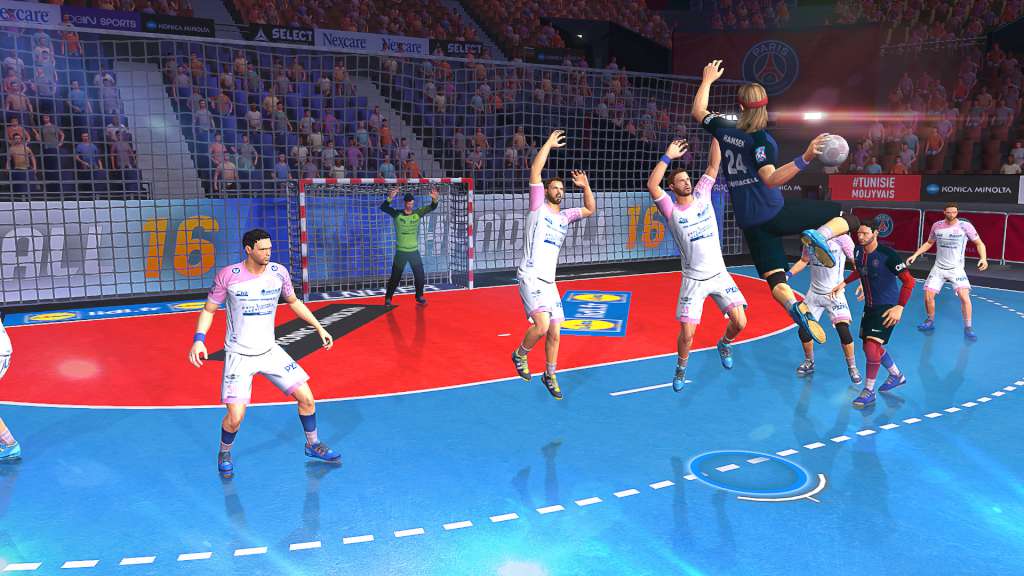
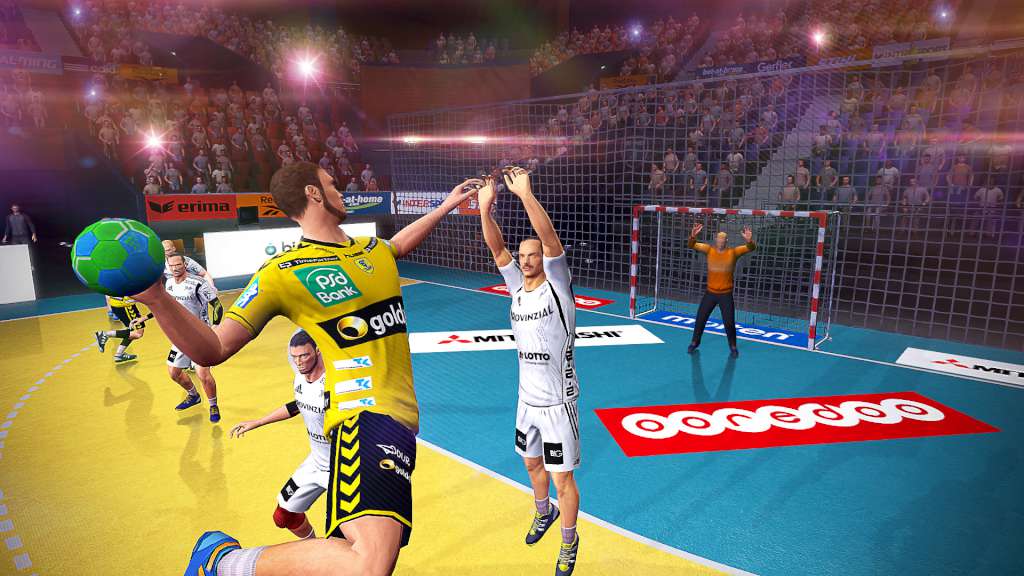
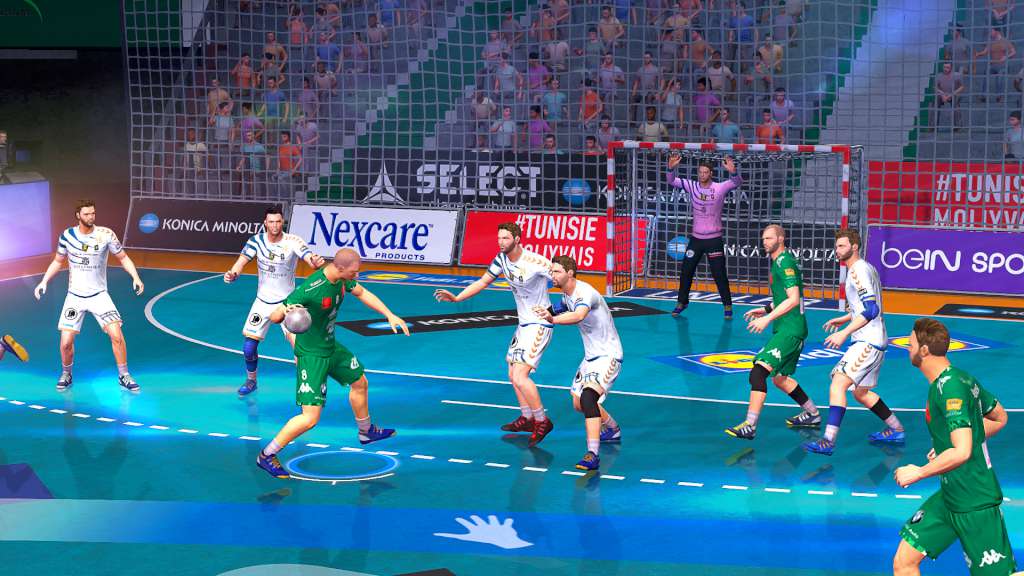
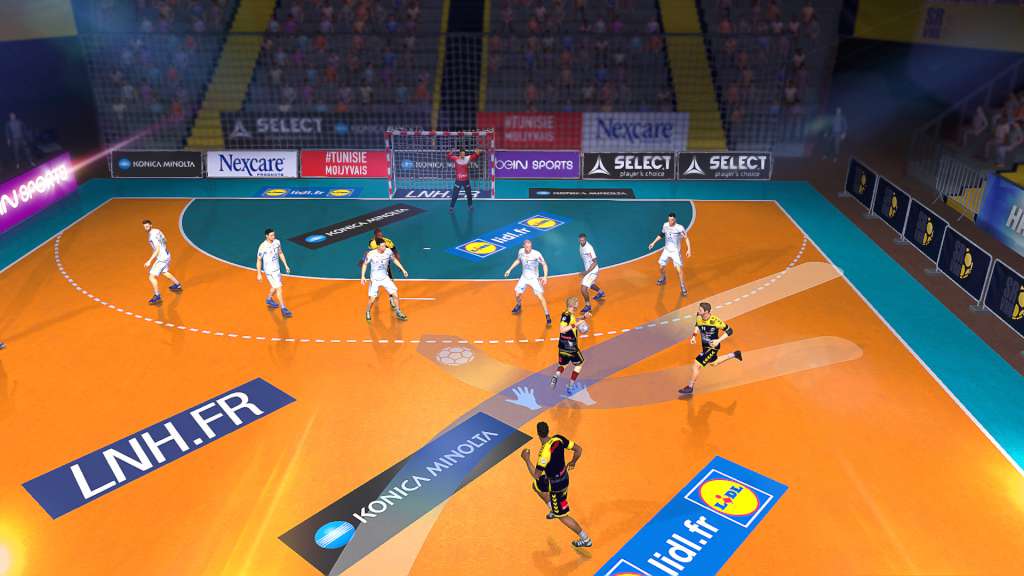
Play with all your favourite teams in Handball 16, THE first handball simulation! Discover a realistic game system, using a new physics and rendering engine, and enjoy fully redesigned controls for a more accessible game experience. Use all the real handball moves and tactics: the spin shot, hip shot, fake, dodge, jump shot... Features THE OFFICIAL TEAMS FROM THE 2015-2016 SEASONPlay with all 68 teams from the three biggest European leagues, with all the players, kits and official statistics of the 2015-2016 season: Championnat de D1 - France DKB Handball-Bundesliga - Germany Liga Asobal - Spain DYNAMIC GAME SYSTEMSLearn how to play with a help system that adapts to your play style and evolves as you progress. Perform combos just like in a real match with 24 offensive tactics that change according to where your players are situated on the court.

Take your team to the top

Simple Match: Take on the AI or your friends in online and local 1-on-1 matches. Career: Create your player, choose a club and manage your development. Improve your skills match after match and join the most prestigious teams. Season: Play a complete season and lead your team to victory!

Handball 16 EN Language Only screenshotHandball 16 EN Language Only screenshotHandball 16 EN Language Only screenshotHandball 16 EN Language Only screenshotHandball 16 EN Language Only screenshotHandball 16 EN Language Only screenshot

How to redeem

  1. 1Check your Steam account and the listed region before purchasing.
  2. 2Find your code and supplier activation instructions in your confirmed order.
  3. 3Open the redeem-code section on Steam, enter the code and follow the platform’s prompts.

Supplier instructions

Go to: http://store.steampowered.com/ and download STEAM client Click "Install Steam" (from the upper right corner) Install and start application, login with your Account name and Password (create one if you don't have). Please follow these instructions to activate a new retail purchase on Steam: Launch Steam and log into your Steam account. Click the Games Menu. Choose Activate a Product on Steam... Follow the onscreen instructions to complete the process. After successful code verification go to the "MY GAMES" tab and start downloading.

You might also like