Get 10% back in Relic Coins on every order
Replay - VHS is not dead cover

Steam Europe - All Countries· Key

Replay - VHS is not dead

€1.05

+€0.11 cashback eligibility in Relic Coins

Check before you play

Platform
Steam
Region
Europe - All Countries
Product type
Key
Developer
Neko Entertainment
Publisher
Neko Entertainment
Supplier release date
2015-07-09
Genres
Adventure, Indie, Puzzle

About this product

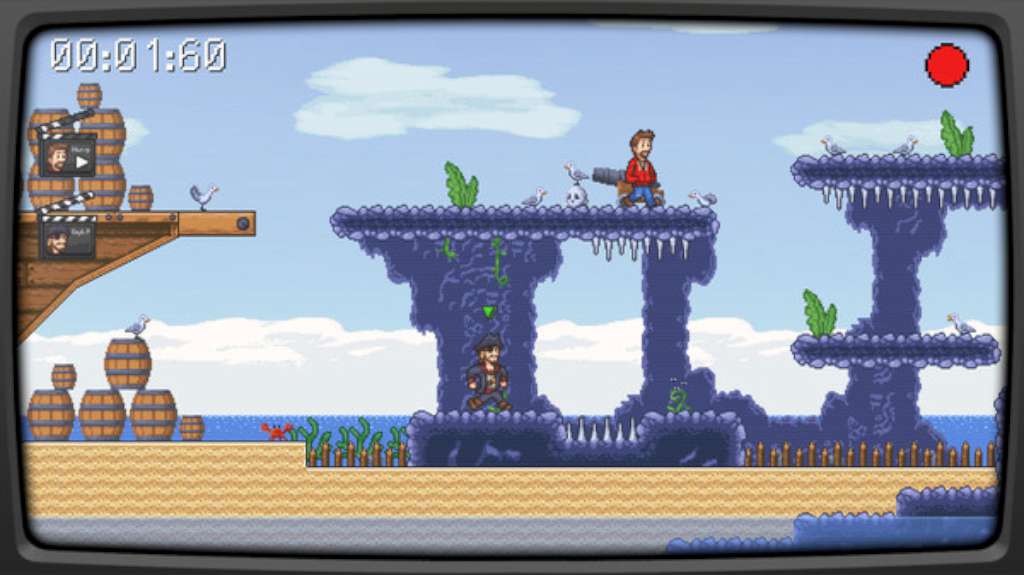
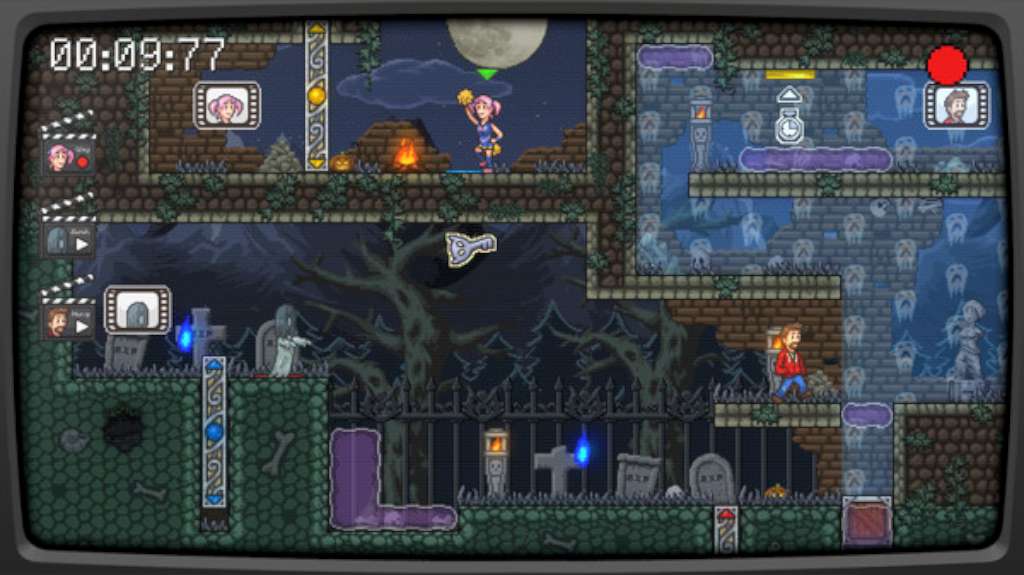
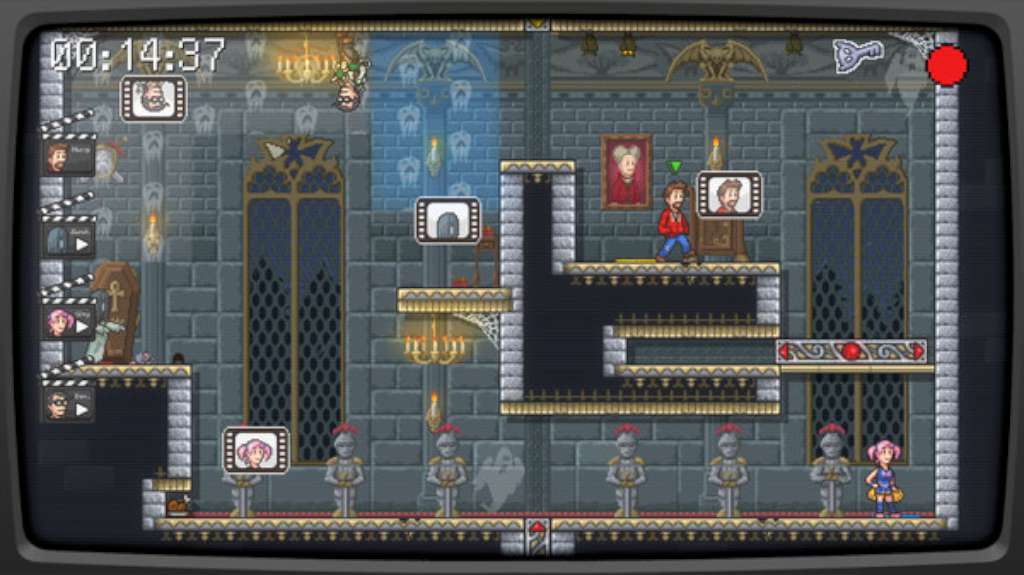
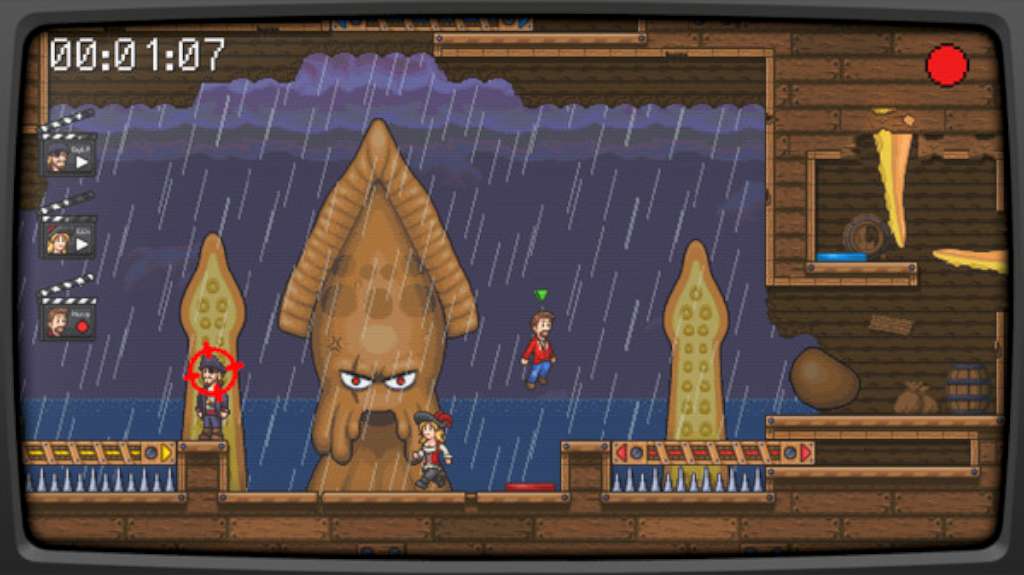
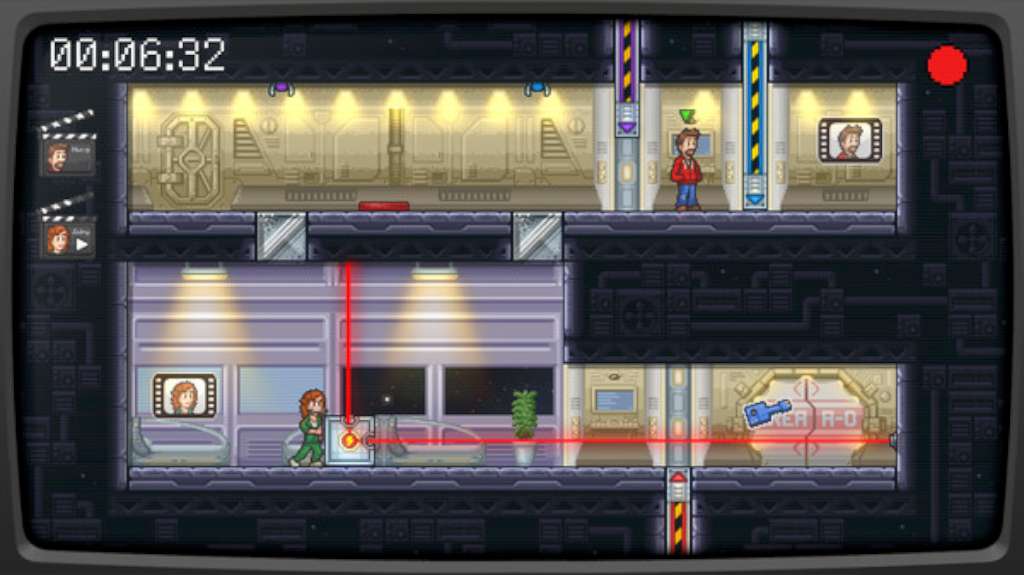
Replay: VHS is not dead is a puzzle/ platform game, set in a movie-based universe. The story It is an ordinary Saturday evening for Harvey Hachess as he leaves his favorite video club for a movie night. On his way back, he gets caught in the middle of a rain and a threatening storm. Suddenly, he’s hit by a lightning strike! Knocked out for few minutes, he goes on as if nothing had happened. Once home, Harvey gets comfortable and plays a video tape, a bag of popcorn in one hand and the remote control in the other one. But something seems wrong as he realize that some scenes are missing from the movie! He puts in another tape, same result… He, then, checks all his cassettes one by one but stays out of luck. As the last tape was ejected, the VCR made a strange sound and the screen lightened up. Harvey founds himself sucked into the TV. He finds there a great opportunity to re-record all the tapes without risking the loss of his Video Club membership... Features Record your characters’ movements Use the remote control powers to bend time Change character and play again to combine their actions Pixel art style and evolving gameplay About 70 levels in 4 different movie-based universes Records to break and a secondary objective for each level

Replay - VHS is not dead screenshotReplay - VHS is not dead screenshotReplay - VHS is not dead screenshotReplay - VHS is not dead screenshotReplay - VHS is not dead screenshot

How to redeem

  1. 1Check your Steam account and the listed region before purchasing.
  2. 2Find your code and supplier activation instructions in your confirmed order.
  3. 3Open the redeem-code section on Steam, enter the code and follow the platform’s prompts.

Supplier instructions

Go to: http://store.steampowered.com/ and download STEAM client Click "Install Steam" (from the upper right corner) Install and start application, login with your Account name and Password (create one if you don't have). Please follow these instructions to activate a new retail purchase on Steam: Launch Steam and log into your Steam account. Click the Games Menu. Choose Activate a Product on Steam... Follow the onscreen instructions to complete the process. After successful code verification go to the "MY GAMES" tab and start downloading.

You might also like