Get 10% back in Relic Coins on every order
Still There cover

SteamGlobal· Key

Still There

€0.27

+€0.03 cashback eligibility in Relic Coins

Check before you play

Platform
Steam
Region
Global
Product type
Key
Developer
GhostShark
Publisher
Iceberg Interactive
Supplier release date
2019-11-20
Genres
Adventure, Indie, Puzzle

About this product

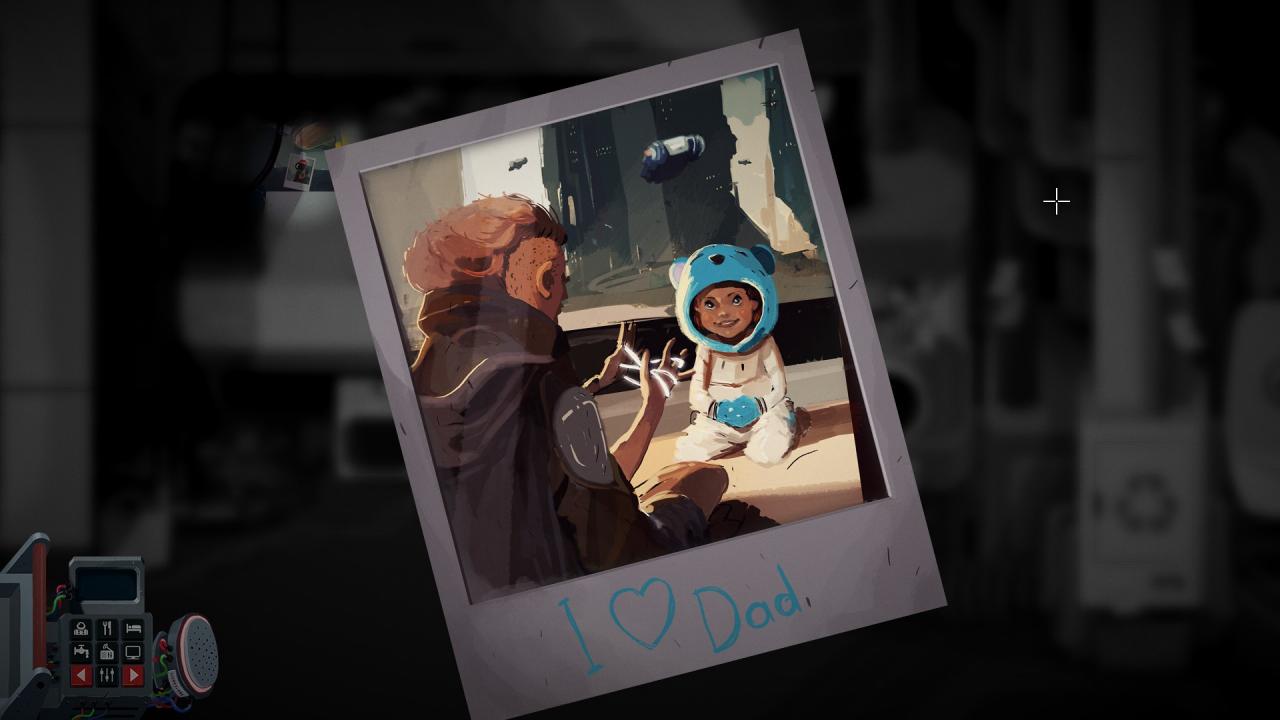
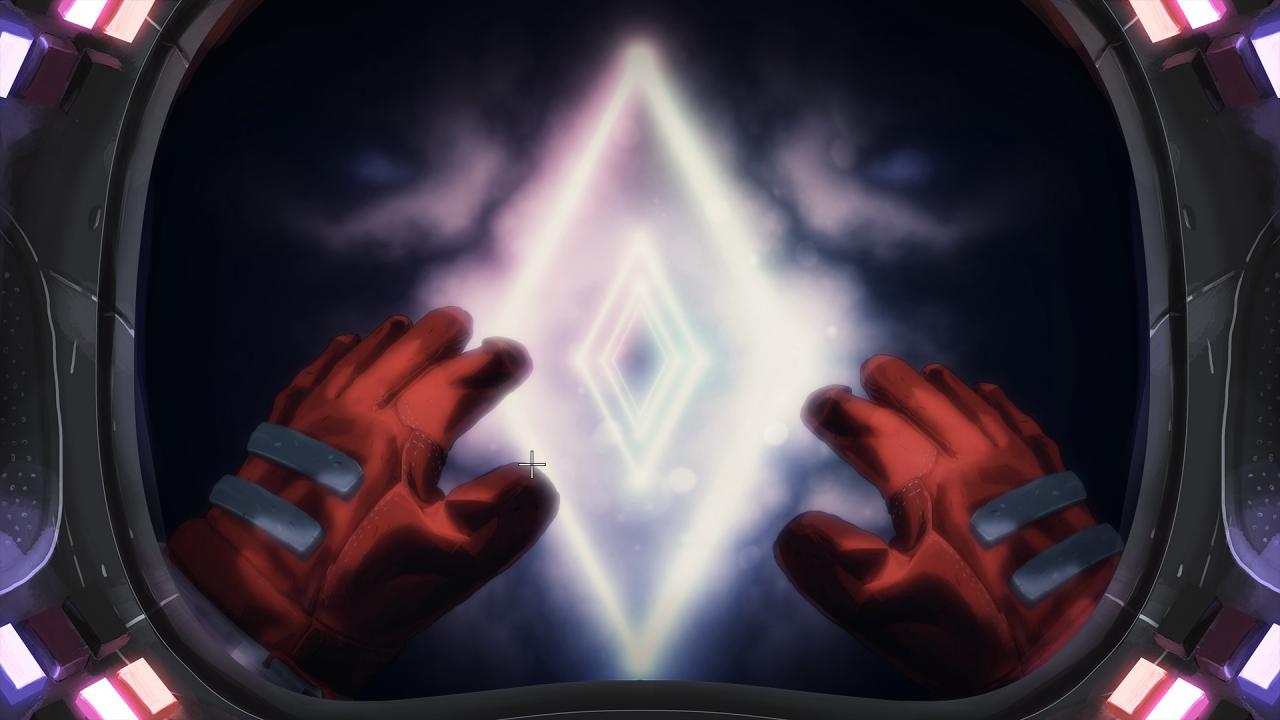
How Far is Far Enough?STILL THERE is a story-driven psychological adventure game about lingering grief, technical puzzles, wacky AIs and dark humour. Evade the past, welcome oblivion, make the perfect Italian coffee.

Learn the truth

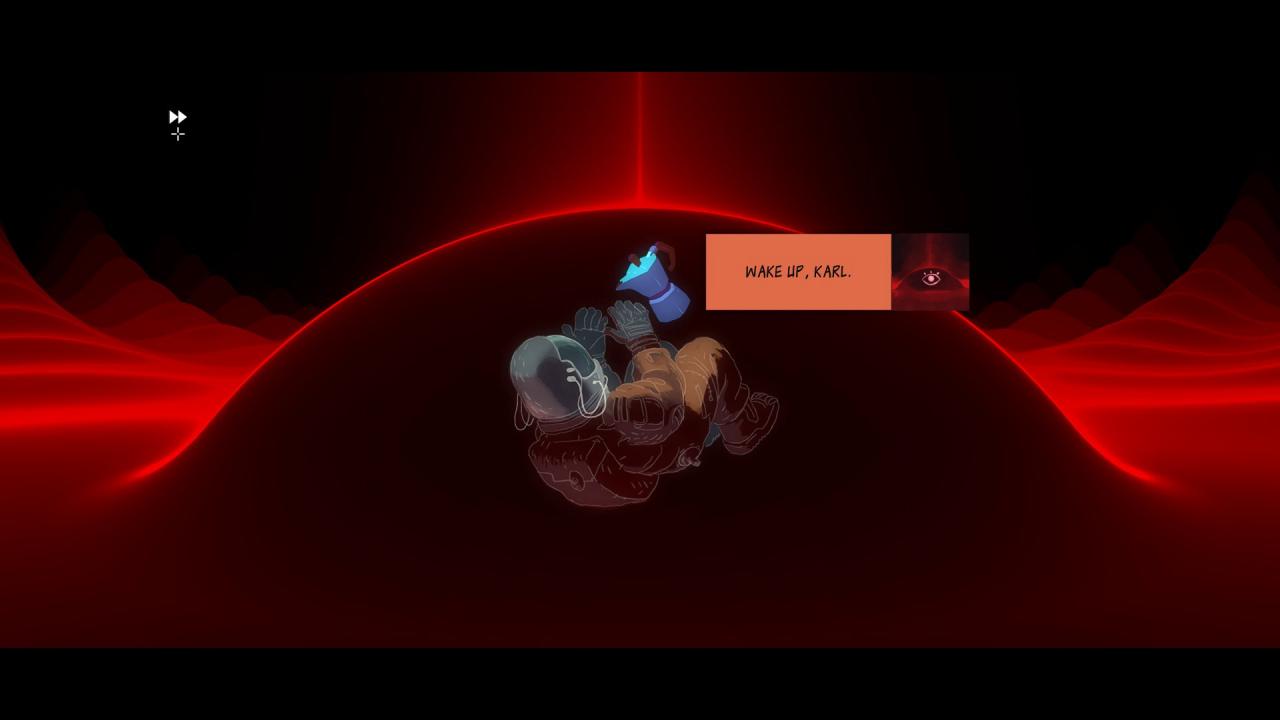
After receiving an emergency radio transmission, the routines of an isolated space-lighthouse keeper and his AI companion are broken forever. Confront, console and confess through dialogues with rich and compelling characters. A classic, humane, sci-fi mystery.

Solve challenging puzzles

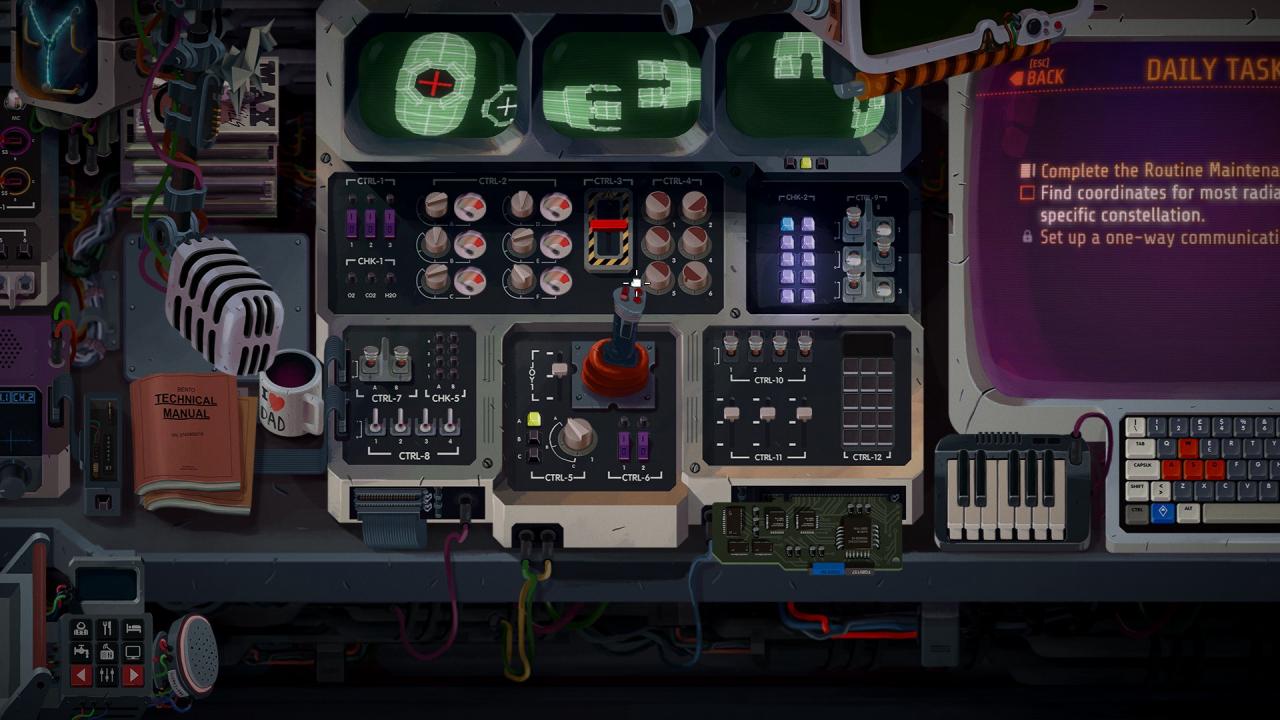
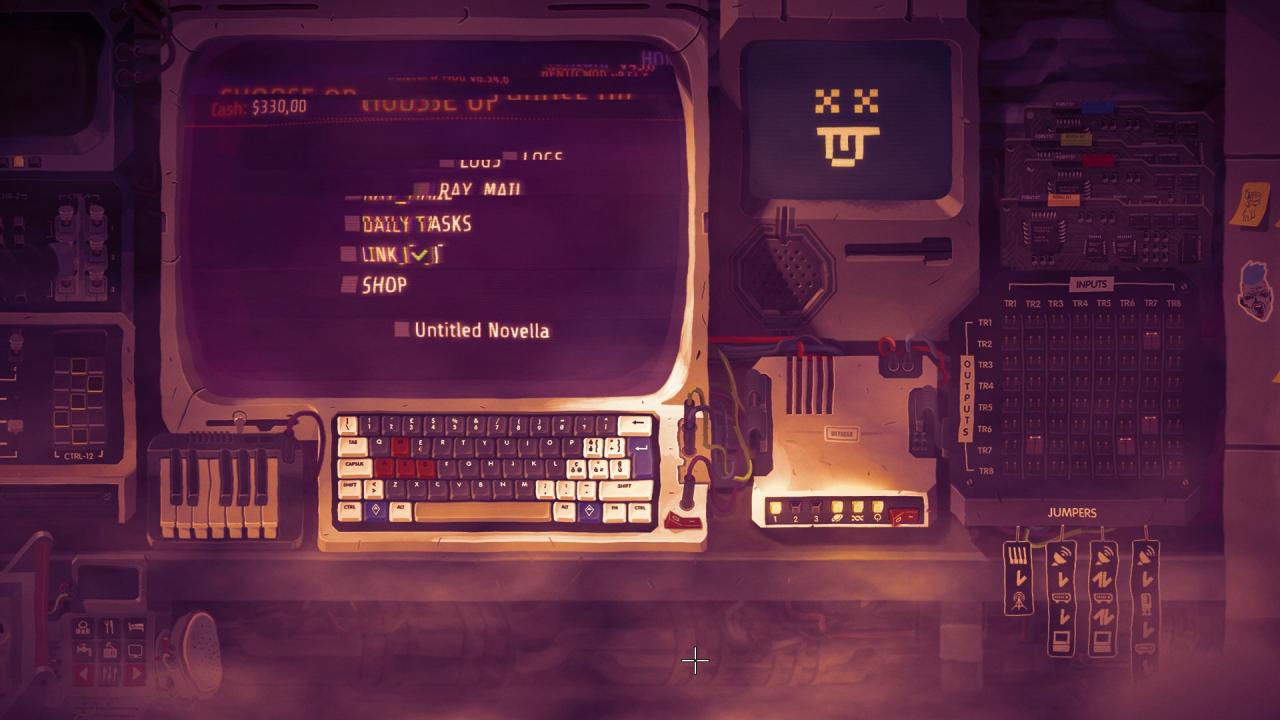
You’ll earn a living as Karl Hamba, sole operator of The Bento; monitoring and repairing its core systems alongside Gorky, your on-board artificial intelligence. Study your environment to understand the complex functions of the station, report back to your inept employers and discover your true purpose.

Pass the time

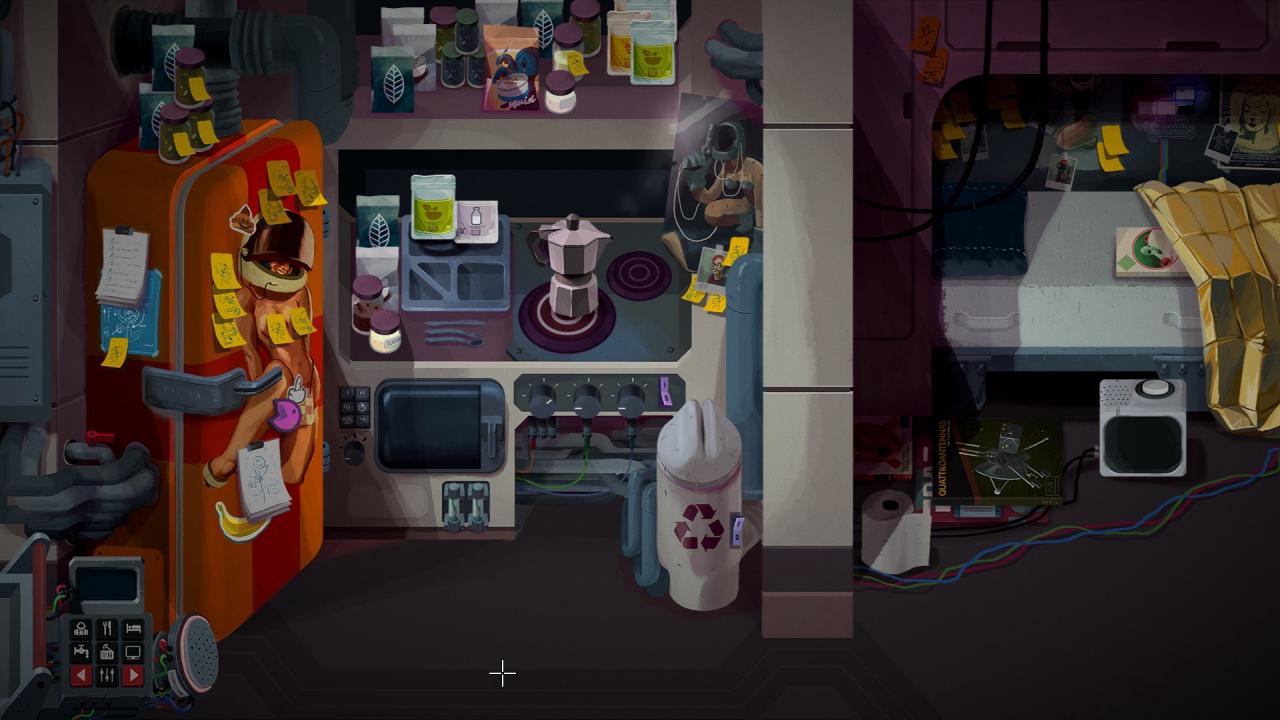
In between your daily tasks you’ll find plenty to occupy yourself with. Challenge Gorky to a game of chess, nurture a pet tuatara and recycle your own urine into another “delicious” meal. The Bento is brimming with detail and interesting ways to interact with everything you see.

Still There screenshotStill There screenshotStill There screenshotStill There screenshotStill There screenshotStill There screenshot

How to redeem

  1. 1Check your Steam account and the listed region before purchasing.
  2. 2Find your code and supplier activation instructions in your confirmed order.
  3. 3Open the redeem-code section on Steam, enter the code and follow the platform’s prompts.

Supplier instructions

Go to: http://store.steampowered.com/ and download STEAM client Click "Install Steam" (from the upper right corner) Install and start application, login with your Account name and Password (create one if you don't have). Please follow these instructions to activate a new retail purchase on Steam: Launch Steam and log into your Steam account. Click the Games Menu. Choose Activate a Product on Steam... Follow the onscreen instructions to complete the process. After successful code verification go to the "MY GAMES" tab and start downloading.

You might also like