Get 10% back in Relic Coins on every order
iBomber Defense Pacific cover

Steam Europe - All Countries· Key

iBomber Defense Pacific

€1.67

+€0.17 cashback eligibility in Relic Coins

Check before you play

Platform
Steam
Region
Europe - All Countries
Product type
Key
Supplier release date
2012-03-01
Genres
Strategy, Indie, Casual

About this product

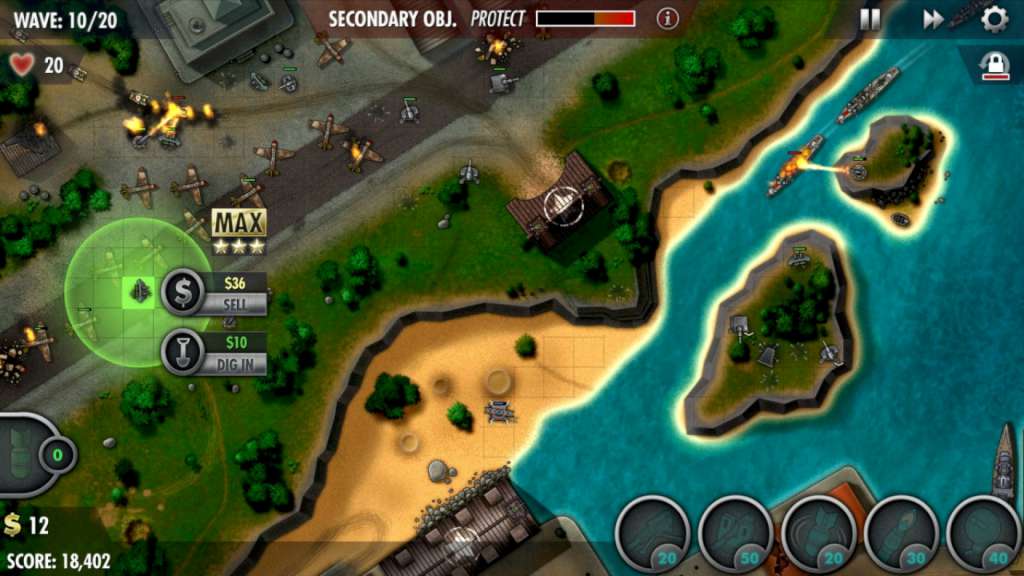
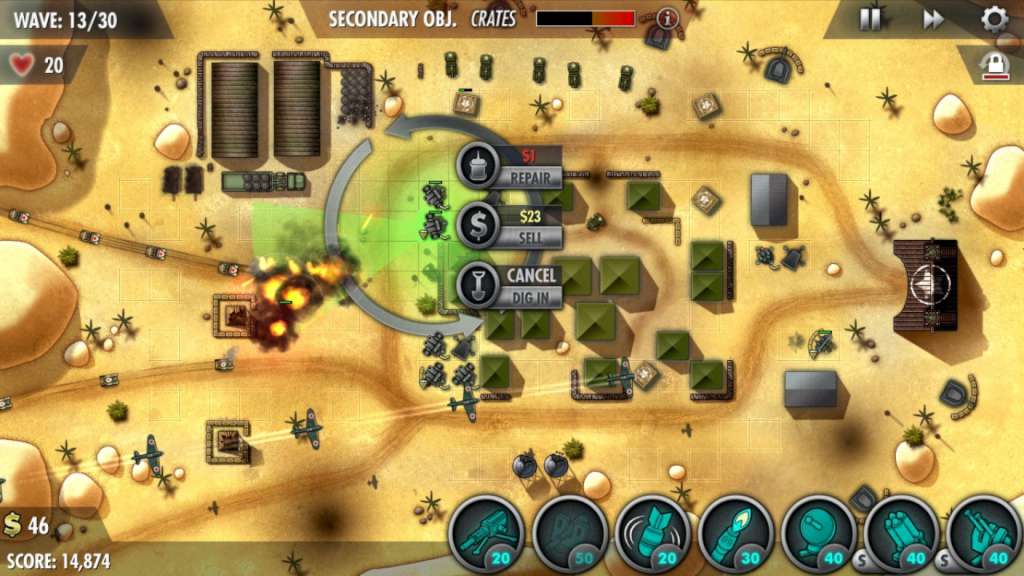
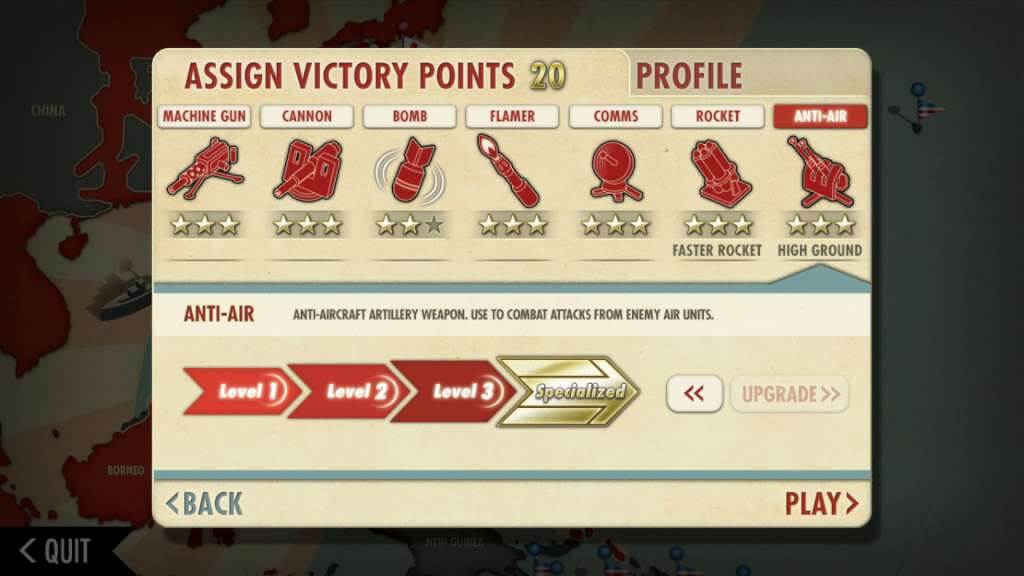
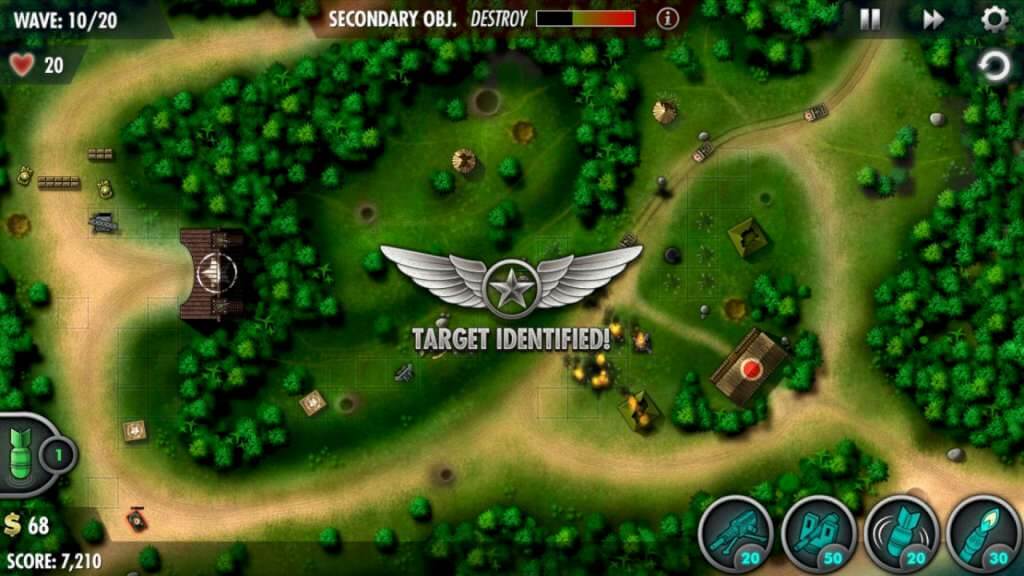
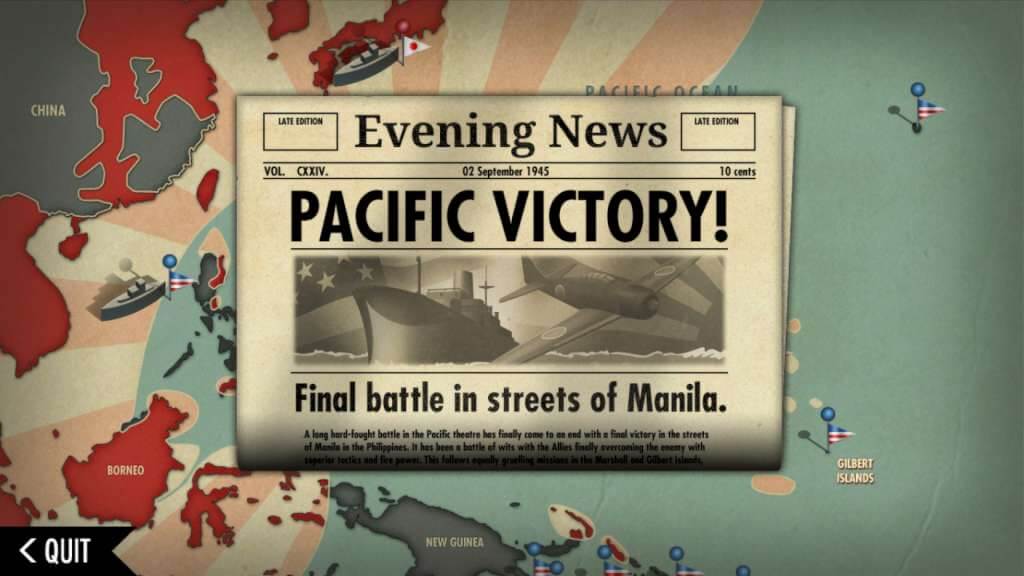
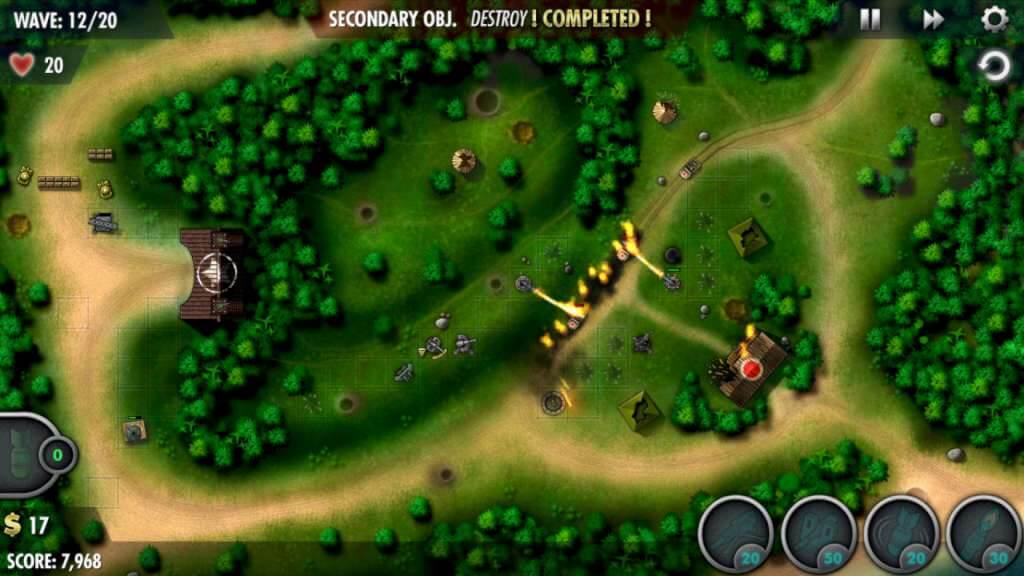
iBomber moves to the Pacific as you fight a whole new enemy across the Pacific rim to regain freedom. iBomber Defense Pacific takes tower defense to a whole new level and makes you feel like you're right there and part of the incredible action. iBomber Defense Pacific has all-new tactics, all-new strategies, all-new maps, all-new weapons and all-new enemies. Features Victory Points, Perks and Stats Earn victory points and spend to upgrade all your turrets Specialize your turrets for extra overall fire power Win Perks (12 to unlock and assign) Progress your Rank (14 ranks to achieve) Follow your stats (20 stats to track & watch) Try to collect all 25 Achievements Compete against your friends across all the campaign missions and 2 Bonus missions using Steam Leaderboards Full Steam Cloud support for taking your save game with you

iBomber Defense Pacific screenshotiBomber Defense Pacific screenshotiBomber Defense Pacific screenshotiBomber Defense Pacific screenshotiBomber Defense Pacific screenshotiBomber Defense Pacific screenshot

How to redeem

  1. 1Check your Steam account and the listed region before purchasing.
  2. 2Find your code and supplier activation instructions in your confirmed order.
  3. 3Open the redeem-code section on Steam, enter the code and follow the platform’s prompts.

Supplier instructions

Go to: http://store.steampowered.com/ and download STEAM client Click "Install Steam" (from the upper right corner) Install and start application, login with your Account name and Password (create one if you don't have). Please follow these instructions to activate a new retail purchase on Steam: Launch Steam and log into your Steam account. Click the Games Menu. Choose Activate a Product on Steam... Follow the onscreen instructions to complete the process. After successful code verification go to the "MY GAMES" tab and start downloading.

You might also like