Get 10% back in Relic Coins on every order
Borderlands - The Secret Armory of General Knoxx DLC cover

Steam Europe - All Countries· DLC

Borderlands - The Secret Armory of General Knoxx DLC

€6.80

+€0.68 cashback eligibility in Relic Coins

Check before you play

Platform
Steam
Region
Europe - All Countries
Product type
DLC

Check the required base game and edition before purchasing this add-on.

Developer
Telltale Games
Publisher
Telltale Games
Supplier release date
2010-02-25
Genres
Action, RPG

About this product

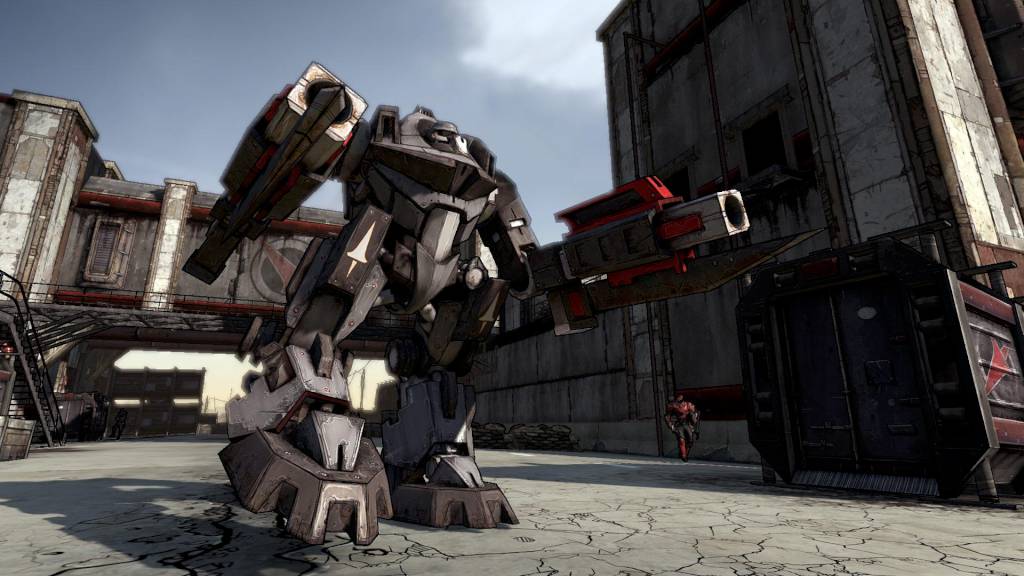
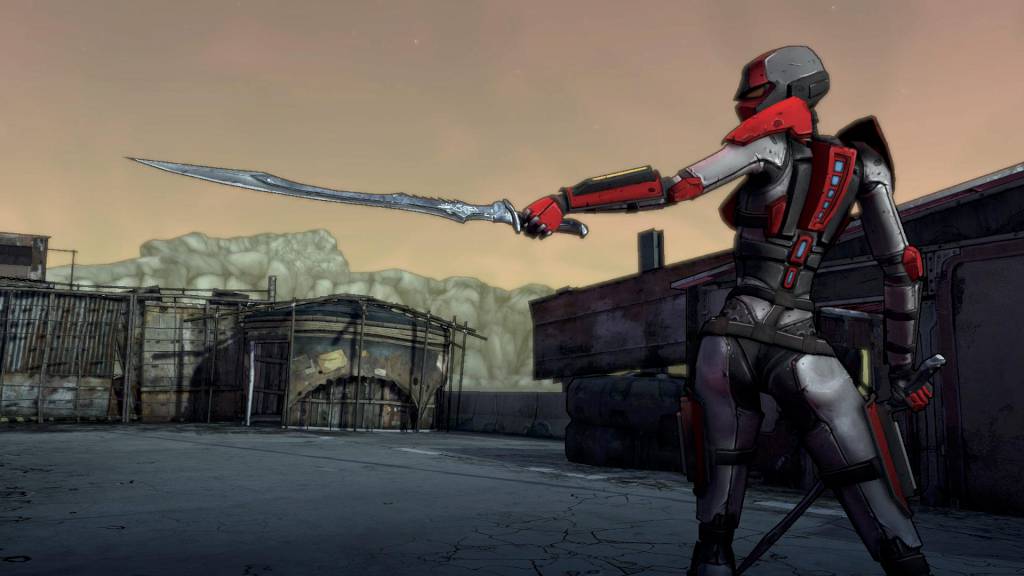
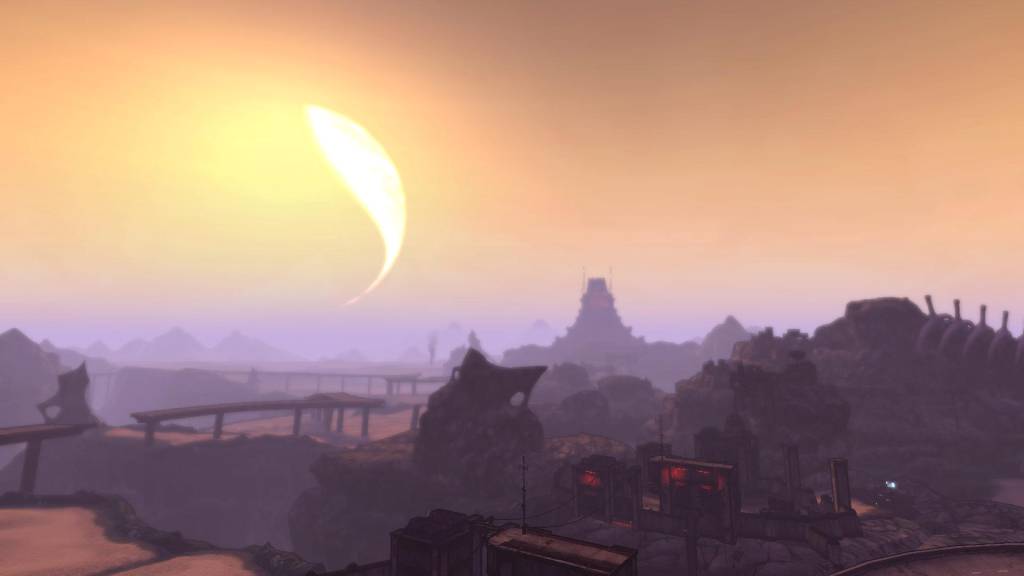
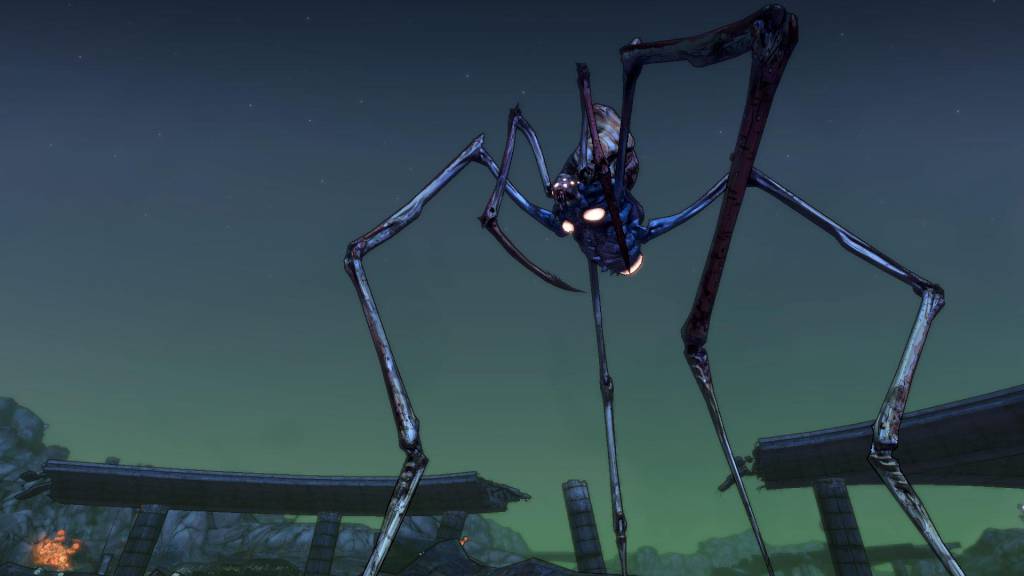
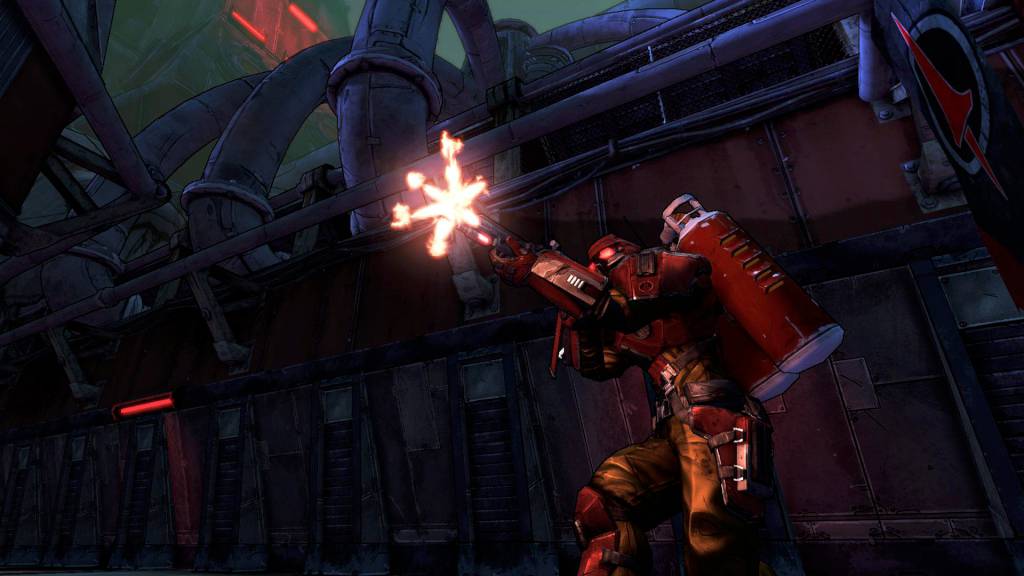
Borderlands goes to ELEVEN! You may have seen some games raise their level cap by 5, or maybe even 10, but with The Crimson Lance Assassination Squads wreaking havoc and Crawmerax the Invincible being all invulnerable and stuff we knew you'd need more than just 10. And that's why Borderlands goes to ELEVEN! The Secret Armory of General Knoxx adds new guns, new Class Mods, new vehicles, new missions, and increases the level cap by ELEVEN. Once you factor in all the new enemy types that need killing you're going to need eleven just to keep up. The Secret Armory of General Knoxx is an add-on pack for Borderlands that raises the level cap to 61, adds new guns, vehicles, Class Mods, shields, enemy types, and missions. In other words...best add-on ever. Of all time. Forever. The End.

Borderlands - The Secret Armory of General Knoxx DLC screenshotBorderlands - The Secret Armory of General Knoxx DLC screenshotBorderlands - The Secret Armory of General Knoxx DLC screenshotBorderlands - The Secret Armory of General Knoxx DLC screenshotBorderlands - The Secret Armory of General Knoxx DLC screenshotBorderlands - The Secret Armory of General Knoxx DLC screenshot

How to redeem

  1. 1Check the required base game, platform and edition before purchasing.
  2. 2Find the code or supplier activation instructions in your confirmed order.
  3. 3Redeem on Steam using the supplied instructions, then install the add-on with the compatible base game.

Supplier instructions

Go to: http://store.steampowered.com/ and download STEAM client Click "Install Steam" (from the upper right corner) Install and start application, login with your Account name and Password (create one if you don't have). Please follow these instructions to activate a new retail purchase on Steam: Launch Steam and log into your Steam account. Click the Games Menu. Choose Activate a Product on Steam... Follow the onscreen instructions to complete the process. After successful code verification go to the "MY GAMES" tab and start downloading.

You might also like