

SteamGlobal· Key
Rogue's Tale
€4.64
+€0.46 cashback eligibility in Relic Coins
Check before you play
- Platform
- Steam
- Region
- Global
- Product type
- Key
- Developer
- Epixx.org
- Publisher
- Epixx.org
- Genres
- RPG, Indie
SteamGlobal· Key
€4.64
+€0.46 cashback eligibility in Relic Coins
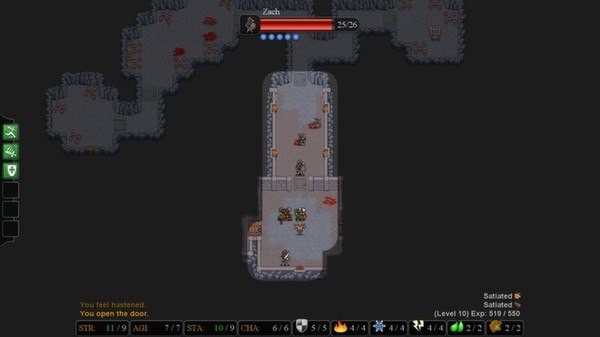
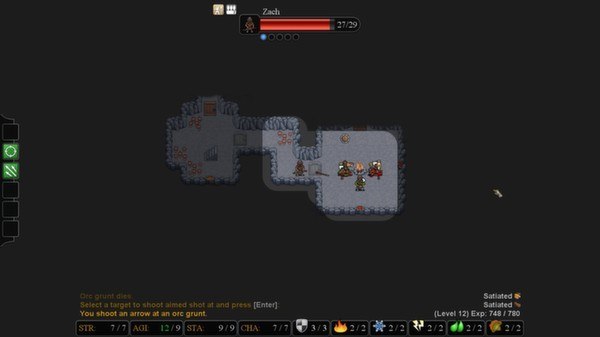
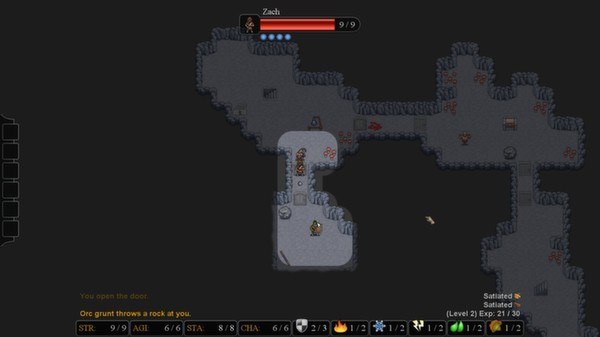
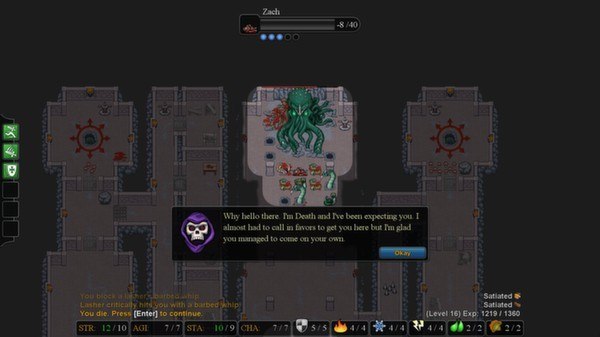
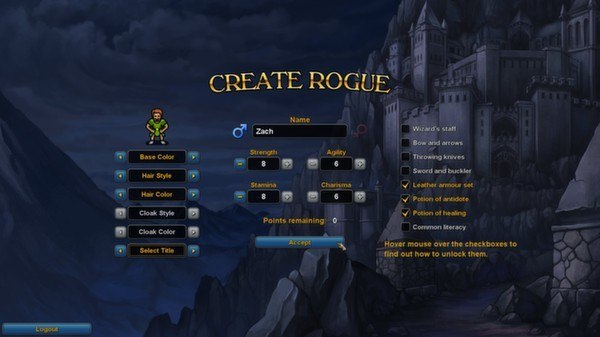
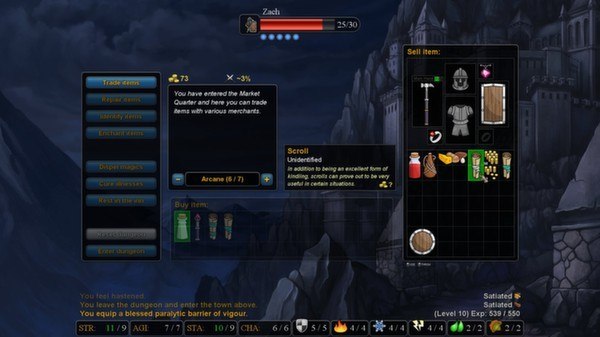
Rogue's Tale Steam Key Platform: Steam Languages: English Release Date: 28 Mar 2014 Product Description Rogue's Tale is a single player turn-based dungeon crawling game. The game takes place in a place called Frostmourn Keep and its underlying dungeons located in the World's End Mountains. The goal is to overthrow the current king of the Frostmourn Keep and become the new king. Features Classless character building where you can be the kind of rogue you want. Seemingly unfair, untimely and unforgiving deaths which are also permanent. Ways to counter these deaths by learning the game mechanics. Random dungeons and encounters. 24 talents to build your character with. 30 spells to build your character even further. 50 heritages that make your next character stronger. 30 challenges to complete once you get the hang of the game. System Requirements OS: XP/Vista/7/8 Processor: 2GHz Intel or AMD Memory: 2048 MB RAM Graphics: Nvidia Geforce 9600 or similar ATI/AMD card Hard Drive: 200 MB available space
Go to: http://store.steampowered.com/ and download STEAM client Click "Install Steam" (from the upper right corner) Install and start application, login with your Account name and Password (create one if you don't have). Please follow these instructions to activate a new retail purchase on Steam: Launch Steam and log into your Steam account. Click the Games Menu. Choose Activate a Product on Steam... Follow the onscreen instructions to complete the process. After successful code verification go to the "MY GAMES" tab and start downloading.