Get 10% back in Relic Coins on every order
Borderlands: The Pre-Sequel - Ultimate Vault Hunter Upgrade Pack: The Holodome Onslaught DLC cover

Steam Europe - All Countries· DLC

Borderlands: The Pre-Sequel - Ultimate Vault Hunter Upgrade Pack: The Holodome Onslaught DLC

€4.65

+€0.47 cashback eligibility in Relic Coins

Check before you play

Platform
Steam
Region
Europe - All Countries
Product type
DLC

Check the required base game and edition before purchasing this add-on.

Developer
Gearbox Software
Publisher
Take-Two Interactive
Supplier release date
2014-12-16
Genres
Action, Adventure, FPS

About this product

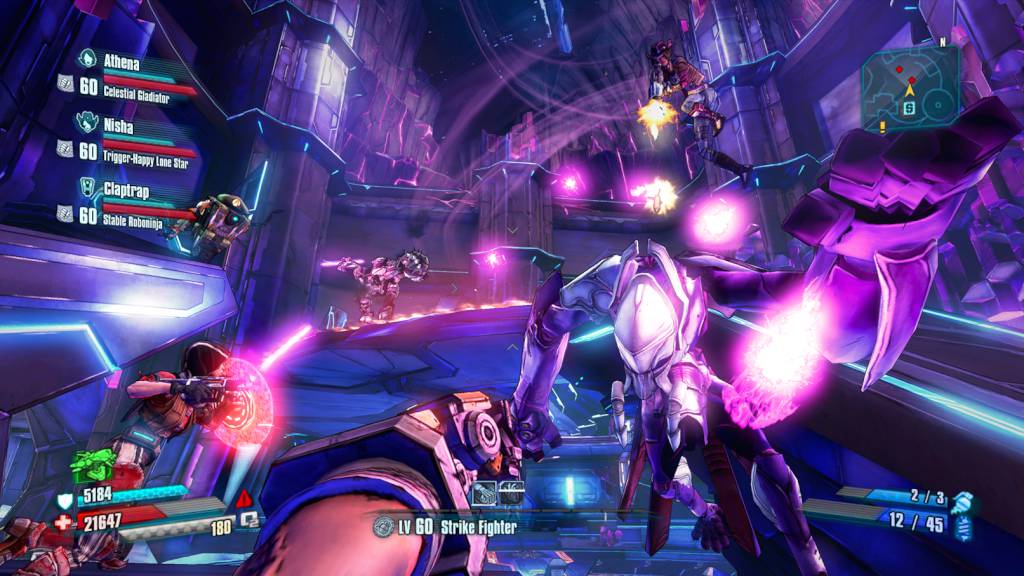
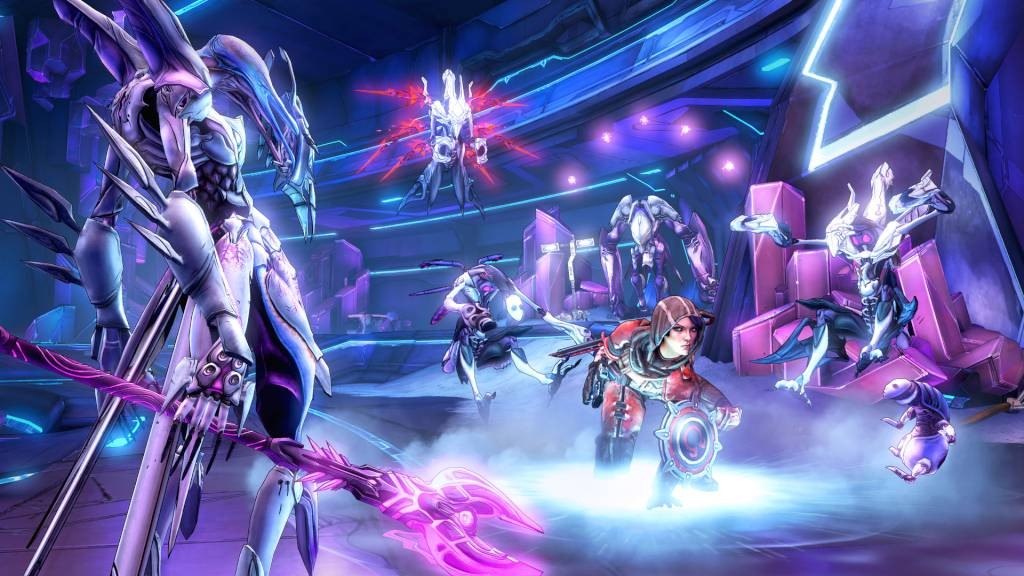
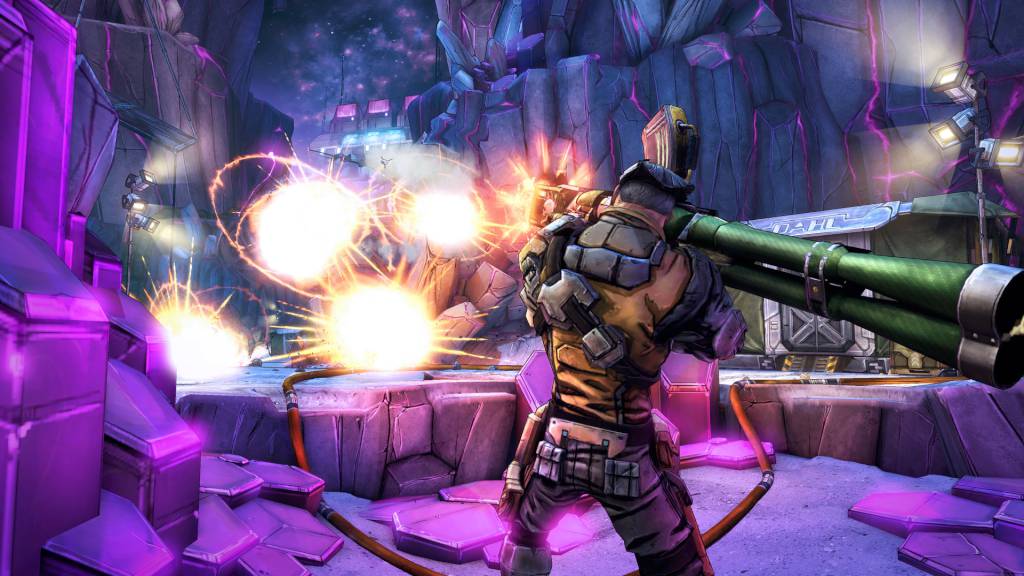
With all new narrative content, this add-on begins as Vault Hunters Axton and Gaige catch up on the story thus far via The Holodome Onslaught, a new challenge arena that lets players fight through wave after wave of exciting enemies and bosses. While the veteran Vault Hunters join the rest of the crew at Crimson Raiders HQ and learn of recent events, players will face off against some of the game’s most memorable badasses to earn awesome, new weapons and gear along with radical new heads and skins!

Borderlands: The Pre-Sequel - Ultimate Vault Hunter Upgrade Pack: The Holodome Onslaught DLC screenshotBorderlands: The Pre-Sequel - Ultimate Vault Hunter Upgrade Pack: The Holodome Onslaught DLC screenshotBorderlands: The Pre-Sequel - Ultimate Vault Hunter Upgrade Pack: The Holodome Onslaught DLC screenshot

How to redeem

  1. 1Check the required base game, platform and edition before purchasing.
  2. 2Find the code or supplier activation instructions in your confirmed order.
  3. 3Redeem on Steam using the supplied instructions, then install the add-on with the compatible base game.

Supplier instructions

Go to: http://store.steampowered.com/ and download STEAM client Click "Install Steam" (from the upper right corner) Install and start application, login with your Account name and Password (create one if you don't have). Please follow these instructions to activate a new retail purchase on Steam: Launch Steam and log into your Steam account. Click the Games Menu. Choose Activate a Product on Steam... Follow the onscreen instructions to complete the process. After successful code verification go to the "MY GAMES" tab and start downloading.

You might also like