Get 10% back in Relic Coins on every order
Borderlands - The Zombie Island of Dr. Ned DLC cover

Steam Europe - All Countries· DLC

Borderlands - The Zombie Island of Dr. Ned DLC

€6.80

+€0.68 cashback eligibility in Relic Coins

Check before you play

Platform
Steam
Region
Europe - All Countries
Product type
DLC

Check the required base game and edition before purchasing this add-on.

Developer
Telltale Games
Publisher
Telltale Games
Supplier release date
2009-12-09
Genres
Action, RPG, FPS

About this product

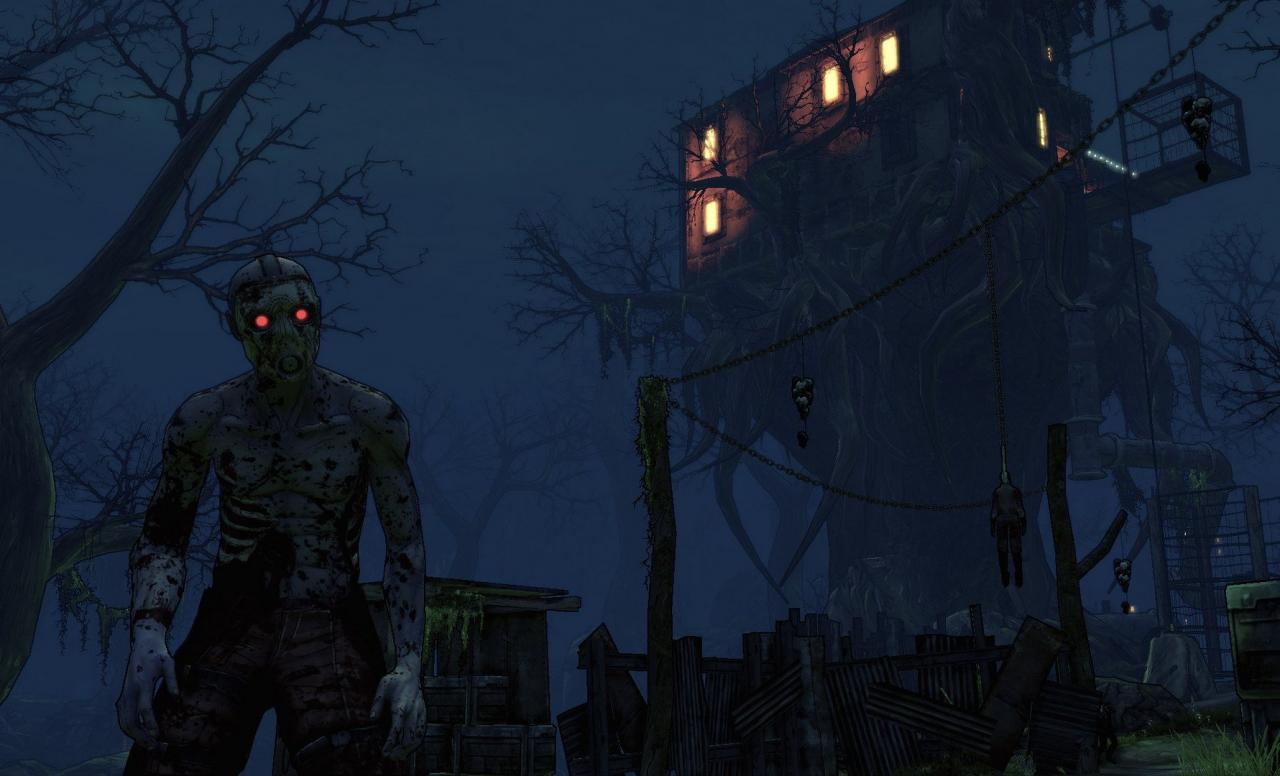
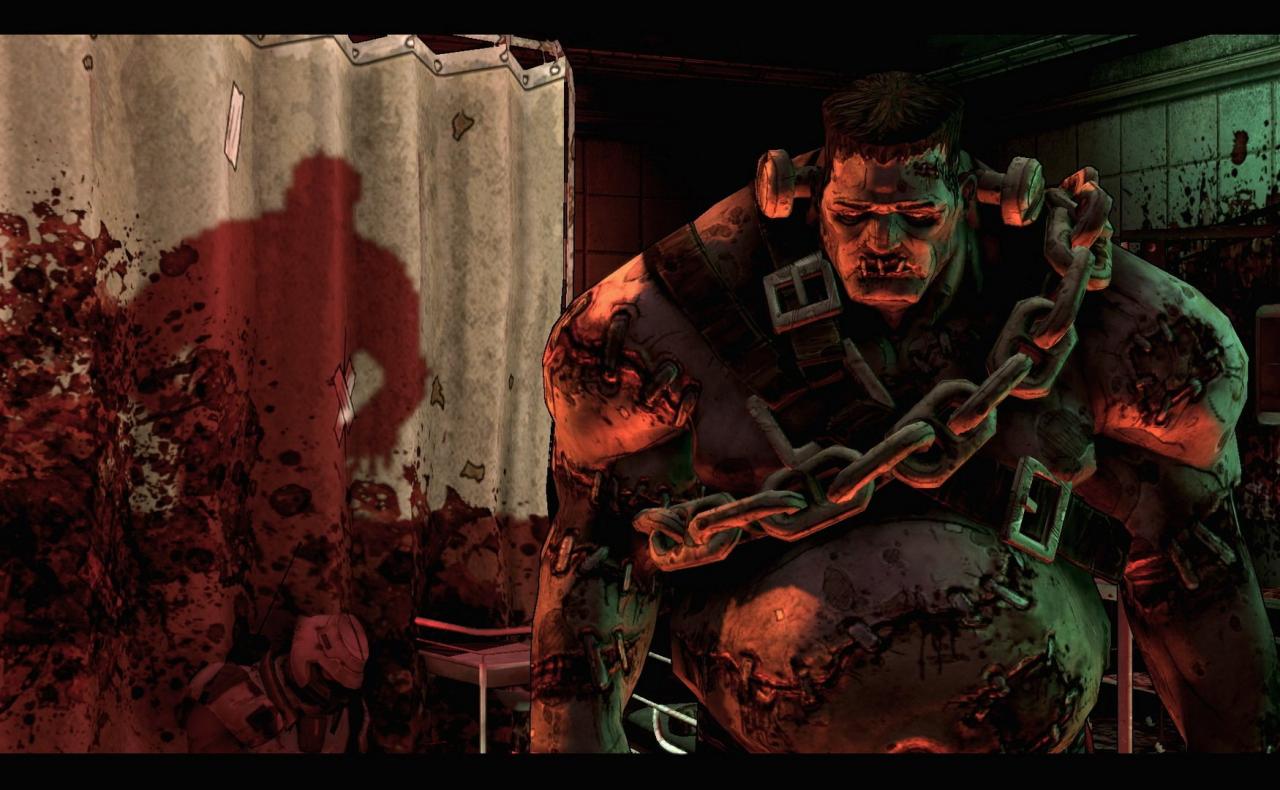
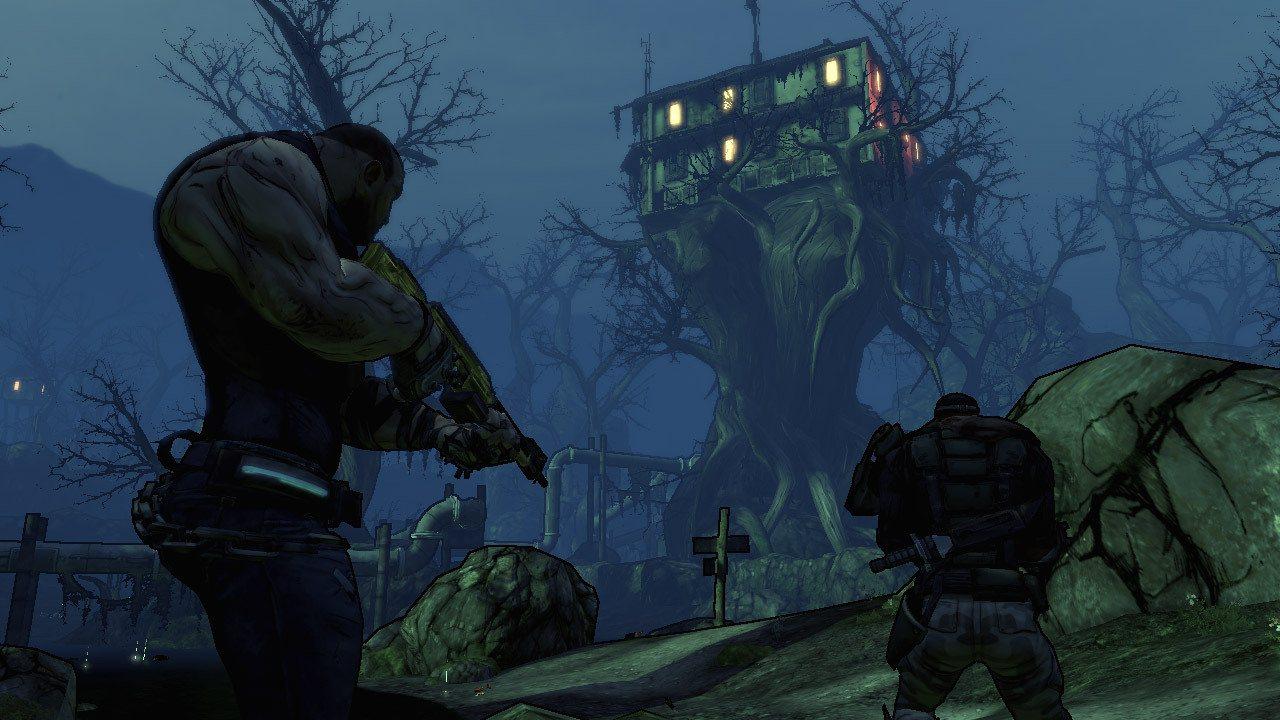
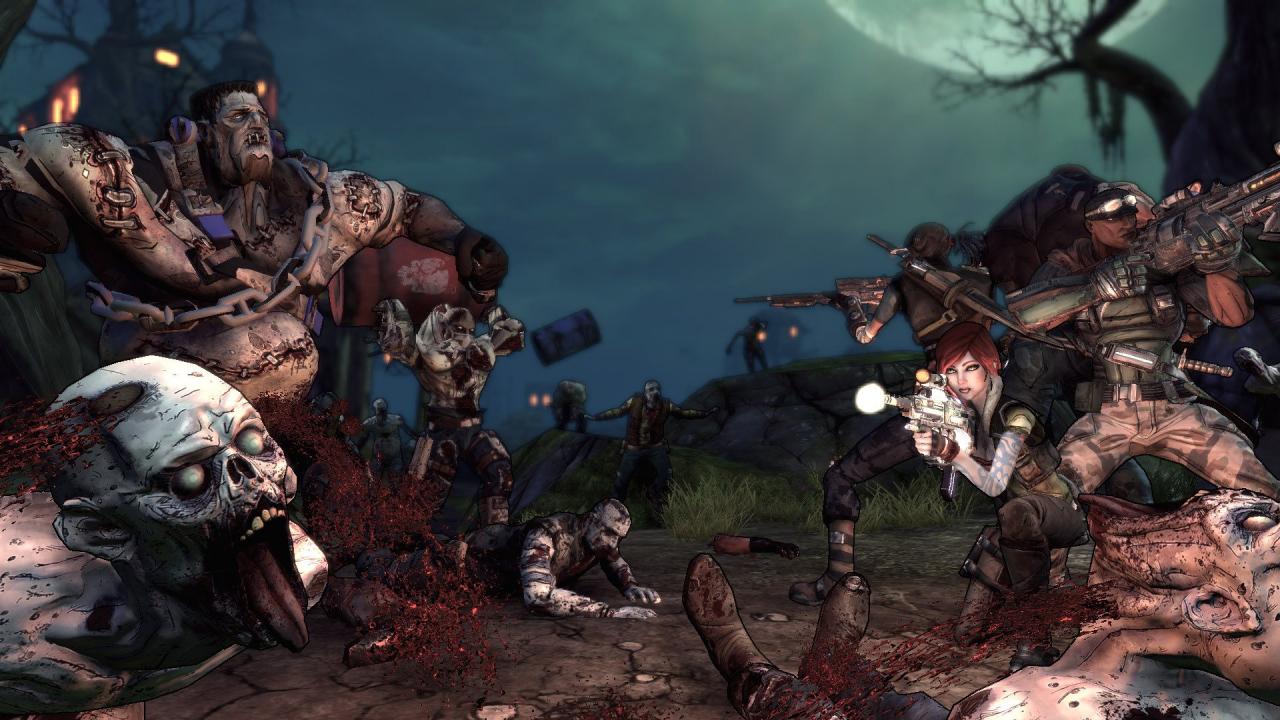
The Zombie Island of Dr. Ned is the first Add-On for Borderlands with new enemy types, new missions, and new ... surprises. The Jakobs Corporation would like to invite you to experience the splendor of a corporate owned small town known as Jakobs Cove. Any rumors you may have heard about the "undead" walking our streets are completely preposterous and we officially deny them all. If those rumors turn out to be true simply purchase a firearm from the conveniently located Jakobs Brand Vending Machines and aim for the head. Also, would you mind saving our employees? (Non-union only please) Features 5 New Areas to Explore Dozens of New Missions New Enemies to Eviscerate

Borderlands - The Zombie Island of Dr. Ned DLC screenshotBorderlands - The Zombie Island of Dr. Ned DLC screenshotBorderlands - The Zombie Island of Dr. Ned DLC screenshotBorderlands - The Zombie Island of Dr. Ned DLC screenshot

How to redeem

  1. 1Check the required base game, platform and edition before purchasing.
  2. 2Find the code or supplier activation instructions in your confirmed order.
  3. 3Redeem on Steam using the supplied instructions, then install the add-on with the compatible base game.

Supplier instructions

Go to: http://store.steampowered.com/ and download STEAM client Click "Install Steam" (from the upper right corner) Install and start application, login with your Account name and Password (create one if you don't have). Please follow these instructions to activate a new retail purchase on Steam: Launch Steam and log into your Steam account. Click the Games Menu. Choose Activate a Product on Steam... Follow the onscreen instructions to complete the process. After successful code verification go to the "MY GAMES" tab and start downloading.

You might also like