Get 10% back in Relic Coins on every order
Disney Fairies: Tinker Bell's Adventure cover

Steam Europe - All Countries· Key

Disney Fairies: Tinker Bell's Adventure

€51.51

+€5.15 cashback eligibility in Relic Coins

Check before you play

Platform
Steam
Region
Europe - All Countries
Product type
Key
Developer
Gamestar
Publisher
Disney Interactive
Supplier release date
2014-10-06
Genres
Action, Adventure

About this product

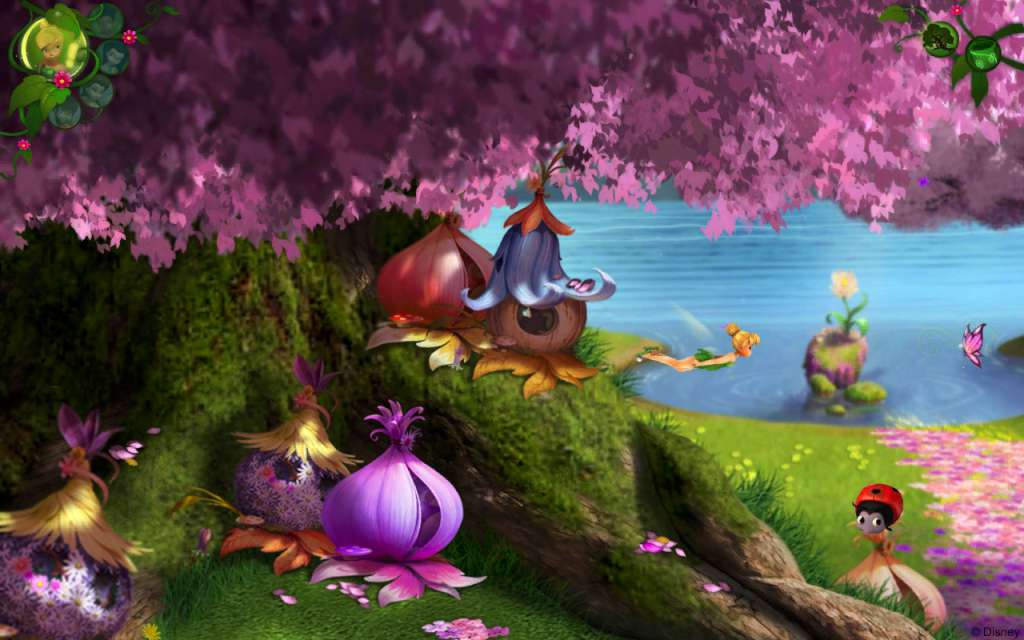
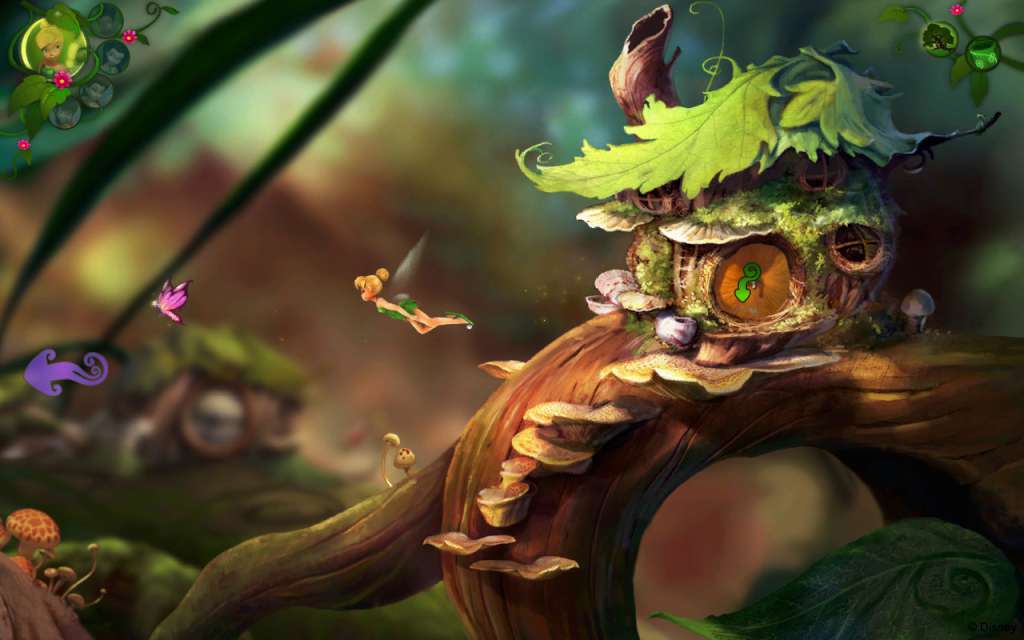
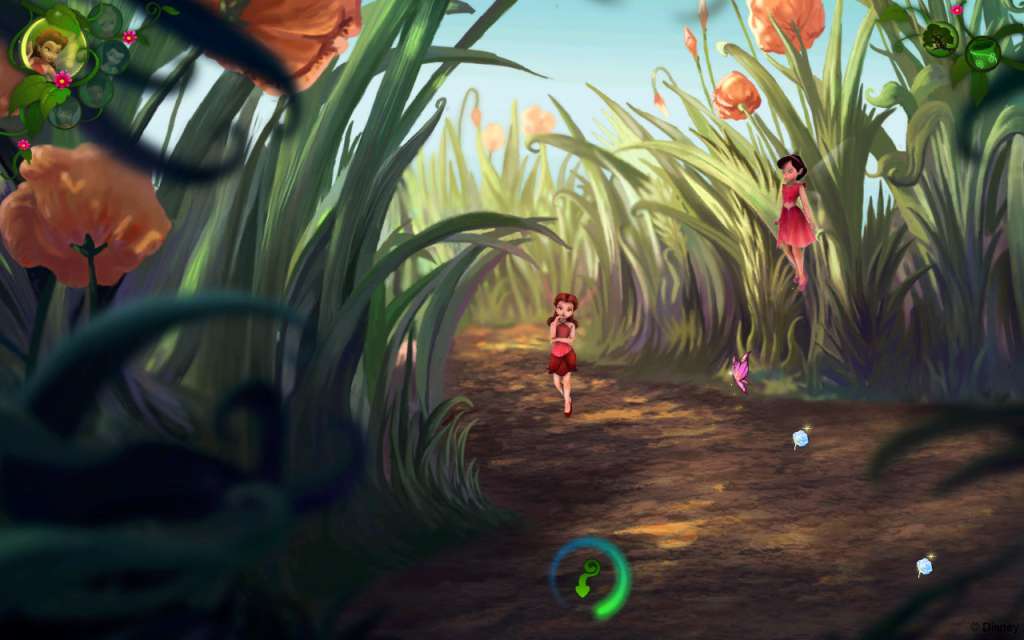
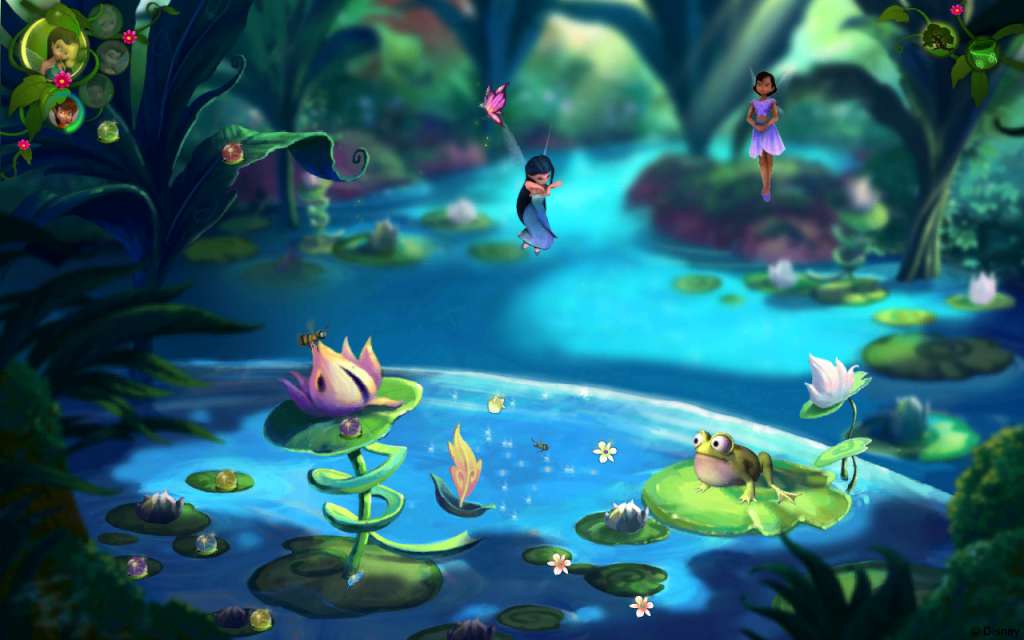
Fans will be able to enter a world inhabited by these magical characters and discover the secrets of Pixie Hollow, while ushering in the seasons in the Spring Valley, Summer Glades, Autumn Forest and Winter Woods. Filled with ritual and ceremony, and sparked by fun and a whole lot of magic and Pixie attitude - players can explore the land of the Disney Fairies.Play as Tinker Bell, Iridessa, Silvermist, Fawn and Rosetta as you take on this exciting adventure. Each come with their fairy talent such as Tinkering, Light, Water, Animal and Garden . On this special journey, players will encounter and interact with other fairies, sparrow men and magical creatures that all reside in Never Land, whilst collecting hidden treasures and sparkling objects to save throughout the game.

Disney Fairies: Tinker Bell's Adventure screenshotDisney Fairies: Tinker Bell's Adventure screenshotDisney Fairies: Tinker Bell's Adventure screenshotDisney Fairies: Tinker Bell's Adventure screenshotDisney Fairies: Tinker Bell's Adventure screenshot

How to redeem

  1. 1Check your Steam account and the listed region before purchasing.
  2. 2Find your code and supplier activation instructions in your confirmed order.
  3. 3Open the redeem-code section on Steam, enter the code and follow the platform’s prompts.

Supplier instructions

Go to: http://store.steampowered.com/ and download STEAM client Click "Install Steam" (from the upper right corner) Install and start application, login with your Account name and Password (create one if you don't have). Please follow these instructions to activate a new retail purchase on Steam: Launch Steam and log into your Steam account. Click the Games Menu. Choose Activate a Product on Steam... Follow the onscreen instructions to complete the process. After successful code verification go to the "MY GAMES" tab and start downloading.

You might also like