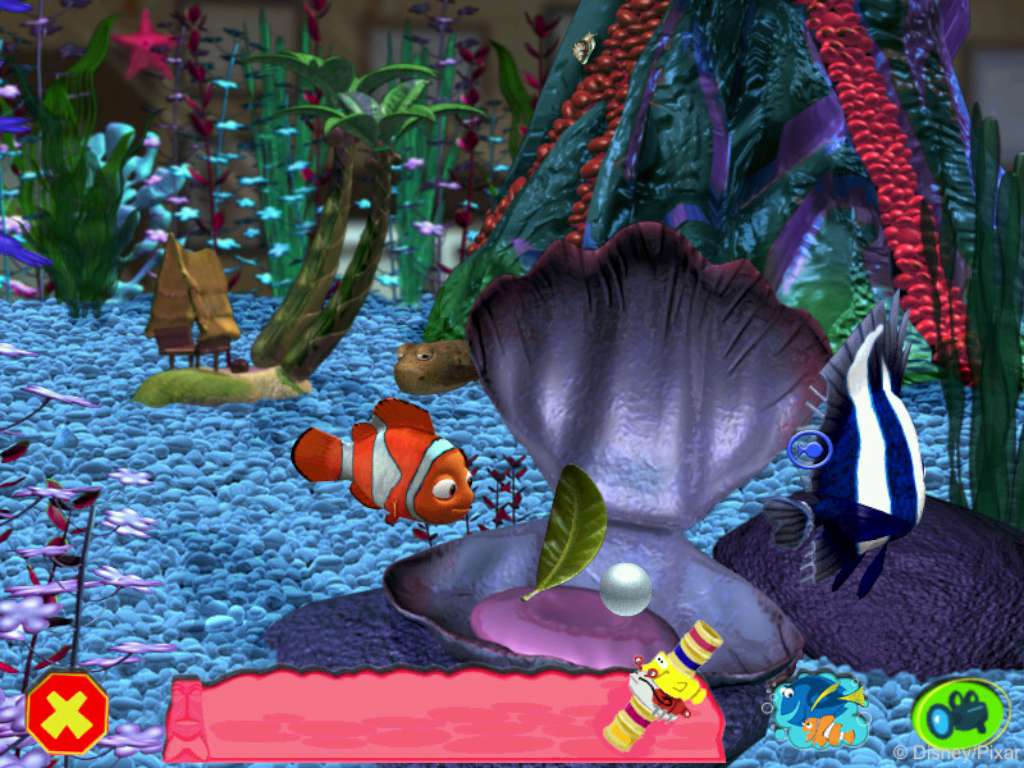
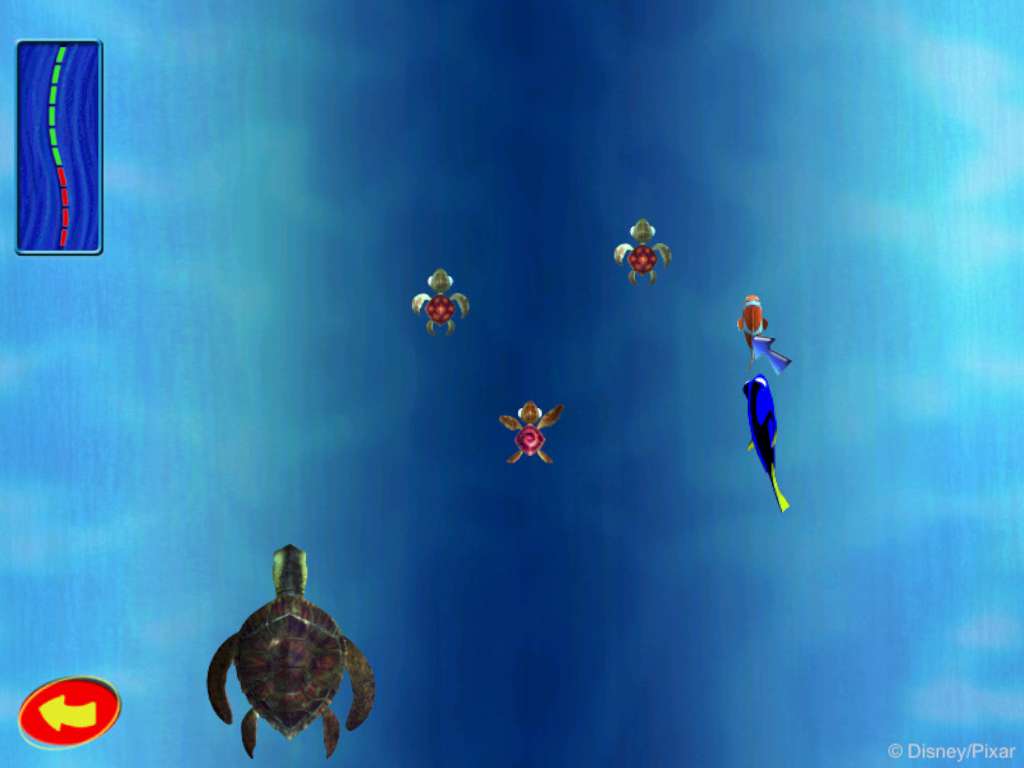
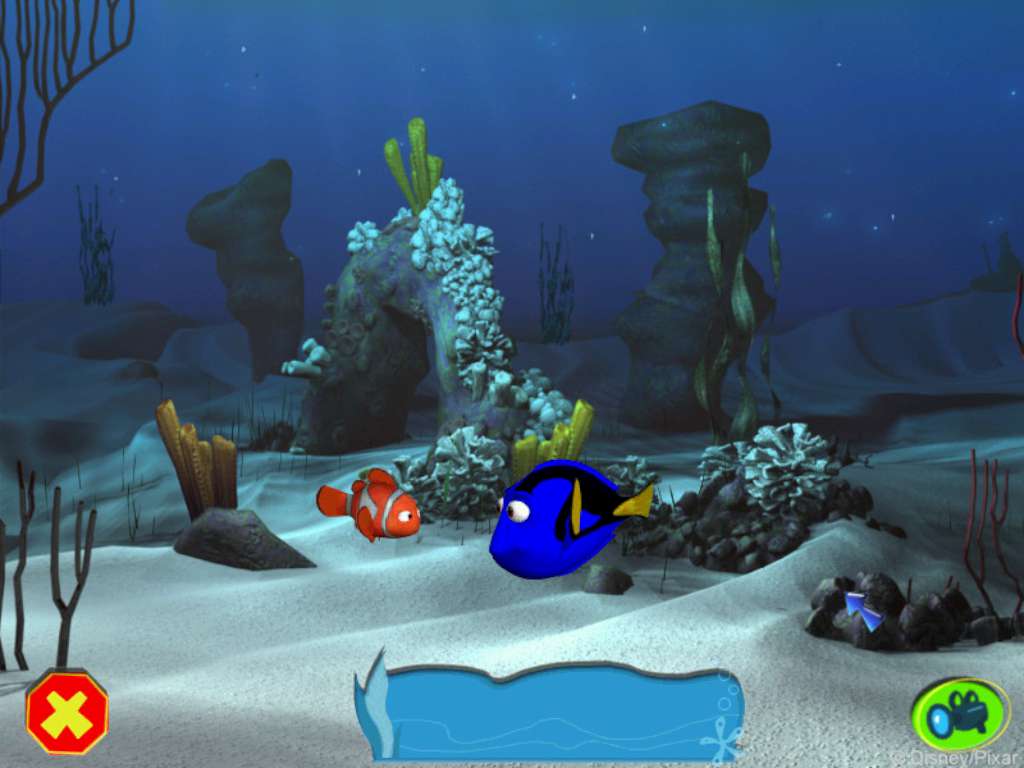
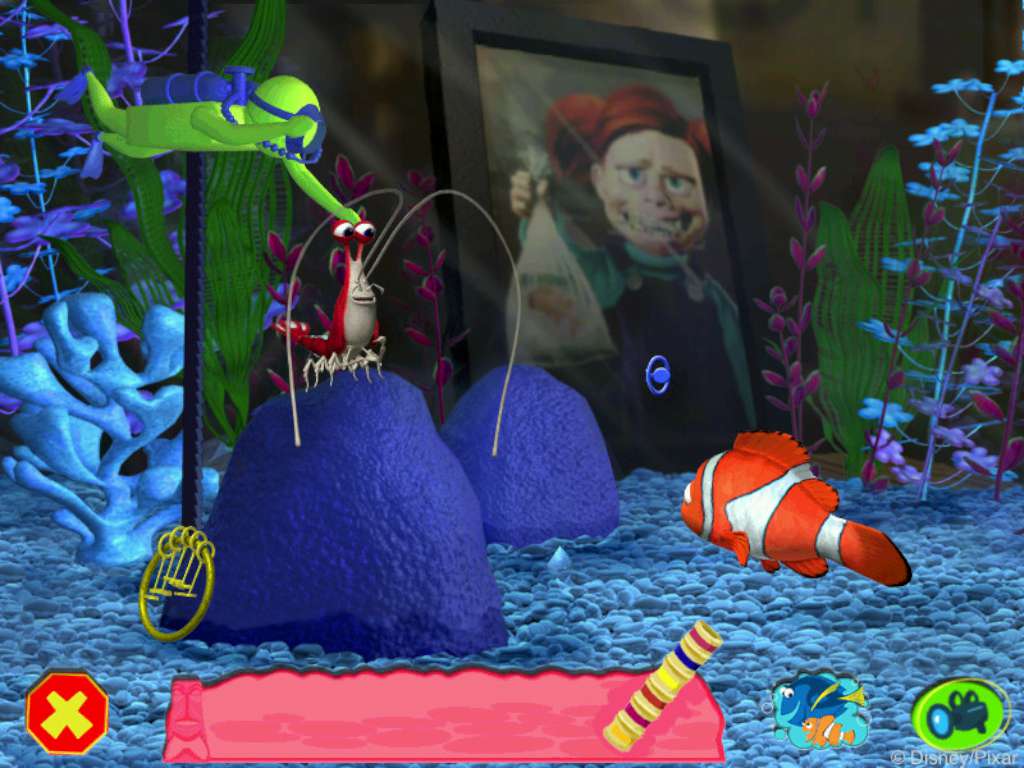
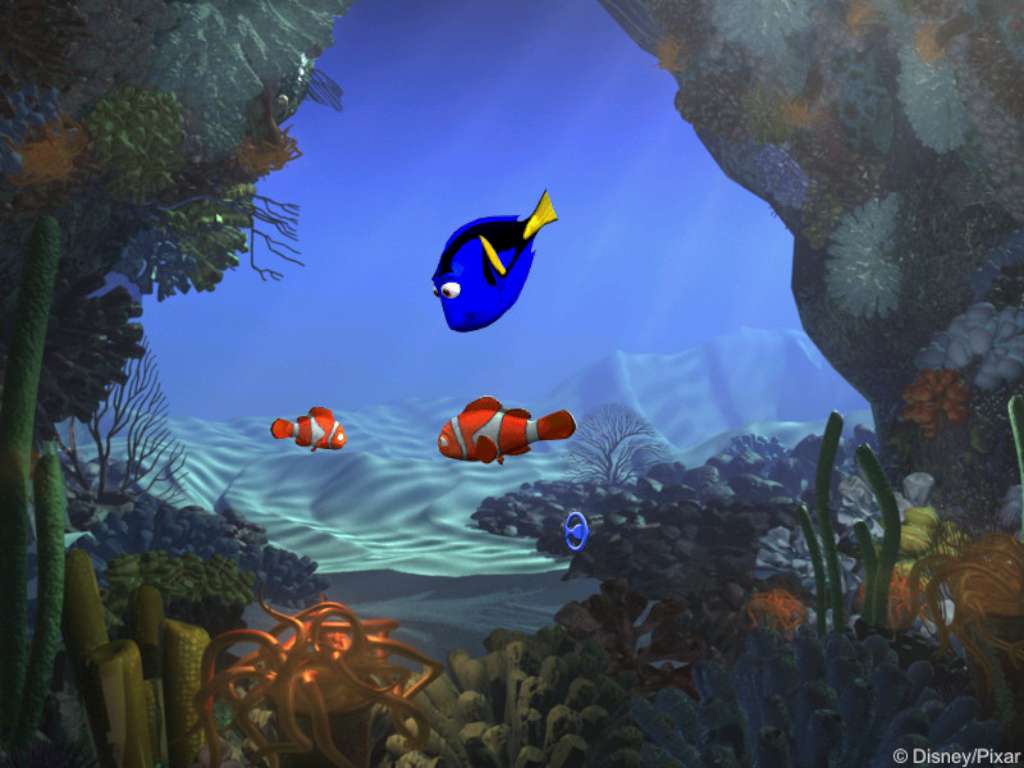
Disney/Pixar's Finding Nemo features two main storylines. As in the 2003 animated feature film, the clown fish Nemo is headed for his first day at school when he's captured near Australia's Great Barrier Reef by a scuba diver and winds up in an aquarium in a dentist's office. In the first storyline, players take the role of Nemo's father, Marlin, who with the assistance of a forgetful Regal Blue Tang fish named Dory, must solve puzzles and master arcade-style mini-games in their search for his missing son. The second storyline involves Nemo's attempts to become friends with the other inhabitants of the aquarium in order to join the Tank Gang and help pull off their secret escape plan. Players can switch between the two storylines at anytime during the adventure until the two are united.Throughout the adventure, players are introduced to characters from the film who help Marlin and Nemo accomplish tasks. During Marlin's story, players must escape from Bruce the Shark, recover the diver's mask from a sunken submarine, avoid an anglerfish, hop across a maze of jellyfish, and hitch a ride on the current to Sydney Harbor. Meanwhile, mini-games and puzzles in Nemo's segment include using pebbles to jam the aquarium's filter, catching bubbles before they reach the top of the tank, maneuvering through a maze of Tiki heads, helping Jacques get his key chain unstuck, and escaping from a crab-infested sewer pipe. Once father and son are reunited, they must save Dory and other fish from a fisherman's net.