Get 10% back in Relic Coins on every order
Pixel Puzzles 2: Birds cover

Steam Europe - All Countries· Key

Pixel Puzzles 2: Birds

€0.72

+€0.07 cashback eligibility in Relic Coins

Check before you play

Platform
Steam
Region
Europe - All Countries
Product type
Key
Supplier release date
2015-02-20
Genres
Simulation, Indie, Casual

About this product

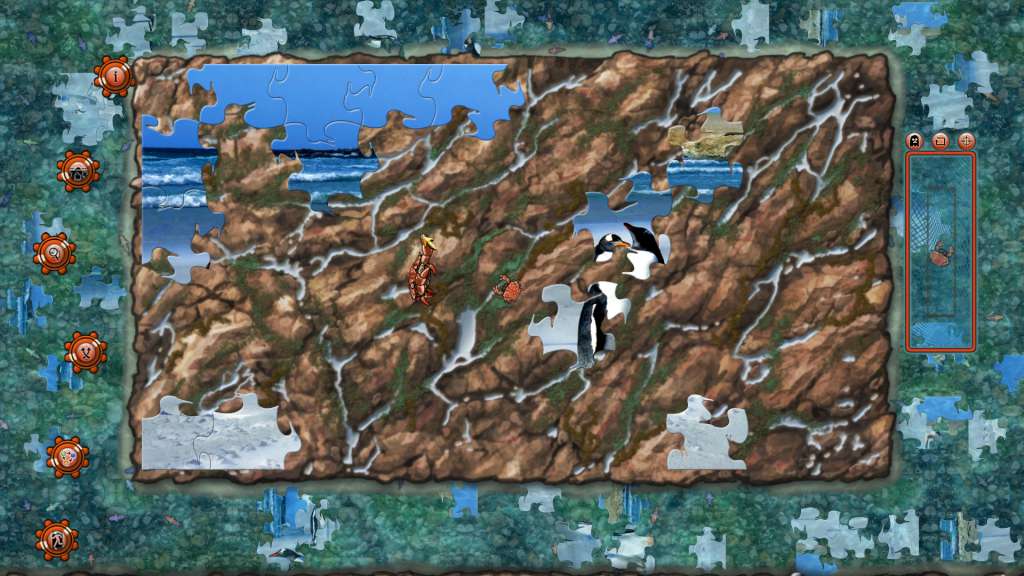
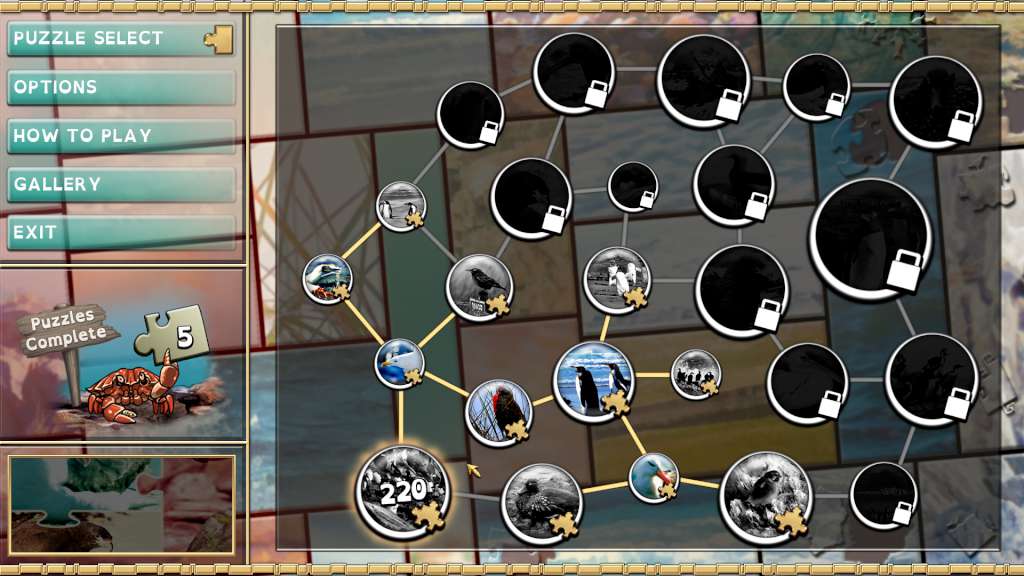
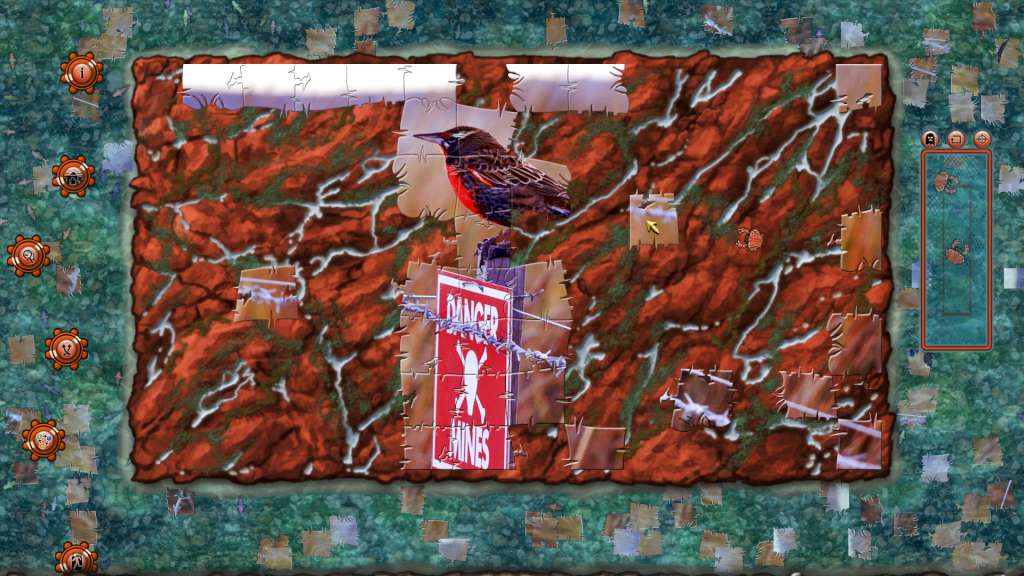
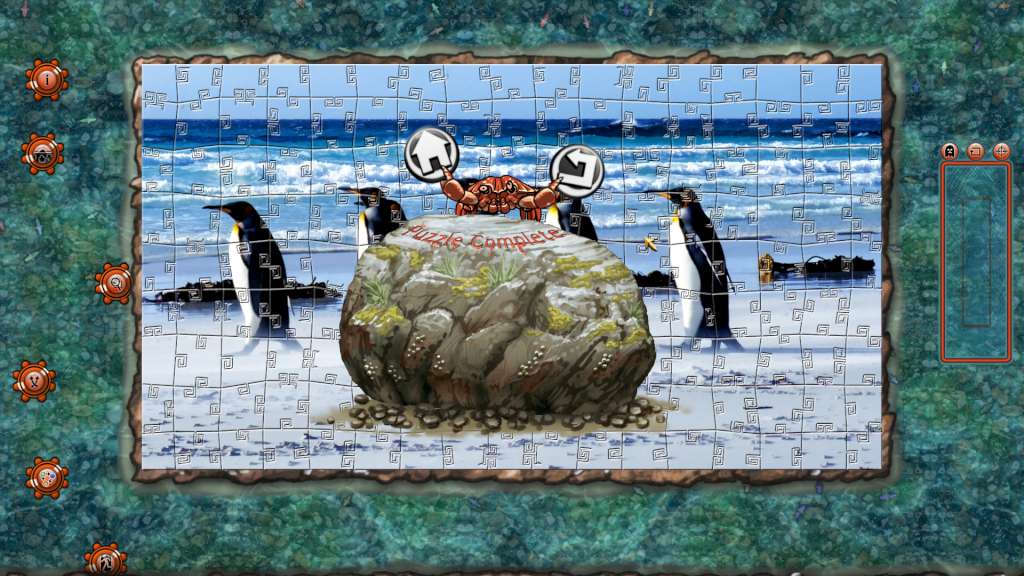
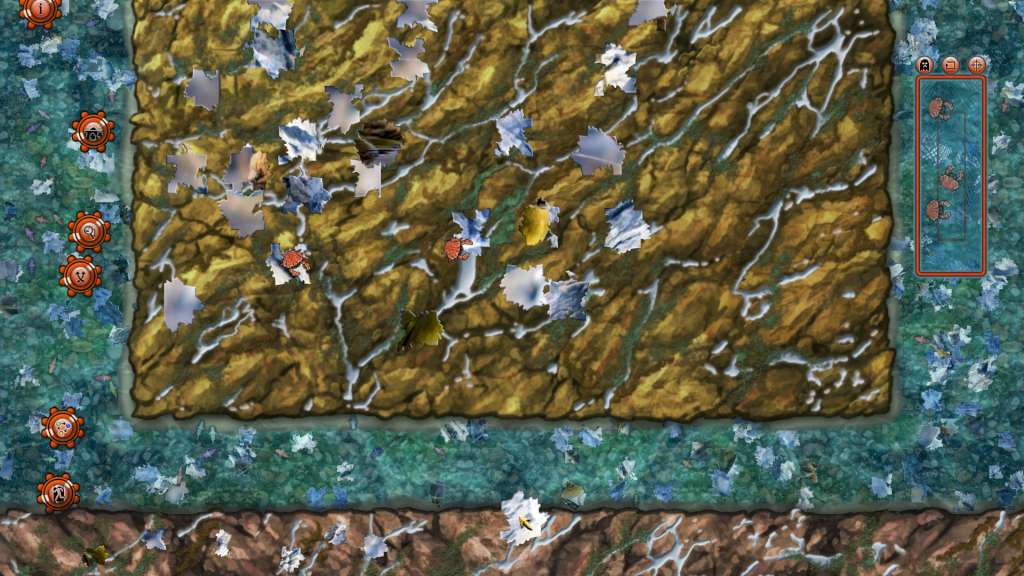
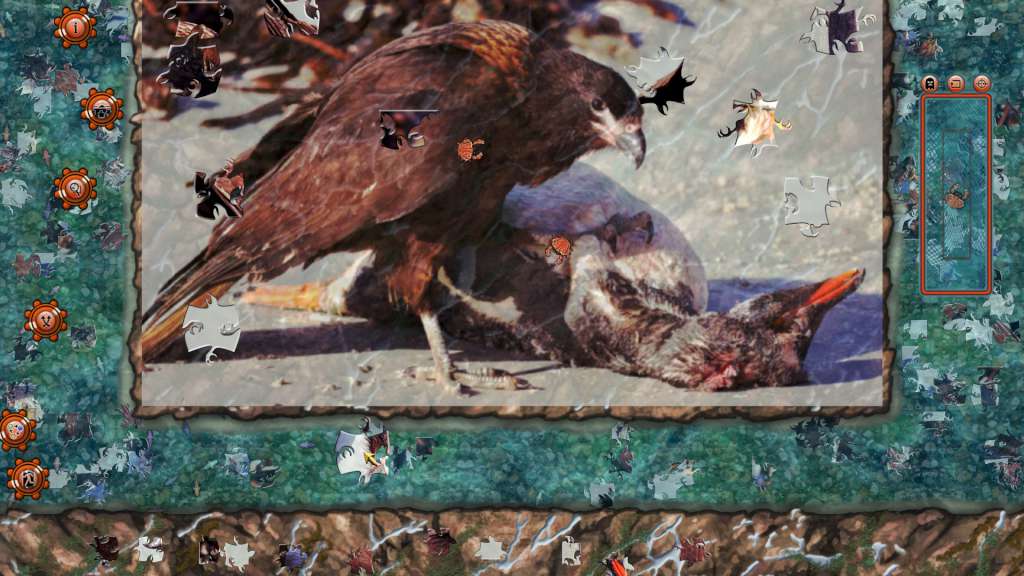
Featuring some truly fowl images indeed. Pixel Puzzles 2: Birds is a traditional style jigsaw puzzle game, with crabs scurrying around so WATCH YOUR FINGERS!!! The Pixel Puzzles series has been treated to a complete rebuild from the ground up, resulting in Pixel Puzzles 2 being a much smoother more refined gaming experience. So, what to do about those pesky crabs? Rather than giving them a squish, throw them in a cage. Collect and consume your little shelled friends to gain special puzzle solving abilities, with the crab grabbing power up system. Go catch them critters, they’re hiding under the pieces! Features 25 puzzles in a range of sizes from 60 to 350 pieces. Auto saving, never lose your progress. Relaxing atmosphere. Traditional puzzle gameplay. 26 Steam Achievements. Puzzle piece rotation. Interactive play environment. Beautiful photos of birds, taken in the south atlantic. Power ups to help solve puzzles.

Pixel Puzzles 2: Birds screenshotPixel Puzzles 2: Birds screenshotPixel Puzzles 2: Birds screenshotPixel Puzzles 2: Birds screenshotPixel Puzzles 2: Birds screenshotPixel Puzzles 2: Birds screenshot

How to redeem

  1. 1Check your Steam account and the listed region before purchasing.
  2. 2Find your code and supplier activation instructions in your confirmed order.
  3. 3Open the redeem-code section on Steam, enter the code and follow the platform’s prompts.

Supplier instructions

Go to: http://store.steampowered.com/ and download STEAM client Click "Install Steam" (from the upper right corner) Install and start application, login with your Account name and Password (create one if you don't have). Please follow these instructions to activate a new retail purchase on Steam: Launch Steam and log into your Steam account. Click the Games Menu. Choose Activate a Product on Steam... Follow the onscreen instructions to complete the process. After successful code verification go to the "MY GAMES" tab and start downloading.

You might also like