Get 10% back in Relic Coins on every order
Snapshot cover

Steam Europe - All Countries· Key

Snapshot

€0.86

+€0.09 cashback eligibility in Relic Coins

Check before you play

Platform
Steam
Region
Europe - All Countries
Product type
Key
Developer
Monster Fuelled Games
Publisher
Monster Fuelled Games
Supplier release date
2012-08-30
Genres
Action, Adventure, Indie, Platformer

About this product

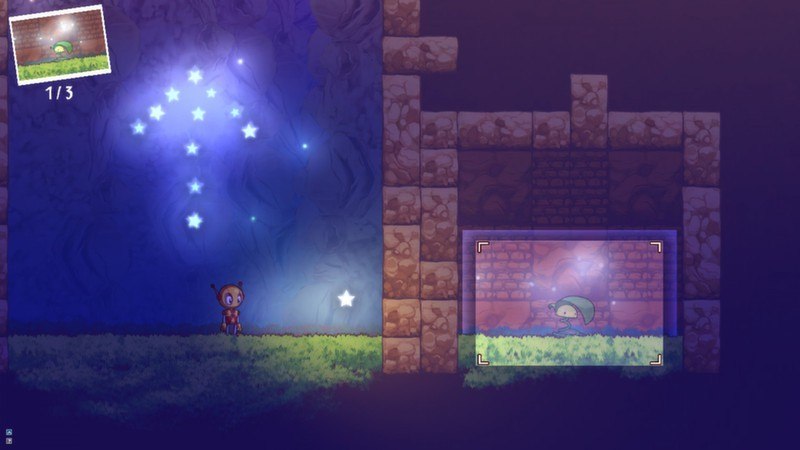
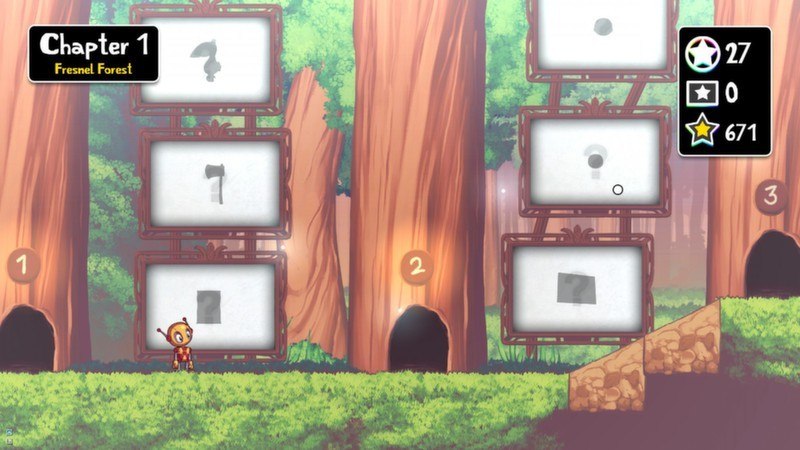
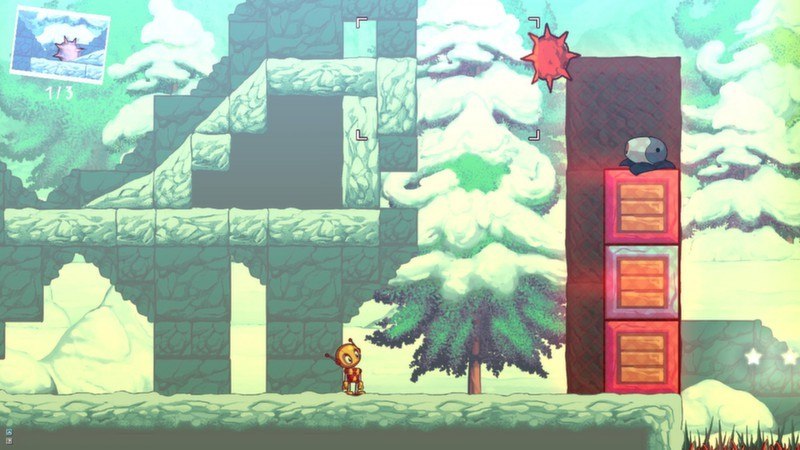
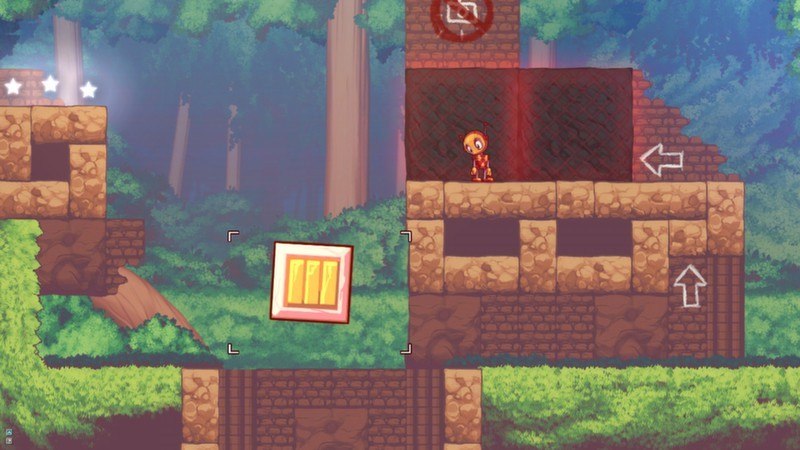
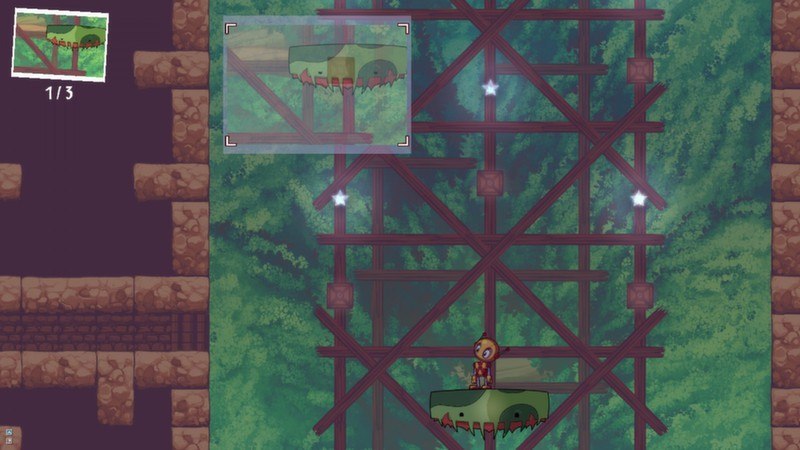
Snapshot is the tale of a lone robot lost in an abandoned world. Armed with only his trusty camera, Pic sets forth on his great adventure. A camera might not seem like enough for a puzzle platforming adventure, but this camera is different from most: It has the ability to capture and remove from the world the very objects that it photographs. Not only that, but it can also use its powers to paste the photos it took back into the environment! Everything that the camera captures is perfectly preserved, and when the photos are restored the objects are restored with it. On top of all of that, this amazing camera can also rotate the photos before they're pasted. Take a picture of an incoming fireball, rotate it and paste it to send it flying into a wall of heavy boxes to knock it out of the way. See what kind of crazy things can happen to Pic with his awesome (and probably magical) camera during the adventure of his life! Features A unique photography mechanic Over 100 different levels of platforming and puzzling. 4 distinct environments to explore. Secrets and time trial challenges for every level. Hand crafted high resolution graphics.

Snapshot screenshotSnapshot screenshotSnapshot screenshotSnapshot screenshotSnapshot screenshotSnapshot screenshot

How to redeem

  1. 1Check your Steam account and the listed region before purchasing.
  2. 2Find your code and supplier activation instructions in your confirmed order.
  3. 3Open the redeem-code section on Steam, enter the code and follow the platform’s prompts.

Supplier instructions

Go to: http://store.steampowered.com/ and download STEAM client Click "Install Steam" (from the upper right corner) Install and start application, login with your Account name and Password (create one if you don't have). Please follow these instructions to activate a new retail purchase on Steam: Launch Steam and log into your Steam account. Click the Games Menu. Choose Activate a Product on Steam... Follow the onscreen instructions to complete the process. After successful code verification go to the "MY GAMES" tab and start downloading.

You might also like