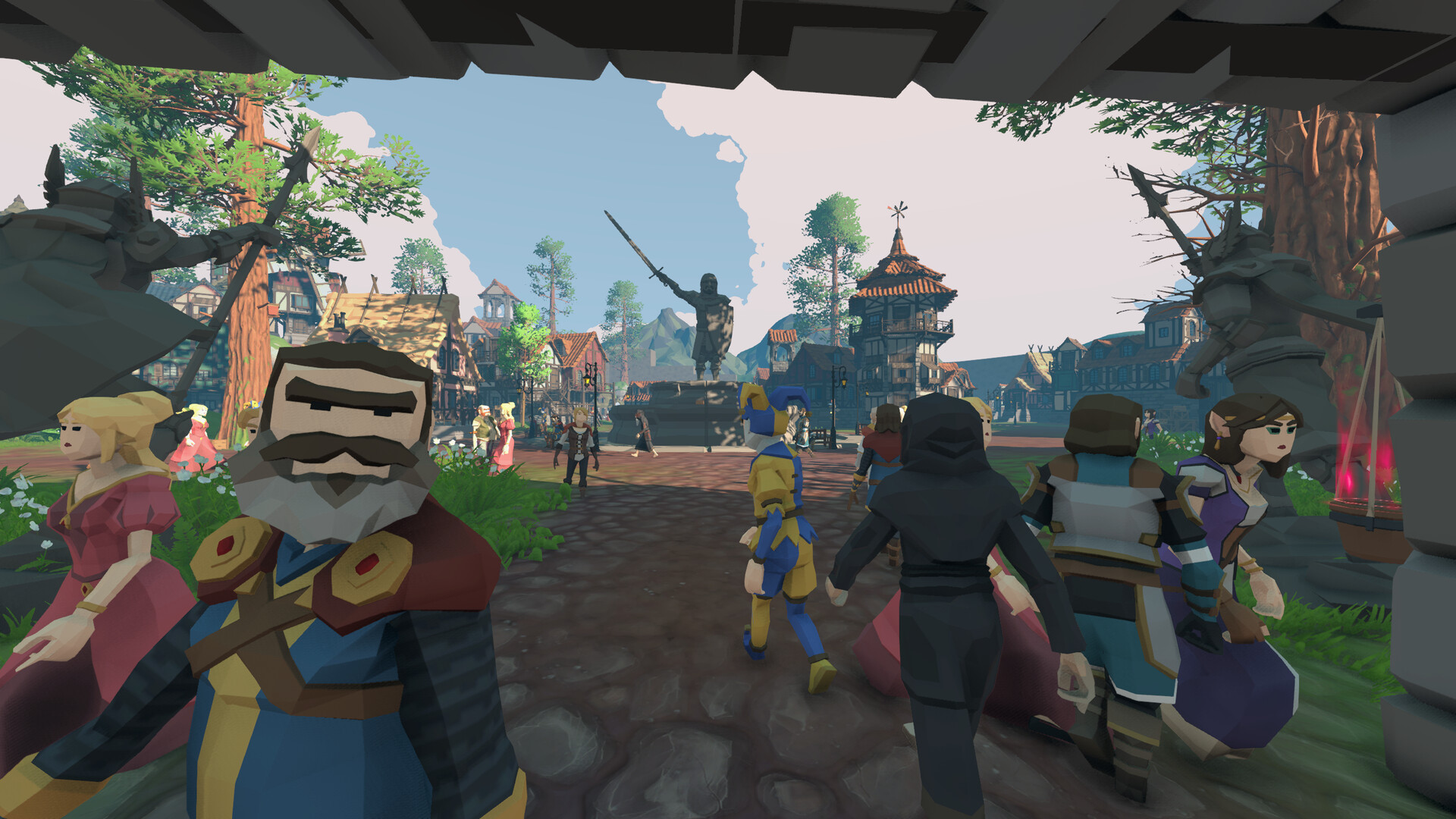
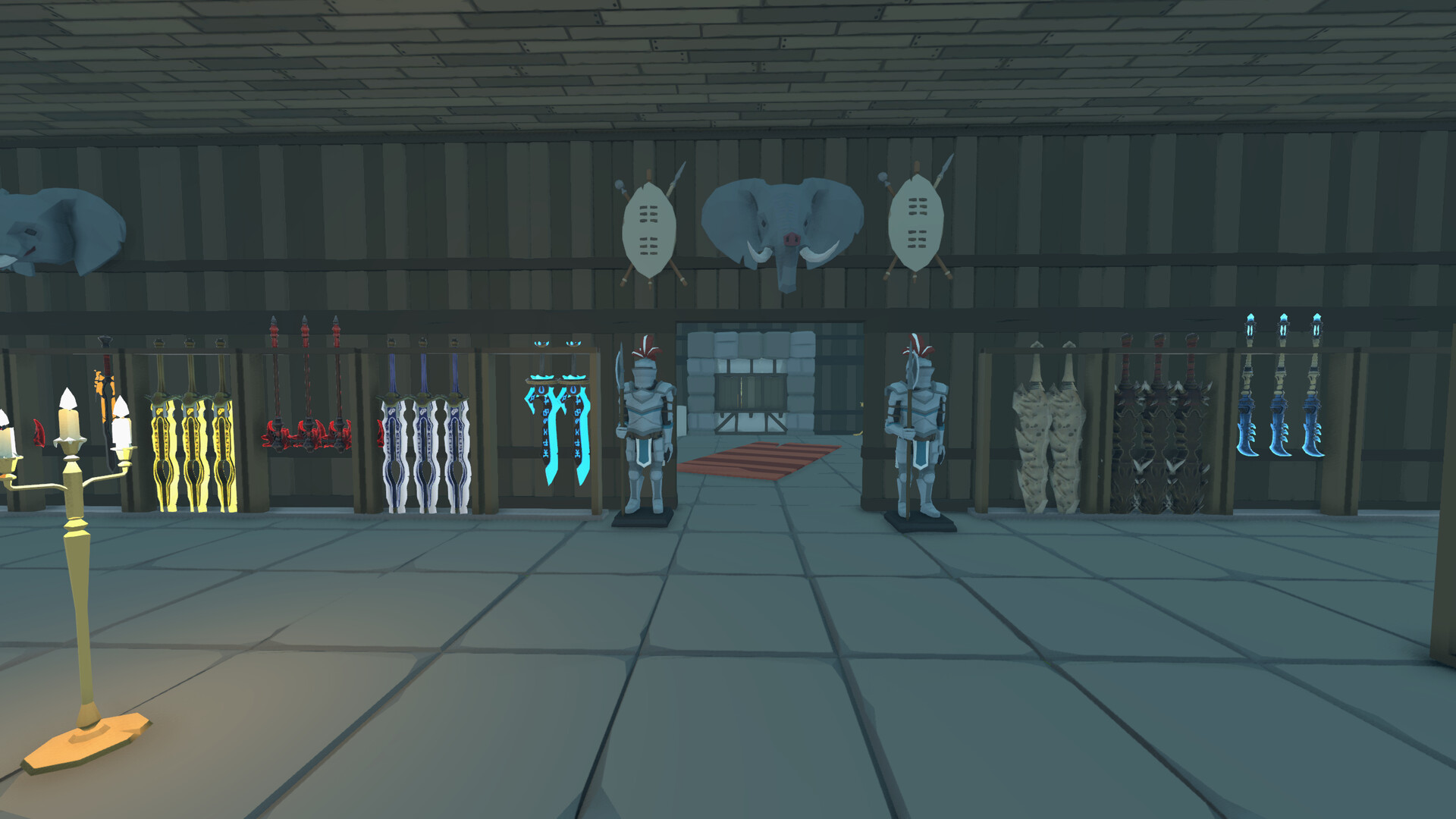
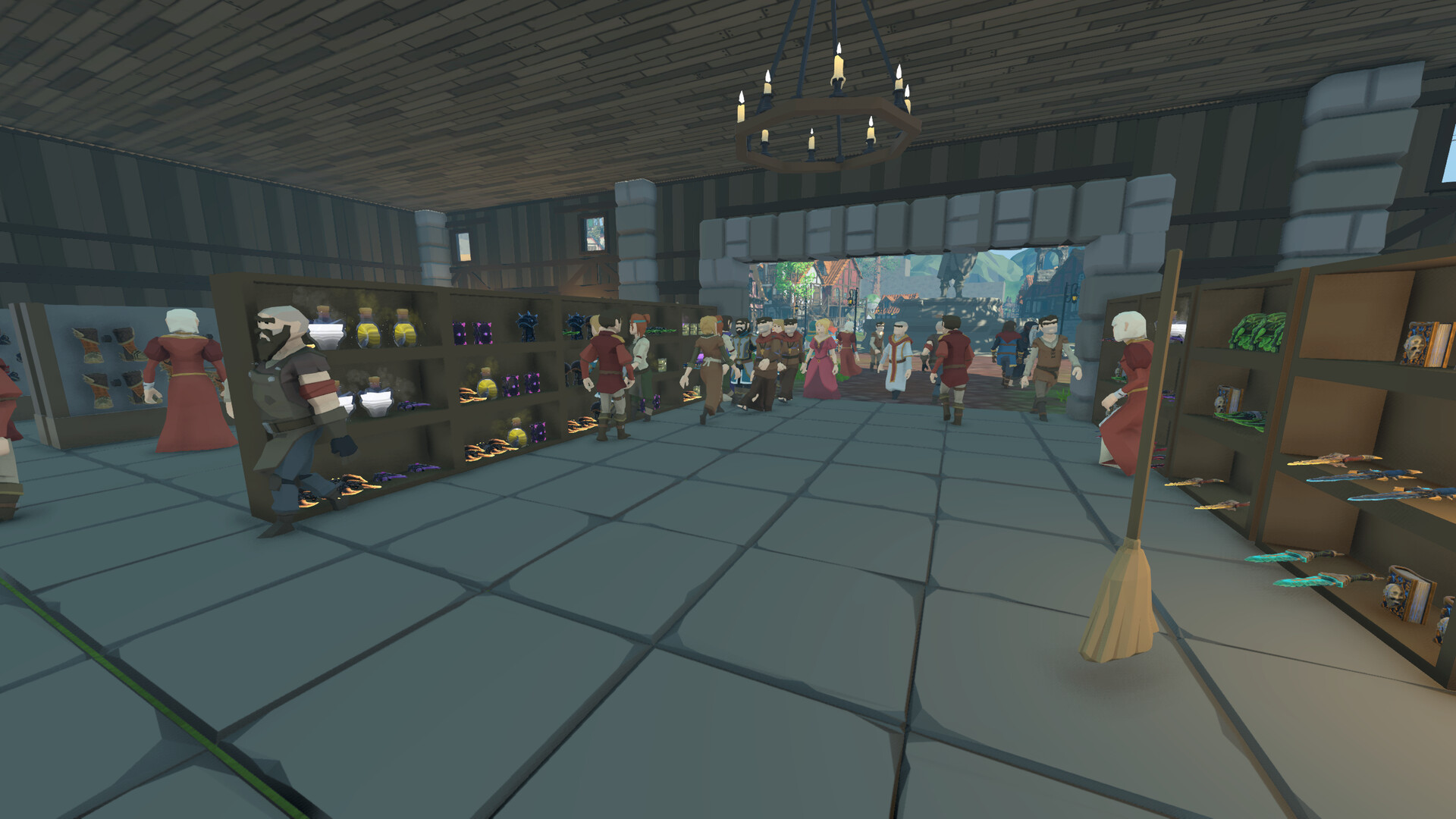
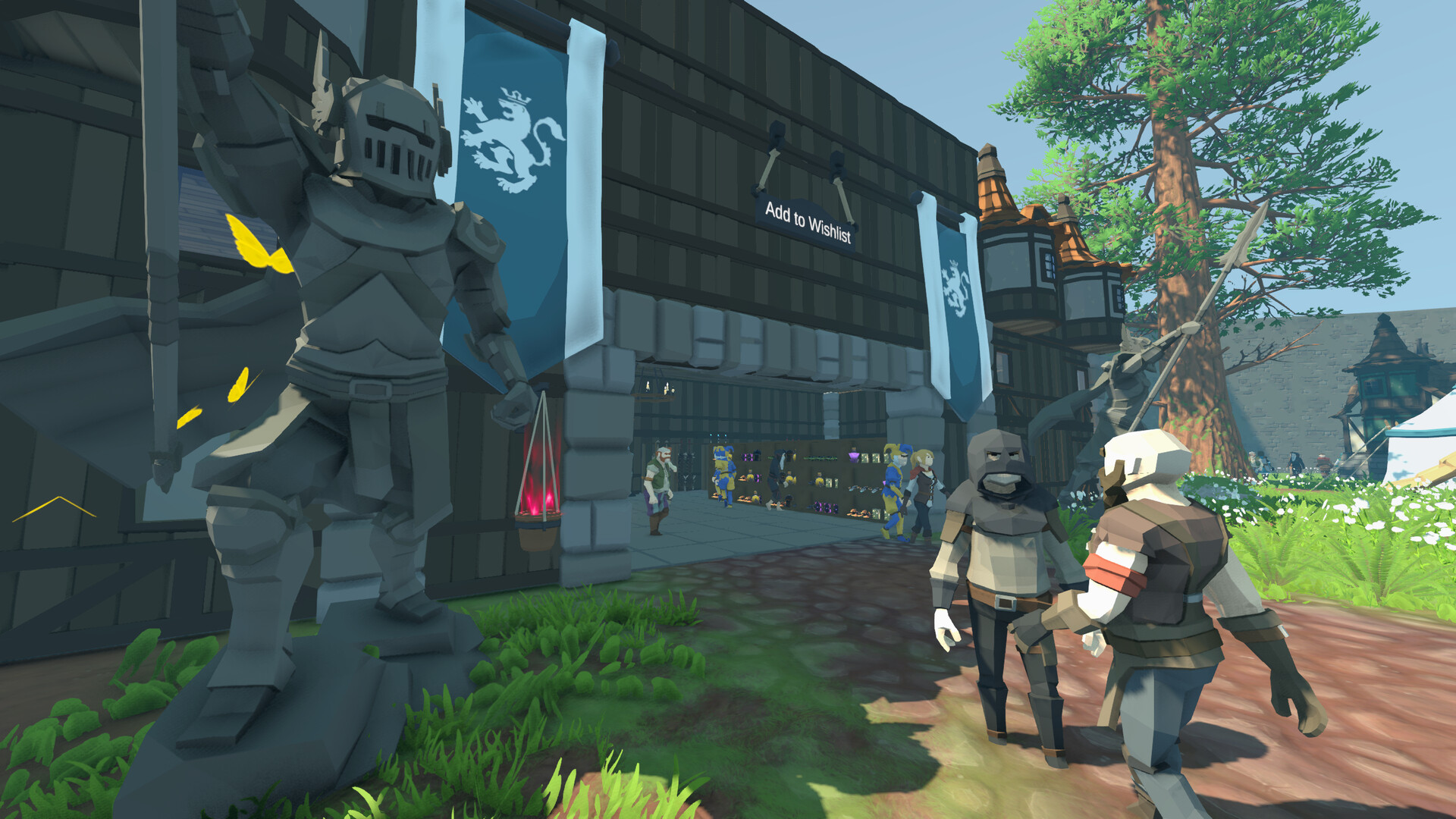
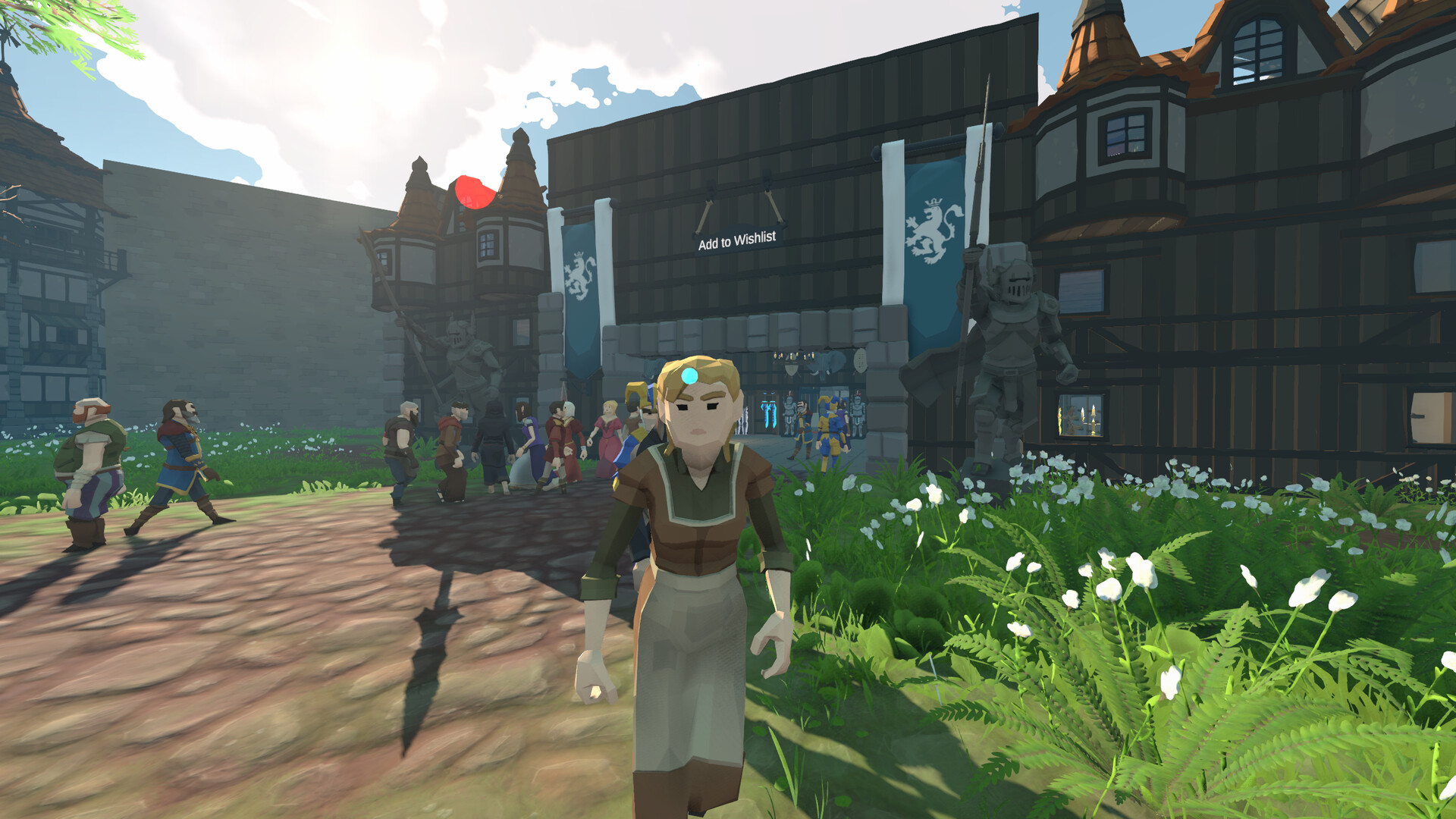
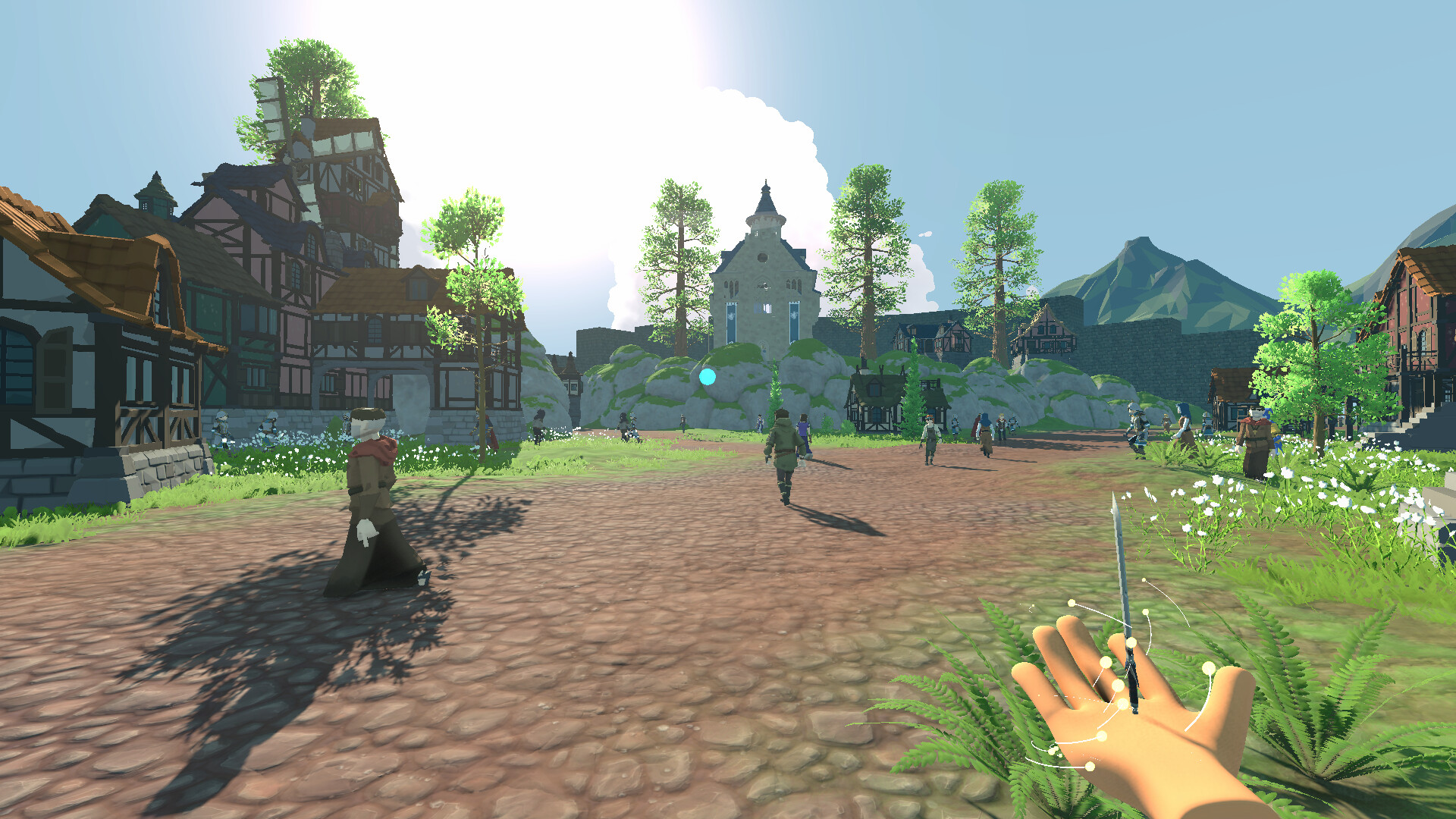
Fantasy Shop is a medieval shop management game where you build a trading empire and defend it. Order goods, set your own prices, decorate your shop, and serve the customers of a living city. Just don't be surprised when a thief walks out with your best sword. Run Your Shop Order stock from the market and wait for the caravan to arrive. Set the price of every item yourself. Greed costs you customers, generosity costs you gold. Stock your shelves, keep the floor clean, and watch the coins come in. Build Your Empire Start your journey from a humble shop to the most renowned trading hub in the city! Knock down walls, expand into new rooms, and fill your displays with shelves and counters. Unlock rare, epic and legendary goods as your skills grow. Each upgrade means more customers and more valuable stock. Not Everyone Is a Customer Thieves blend in with the crowd. Caravans get raided on the road. And the King always wants his taxes. Cast spells, set up automated guard turrets, or grab a shoplifter with telekinesis and throw them out the door. Just be careful. The city notices how you treat people. Gold, Debt and Consequence Take a loan from the bank to fund your expansion. Invest your profits and earn interest. Buy property across the city for passive income and tax breaks. But miss a payment, and word gets around. Your reputation falls, and so does your customer count. A Living World A fully dynamic sky moves from sunny mornings to stormy nights. Streets fill with townsfolk going about their day, lanterns light up at dusk, and every day ends with a night's sleep before you open your doors again.