Get 10% back in Relic Coins on every order
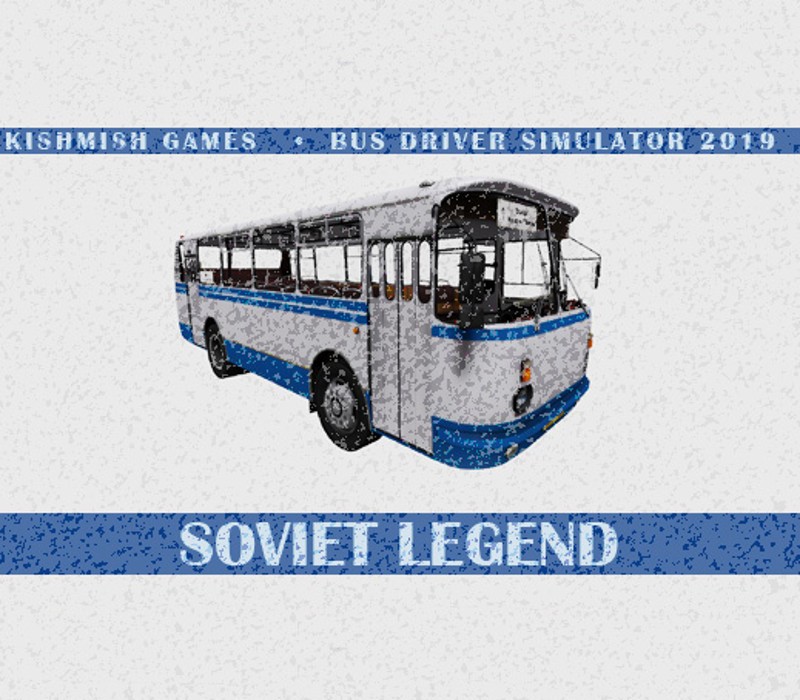
Bus Driver Simulator 2019 - Soviet Legend DLC cover

SteamGlobal· DLC

Bus Driver Simulator 2019 - Soviet Legend DLC

€0.40

+€0.04 cashback eligibility in Relic Coins

Check before you play

Platform
Steam
Region
Global
Product type
DLC

Check the required base game and edition before purchasing this add-on.

Developer
KishMish Games
Publisher
UIG Entertainment
Supplier release date
2019-01-28
Genres
Racing, Simulation, Indie

About this product

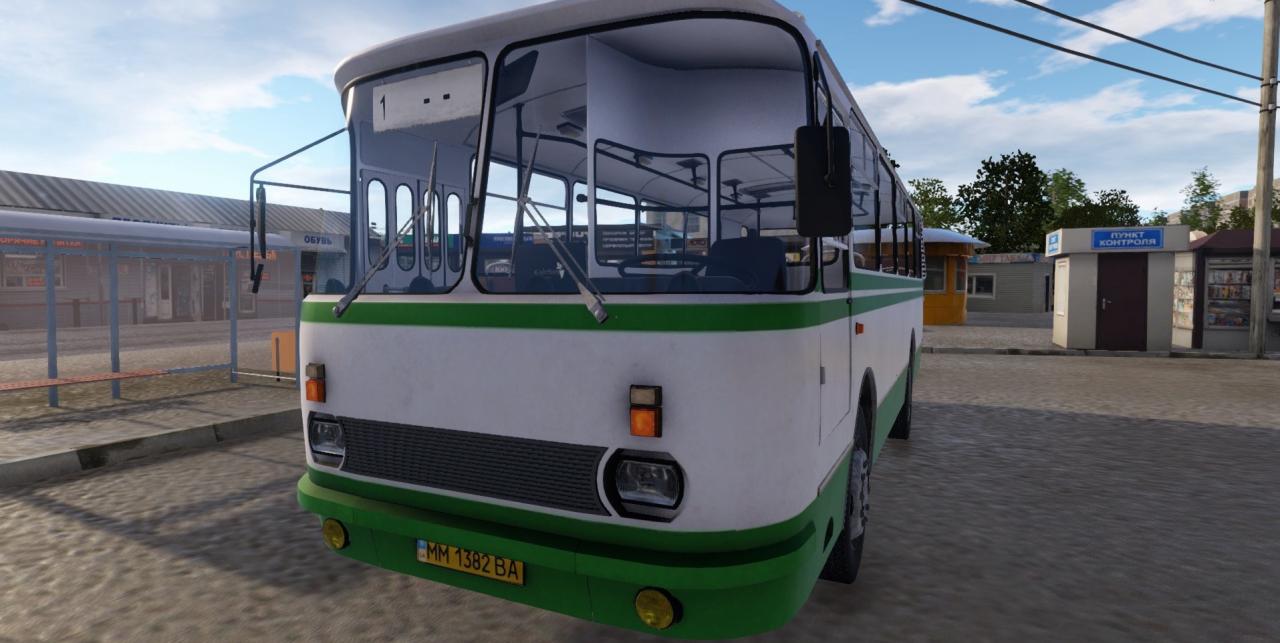
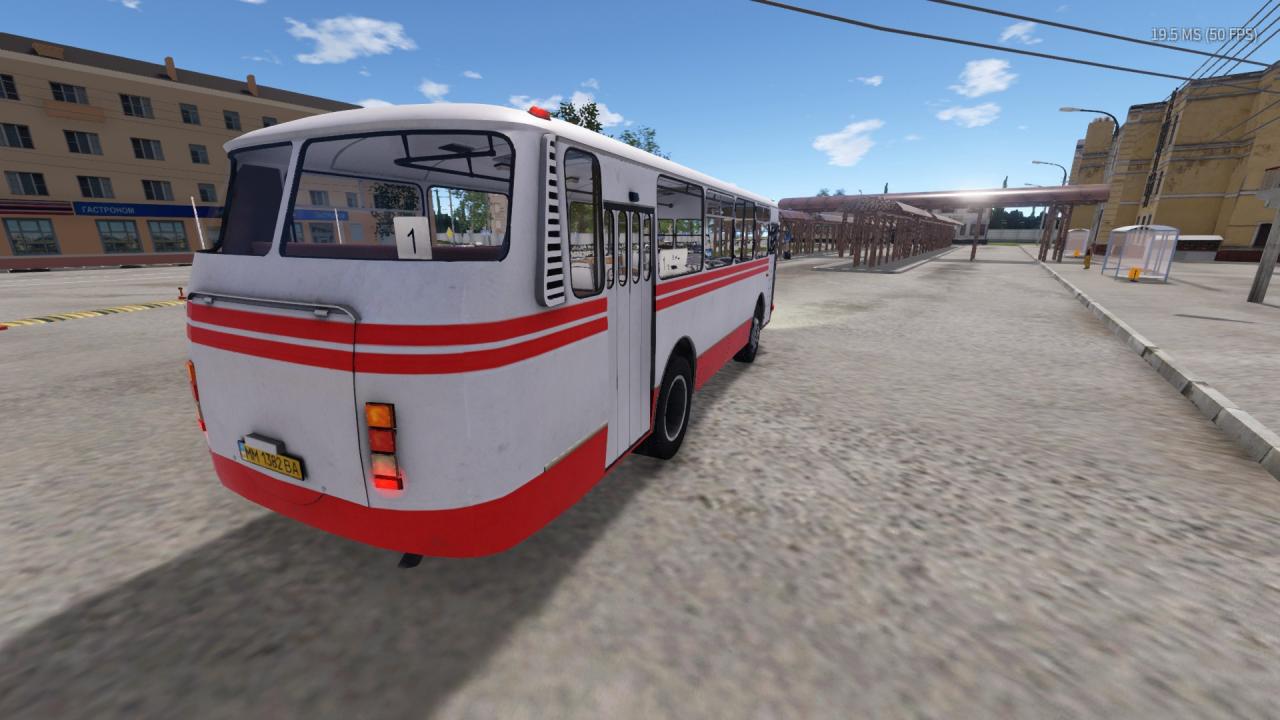
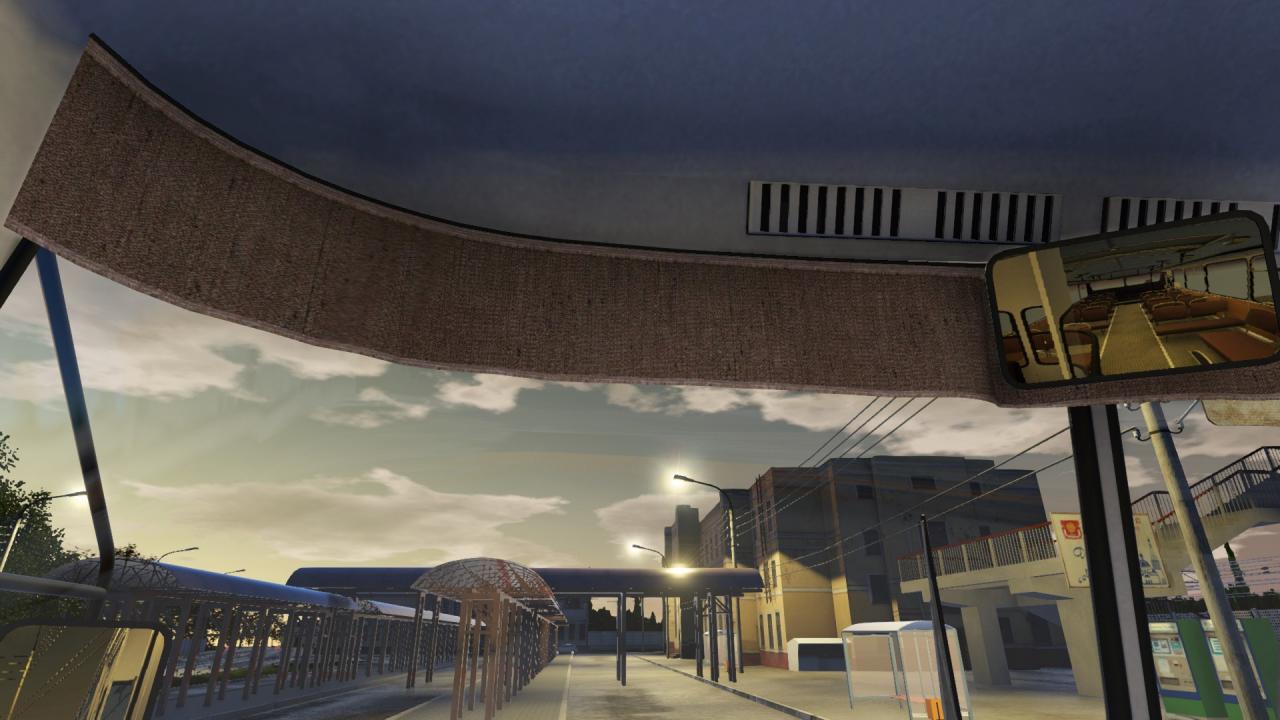
Legendary Soviet (Ukrainian) high-floored bus with medium passenger capacity. This bus was manufactured from 1974 to 2006. Even today you can see some of them on roads of post-Soviet countries. Main advantages are construction simplicity and reliable construction smoothed out its tight cabin, narrow doors and overheating engine. 176.000 buses were made in total. The history of that bus is pretty interesting. In the spring of 1986 a special modification of this bus was made to evacuate people from Exclusion zone after Chernobyl Nuclear Power Plant disaster and deliver specialists there. Also, there was modification for 1980 Olympic Games, featuring more comfortable seats and less narrow doors. There are following modifications you can install: 3 paintings Steering wheel cover Curtains for windshield Driver’s door Radiator grille Changeable appearance of front panel 2 types of headlamps and fog lamps

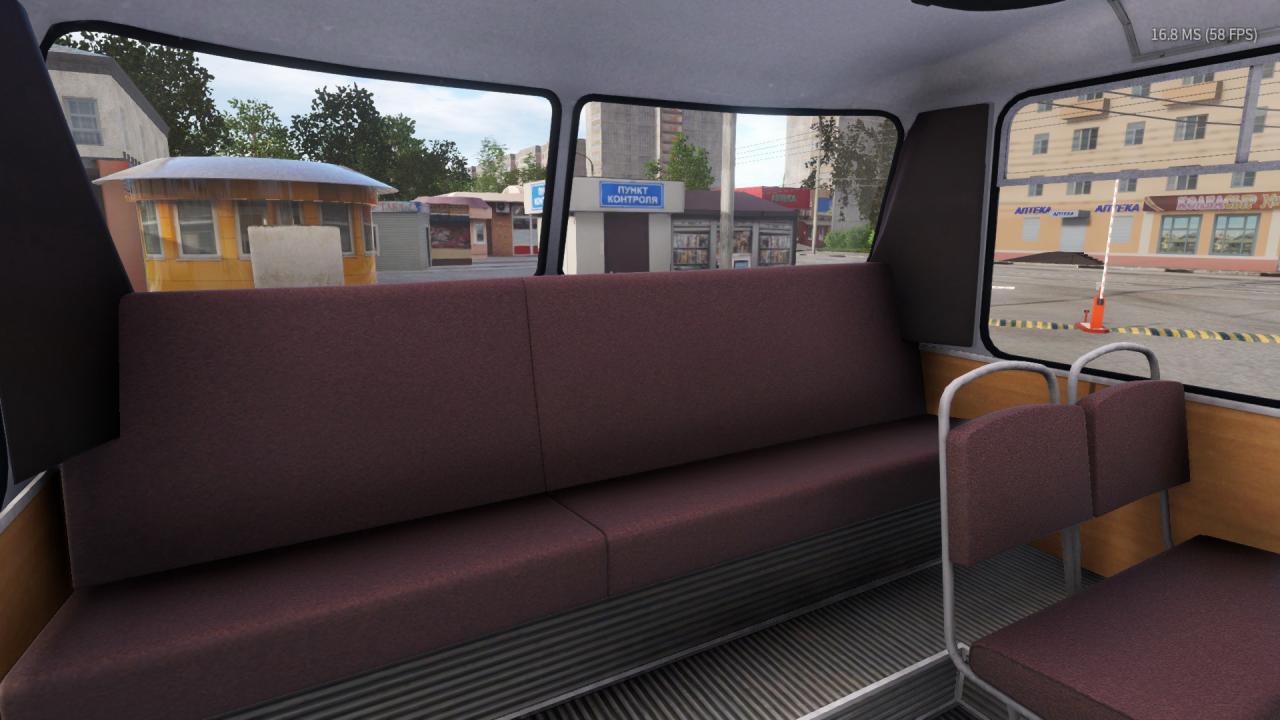
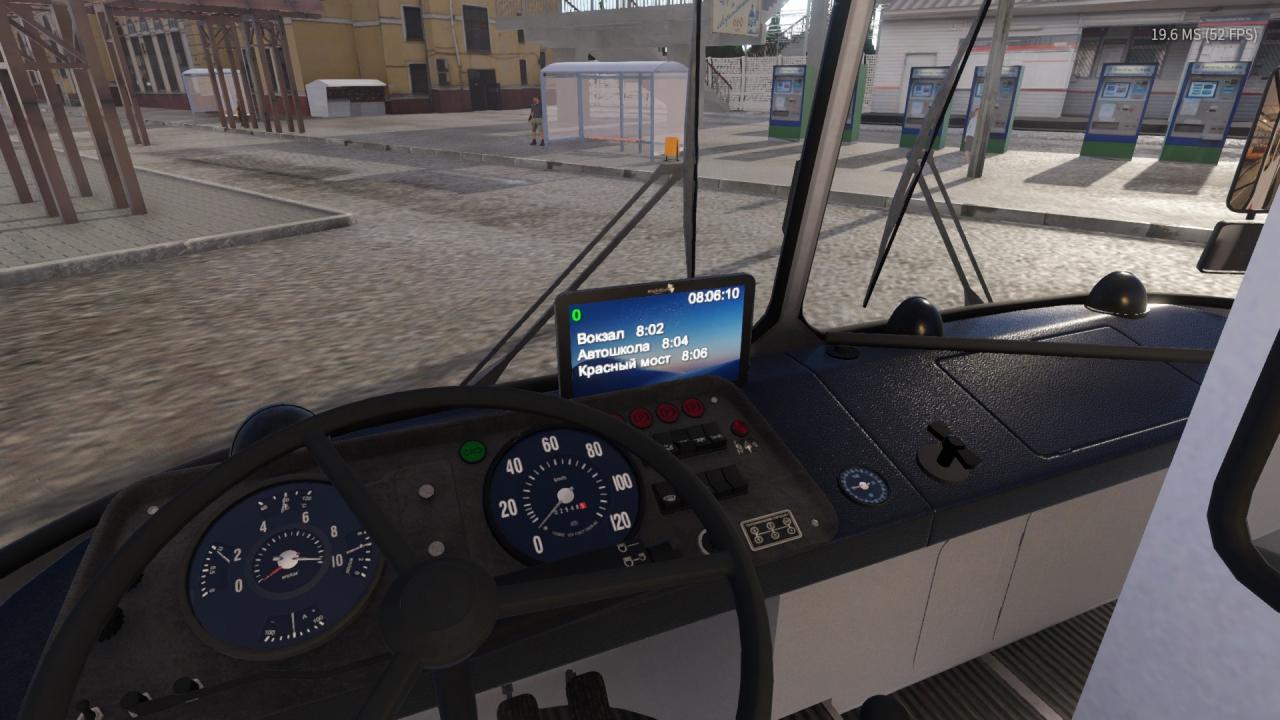
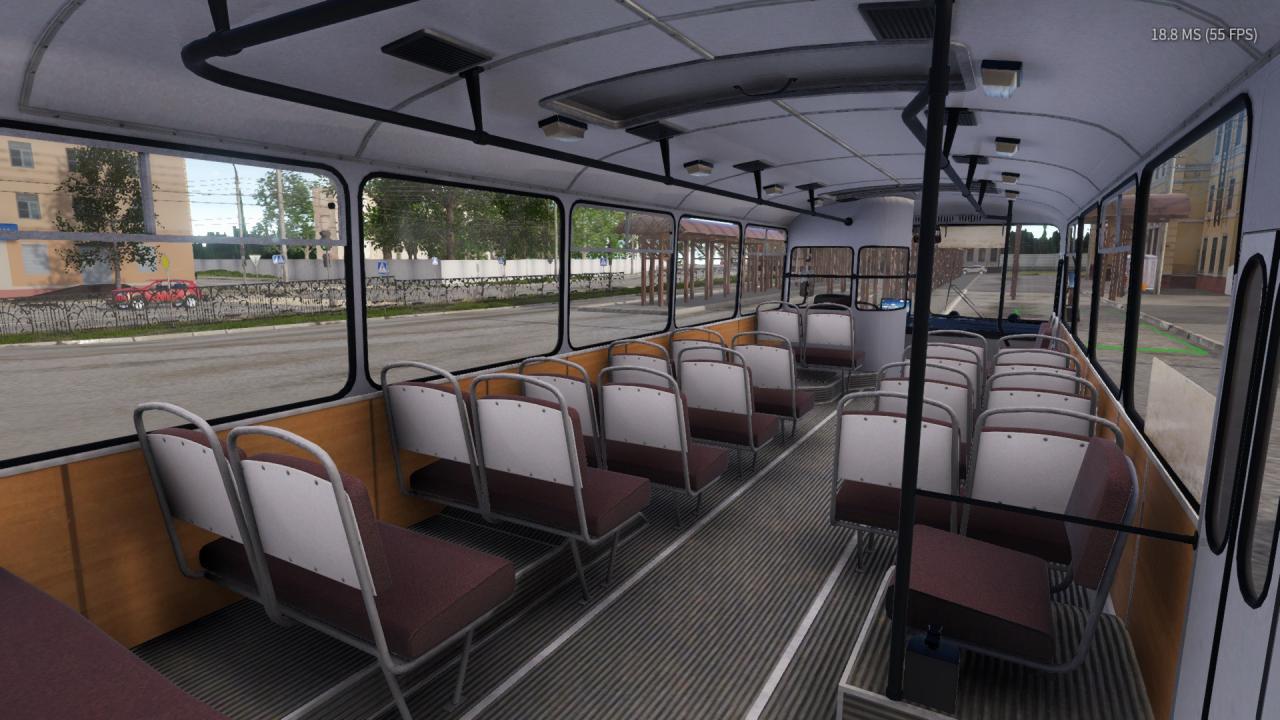
Bus Driver Simulator 2019 - Soviet Legend DLC screenshotBus Driver Simulator 2019 - Soviet Legend DLC screenshotBus Driver Simulator 2019 - Soviet Legend DLC screenshotBus Driver Simulator 2019 - Soviet Legend DLC screenshotBus Driver Simulator 2019 - Soviet Legend DLC screenshotBus Driver Simulator 2019 - Soviet Legend DLC screenshot

How to redeem

  1. 1Check the required base game, platform and edition before purchasing.
  2. 2Find the code or supplier activation instructions in your confirmed order.
  3. 3Redeem on Steam using the supplied instructions, then install the add-on with the compatible base game.

Supplier instructions

Go to: http://store.steampowered.com/ and download STEAM client Click "Install Steam" (from the upper right corner) Install and start application, login with your Account name and Password (create one if you don't have). Please follow these instructions to activate a new retail purchase on Steam: Launch Steam and log into your Steam account. Click the Games Menu. Choose Activate a Product on Steam... Follow the onscreen instructions to complete the process. After successful code verification go to the "MY GAMES" tab and start downloading.

You might also like