Get 10% back in Relic Coins on every order
Bus Driver Simulator 2019 - European Minibus DLC cover

SteamGlobal· DLC

Bus Driver Simulator 2019 - European Minibus DLC

€0.55

+€0.06 cashback eligibility in Relic Coins

Check before you play

Platform
Steam
Region
Global
Product type
DLC

Check the required base game and edition before purchasing this add-on.

Developer
KishMish Games
Publisher
UIG Entertainment
Supplier release date
2019-06-04
Genres
Racing, Simulation, Indie

About this product

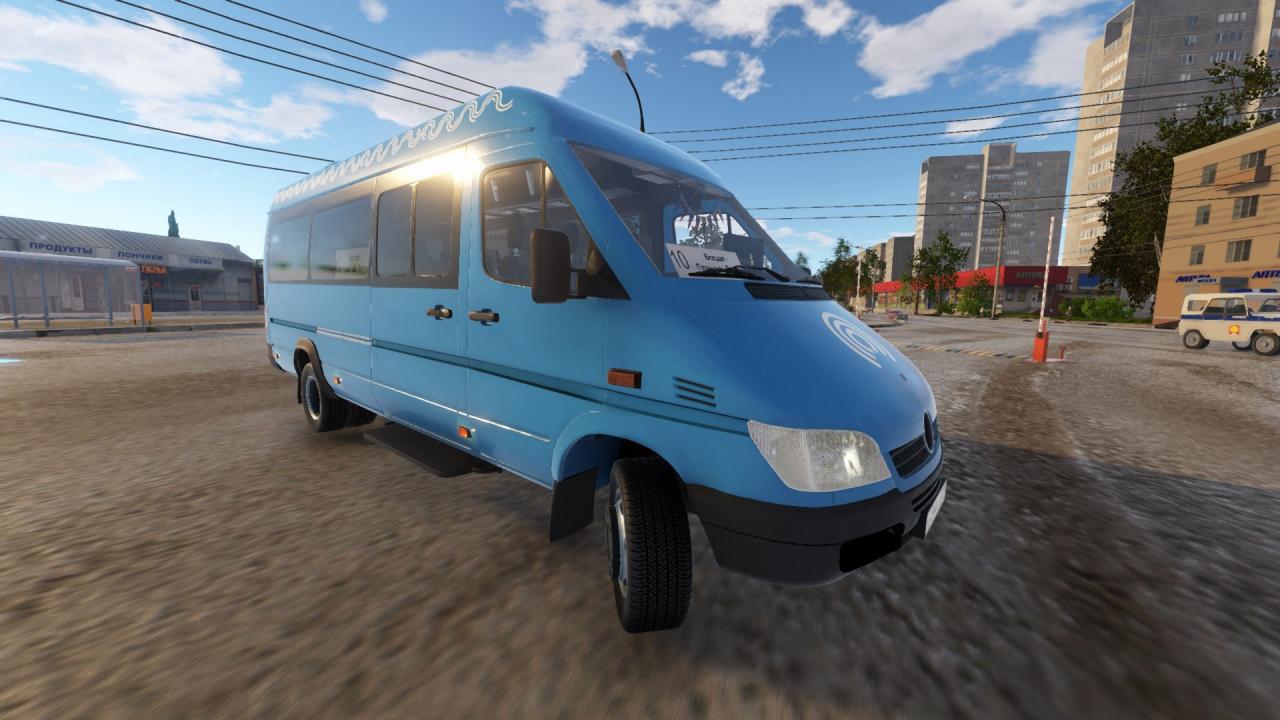
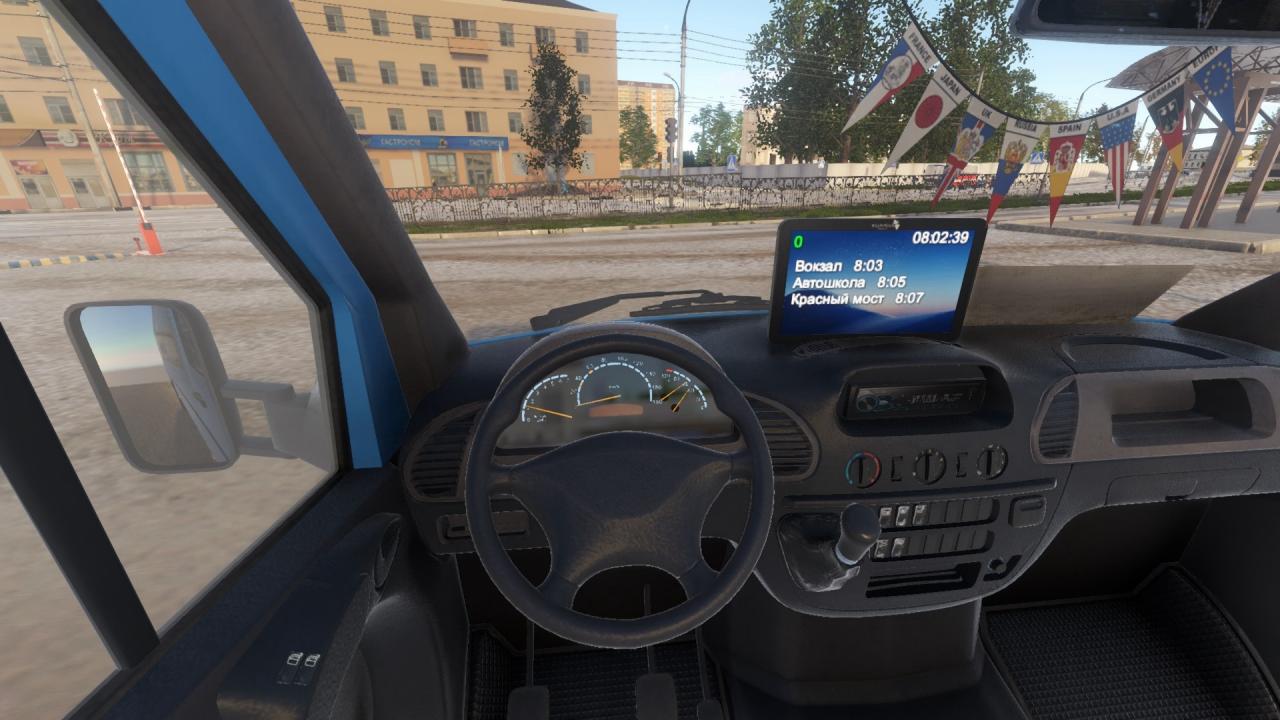
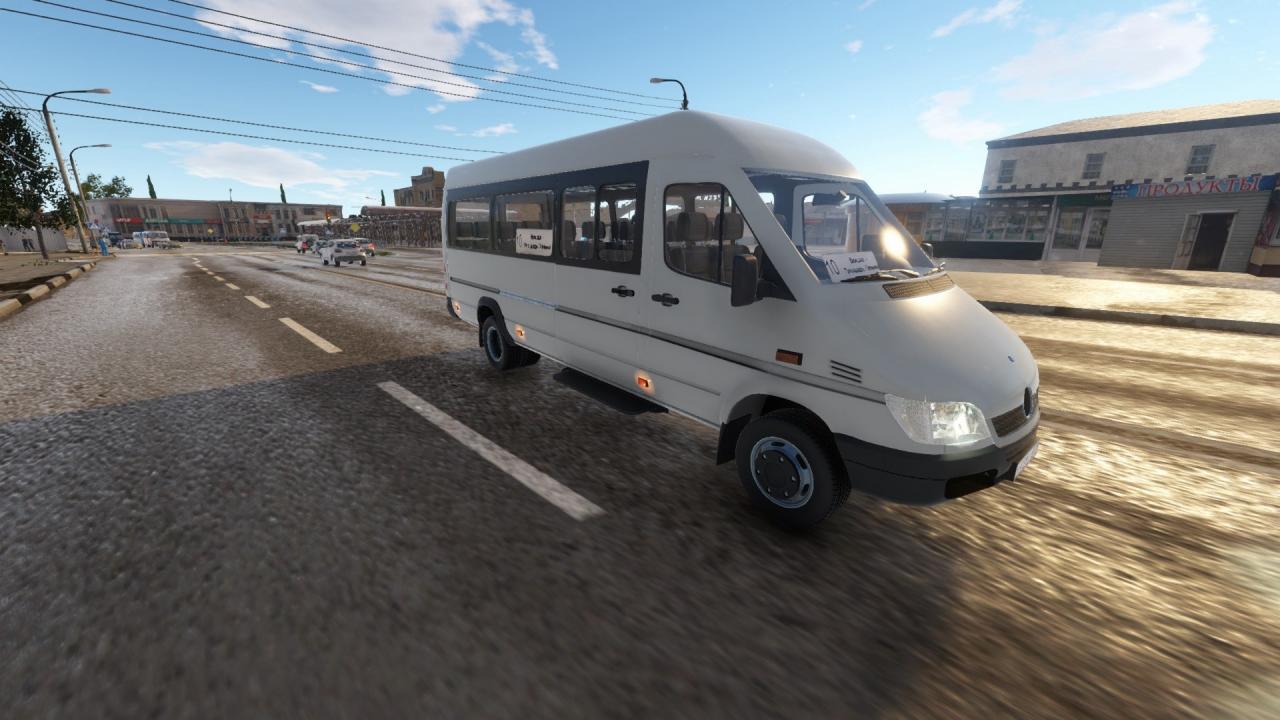
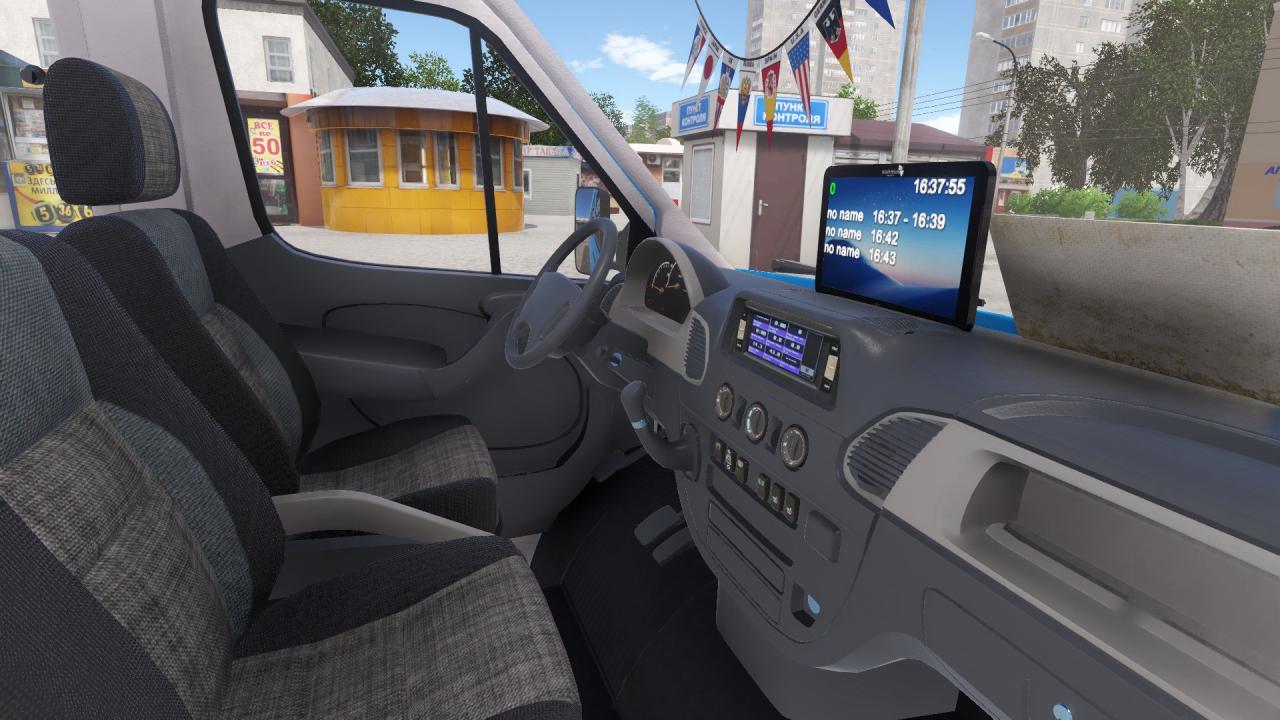
This minibus is manufactured in Germany since 1995. It was created for various purposes such as comfortable passenger and cargo transportation. The car is being manufactured in different bodies and is being used as minibus, van, refrigerator, special vehicle (like ambulance, mobile office) etc. What you are going to see in the game is the second generation of a minibus. It was announced in 2006 in Europe. Chromed grille, massive bumpers, new headlights, redesigned wheel arches and bigger air intakes were added, making vehicle look more brutal. Also, ESC, hydraulic power steering and electric window motors were introduced. The most powerful engine had capacity of 3, 5 liters and power of 285 HP (210 kW). This minibus was officially exported to 136 countries.

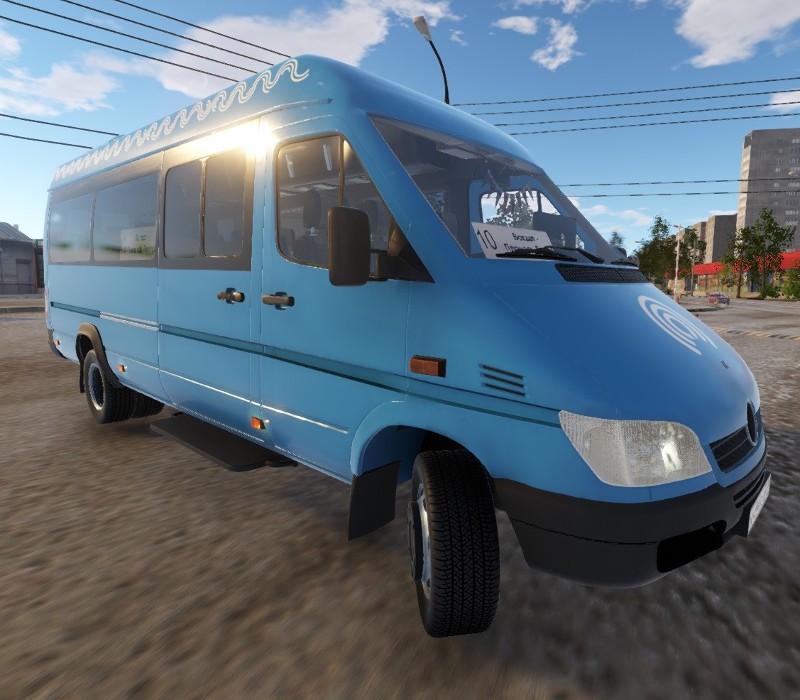
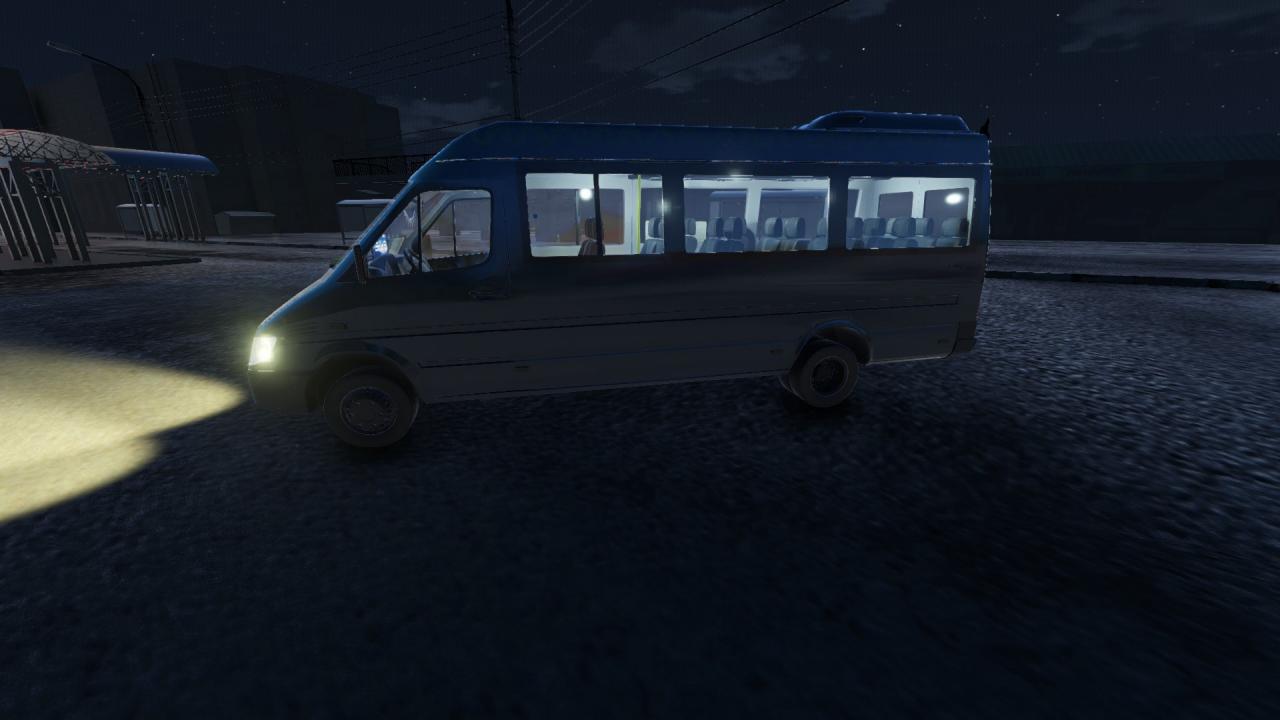
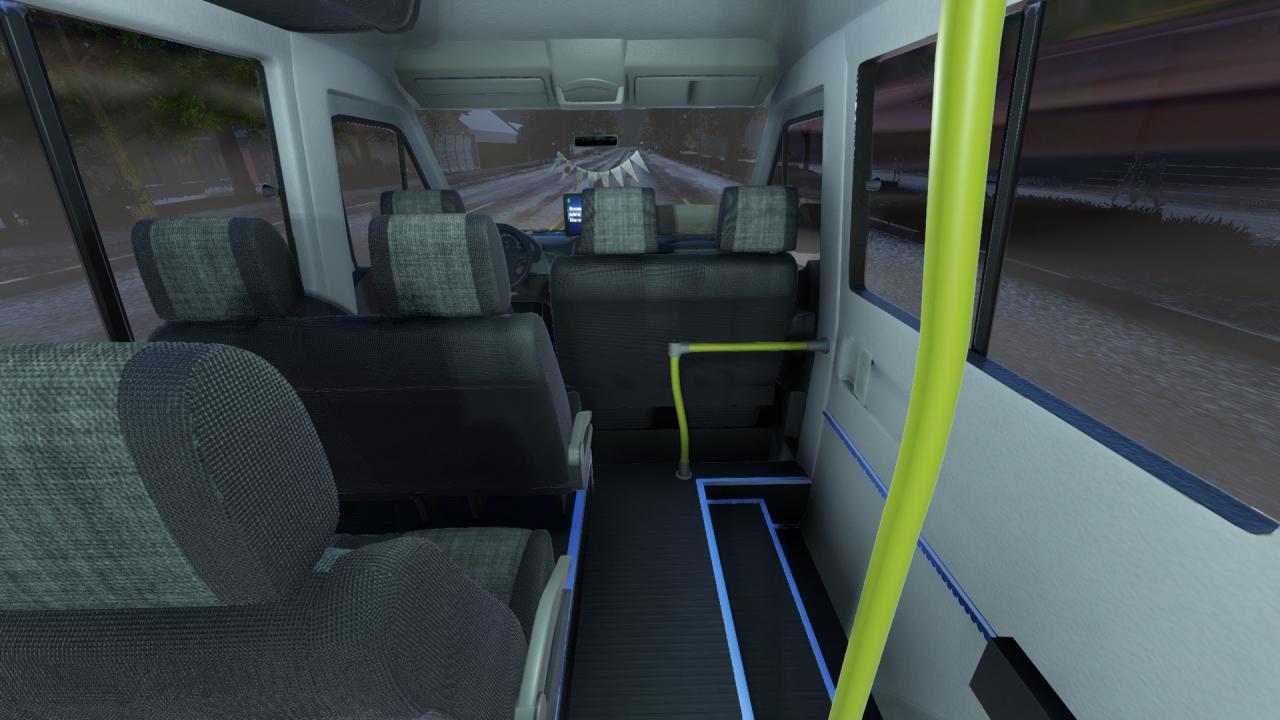
Bus Driver Simulator 2019 - European Minibus DLC screenshotBus Driver Simulator 2019 - European Minibus DLC screenshotBus Driver Simulator 2019 - European Minibus DLC screenshotBus Driver Simulator 2019 - European Minibus DLC screenshotBus Driver Simulator 2019 - European Minibus DLC screenshotBus Driver Simulator 2019 - European Minibus DLC screenshot

How to redeem

  1. 1Check the required base game, platform and edition before purchasing.
  2. 2Find the code or supplier activation instructions in your confirmed order.
  3. 3Redeem on Steam using the supplied instructions, then install the add-on with the compatible base game.

Supplier instructions

Go to: http://store.steampowered.com/ and download STEAM client Click "Install Steam" (from the upper right corner) Install and start application, login with your Account name and Password (create one if you don't have). Please follow these instructions to activate a new retail purchase on Steam: Launch Steam and log into your Steam account. Click the Games Menu. Choose Activate a Product on Steam... Follow the onscreen instructions to complete the process. After successful code verification go to the "MY GAMES" tab and start downloading.

You might also like