Get 10% back in Relic Coins on every order
Bokuten: Why I Became an Angel cover

SteamGlobal· Key

Bokuten: Why I Became an Angel

€14.69

+€1.47 cashback eligibility in Relic Coins

Check before you play

Platform
Steam
Region
Global
Product type
Key
Developer
OVERDRIVE
Publisher
MangaGamer
Supplier release date
2019-12-20
Genres
Adventure, Visual Novel, Anime

About this product

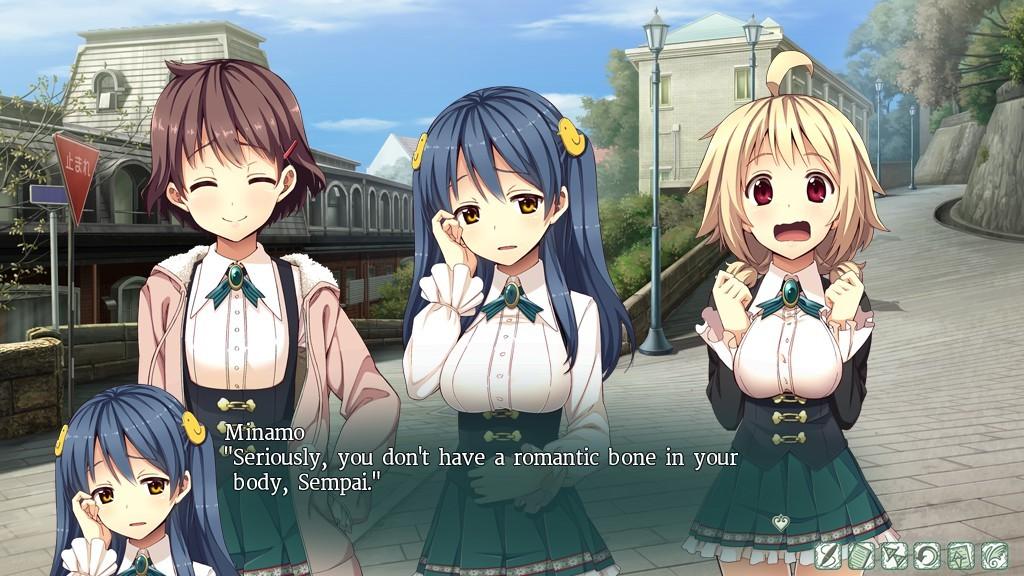
Tomoe Kirinokojima is a jaded young man who doesn't believe in love or happiness. Aine, on the other hand, is a genuine angel come to Earth who uses her magical guitar to sing love's praises to sooth the broken hearts of couples in love. One day during archery practice, Tomoe shoots Aine out of the sky and ruins her guitar which is powered by the red threads of fate--threads said in myth to bind two lovers together forever. With only one thread left, Aine is left powerless to help those in need. As luck would have it, Tomoe is able to use this final thread in his bow to act like a real-life cupid.Like it or not, Tomoe is roped into helping Aine on her mission to help the couples of the world. Will Tomoe have a change of heart, or will his apathy rub off on Aine? There's only one way to find out... Features Experience a full-length visual novel exploring the concepts of love and happiness in a hard-hitting story that pulls no punches. Approximately 40+ hours of average reading time. A soundtrack with 35 unique instrumental tracks and 9 vocal songs! Includes four unique character routes.


Bokuten: Why I Became an Angel screenshotBokuten: Why I Became an Angel screenshotBokuten: Why I Became an Angel screenshotBokuten: Why I Became an Angel screenshotBokuten: Why I Became an Angel screenshotBokuten: Why I Became an Angel screenshot

How to redeem

  1. 1Check your Steam account and the listed region before purchasing.
  2. 2Find your code and supplier activation instructions in your confirmed order.
  3. 3Open the redeem-code section on Steam, enter the code and follow the platform’s prompts.

Supplier instructions

Go to: http://store.steampowered.com/ and download STEAM client Click "Install Steam" (from the upper right corner) Install and start application, login with your Account name and Password (create one if you don't have). Please follow these instructions to activate a new retail purchase on Steam: Launch Steam and log into your Steam account. Click the Games Menu. Choose Activate a Product on Steam... Follow the onscreen instructions to complete the process. After successful code verification go to the "MY GAMES" tab and start downloading.

You might also like