Get 10% back in Relic Coins on every order
Pretty Girls Panic! CN Language Only cover

SteamGlobal· Key

Pretty Girls Panic! CN Language Only

€0.29

+€0.03 cashback eligibility in Relic Coins

Check before you play

Platform
Steam
Region
Global
Product type
Key
Developer
Zoo Corporation
Publisher
Zoo Corporation
Supplier release date
2016-12-20
Genres
Casual

About this product

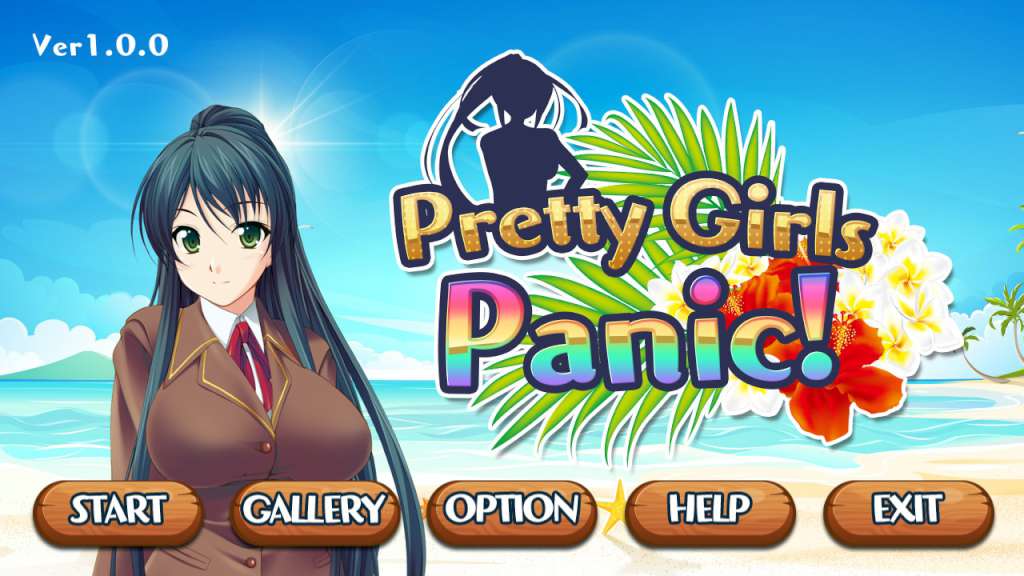
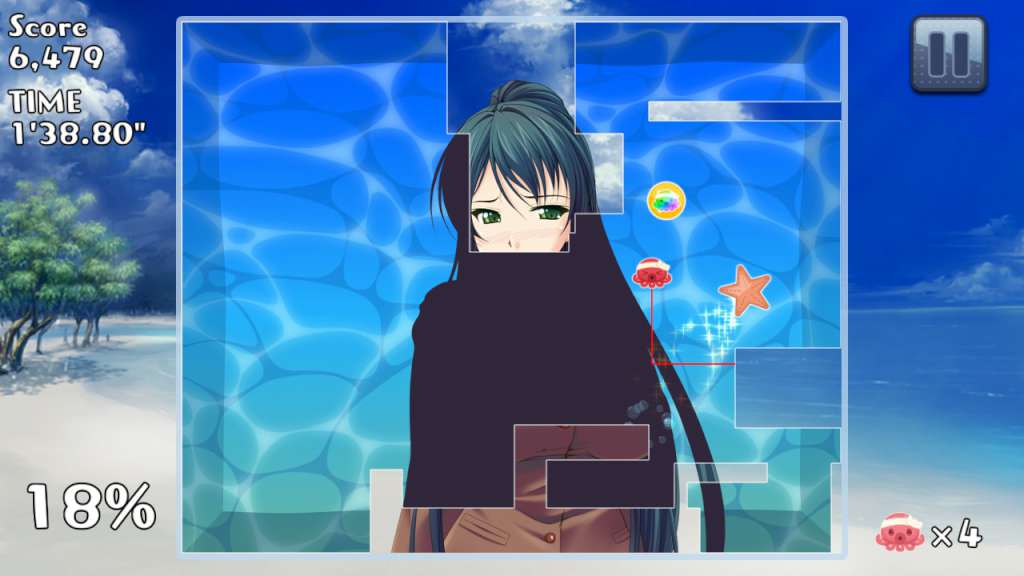
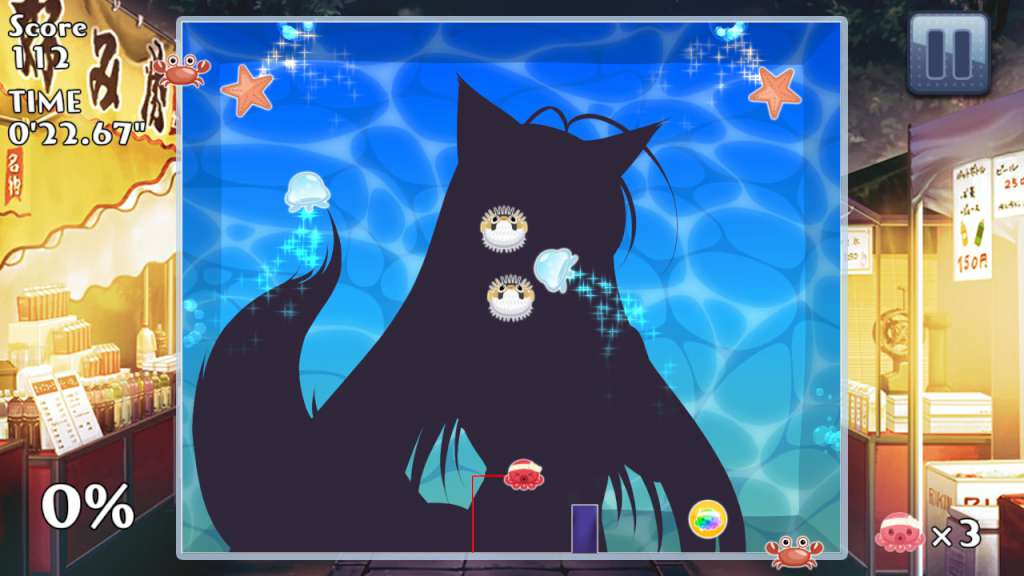
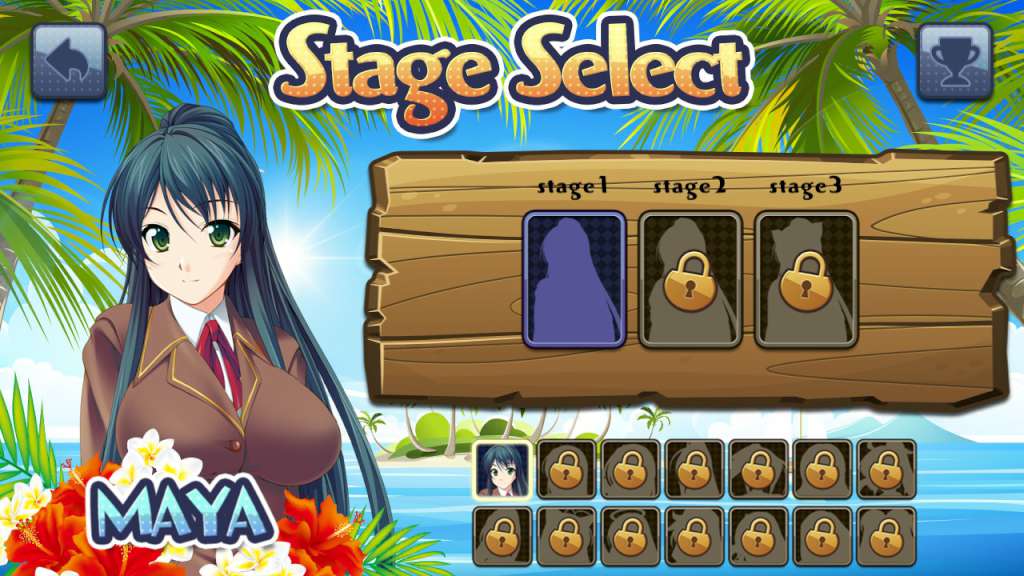
Socially conservative sea creatures have constructed a water filled screen to hide the Pretty Girls from view. But please don't panic! Use your special tool to penetrate the barrier and reveal the girls while avoiding getting caught. Girls will gradually disrobe from stage to stage to reward you for your success. Your Mission 13 Pretty Girls in 50 stages are waiting to be exposed. After each stage you complete, a commemorative photo will be added to your Gallery. Complete all stages to achieve the status of Master of Pretty Girls Panic. Game Play Direct your tool by using the arrow keys on the keyboard. Complete a cut by connecting back to an edge. The bigger the piece you cut out the more points you earn. Complete a stage by removing 75% or more of the barrier. You are usually safe on an edge but watch out for crabs! Sea Creature Enemies Beware of enemy sea creatures who will try to stop girls from being exposed. If an enemy touches your tool or the line of your cut then your tool is lost. Lose all of your tools and it's game over for you. The further you progress the more powerful your enemies will become. All characters include sexy voices in Japanese. * Please note: This is a puzzle game with sexy characters but no nudity. * Characters and character images used under license from their respective owners.

Pretty Girls Panic! CN Language Only screenshotPretty Girls Panic! CN Language Only screenshotPretty Girls Panic! CN Language Only screenshotPretty Girls Panic! CN Language Only screenshotPretty Girls Panic! CN Language Only screenshot

How to redeem

  1. 1Check your Steam account and the listed region before purchasing.
  2. 2Find your code and supplier activation instructions in your confirmed order.
  3. 3Open the redeem-code section on Steam, enter the code and follow the platform’s prompts.

Supplier instructions

Go to: http://store.steampowered.com/ and download STEAM client Click "Install Steam" (from the upper right corner) Install and start application, login with your Account name and Password (create one if you don't have). Please follow these instructions to activate a new retail purchase on Steam: Launch Steam and log into your Steam account. Click the Games Menu. Choose Activate a Product on Steam... Follow the onscreen instructions to complete the process. After successful code verification go to the "MY GAMES" tab and start downloading.

You might also like