

SteamGlobal· Key
Dead End Job
€0.76
+€0.08 cashback eligibility in Relic Coins
Check before you play
- Platform
- Steam
- Region
- Global
- Product type
- Key
- Developer
- Ant Workshop Ltd
- Publisher
- Headup
- Supplier release date
- 2019-12-13
- Genres
- Action, Indie
SteamGlobal· Key
€0.76
+€0.08 cashback eligibility in Relic Coins
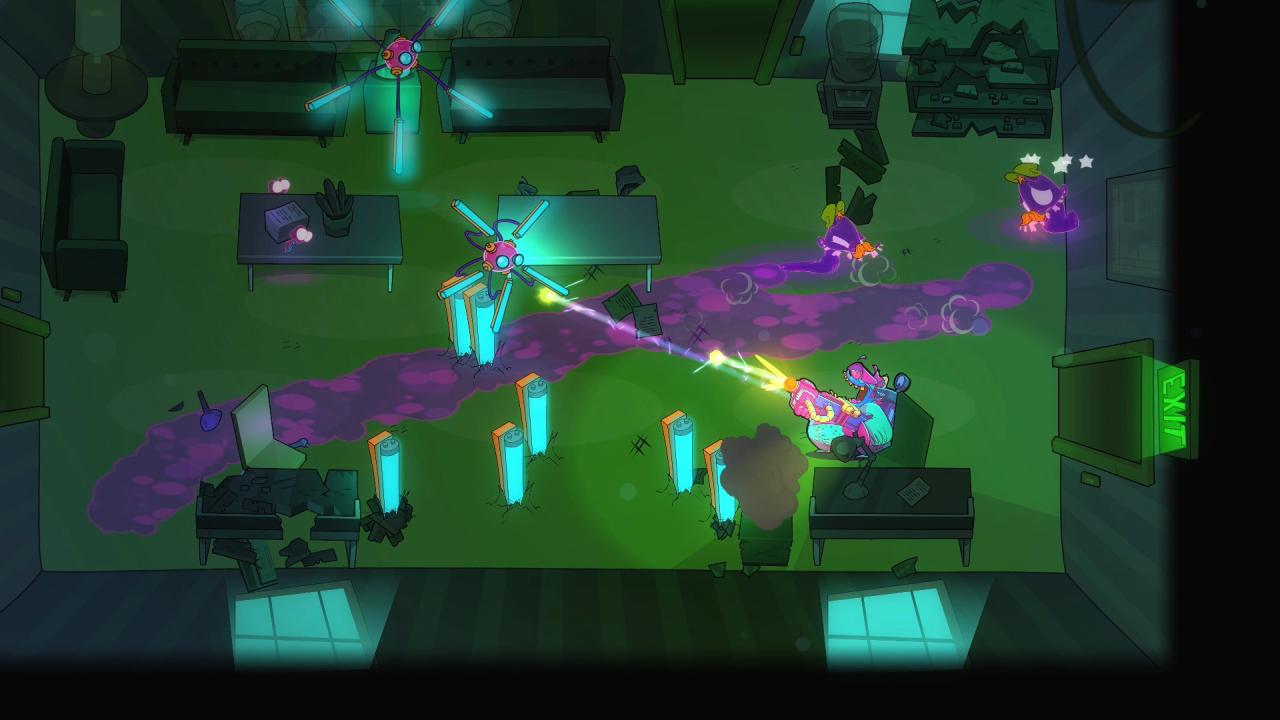
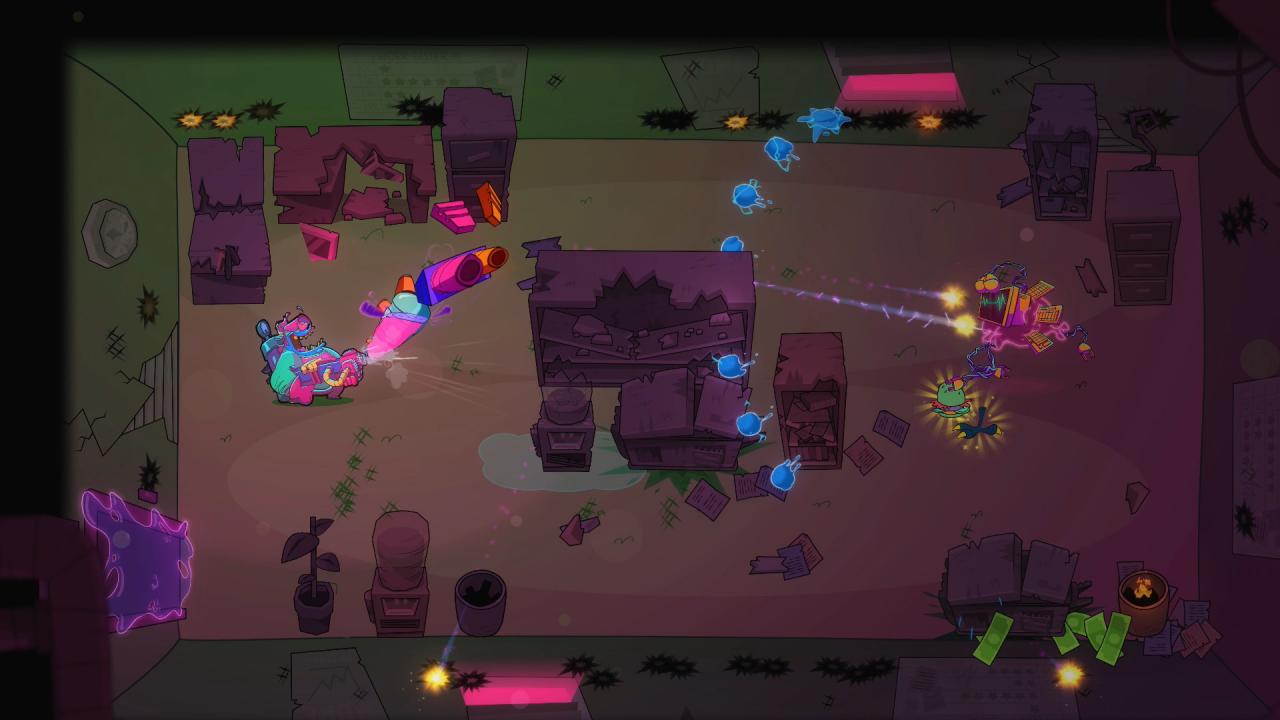
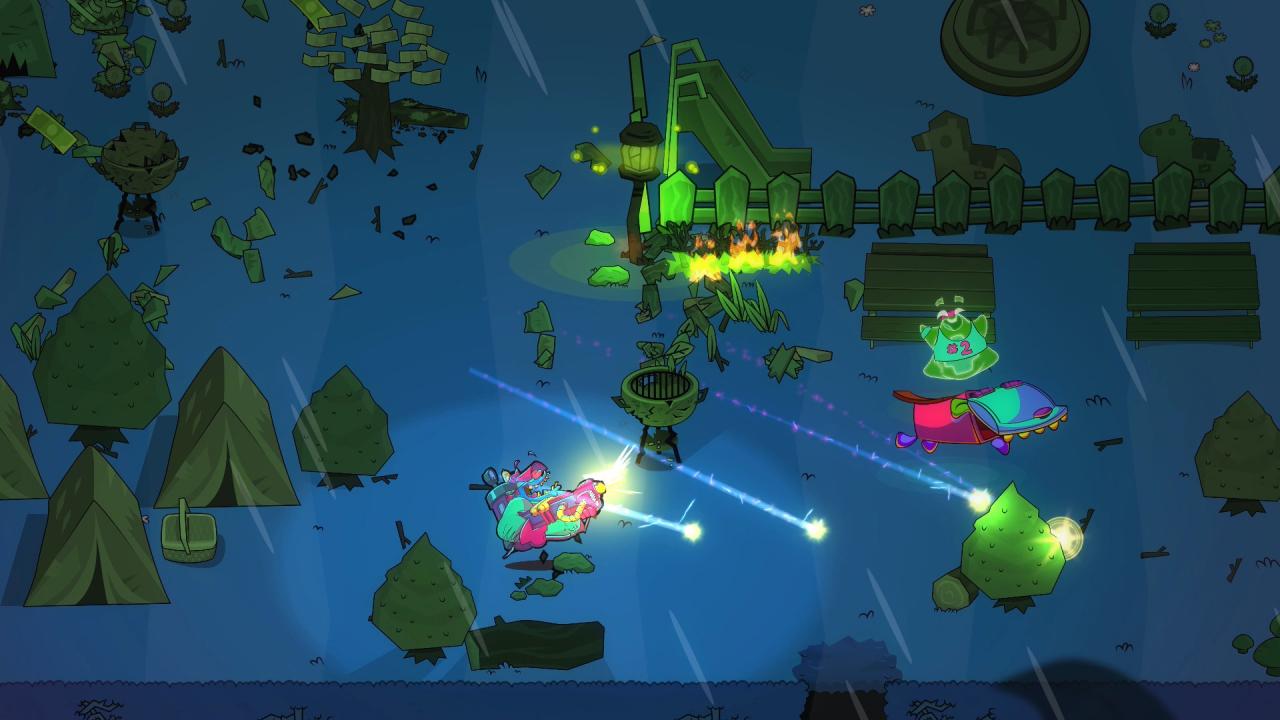
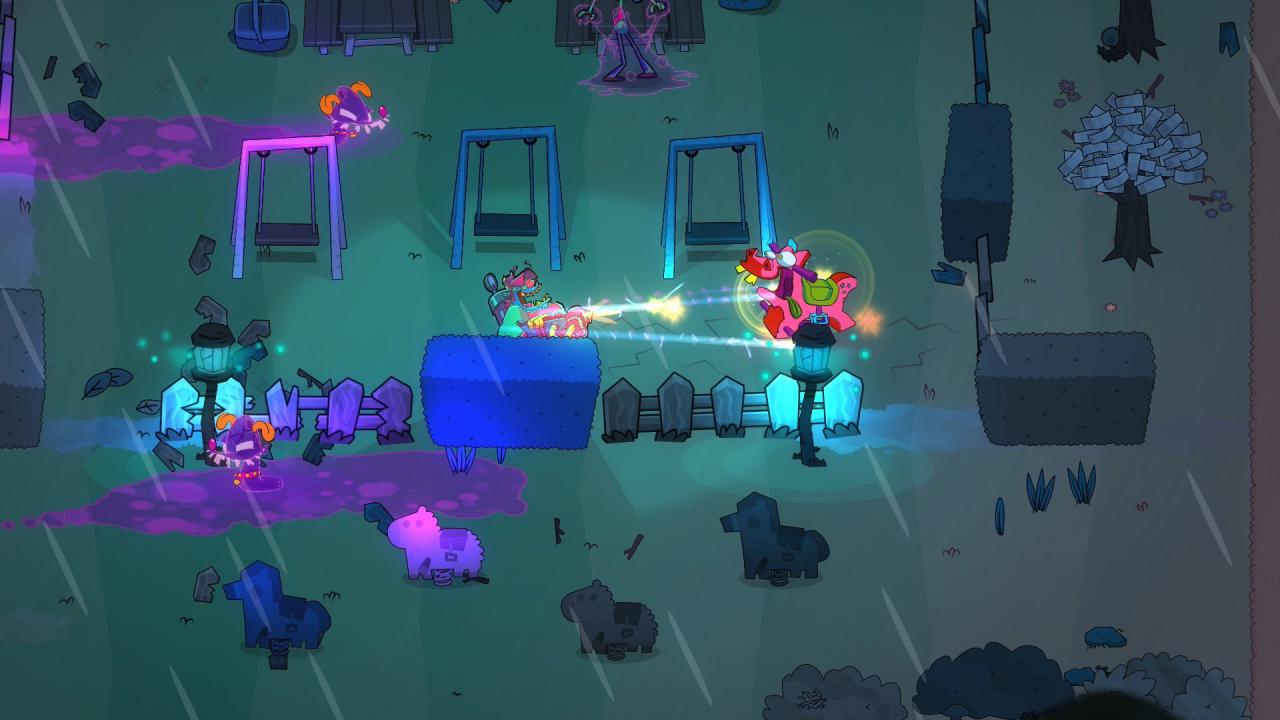
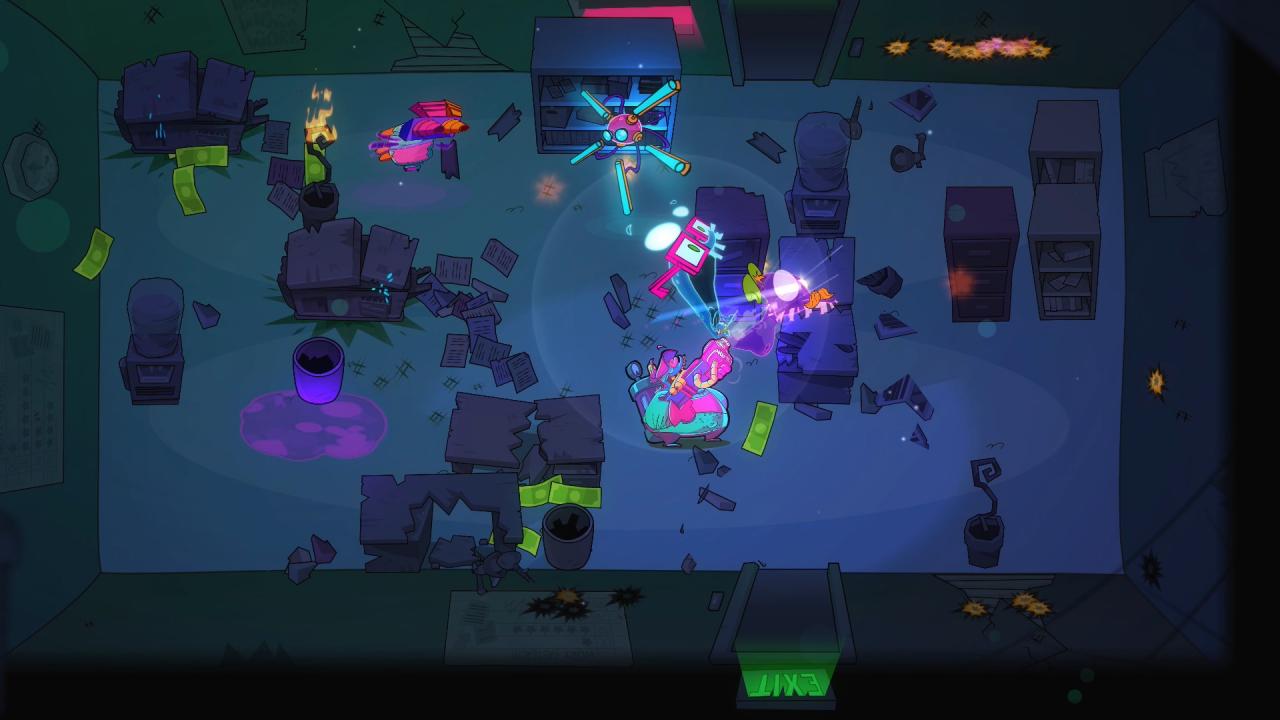
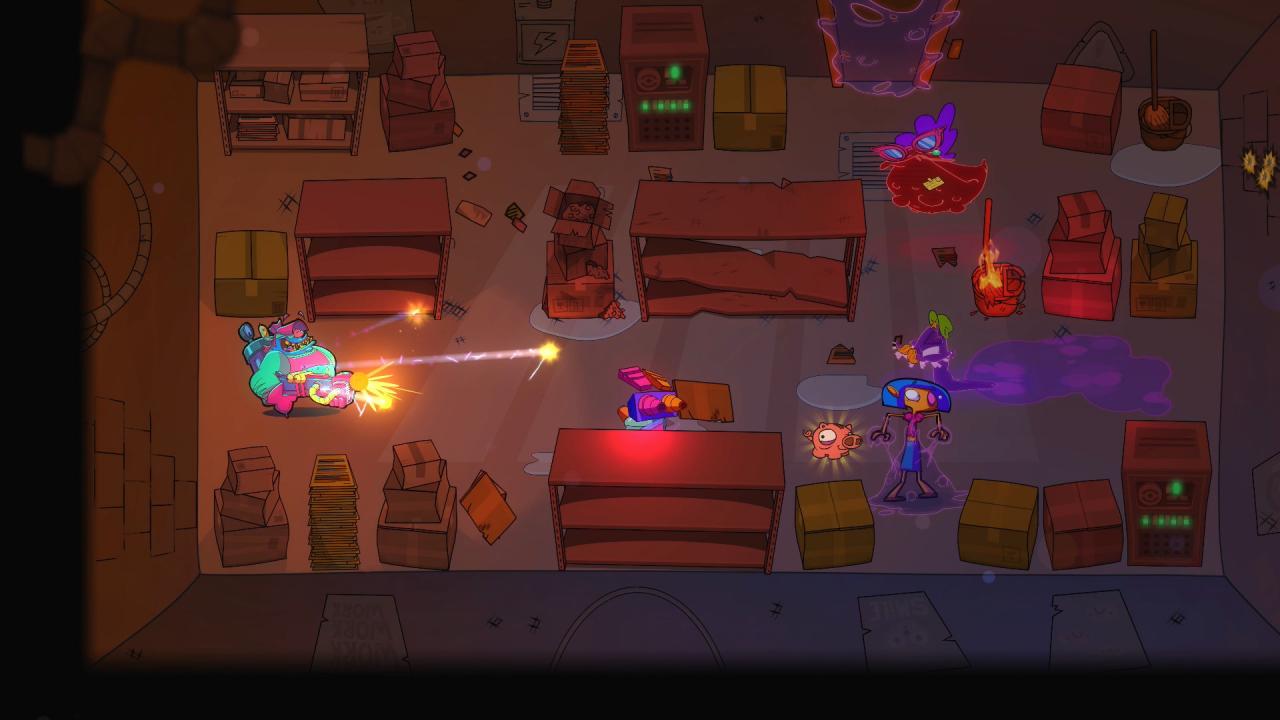
Dead End Job sends you into a madcap, Ren & Stimpy-esque world to bust up ghosts. It’s a procedurally generated, couch co-op, twin-stick shooter that straps a vacuum pack to your back, and puts a plasma blaster in your hand. For you, it’s just another day in the office. Features Exorcise restaurants, offices and other buildings. Use a plasma blaster, your trusty vacuum pack and a whole range of supernatural items. Save your mentor's soul or she'll spend eternity as a spook (voted “Least Preferred Fate” in Ghost Hunter Monthly). So many ghosts. A madcap story written by IGF nominee Xalavier Nelson Jr Drop in/drop out couch co-op, as your mentor appears to lend a hand! Stunning cartoon-quality artwork inspired by 90’s favourites like Ren & Stimpy. Actually, maybe too many ghosts? Featuring original music by the award-winning Will Morton (Grand Theft Auto series). Twitch and Mixer integration allows viewers to help or hinder the streamer. Seriously, can someone please get rid of all of these ghosts?
Go to: http://store.steampowered.com/ and download STEAM client Click "Install Steam" (from the upper right corner) Install and start application, login with your Account name and Password (create one if you don't have). Please follow these instructions to activate a new retail purchase on Steam: Launch Steam and log into your Steam account. Click the Games Menu. Choose Activate a Product on Steam... Follow the onscreen instructions to complete the process. After successful code verification go to the "MY GAMES" tab and start downloading.