Get 10% back in Relic Coins on every order
Microsoft Flight Simulator X: Edition - Fair Dinkum Flights Add-On DLC cover

Steam Europe - All Countries· DLC

Microsoft Flight Simulator X: Edition - Fair Dinkum Flights Add-On DLC

€4.14

+€0.41 cashback eligibility in Relic Coins

Check before you play

Platform
Steam
Region
Europe - All Countries
Product type
DLC

Check the required base game and edition before purchasing this add-on.

Developer
Asobo Studio
Publisher
Xbox Game Studios
Supplier release date
2015-12-03
Genres
Simulation

About this product

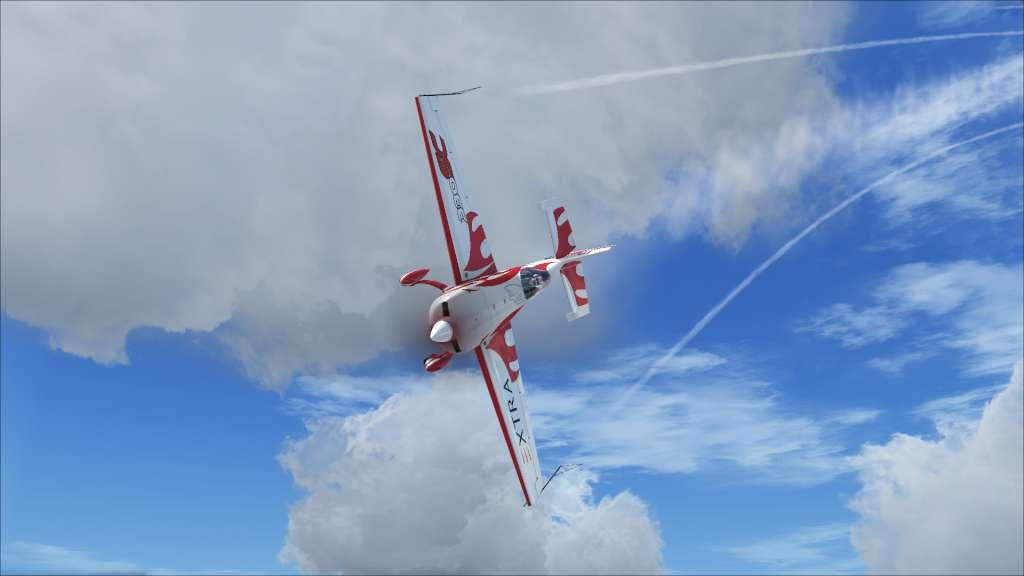
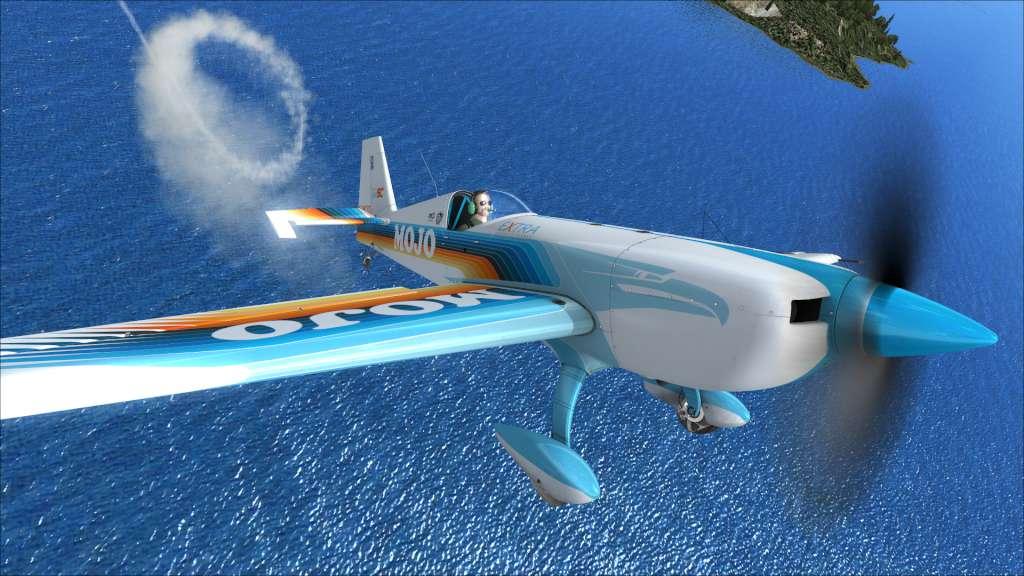
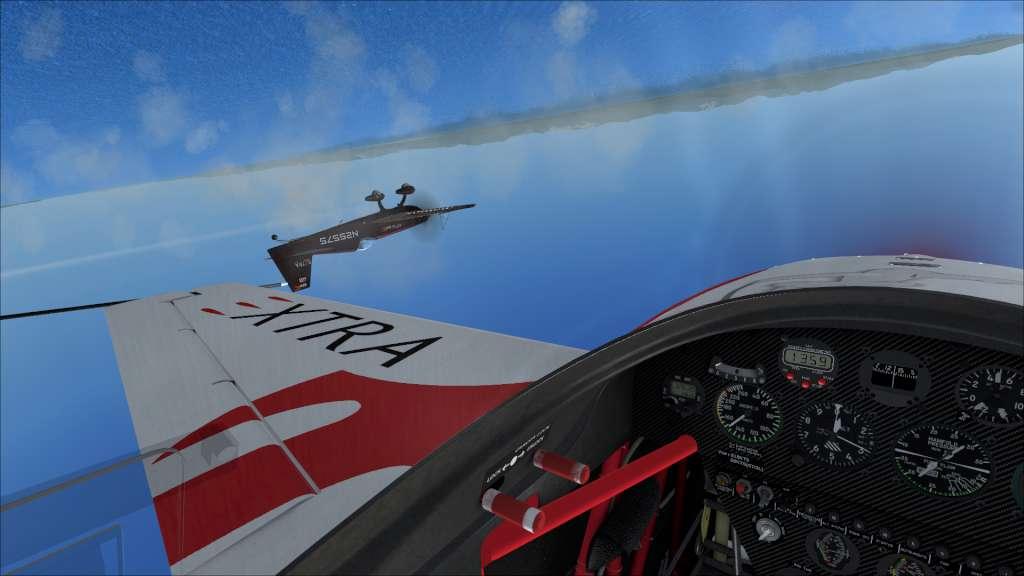
Fair Dinkum Flights, developed by Turbulent Designs, is a mission pack designed to give you the full Australian experience! These ten missions will give you a taste of the kinds of activities undertaken by pilots in Australia every single day including sightseeing tours, cattle mustering, and firefighting. You’ll be using a wide variety of aircraft all included in core FSX: Steam Edition including the Cessna 172, Cessna C208 Grand Caravan, Robinson R22, Agusta Westland EH101, Bell 206B, Beech King Air 350, Beech Baron B58 and even the Boeing F/A-18 Hornet! The missions are intended to be played in any order you choose depending on your skill level and preference.

Microsoft Flight Simulator X: Edition - Fair Dinkum Flights Add-On DLC screenshotMicrosoft Flight Simulator X: Edition - Fair Dinkum Flights Add-On DLC screenshotMicrosoft Flight Simulator X: Edition - Fair Dinkum Flights Add-On DLC screenshotMicrosoft Flight Simulator X: Edition - Fair Dinkum Flights Add-On DLC screenshotMicrosoft Flight Simulator X: Edition - Fair Dinkum Flights Add-On DLC screenshot

How to redeem

  1. 1Check the required base game, platform and edition before purchasing.
  2. 2Find the code or supplier activation instructions in your confirmed order.
  3. 3Redeem on Steam using the supplied instructions, then install the add-on with the compatible base game.

Supplier instructions

Go to: http://store.steampowered.com/ and download STEAM client Click "Install Steam" (from the upper right corner) Install and start application, login with your Account name and Password (create one if you don't have). Please follow these instructions to activate a new retail purchase on Steam: Launch Steam and log into your Steam account. Click the Games Menu. Choose Activate a Product on Steam... Follow the onscreen instructions to complete the process. After successful code verification go to the "MY GAMES" tab and start downloading.

You might also like