Get 10% back in Relic Coins on every order
Cities in Motion 2 cover

SteamGlobal· Key

Cities in Motion 2

€0.43

+€0.04 cashback eligibility in Relic Coins

Check before you play

Platform
Steam
Region
Global
Product type
Key
Developer
Colossal Order
Publisher
Paradox Interactive
Supplier release date
2013-04-02
Genres
Strategy, Simulation

About this product

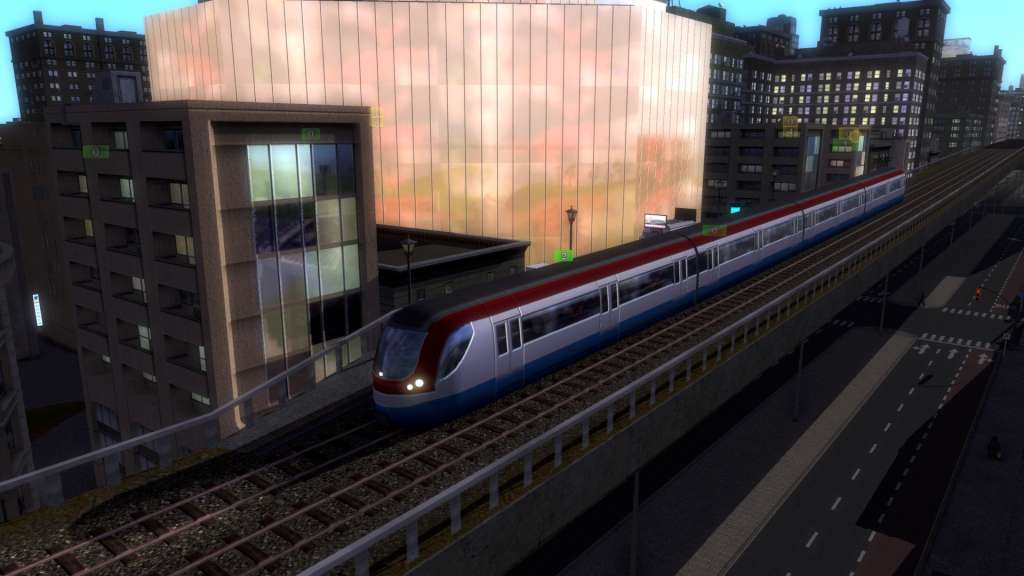
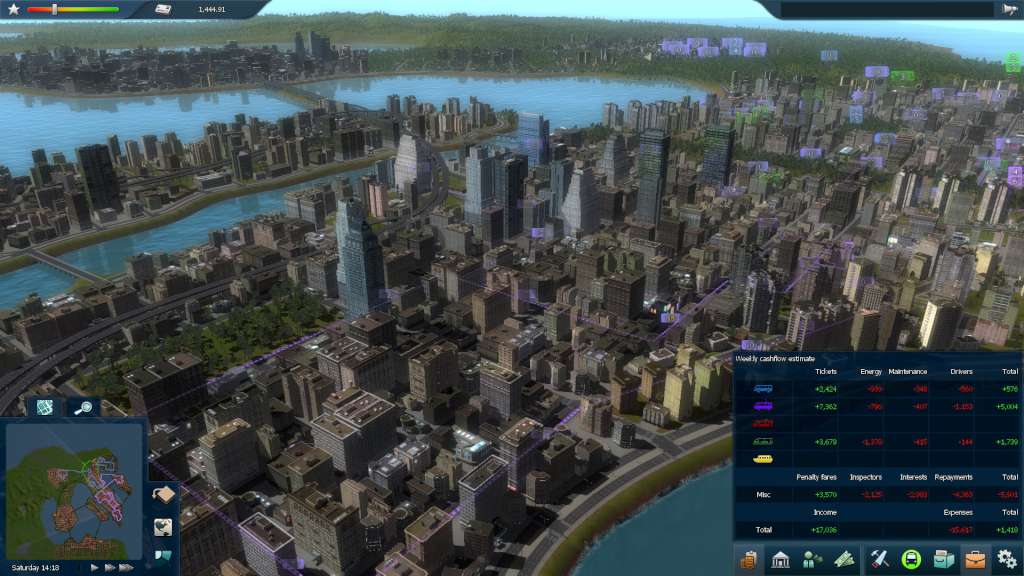
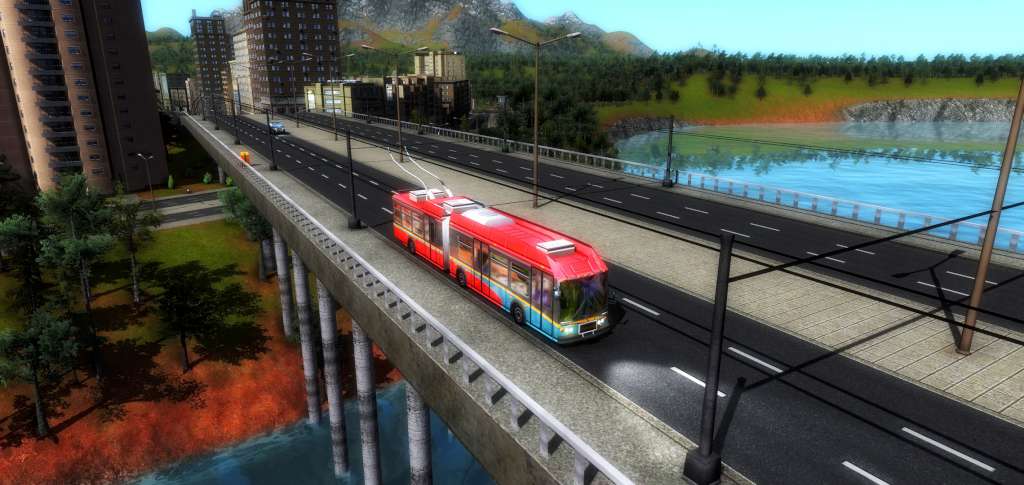
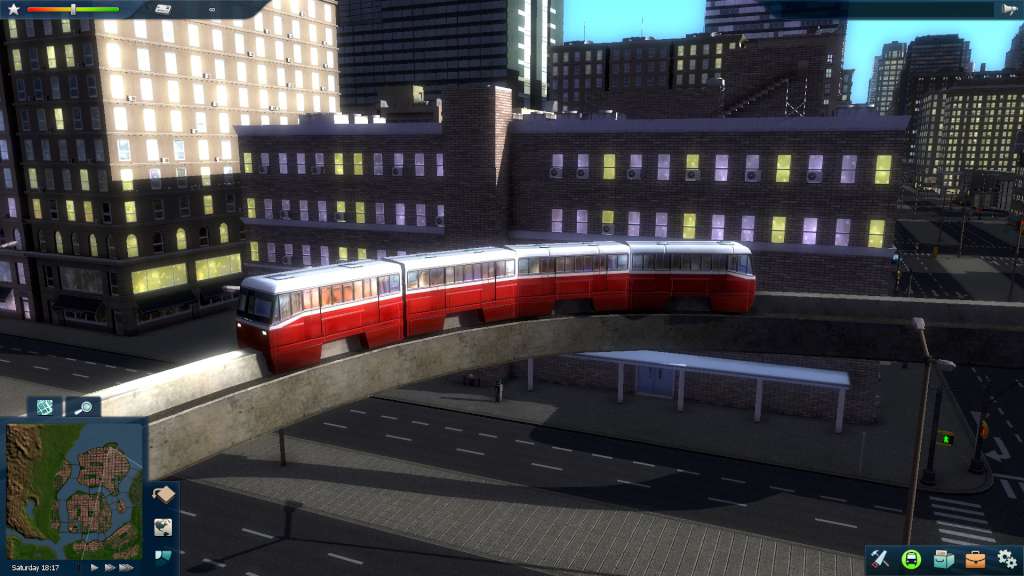
Cities in Motion 2 is the sequel to the popular mass transit simulation game Cities in Motion. Build, manage and lead your transportation network to provide cities with their ever changing needs. CIM2 introduces new features including multiplayer game modes, day and night cycles, timetables and dynamic cities. Building the transportation network will directly affect how the city grows. Affordable transportation brings middle class housing and work places, while more expensive and exotic choices bring high end businesses. Take advantage of many different types of vehicles including buses, trams, ferries and more. Build alone or play cooperatively with a friend. Use the newly implemented bus lanes to build efficient traffic free roadways. Tackle rush hour by managing transportation timetables and meeting the needs of the citizens. Features Dynamic cities Player’s choices effect city growth Day and night cycle Manage the timetables Multiplayer with both co-operative and competitive modes Campaign and sandbox modes

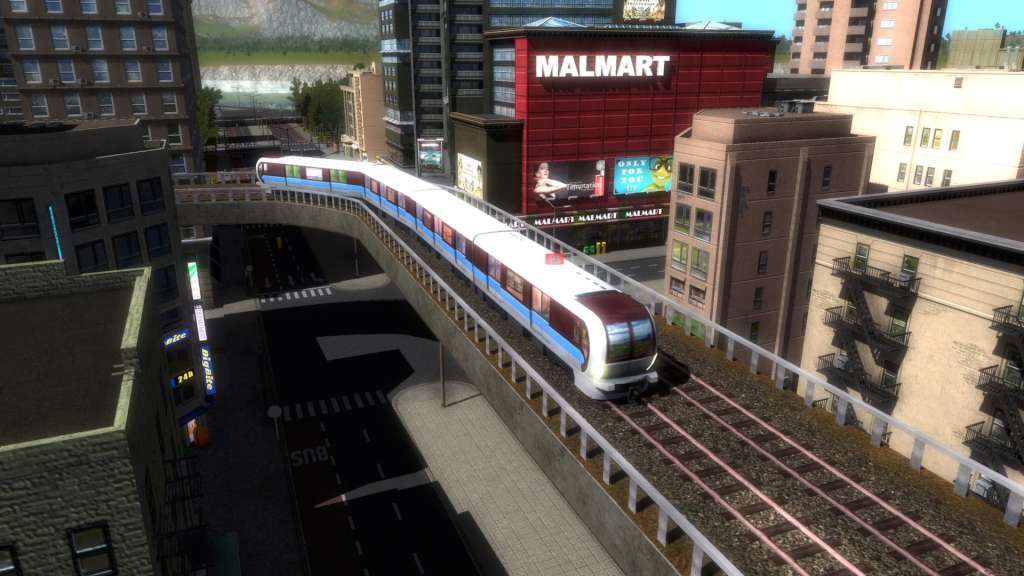
Cities in Motion 2 screenshotCities in Motion 2 screenshotCities in Motion 2 screenshotCities in Motion 2 screenshotCities in Motion 2 screenshotCities in Motion 2 screenshot

How to redeem

  1. 1Check your Steam account and the listed region before purchasing.
  2. 2Find your code and supplier activation instructions in your confirmed order.
  3. 3Open the redeem-code section on Steam, enter the code and follow the platform’s prompts.

Supplier instructions

Go to: http://store.steampowered.com/ and download STEAM client Click "Install Steam" (from the upper right corner) Install and start application, login with your Account name and Password (create one if you don't have). Please follow these instructions to activate a new retail purchase on Steam: Launch Steam and log into your Steam account. Click the Games Menu. Choose Activate a Product on Steam... Follow the onscreen instructions to complete the process. After successful code verification go to the "MY GAMES" tab and start downloading.

You might also like