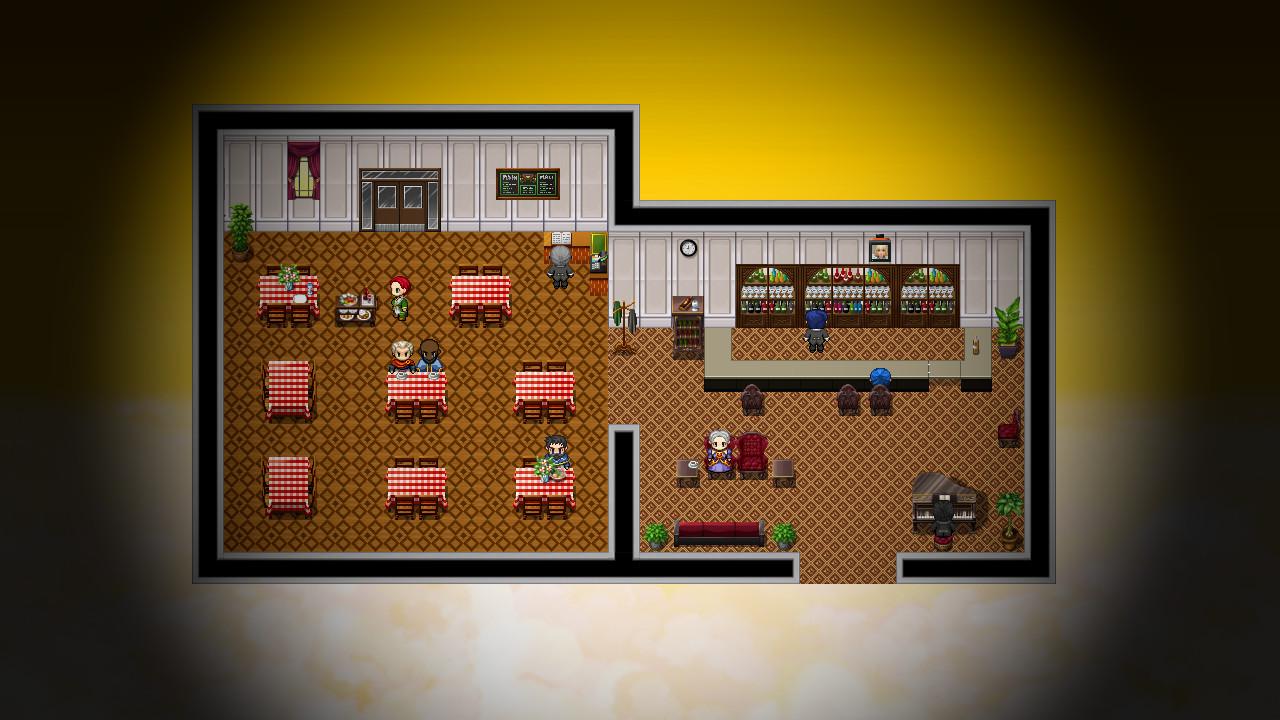
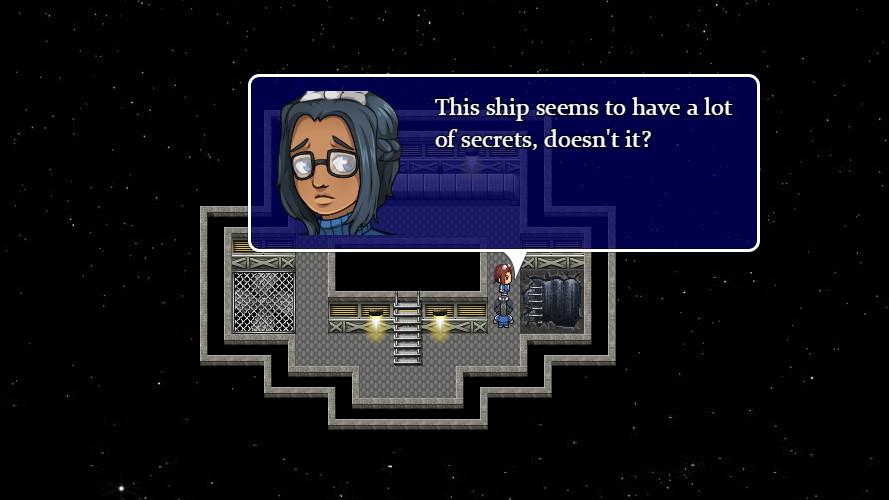
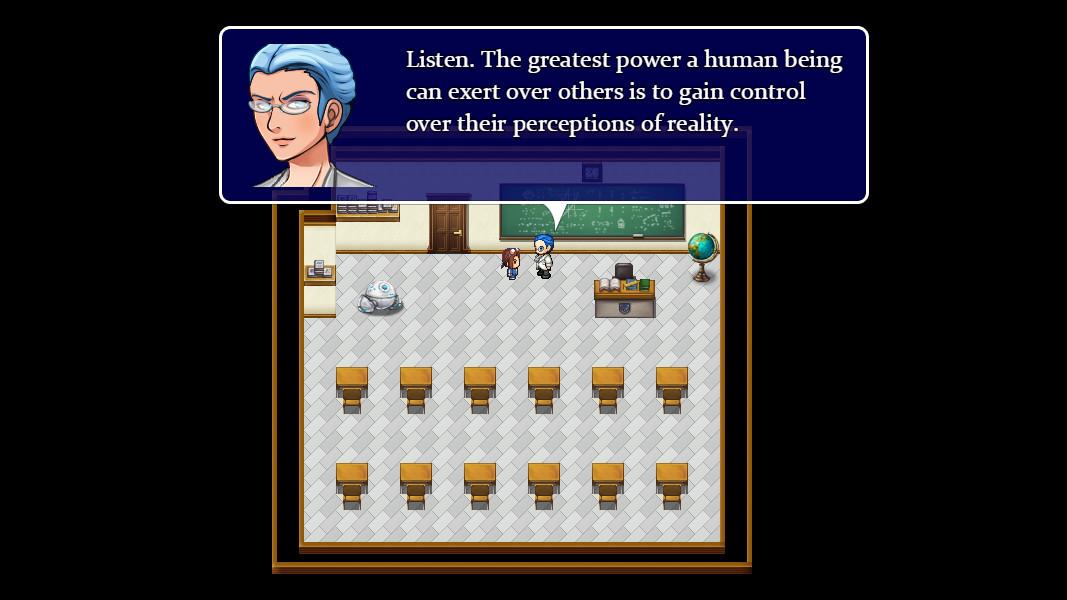
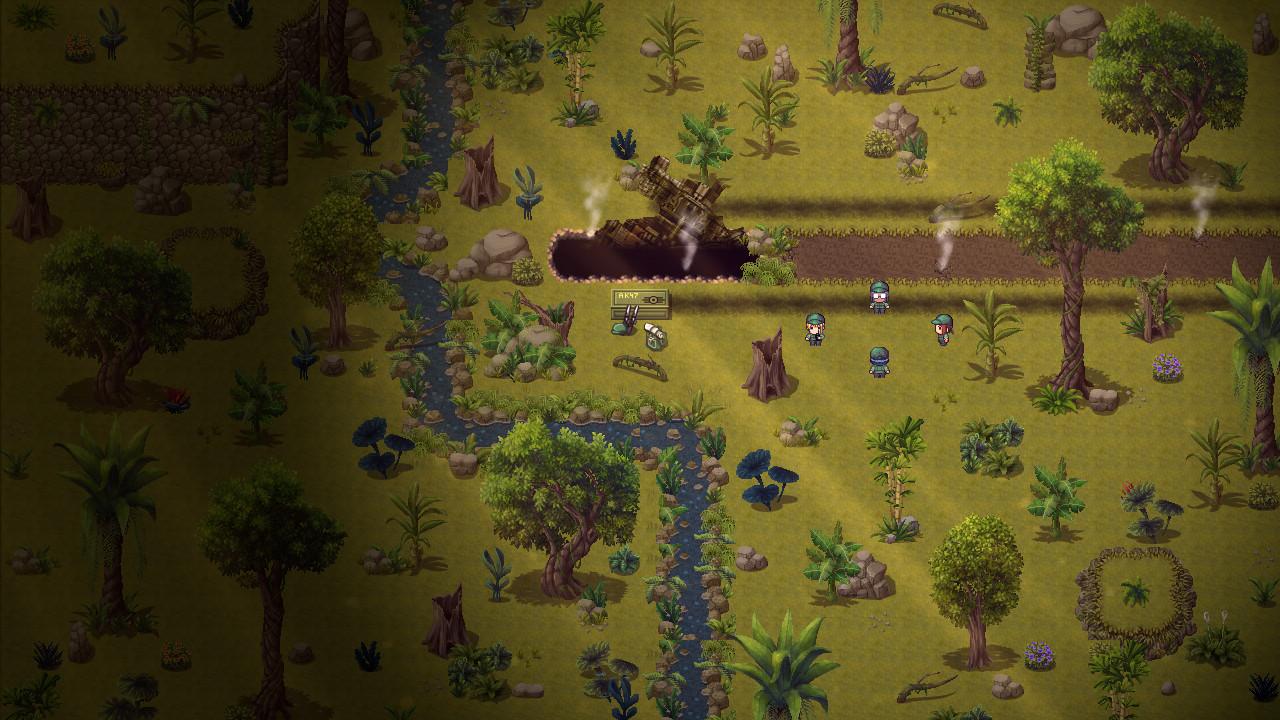
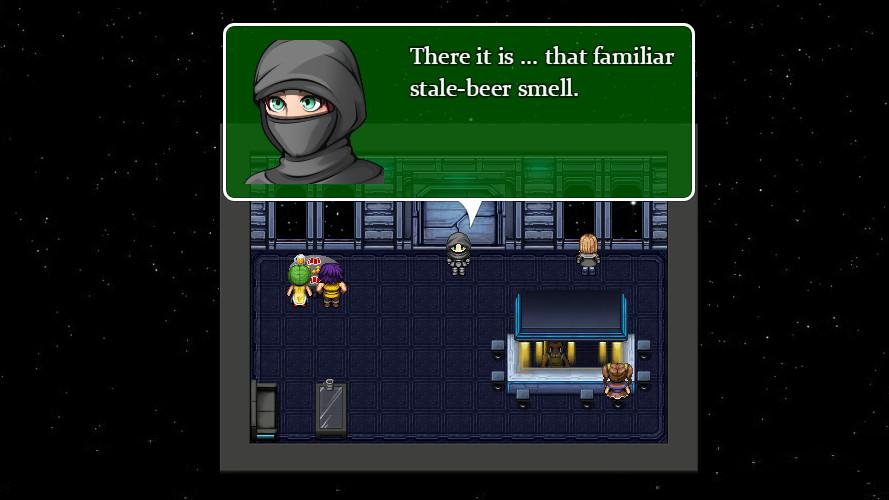
An unsettling encounter with a former colleague at a prison colony in the Altair sector leads Gail Pilgrim and the crew of the starship Quicksilver on an investigative mission to Union Station - otherwise known as 'The Cattle Market.' What she finds there is deeply troubling and may have serious repercussions for the future of the fledgling Galactic Union.Back at the Pilgrim Space Academy, Maggie is beginning to feel calm and secure in her surroundings following the traumatic events of the previous year. That is, until a strange phenomenon suggests that there may be more to one of her new friends than meets the eye.Space Pilgrim Academy: Year 2 is a continuation of the story which began with The Space Pilgrim Saga and Space Pilgrim Academy: Year 1. In this brand new space adventure, you will continue to play as both Gail Pilgrim and Margaret Dale. Features As Gail Pilgrim, take on the roles of investigator and diplomat as she attempts to uncover evidence of corruption. Revisit some familiar locations, such as Union Station and the aero-cities of Venus. As Margaret Dale, take part in some new classes at the academy, including astrophysics, politics and radar/communications operation, and experience the holo deck for the first time. Outside of her academic life she will face unprecedented challenges when she makes some profoundly disturbing discoveries. Continue to relive the days of good old fashioned point-and-click adventure games. About four to five hours of gameplay for the average player. Mouse, keyboard and controller support.