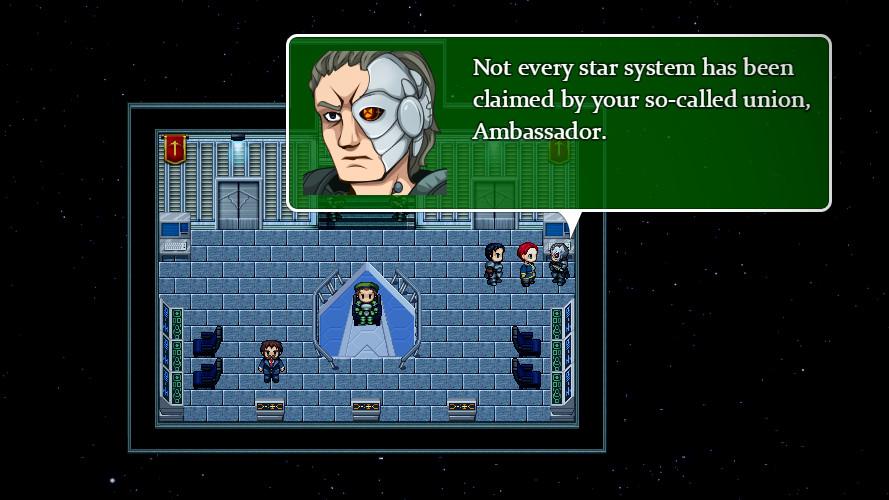
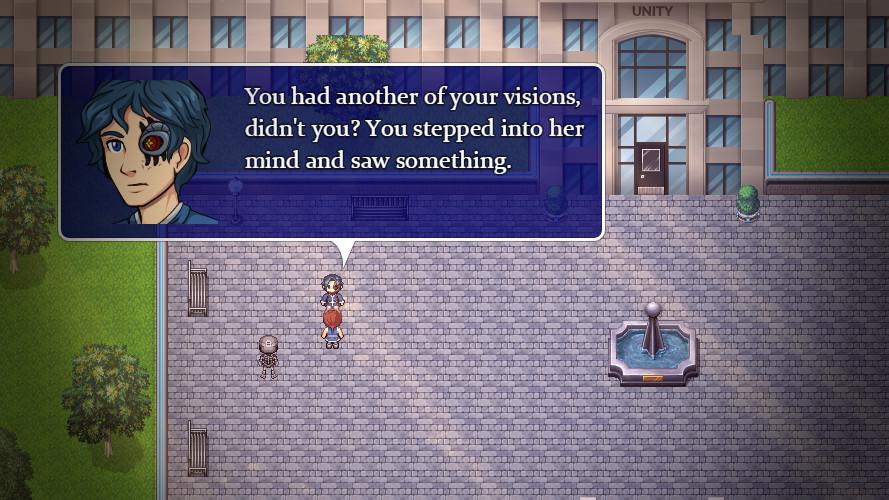
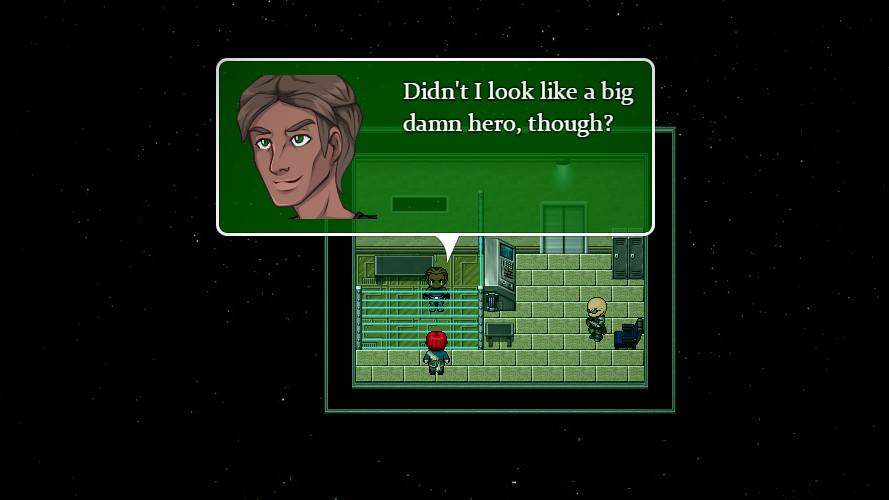
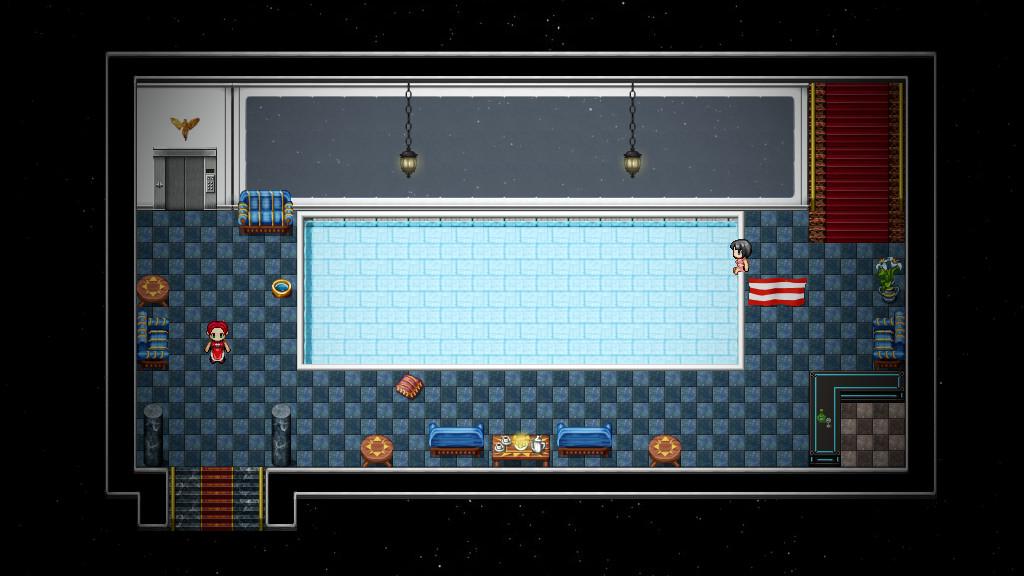
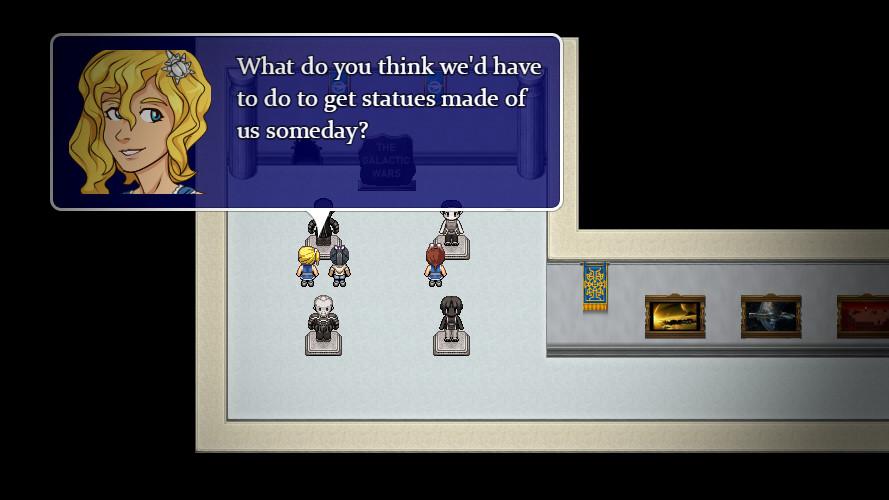
When fledgling space cadets undertake their third year at the Pilgrim Space Academy, they are presented with a new set of challenges. However, following the startling discoveries of the previous school year, Maggie is just beginning to realize that she already faces significant challenges of her own. Her friends are there for her, as always, but is there anyone who can help her understand the true nature of her haunting visions?Meanwhile, Ambassador Gail Pilgrim must prepare to deal with the consequences of her actions during the Venus summit. Just when she least expects it, she is presented with an unusual offer that seems to good to be true ... and may bring her more trouble than she bargained for.Space Pilgrim Academy: Year 3 is a continuation of The Space Pilgrim Saga. In this brand-new space adventure, you will continue to play as both Gail Pilgrim and Margaret Dale. Features As Margaret Dale, attempt to balance your life at the academy with the emergence of new powers that you do not yet understand. Perhaps the time has come to investigate their true nature and origin. As Gail Pilgrim, explore the flagship of the rogue mining fleet Elivagar and uncover the unsettling secrets hidden within. In the role of ambassador, you must attempt to convince the leaders to desist in their rebellion - while familiar, sinister forces may be working against this goal. Continue to relive the days of good old-fashioned point-and-click adventure games. About five hours of gameplay for the average player. Mouse, keyboard, and controller support.