

SteamGlobal· Key
Himawari - The Sunflower
€11.54
+€1.15 cashback eligibility in Relic Coins
Check before you play
- Platform
- Steam
- Region
- Global
- Product type
- Key
- Supplier release date
- 2016-12-10
- Genres
- Adventure, Visual Novel, Anime
SteamGlobal· Key
€11.54
+€1.15 cashback eligibility in Relic Coins
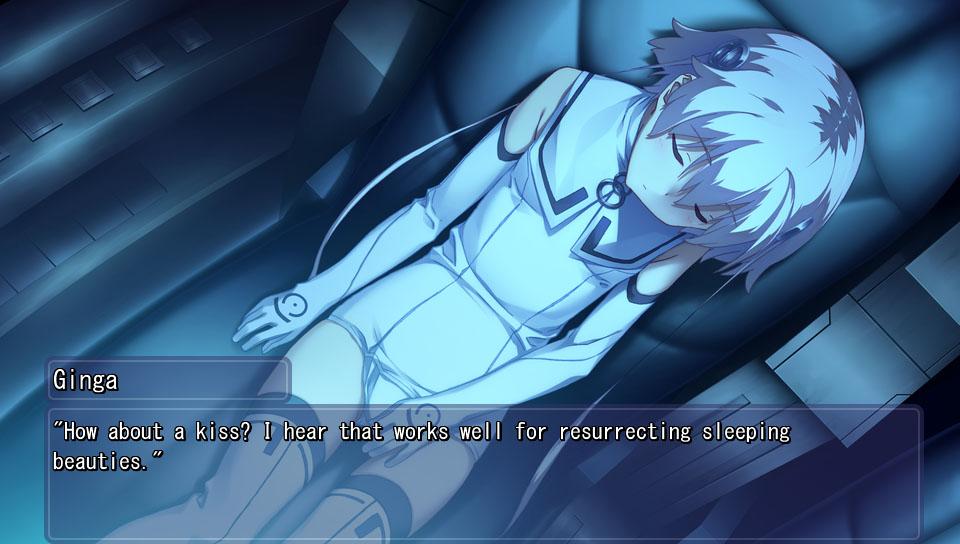
In the year 2048, a high-altitude airliner built to carry man’s dreams crashed, leading to the loss of countless lives. At the same time, following the unforeseen death of Amamiya Daigo -- the astronaut once lauded as a hero -- the field of space development entered a period of stagnation. Two years later, in 2050, Hinata Youichi attends high school as the sole survivor of the crash, his memories lost from the shock caused by the accident. After jointly founding the so-called Space Club, Youichi and his friend Amamiya Ginga, the son of Amamiya Daigo, spent their school days building a rocket -- until one fateful night, a mysterious young girl called Aries crash-lands near them, her memories also lost from the shock of the landing. Youichi, unable to leave Aries to fend for herself, decides to take the girl in, and so the two begin their new lives under the same roof...


Go to: http://store.steampowered.com/ and download STEAM client Click "Install Steam" (from the upper right corner) Install and start application, login with your Account name and Password (create one if you don't have). Please follow these instructions to activate a new retail purchase on Steam: Launch Steam and log into your Steam account. Click the Games Menu. Choose Activate a Product on Steam... Follow the onscreen instructions to complete the process. After successful code verification go to the "MY GAMES" tab and start downloading.