Get 10% back in Relic Coins on every order
Woah Dave! cover

SteamGlobal· Key

Woah Dave!

€1.31

+€0.13 cashback eligibility in Relic Coins

Check before you play

Platform
Steam
Region
Global
Product type
Key
Developer
MiniVisions
Publisher
Choice Provisions
Supplier release date
2014-10-30
Genres
Action, Indie, Platformer

About this product

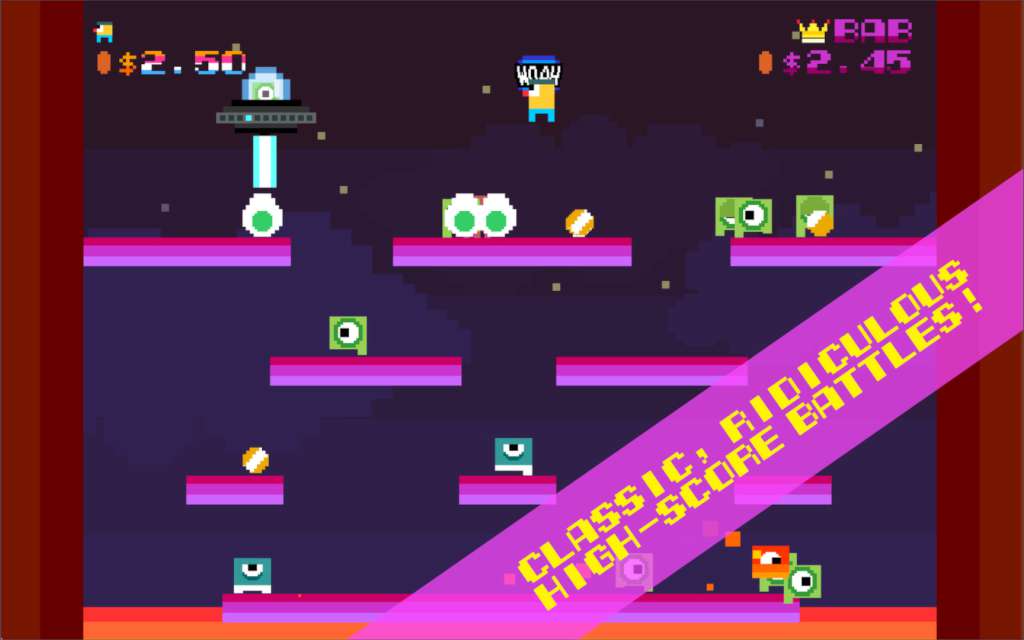
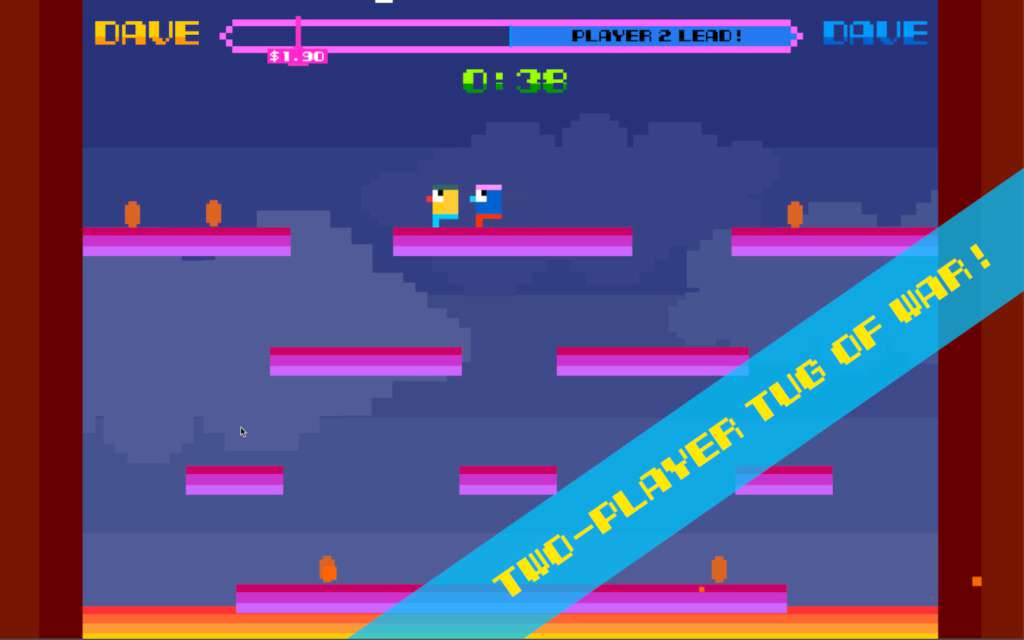
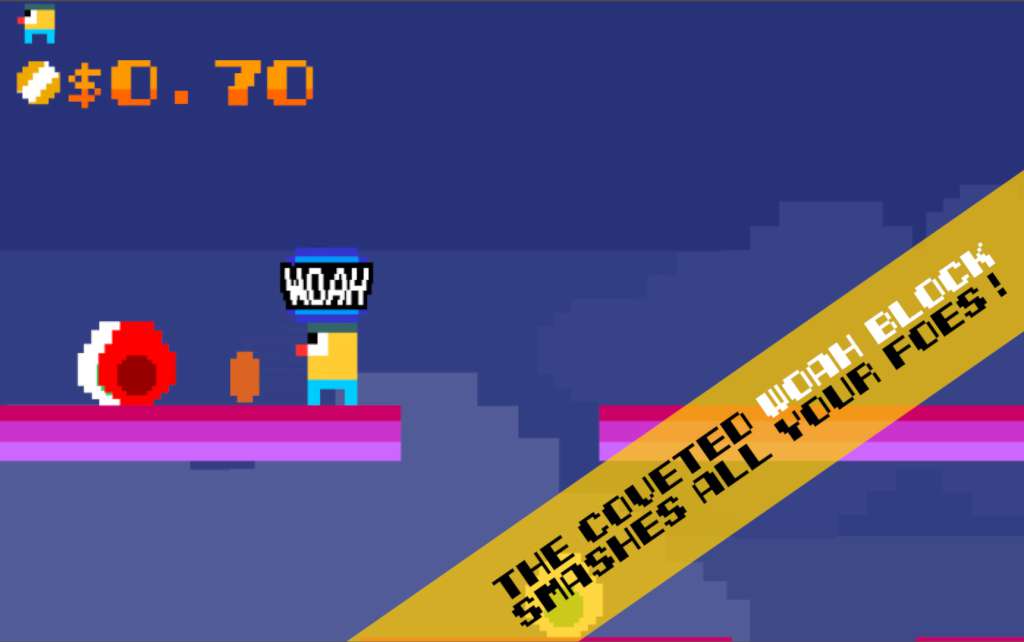
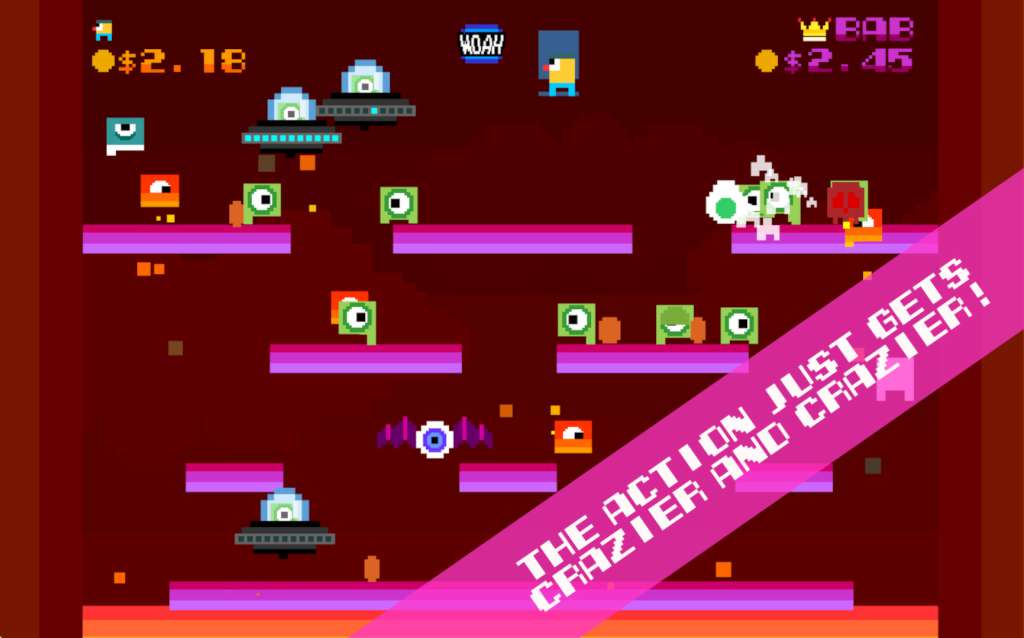
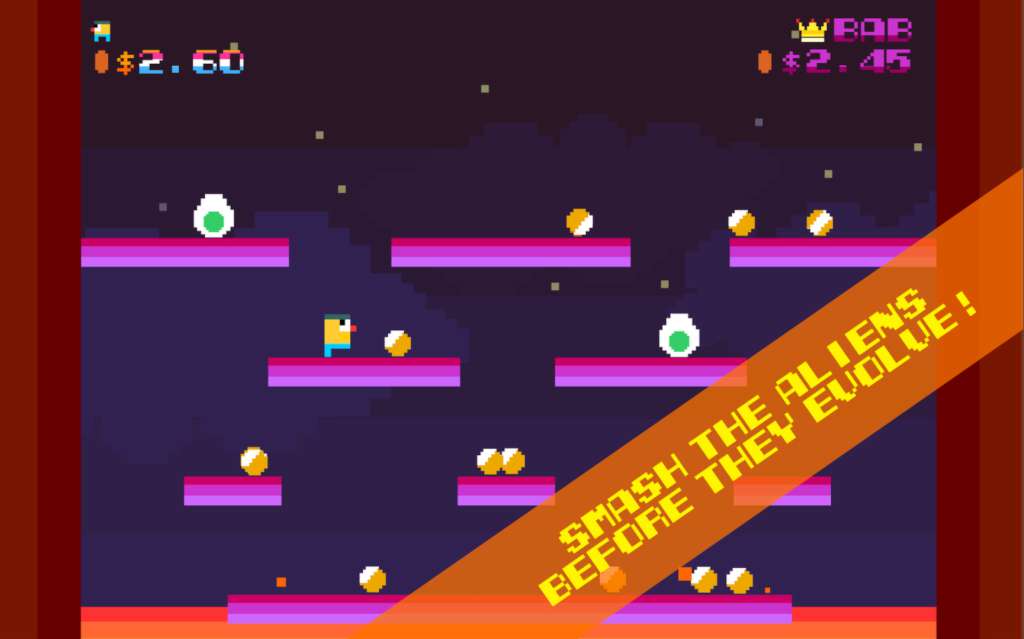
In Woah Dave!, players gun for digital glory by slaughtering aliens, stealing their loose change, and racking up the highest score possible. Easier said than done, however, as everything on the map—including your own ammo—is trying to kill you. No one ever said being a Dave was easy. The brave players who manage to survive the alien onslaught and collect the most coins will be rewarded with top placement on the fierce online leaderboards. Do you have what it takes to be the world’s best Dave? Or will you end up playing second fiddle to another, more powerful Dave? Woah Dave! also features a local two-player competitive mode, where two Daves can go head-to-head in a battle to collect the most coins. We aren’t exaggerating when we say it could very well result in ruined friendships and unsalvageable marriages. Competitive games are good like that.If that isn’t enough Dave for you, there’s also Bonkers Mode with more aliens, more lava, and more chances to get killed. Those who brave the storm will be rewarded with a splendor of precious coinage; those who fail will be revoked of their License to Dave.Good luck, and may the best Dave win.

Woah Dave! screenshotWoah Dave! screenshotWoah Dave! screenshotWoah Dave! screenshotWoah Dave! screenshot

How to redeem

  1. 1Check your Steam account and the listed region before purchasing.
  2. 2Find your code and supplier activation instructions in your confirmed order.
  3. 3Open the redeem-code section on Steam, enter the code and follow the platform’s prompts.

Supplier instructions

Go to: http://store.steampowered.com/ and download STEAM client Click "Install Steam" (from the upper right corner) Install and start application, login with your Account name and Password (create one if you don't have). Please follow these instructions to activate a new retail purchase on Steam: Launch Steam and log into your Steam account. Click the Games Menu. Choose Activate a Product on Steam... Follow the onscreen instructions to complete the process. After successful code verification go to the "MY GAMES" tab and start downloading.

You might also like