

Other Europe - All Countries· Key
Norton Security Deluxe 2020 (1 Year / 3 Devices)
€25.02
+€2.50 cashback eligibility in Relic Coins
Check before you play
- Region
- Europe - All Countries
- Product type
- Key
- Genres
- Software
Other Europe - All Countries· Key
€25.02
+€2.50 cashback eligibility in Relic Coins
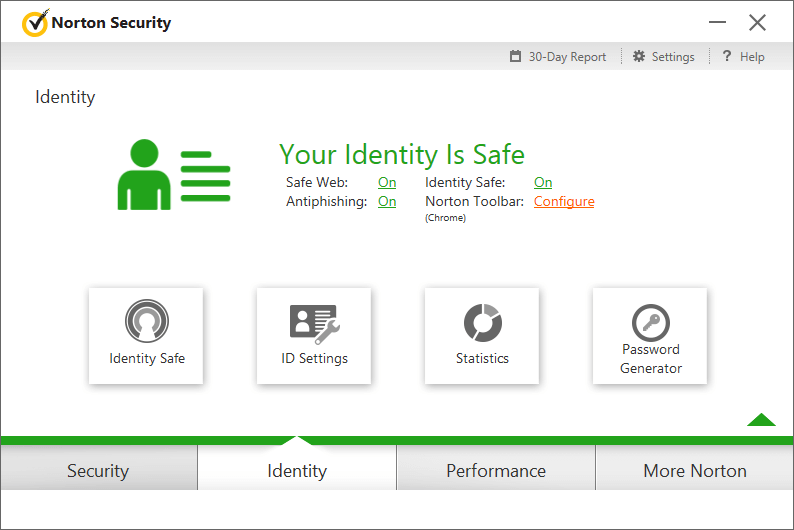
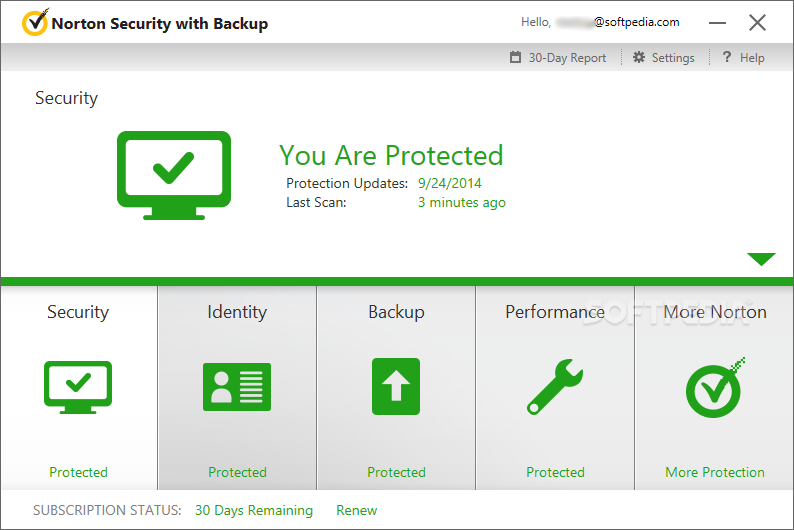
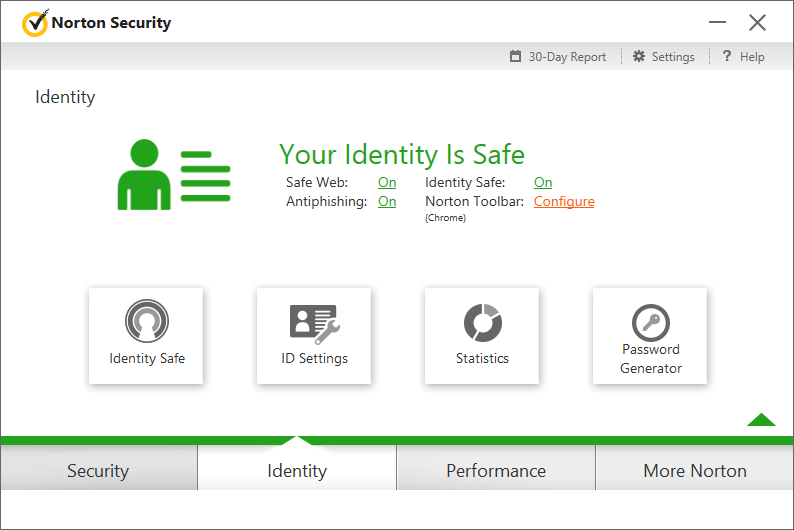
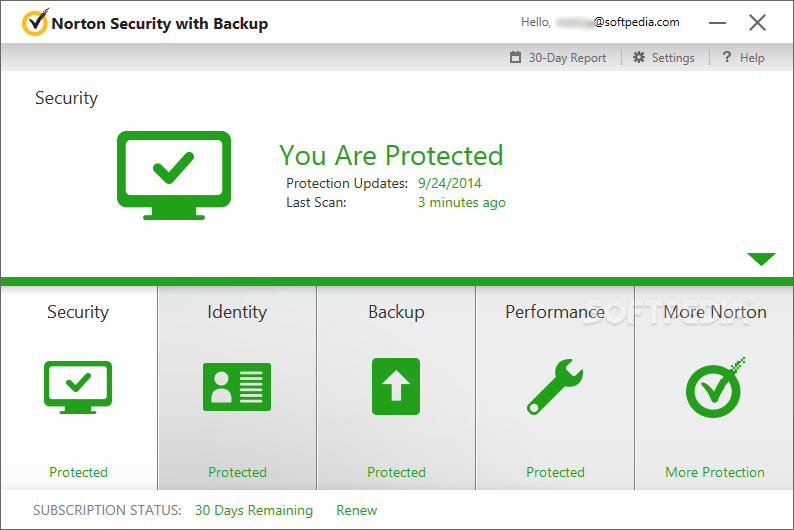
How long does it take for malware to infect your brand-new computer? If you use free or other inferior security software, maybe not long at all. Cybercriminals are more sophisticated than ever before, and they use a diverse arsenal of tools to gain access to your information. Other security products just don’t have the resources to keep up with new threats as they emerge. But Norton products do. As the threats get worse, our products just keep getting better. Our teams of security experts are constantly analyzing new threats and devising new ways to protect your devices from them. Features Defends against viruses, spyware, malware and other online threats; Safeguards your identity and online transactions; Utilizes one of the largest global civilian intelligence networks to spot threats faster; Helps protect your home network with a smart firewall; Comes with always-there customer support provided by Norton experts; Protects better and faster than the competition; Secures multiple PCs, Macs, smartphones and tablets with a single subscription; Helps you manage protection for all your devices with an easy-to-use Web portal;
In order to activate the product please follow instruction below: 1. Go to https://my.norton.com/home/setup. 2. If you are not signed in to Norton already, you will be prompted to sign in. Type in your email address and password for Norton, and click Sign In. 3. If you do not have an account, click Create account, and then complete the sign-up process. 4. In the Install on this device window, make sure the product name that is displayed is the one you want to install, click Agree & Download. 5. If you want to install a new product, not listed in the window, click Enter a Product Key, and then enter the product key or PIN to begin the download. 6. Do one of the following depending on your browser: - For Internet Explorer: Click Run. - For Firefox or Safari: On the top-right corner of the browser, click the Download option to view the downloaded files, and double-click the file that you downloaded. - For Chrome: On the bottom-left corner, double-click the file that you downloaded. - If the User Account Control window appears, click Continue. Follow the on-screen instructions. 7. Your Norton product is now installed and activated.