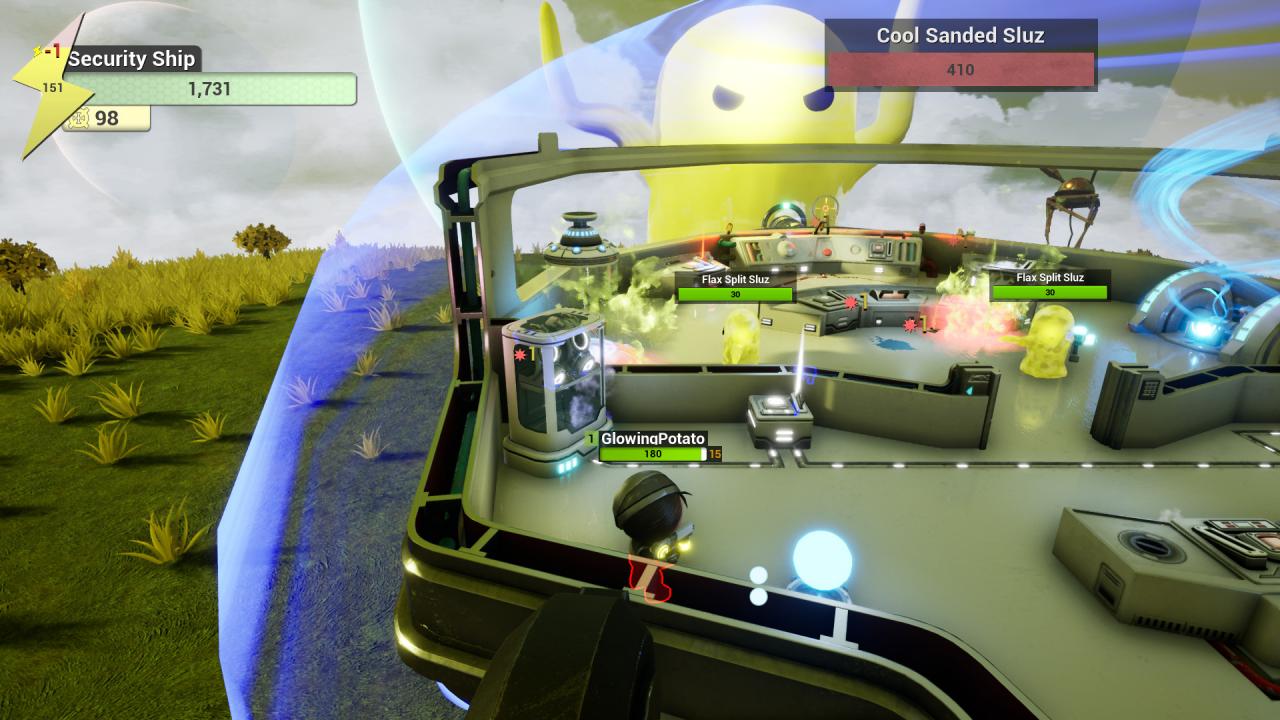
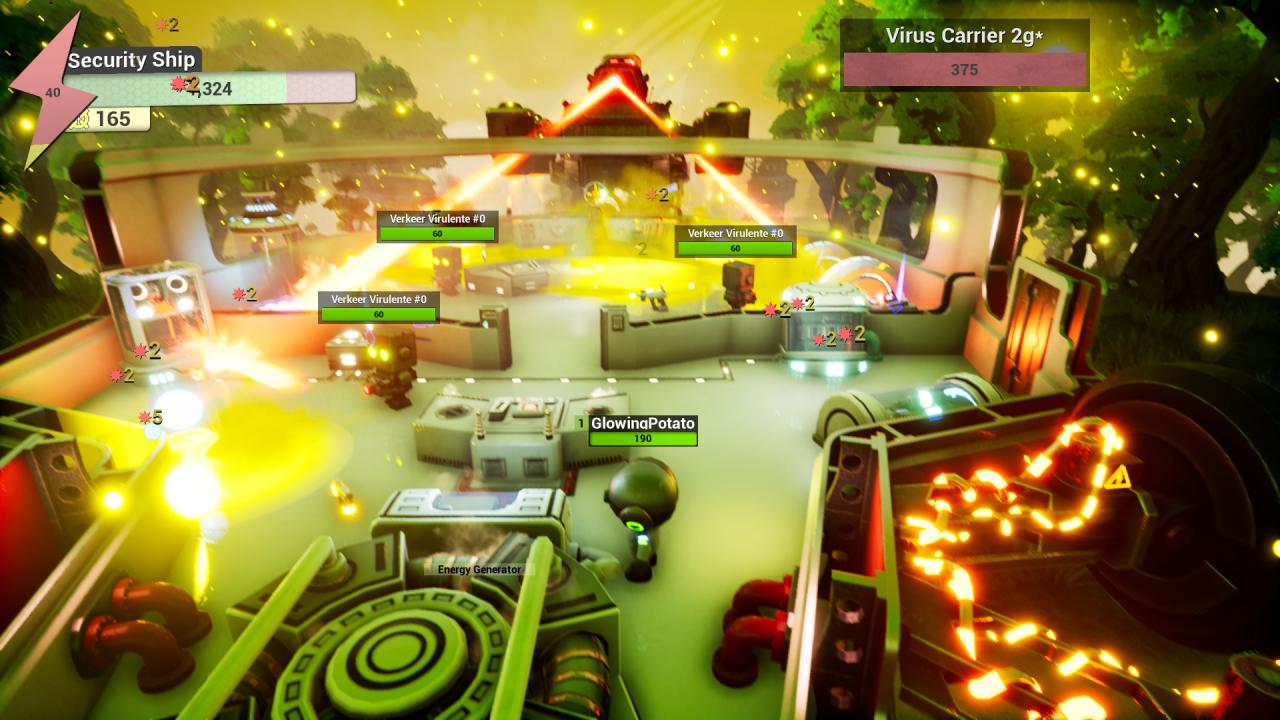
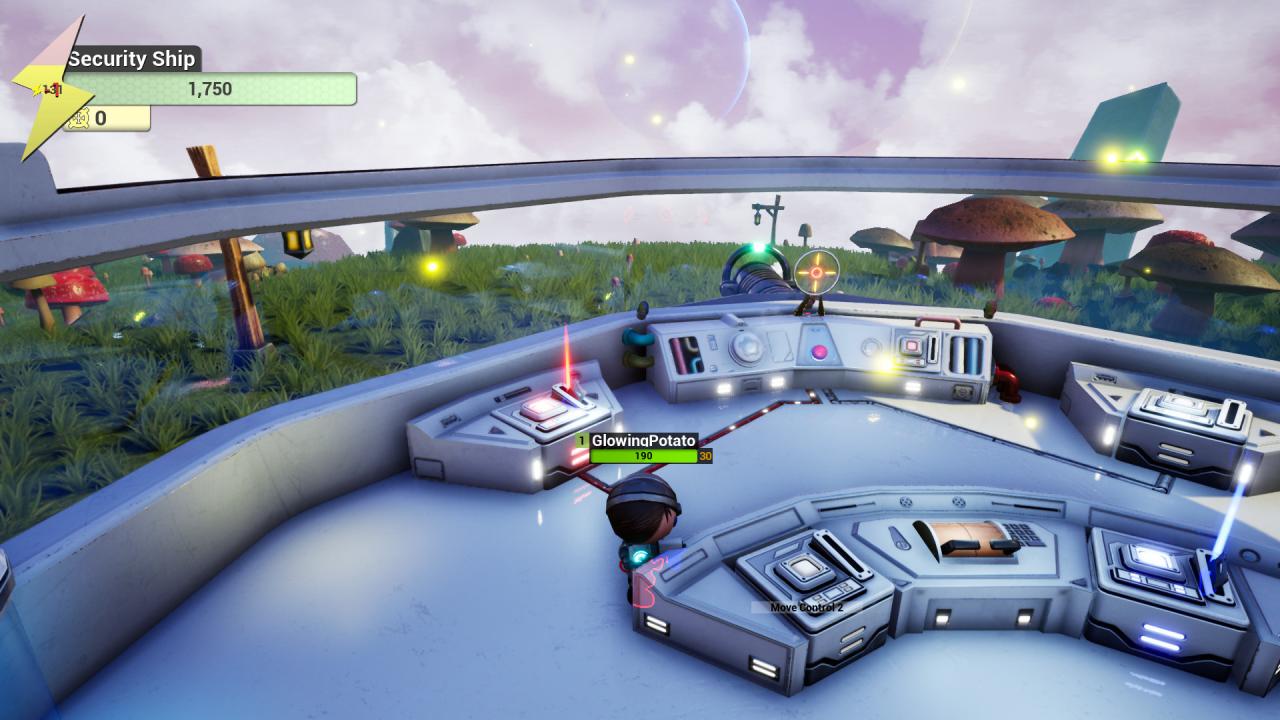
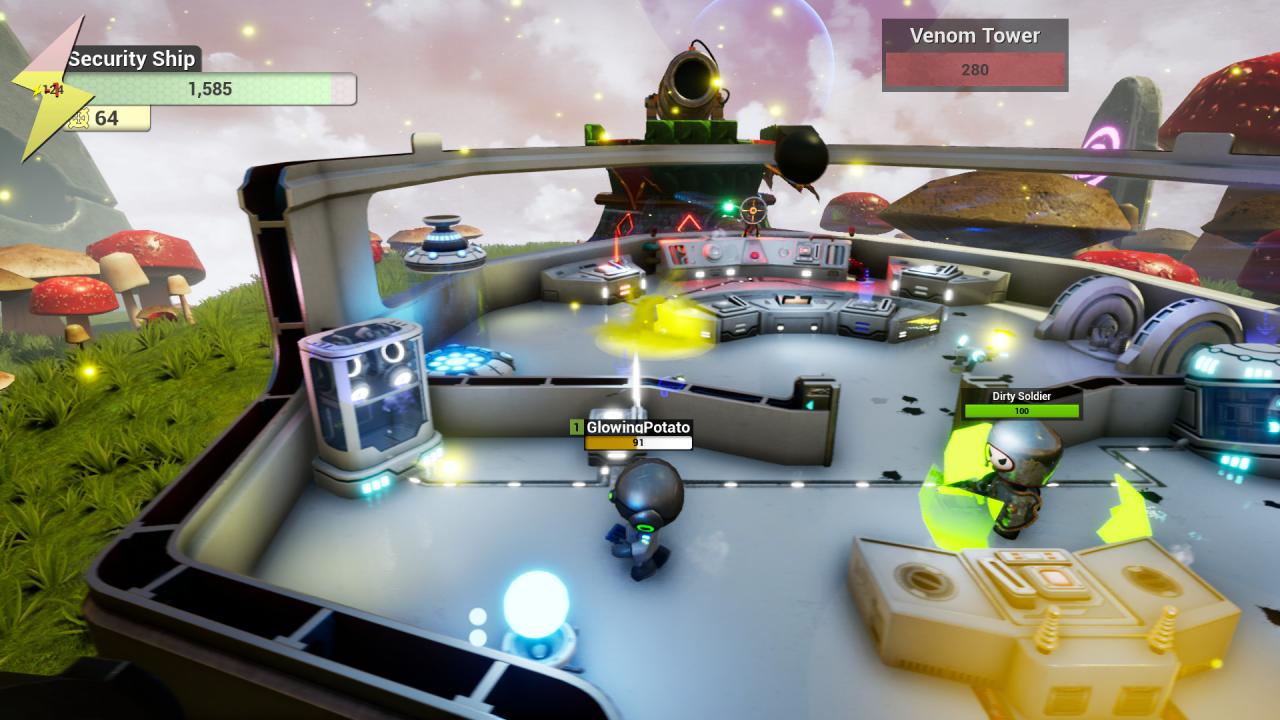
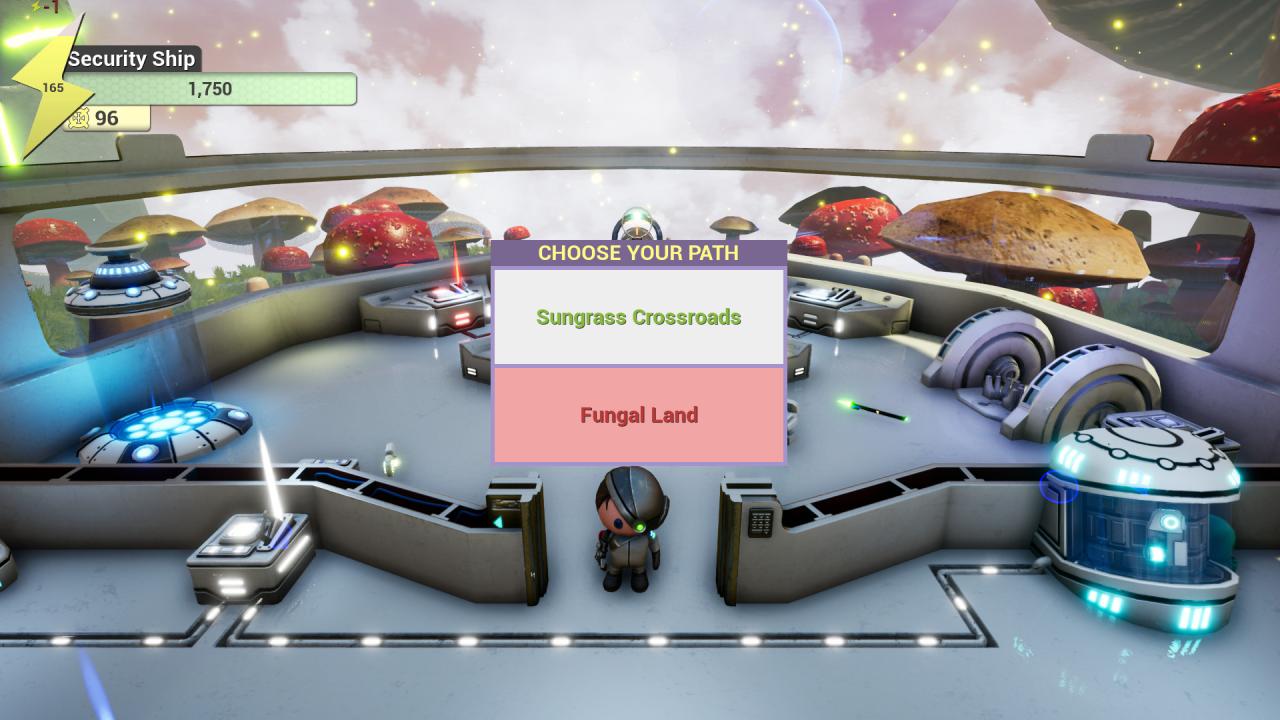
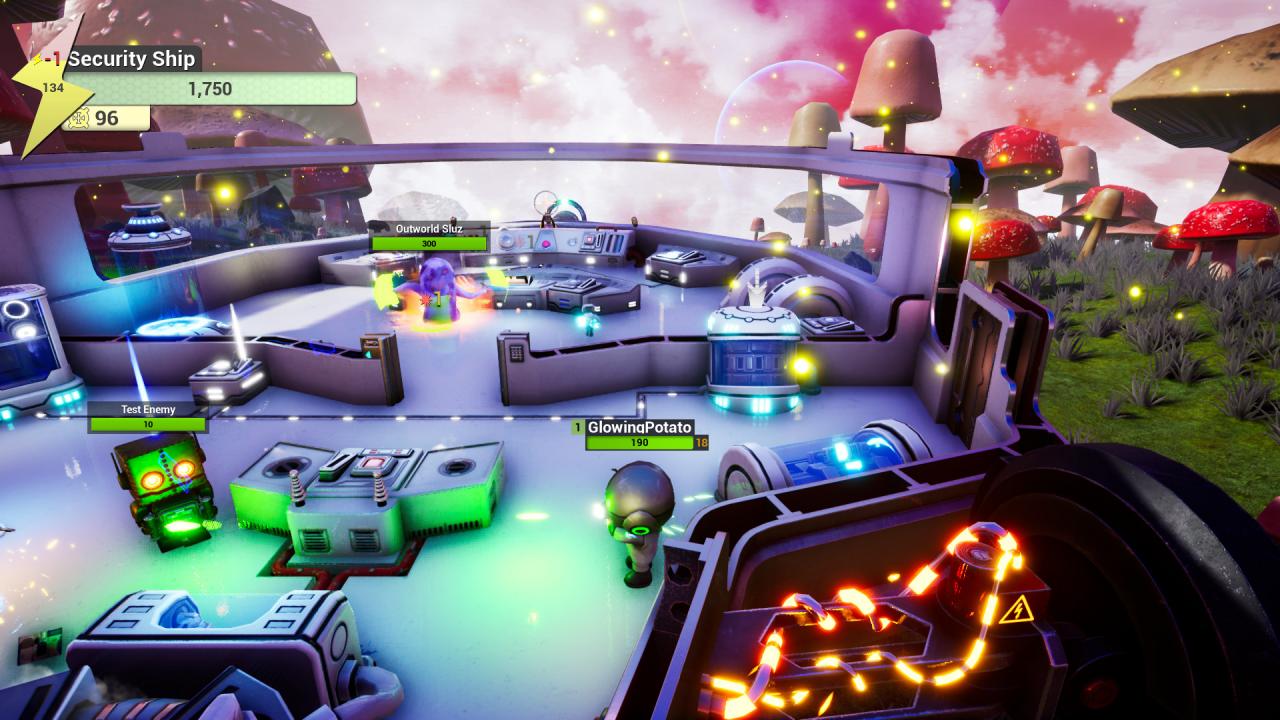
Get in a special kind of vehicle with your friends in this co-op adventure game! No Captain Allowed! it's a multiplayer co-op game, up to four players were you and your friends are in charge of special vehicles. Fights robots, space slime aliens, medieval soldiers and many more threats to complete your path of choice! Every player has to vote the decisions during the journey while destroying other vehicles and invaders. Complete quests, earn resources, and fortify your defenses while you try not to get smashed by a giant slime! Features Top Shooter and Puzzle game - Kill invaders while working as a team to defeat enemies that are attacking your vehicle! No captain allowed! - Players must vote on all decisions that affect the progression of the game, including where to go, what to buy and even if it's time to surrender! Random Enemies and Quests - Different enemies and quests will appear during your journey. Each playthrough will present different challenges. Crazy Lore - Shoot lasers at medieval soldiers while a giant slime try to destroy your vehicle in the middle of a mushroom forest. You got caught in a war between the slime Sluz versus the Verkeer Robots while medieval Humans remain neutral. A roguelike experience - If you failed miserably at your first try (you will!), change your strategy! No Captain Allowed! will challenge you with different paths, upgrades and enemies whenever you start a new game.