Get 10% back in Relic Coins on every order
RPG Maker MV - Ancient Dungeons: Base Pack DLC cover

Steam Europe - All Countries· DLC

RPG Maker MV - Ancient Dungeons: Base Pack DLC

€7.28

+€0.73 cashback eligibility in Relic Coins

Check before you play

Platform
Steam
Region
Europe - All Countries
Product type
DLC

Check the required base game and edition before purchasing this add-on.

Developer
Celianna
Publisher
Degica
Supplier release date
2019-01-17
Genres
Software

About this product

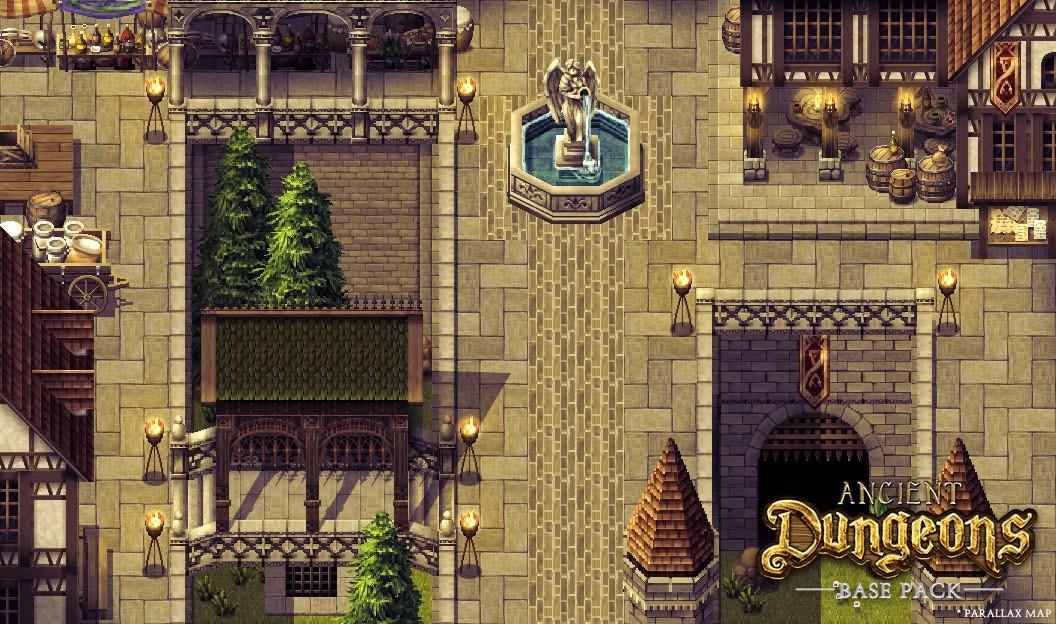
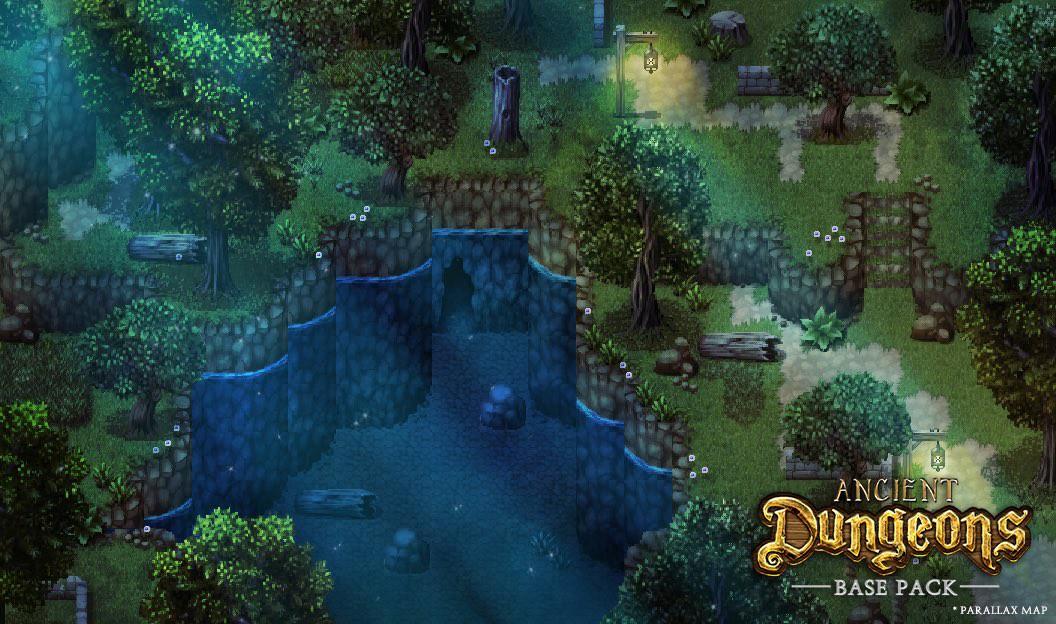
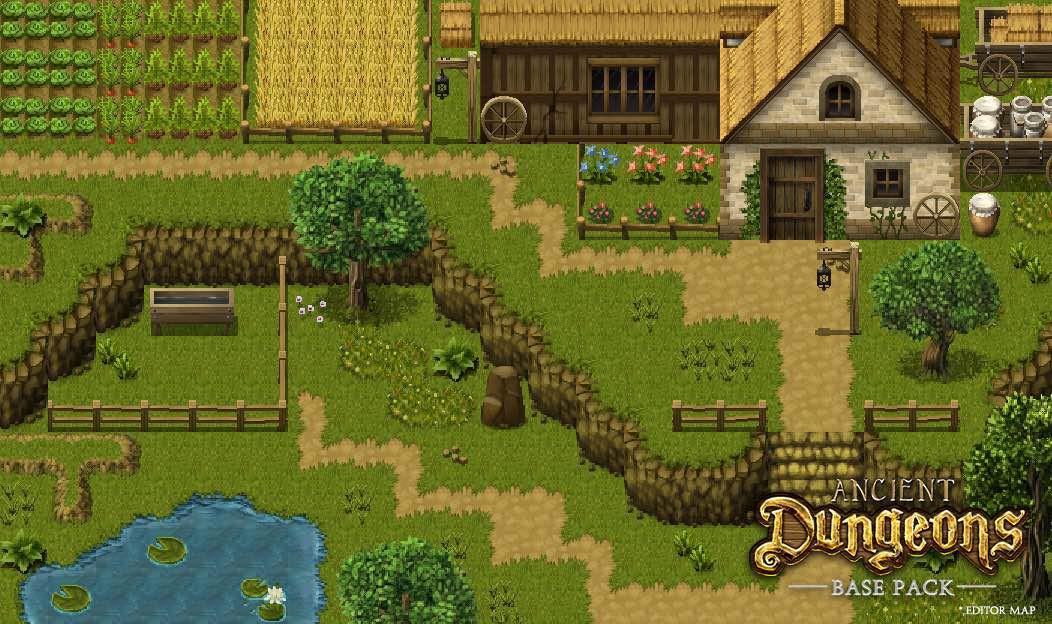
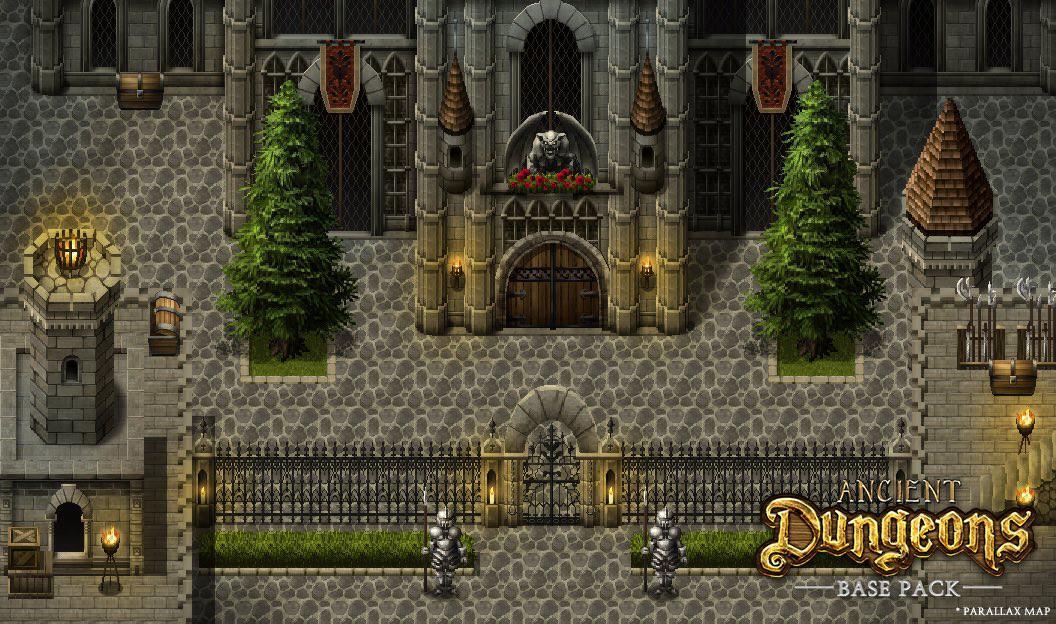
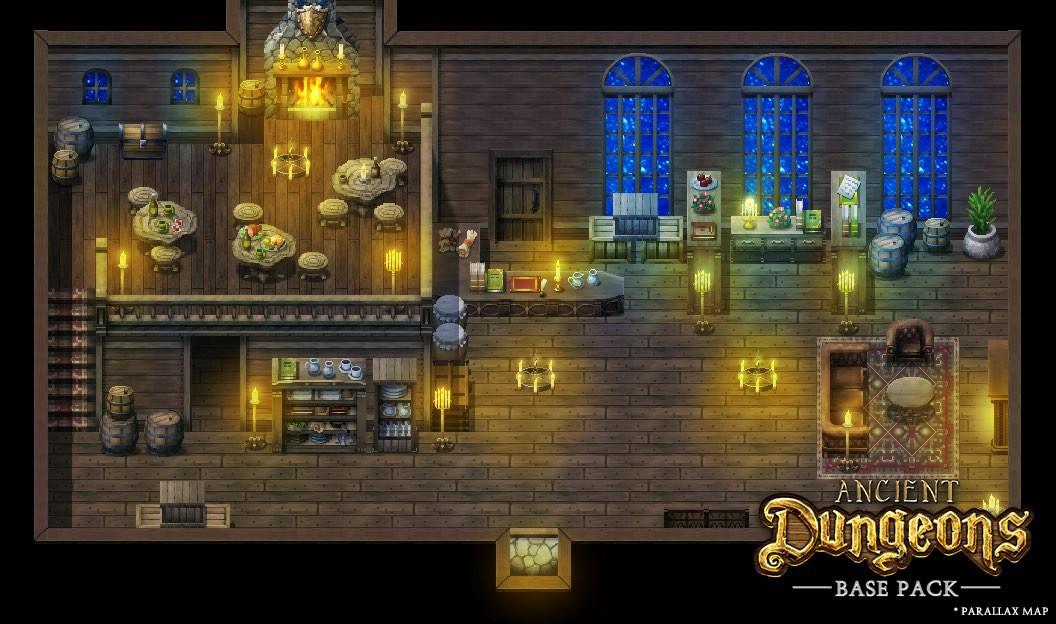
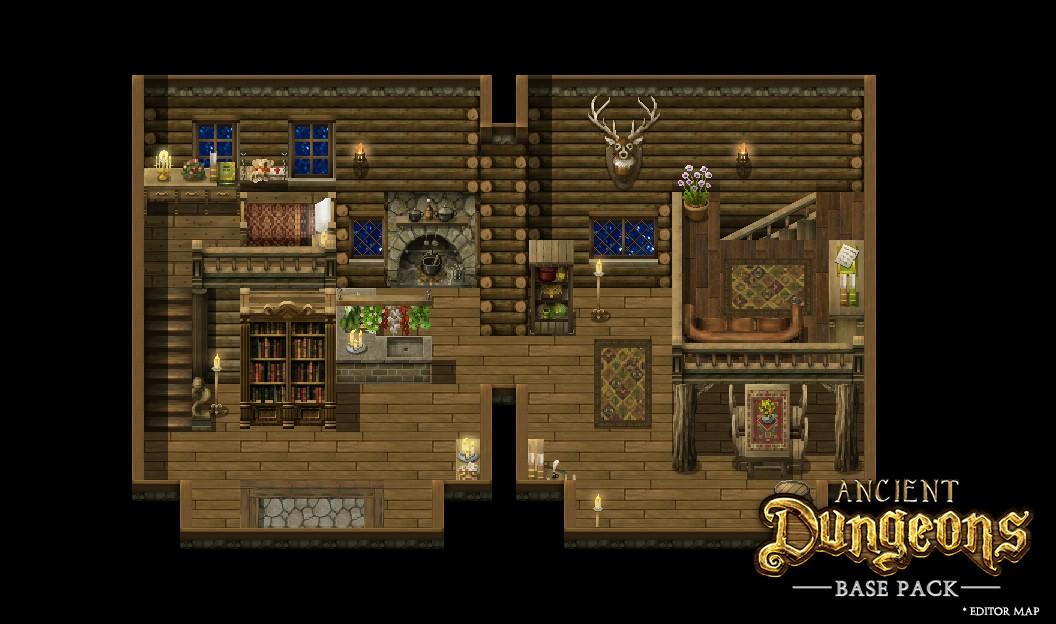
Every adventurer and cave explorer needs a town or village to go back to for supplies and rest. This home base is as essential to your game's world as any dungeon is.Created by Celianna, Ancient Dungeons: Base Pack is the first in a series of tiles that focus on dungeons and dark dwellings. This large set contains all the basics you will need to create cities and villages that populate your game. Filled with Celianna's signature details, Ancient Dungeons: Base Pack is a must-have! FEATURES: Complete autotile set (note: no snow and desert type tiles). Complete TileB through TileE for both interior AND exterior. Tiles for towns, villages, castles, caves, crypts, ports and even chapels. Switches, moving boulders, torches and traps. Two boats (only sideview available). Sideways rooftops.

RPG Maker MV - Ancient Dungeons: Base Pack DLC screenshotRPG Maker MV - Ancient Dungeons: Base Pack DLC screenshotRPG Maker MV - Ancient Dungeons: Base Pack DLC screenshotRPG Maker MV - Ancient Dungeons: Base Pack DLC screenshotRPG Maker MV - Ancient Dungeons: Base Pack DLC screenshotRPG Maker MV - Ancient Dungeons: Base Pack DLC screenshot

How to redeem

  1. 1Check the required base game, platform and edition before purchasing.
  2. 2Find the code or supplier activation instructions in your confirmed order.
  3. 3Redeem on Steam using the supplied instructions, then install the add-on with the compatible base game.

Supplier instructions

Go to: http://store.steampowered.com/ and download STEAM client Click "Install Steam" (from the upper right corner) Install and start application, login with your Account name and Password (create one if you don't have). Please follow these instructions to activate a new retail purchase on Steam: Launch Steam and log into your Steam account. Click the Games Menu. Choose Activate a Product on Steam... Follow the onscreen instructions to complete the process. After successful code verification go to the "MY GAMES" tab and start downloading.

You might also like