Get 10% back in Relic Coins on every order
RPG Maker VX Ace - DS Resource Pack DLC cover

SteamGlobal· DLC

RPG Maker VX Ace - DS Resource Pack DLC

€0.30

+€0.03 cashback eligibility in Relic Coins

Check before you play

Platform
Steam
Region
Global
Product type
DLC

Check the required base game and edition before purchasing this add-on.

Developer
Kuusou Kagaku
Publisher
Enterbrain
Supplier release date
2013-03-05

About this product

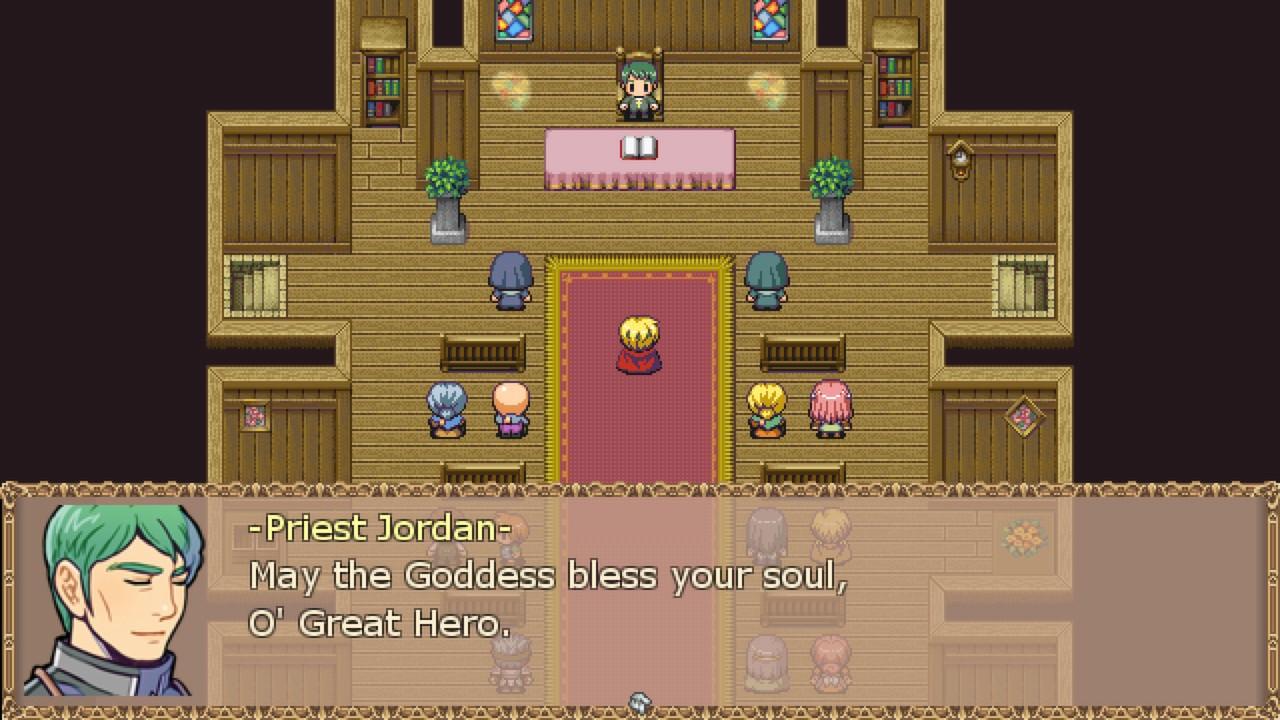
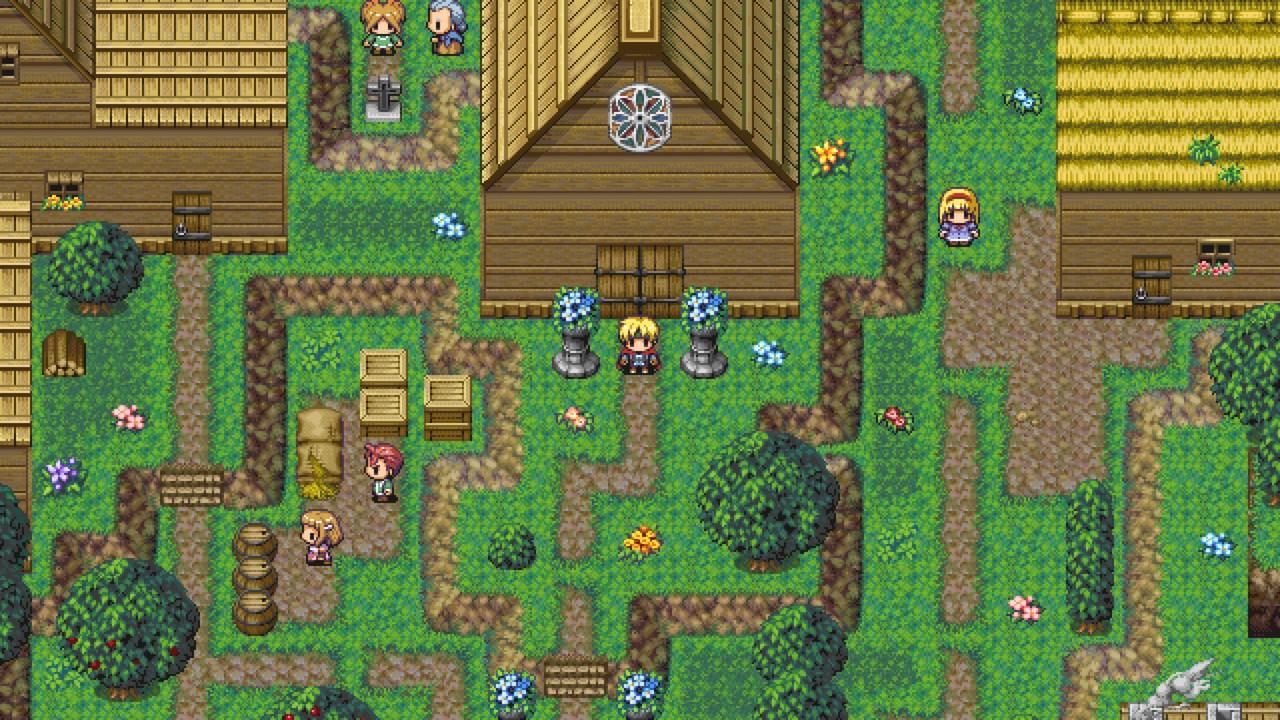
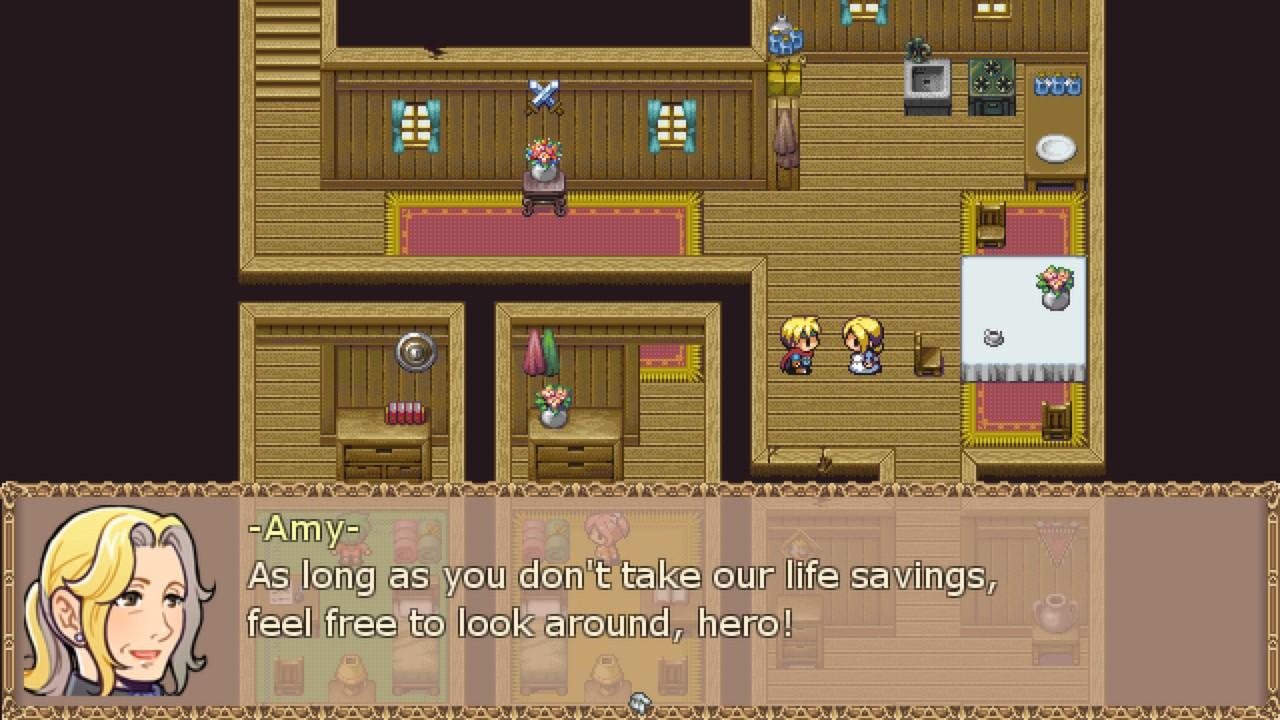
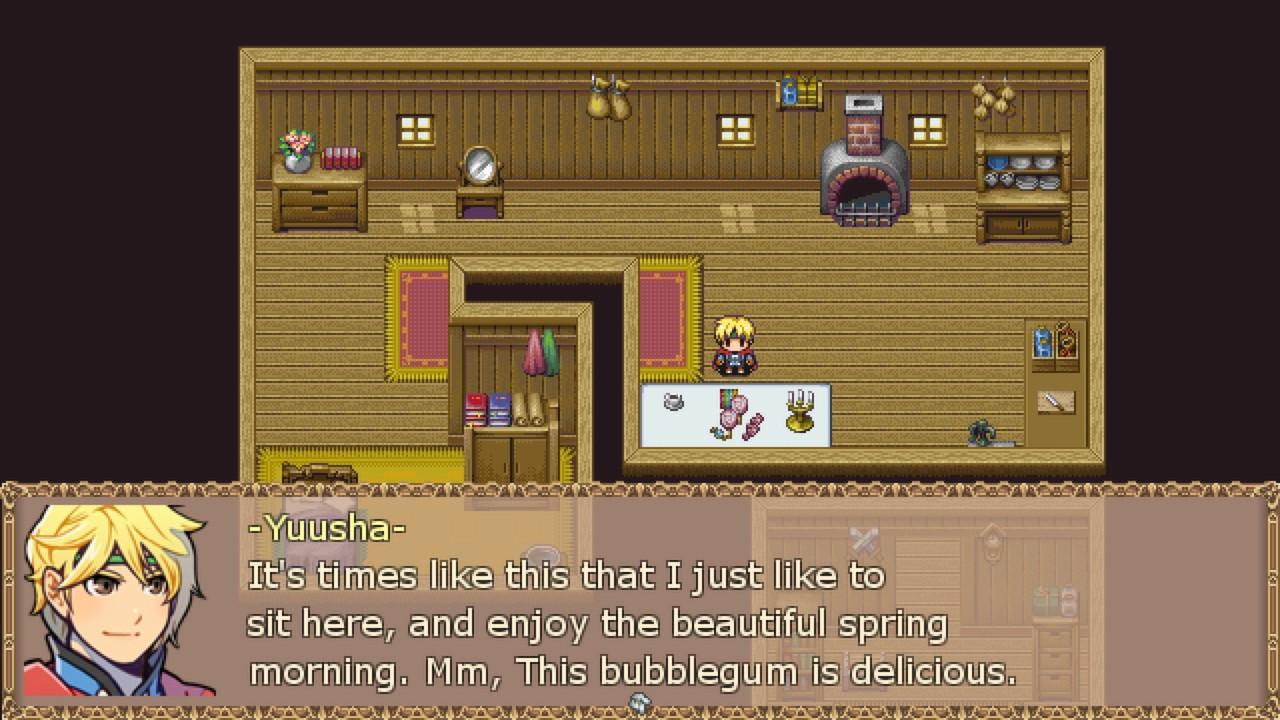
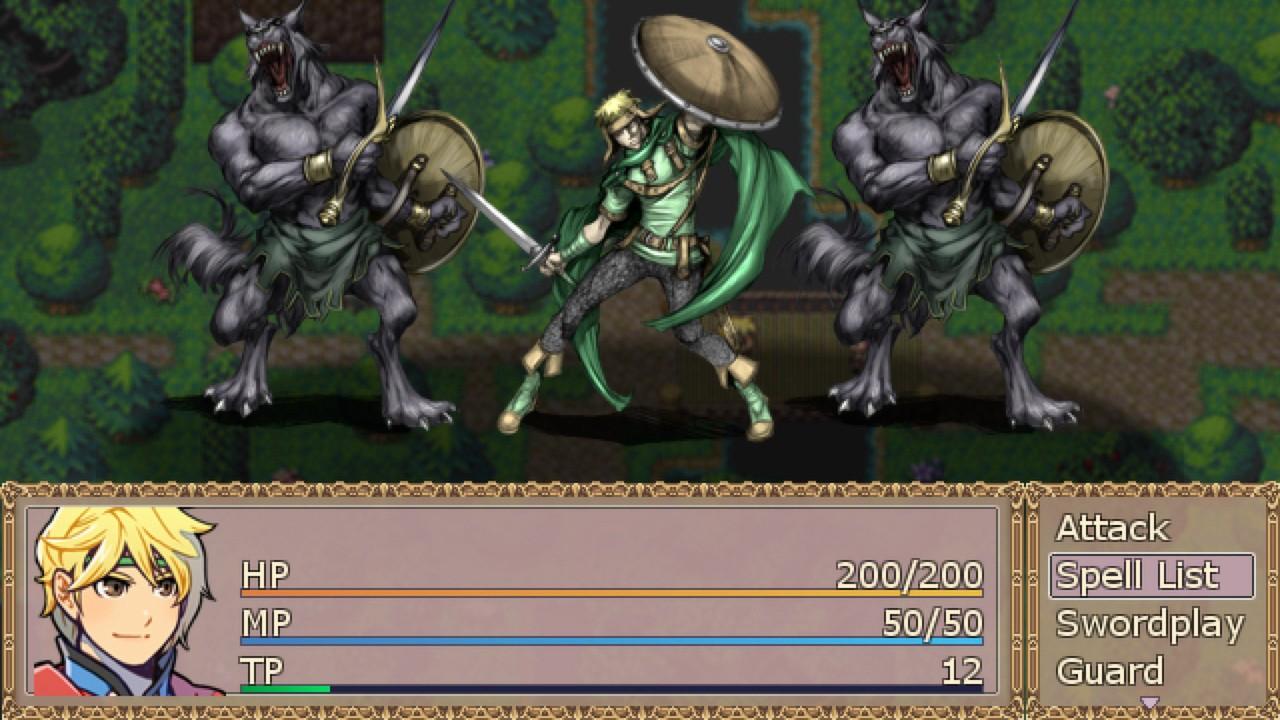
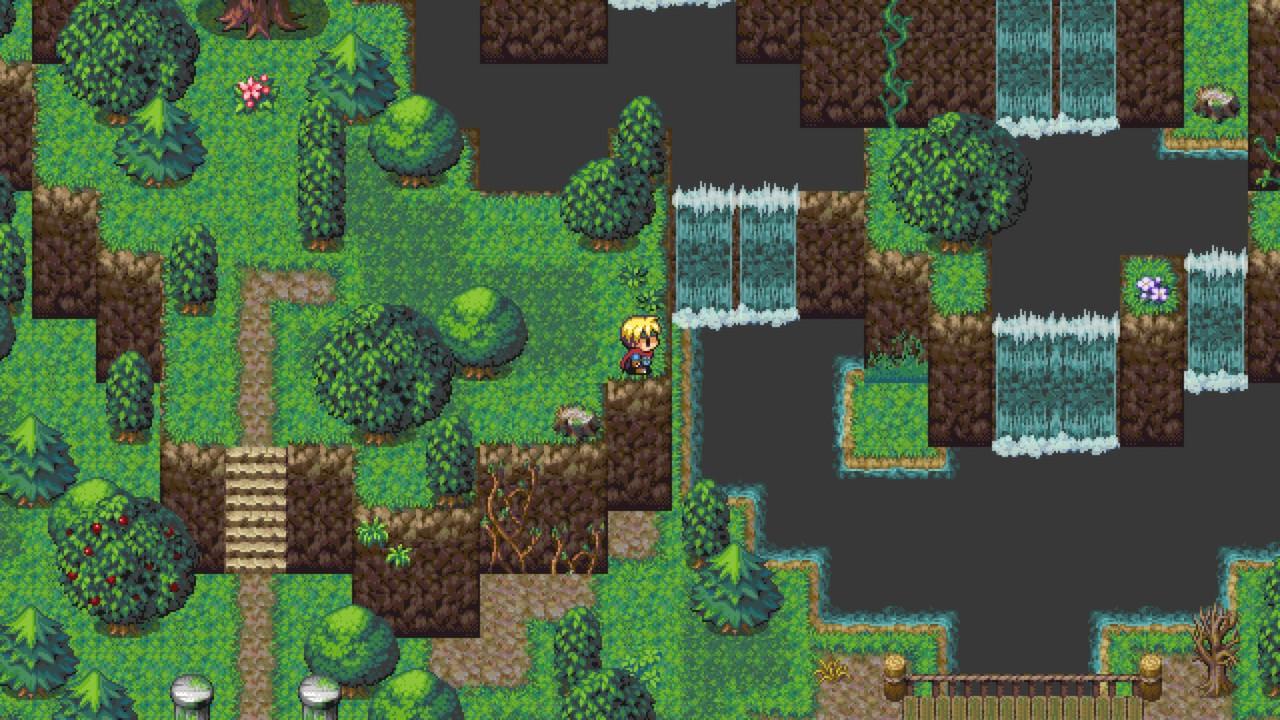
Invoking the feel of SNES-era RPGs, RPG Maker DS was a big hit in Japan. Unfortunately, it hasn't made it over to North America (yet). What has made it over however is a boatload of resources and graphical goodies.We've taken the original resources and modified them (when necessary) to work perfectly with RPG Maker VX Ace. This resource pack is our biggest to date (even bigger than the original RPG Maker VX Ace RTP!!). This resource pack will help turn your RPG ideas into reality. Features 5 Dungeon Sets (Ice, Sewer, Crystal, Space, Mines) 4 Town Sets (Arabian, Forest, Castle, Town) 36 Character Sheets 36 Battlers including High Res Version Facesets and Bust Shots 20 BGM Tracks 80 Icons, 85 Big Icons, 1 Windowskin 33 Event Objects by EvilEagles and Archeia 20 Free Sample Maps by Deckiller and Liberty Exclusive scripts by Fomar0153 and Free Scripts and Fixes by NeonBlack, LoneWolf, Mezzolan, Mithran

RPG Maker VX Ace - DS Resource Pack DLC screenshotRPG Maker VX Ace - DS Resource Pack DLC screenshotRPG Maker VX Ace - DS Resource Pack DLC screenshotRPG Maker VX Ace - DS Resource Pack DLC screenshotRPG Maker VX Ace - DS Resource Pack DLC screenshotRPG Maker VX Ace - DS Resource Pack DLC screenshot

How to redeem

  1. 1Check the required base game, platform and edition before purchasing.
  2. 2Find the code or supplier activation instructions in your confirmed order.
  3. 3Redeem on Steam using the supplied instructions, then install the add-on with the compatible base game.

Supplier instructions

Go to: http://store.steampowered.com/ and download STEAM client Click "Install Steam" (from the upper right corner) Install and start application, login with your Account name and Password (create one if you don't have). Please follow these instructions to activate a new retail purchase on Steam: Launch Steam and log into your Steam account. Click the Games Menu. Choose Activate a Product on Steam... Follow the onscreen instructions to complete the process. After successful code verification go to the "MY GAMES" tab and start downloading.

You might also like